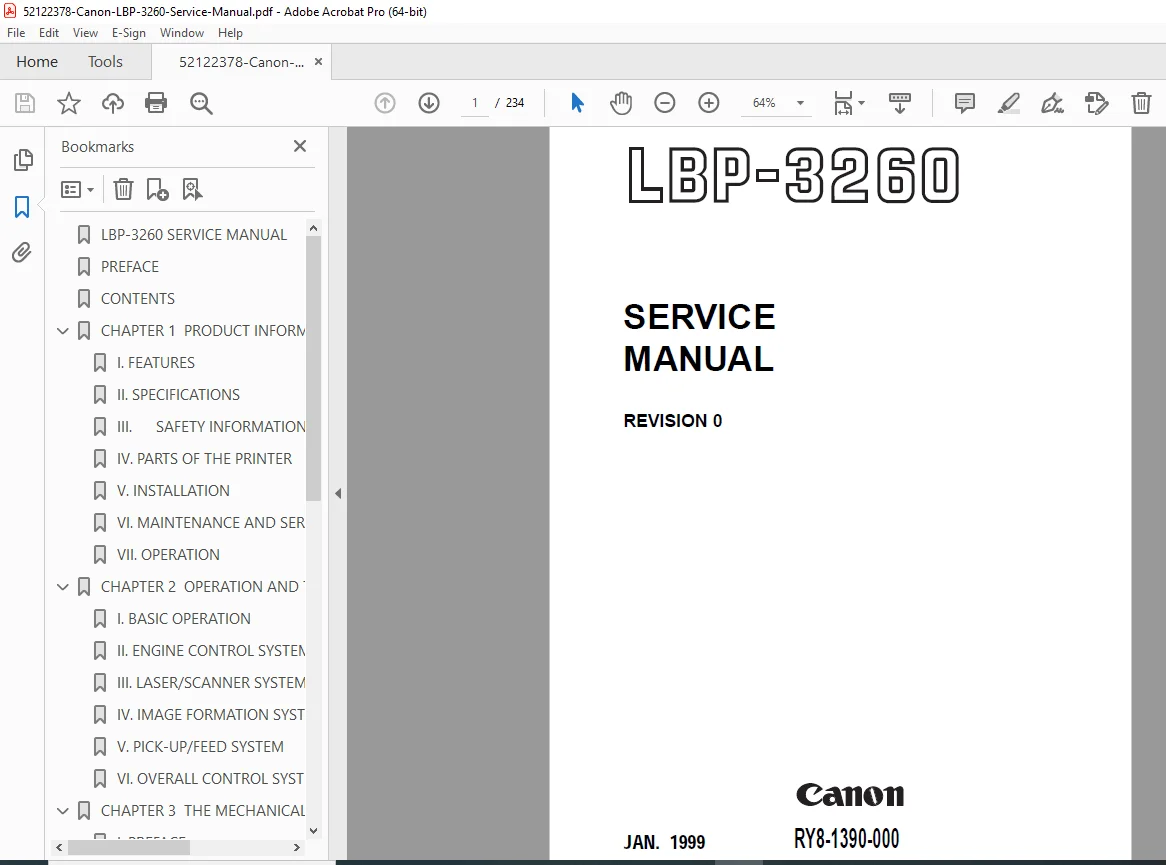
Canon LBP-3260 Laser Printer Service Manual PDF DOWNLOAD
Original price was: $95.00.$15.95Current price is: $15.95.
Get the official Canon LBP-3260 service manual in a high-quality digital format. This comprehensive 230+ page PDF guide provides step-by-step instructions for maintenance, complete assembly/disassembly, and advanced troubleshooting. Essential for IT professionals and technicians, it covers everything from mechanical systems to error codes. Instant download!
Description
Canon LBP-3260 Laser Printer Service Manual PDF DOWNLOAD
Description:
Maximize the lifespan and performance of your office equipment with the official Canon LBP-3260 service manual (Document RY8-1390-000). Designed specifically for professional service technicians, this original factory guide is the ultimate laser printer repair guide. It provides detailed, step-by-step procedures for servicing, diagnosing, and repairing the Canon LBP-3260 laser beam printer.
Whether you are performing routine maintenance, identifying complex error codes, or replacing internal mechanical components, this comprehensive Canon printer maintenance PDF eliminates the guesswork. It fully covers the operational timing, DC controller circuits, and laser/scanner systems to ensure your printer consistently delivers high-resolution 600 DPI output. For professionals needing an accurate LBP-3260 troubleshooting manual, this document is your indispensable bench companion.
Manual Highlights & Table of Contents
This RY8-1390-000 service manual is logically categorized to help you quickly navigate to the critical repair information you need:
Chapter 1: Product Information
Features & Specifications: Print speeds, interface options, and environmental requirements.
Safety Information: Laser, toner, ozone, and power supply safety.
Installation: Location selection, unpacking, and hard disk setup.
Maintenance & Servicing: Routine customer cleaning for the fixing unit and transfer guide.
Chapter 2: Operation and Timing
Basic Operation: Print sequences, wait times, and power-on initialization.
Engine Control System: DC controller circuit input/output signals and high-voltage power supply.
Laser/Scanner System: Laser control circuit, scanning motor, and horizontal synchronization.
Image Formation System: Complete electrophotography printing process breakdown.
Pick-Up/Feed System: Paper transport timing from multi-purpose trays and cassettes.
Chapter 3: The Mechanical System
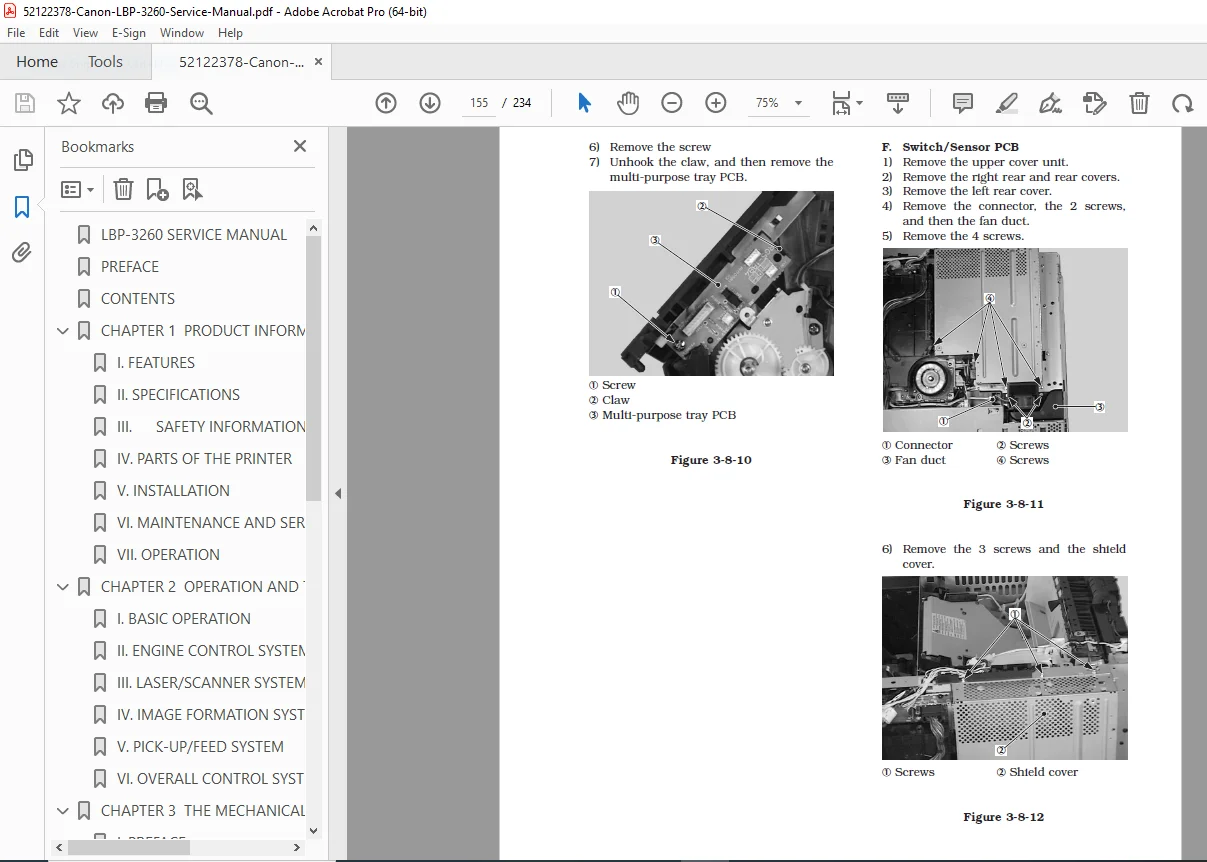
Externals & Main Units: Safe removal of covers, laser/scanner unit, and drive unit.
Main Parts Disassembly/Reassembly: Step-by-step replacement of fixing rollers, transfer charging roller, and separation pads.
Electrical Components: Complete breakdown of Switches, Sensors, Clutches, Solenoids, Motors, Fans, and PCBs.
Chapter 4: Troubleshooting
Malfunction Diagnosis: Flowcharts and initial check procedures.
Image Defects: Solutions for light/dark prints, blank spots, vertical lines, poor fixing, and image distortion.
Paper Jams & Transport: Clearing and diagnosing paper path and delivery issues.
Malfunction Status: Resolving operator and service call errors (e.g., motor failures, scanner errors).
Maintenance: Periodic replacement parts and expected service life tables.
Appendix | Section | Description | | :— | :— | | I. General Timing Chart | Visual representation of electromechanical operational sequences. | | II. General Circuit Diagram | Full electrical schematics and PCB wiring connections. | | III. List of Signals | Comprehensive breakdown of controller input/output signals. | | IV. Messages Table | Complete list of LCD display error messages and required actions. |
File Details:
Manual Name: Canon LBP-3260 Service Manual (Document: RY8-1390-000)
Models Covered: Canon LBP-3260 Laser Beam Printer
Year: 1999 (Revision 0)
Manual PDF Quality: High-Quality, Crisp Searchable PDF
Number of Pages: 234 Pages
Don’t let costly printer downtime disrupt your workflow! Purchase and download this essential factory service manual instantly to perform expert-level repairs and get your printer back online today!