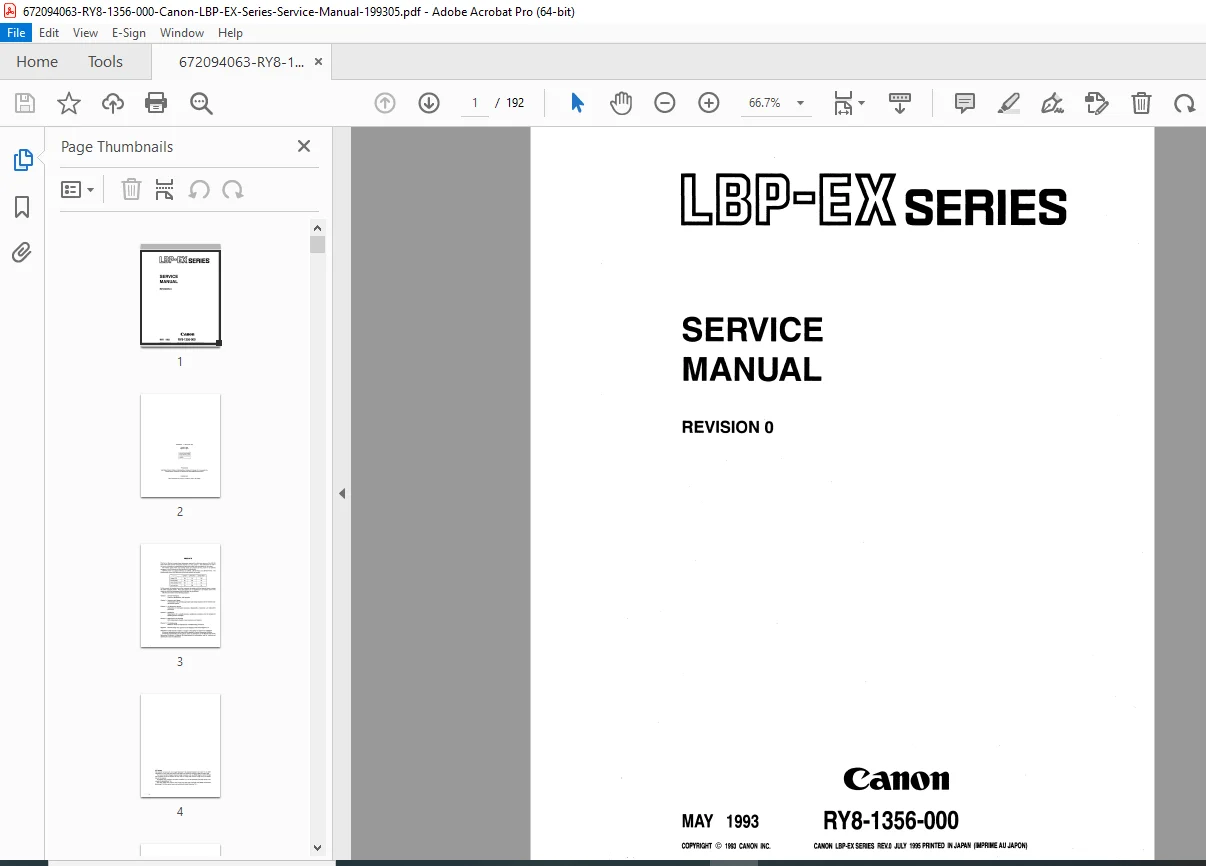
Canon LBP-EX Series Laser Printer Service Manual PDF
Original price was: $95.00.$19.95Current price is: $19.95.
Professional Canon LBP-EX laser printer service manual covering all models (LBP-EX, LBP-EX PCB, LBP-EX PCB II). This comprehensive 192-page factory service manual provides complete Canon laser printer repair procedures, troubleshooting image defects, mechanical system disassembly, PCB circuit diagrams, and EP-E cartridge maintenance. Perfect for technicians servicing Canon office equipment with detailed laser scanner troubleshooting, paper jam diagnostics, and high-voltage power supply adjustments.
Description
Canon LBP-EX Series Laser Printer Service Manual PDF – Complete Repair Guide
DESCRIPTION
Professional Canon LBP-EX Series Laser Beam Printer Service Manual
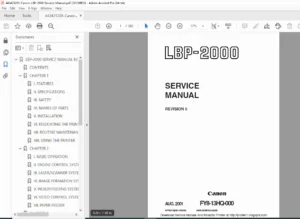
This official Canon factory service manual (Part Number: RYS-1356-000) is the complete technical resource for professional repair and maintenance of Canon LBP-EX Series laser beam printers. Written for certified service technicians, this Canon laser printer repair manual contains detailed procedures, circuit diagrams, and troubleshooting guides essential for maintaining optimal print quality and performance.
Models Covered
This Canon service manual covers all three printer variants:
- LBP-EX – Standard model with Display PCB and Video Interface PCB
- LBP-EX PCB – Variant with Control Panel and Font Card Slot
- LBP-EX PCB II – Model with Display PCB configuration
All models include optional cassette paper feeder and envelope feeder accessories.
Complete Chapter Breakdown
CHAPTER 1: GENERAL DESCRIPTION
- Printer features and specifications
- Model comparison chart showing hardware differences
- Parts identification with detailed component locations
- Complete operation overview
CHAPTER 2: OPERATION AND TIMING
- Basic Operation – Functions, electrical system outline, DC controller signals, operational sequences
- Laser/Scanner System – Scanning exposure principles, laser control circuits, scanner drive mechanisms
- Image Formation System – Complete printing process, high-voltage power supply operation
- Pick-up/Feed System – Paper size detection, cassette feed operation, fixing and delivery unit timing, paper jam detection circuits
- Overall Control System – System operation and protective circuits
- Power Supplies – Outline and protective system details
- Optional Equipment – Envelope feeder electrical system, paper feeder operation
CHAPTER 3: THE MECHANICAL SYSTEM
- Externals – Covers, panels, exhaust fan, display panel unit disassembly
- Drive System – Drive unit and main motor removal/installation
- Paper Transport System – Cassette pick-up roller, MP tray pick-up roller, separation pad, paper delivery unit
- Exposure System – Laser/scanner unit complete disassembly
- Electrostatic Imaging/Developing/Cleaning System – EP-E cartridge servicing, transfer charging roller maintenance
- Fixing System – Complete fixing unit disassembly and reassembly procedures
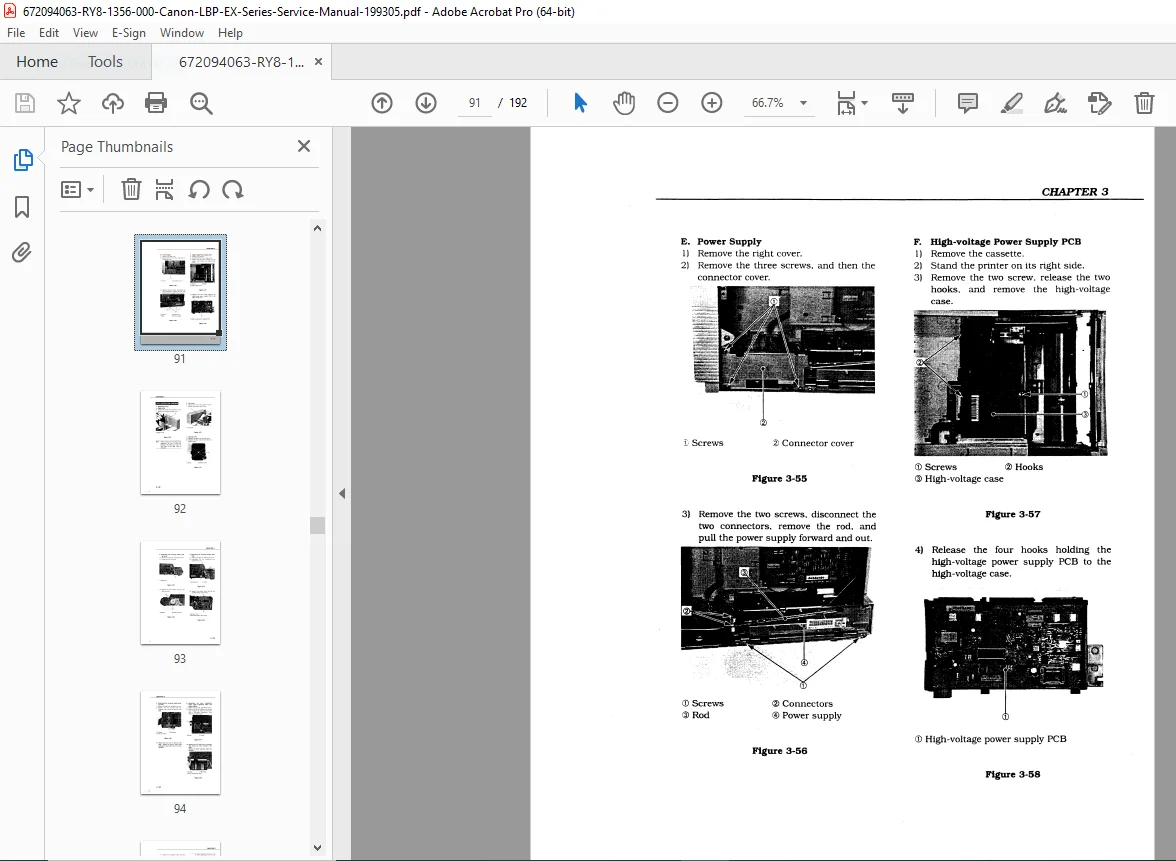
- Electronic Components – Video interface PCB, DC controller PCB, pick-up motor driver PCB, sensor PCB, power supply, high-voltage power supply PCB
- Optional Equipment – Envelope feeder and paper feeder mechanical systems
CHAPTER 4: INSTALLATION
- Site location requirements and environmental specifications
- Unpacking and installation step-by-step procedures
- EP-E cartridge storage and handling guidelines for sealed and unsealed cartridges
- Proper handling suggestions to prevent damage
CHAPTER 5: MAINTENANCE AND SERVICING
- Parts replacement schedule with recommended intervals
- Expected service lives of consumable components
- Periodic service schedule for preventive maintenance
- Tools Required:
- Standard tools listing
- Special tools with part numbers
- List of approved lubricants and cleaners with application points
- Service checkpoints for quality assurance
- Customer-performed maintenance procedures
CHAPTER 6: TROUBLESHOOTING
- Introduction – Initial check procedures, basic troubleshooting methodology, how to use troubleshooting tables
- Special Tools – Printer driver tester operation and setup
- Measurement and Adjustment:
- Image adjustment procedures
- Mechanical adjustment specifications
- Electrical adjustment with multimeter readings
- Image Defects – Extensive examples of print quality problems with visual references, systematic troubleshooting for streaks, spots, density issues, and registration errors
- Troubleshooting Malfunctions – Systematic fault diagnosis for operational failures
- Paper Transport Troubleshooting – Print paper jam locations and causes, incomplete paper feed diagnostics
- Location of Electrical Parts/Function – Switches, sensors, solenoids, motors, PC boards, connectors with precise physical locations
- Variable Resistors, LEDs, Test Pins, Jumpers, and Switches on PC Boards:
- DC controller PCB adjustments
- High-voltage power supply PCB settings
- Pick-up motor driver PCB configuration
- Paper feeder driver PCB switches
APPENDIX: TECHNICAL REFERENCE
- General timing chart with waveform diagrams
- Complete list of control signals
- General circuit block diagrams
- DC controller detailed circuit schematics
- Pick-up motor driver circuit diagrams
- Sensor circuit layouts
- Video interface circuit (LBP-EX model)
- Display circuit (LBP-EX/LBP-EX PCB II models)
- Paper feeder driver circuit diagrams
- Envelope feeder driver circuit diagrams
Key Technical Content Includes:
✓ Complete Canon laser printer repair procedures with step-by-step disassembly instructions
✓ Laser scanner troubleshooting with beam detection and polygon mirror diagnostics
✓ EP-E cartridge maintenance including photosensitive drum inspection and toner system servicing
✓ High-voltage power supply adjustments with precise voltage measurement points
✓ PCB circuit diagrams for all electronic assemblies with component-level troubleshooting
✓ Image defect analysis with visual examples and systematic correction procedures
✓ Paper jam diagnostics covering all feed paths from cassette to delivery
✓ Fusing system repair including temperature control and pressure roller adjustment
✓ Mechanical timing adjustments for paper transport and registration
✓ Sensor calibration procedures for paper detection and size recognition
Ideal for:
- Certified Canon service technicians performing warranty and out-of-warranty repairs
- Independent printer repair shops servicing Canon office equipment
- Corporate IT departments maintaining in-house Canon laser printer fleets
- Technical schools training students in Canon laser printer technology
- Electronics technicians expanding into Canon printer repair services
File Details
| Manual Information | Details |
|---|---|
| Manual Name | Canon LBP-EX Series Service Manual |
| Part Number | RYS-1356-000 |
| Models Covered | LBP-EX, LBP-EX PCB, LBP-EX PCB II |
| Publication Date | May 1993 (Revision 0, Updated July 1995) |
| Total Pages | 192 Pages |
| File Format | Searchable PDF |
| PDF Quality | High-Quality Scanned Original |
| File Size | 13.0 MB |
| Language | English |
Why Choose This Manual?
This is the authentic Canon factory service manual – the same documentation used by authorized Canon service centers worldwide. Unlike generic repair guides, this manual provides manufacturer-specific procedures, exact part numbers, precise adjustment specifications, and comprehensive circuit diagrams created by Canon’s engineering team. Every troubleshooting procedure has been verified by Canon technicians to ensure accuracy and effectiveness.
🔧 INSTANT DOWNLOAD – START REPAIRS TODAY! Get immediate access to this professional Canon laser printer service manual and eliminate costly downtime. Download now and begin expert-level diagnostics and repairs within minutes! 🔧