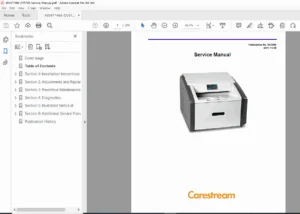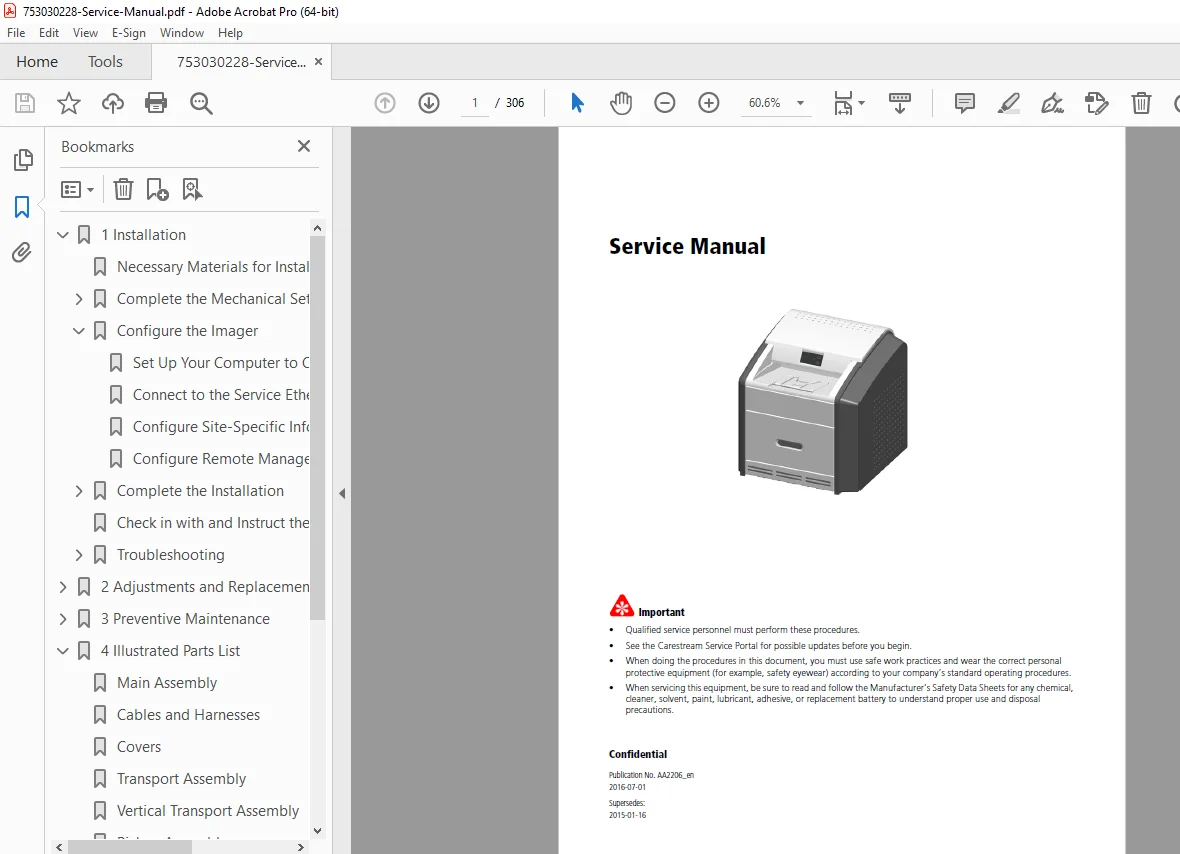
Carestream DRYVIEW 5700 & 5950 Laser Imager Service Manual – PDF
Original price was: $85.00.$15.95Current price is: $15.95.
Master your equipment with the official Carestream DRYVIEW 5700 & 5950 Service Manual. This comprehensive PDF service guide provides expert Laser Imager repair steps, Preventive Maintenance schedules, and detailed illustrated parts lists. Featuring high-quality Laser Imager troubleshooting diagrams and Condition (Error) Codes, it is the ultimate tool for qualified personnel to ensure peak image quality and reliable operation. Download now for instant access!
Description
Carestream DRYVIEW 5700 & 5950 Laser Imager Service Manual – PDF DOWNLOAD
Description
Keep your diagnostic imaging running at peak performance with the Carestream DRYVIEW 5700 & 5950 Service Manual. This professional-grade technical guide is specifically designed for qualified service personnel, providing the granular detail required for complex Laser Imager repair and routine upkeep.
Whether you are performing a first-time installation, executing a 7,500-print Preventive Maintenance cycle, or resolving critical Condition (Error) Codes, this manual offers step-by-step instructions supported by high-resolution technical illustrations.
File Details:
Manual Name: Carestream DRYVIEW 5700 & 5950 Laser Imager Service Manual
Models Covered: DRYVIEW 5700 and DRYVIEW 5950
Publication Date/Year: July 1, 2016 (Revision D)
Manual PDF Quality: High-quality searchable PDF with original diagrams
No. of Pages: 306 pages
What’s Included in This Manual?
This manual is meticulously organized into specialized sections for fast navigation:
| Section | Key Topics Covered |
| 1. Installation | Uncrating, power requirements, networking/DICOM setup, and image quality checks.
|
| 2. Adjustments | Drum temperature calibration, delay adjustments, and full component removal
|
| 3. Maintenance | Official PM intervals, EM call checklists, and filter replacement procedures
|
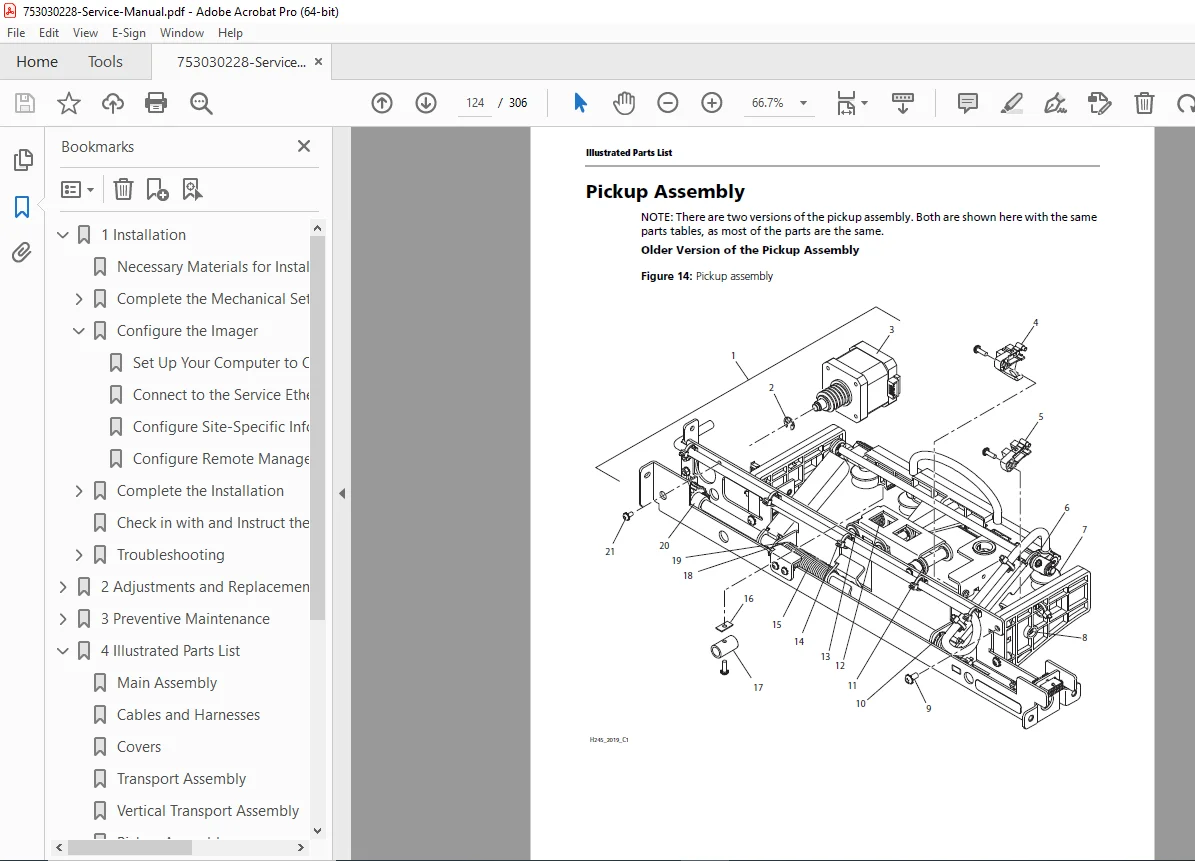
| 4. Parts List | Fully illustrated parts breakdown including cables, harnesses, and transport assemblies
|
| 5. Diagnostics | Detailed Condition (Error) Codes, DICOM status messages, and sensor location
|
| 6. Adv. Procedures | Software/firmware upgrades, configuration backups, and service tool navigation1010.
|
Extensive Table of Contents (Categorized):
Hardware Service & Replacements:
Processor Drum & Drive Belt Removal
Pickup Assembly (Upper and Lower) & Suction Cups
Vacuum Pump & Film Contact Sensors
MCS Board & DRE Motherboard Replacement
Diagnostic & Software Tools:
Application Log Filtering and Keying Functions
DICOM Source Communications & SCP Services
Microcontroller Firmware Upgrades
Troubleshooting Guides:
Film Jam Clearing (Areas 1, 2, and 3)
Severity Level Definitions for Error Codes
Interlock Area and Roller Knob Locations
Stop wasting time with guesswork and avoid costly downtime! Purchase this Carestream DRYVIEW service guide today to get instant download access and fix your imager immediately.