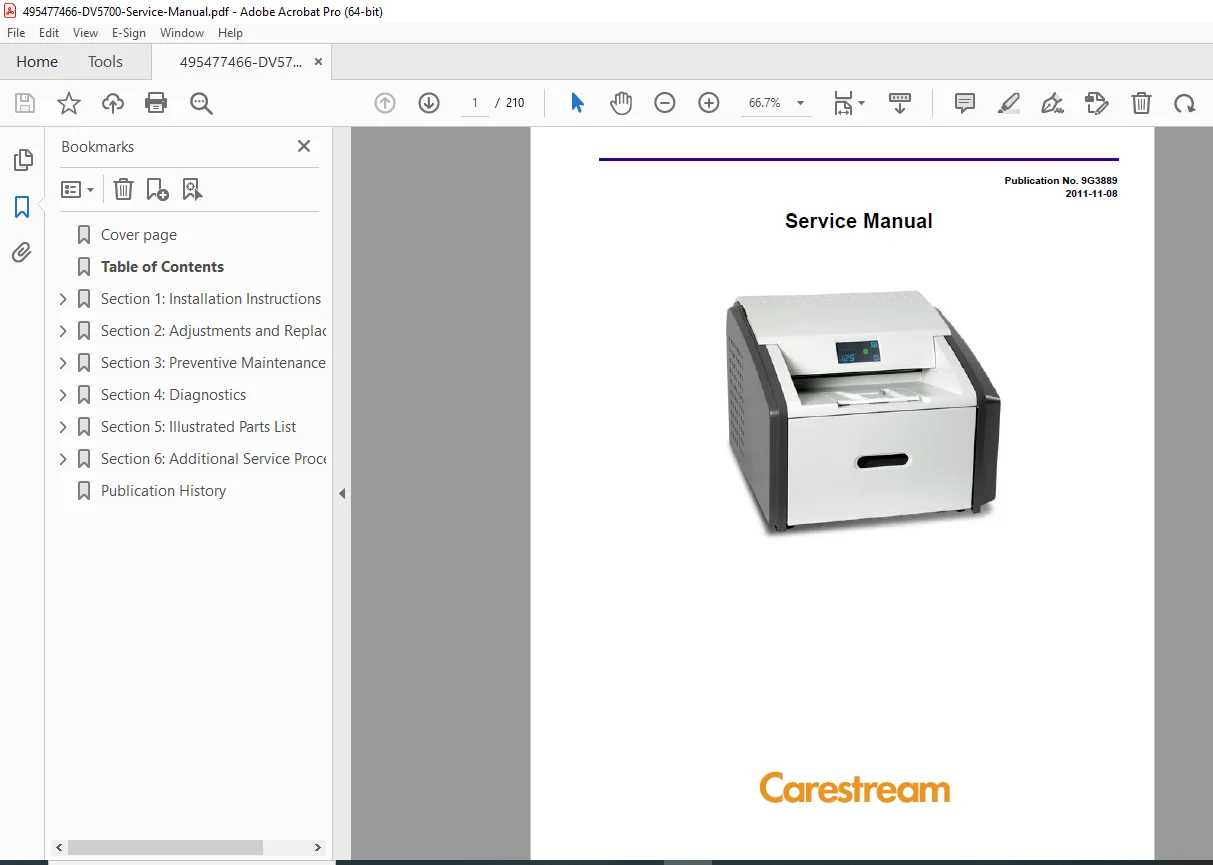
Carestream DRYVIEW 5700 & Trimax TX40 Laser Service Manual – PDF
$28.95
Official Carestream Health Inc. factory service manual (Publication No. 9G3889 – November 2011) for the DRYVIEW 5700 and Trimax TX40 Laser Imaging Systems.
Includes installation, adjustments, preventive maintenance, diagnostics, and full illustrated parts lists for professional field engineers and biomedical technicians.
Description
Carestream DRYVIEW 5700 & Trimax TX40 Laser Imaging System Service Manual – PDF Download
Description
The Carestream DRYVIEW 5700 Service Manual is the complete factory-authorized guide for installation, servicing, and repair of the DRYVIEW 5700 / Trimax TX40 Laser Imaging System, used in medical imaging departments for dry-film printing.
This document (Pub. No. 9G3889, Issue 2011-11-08) provides comprehensive procedures for setup, calibration, maintenance, and fault diagnostics for all internal subsystems of the imager
495477466-DV5700-Service-Manual
IMAGES
📘 Main Sections
Installation Instructions – Uncrating, mechanical setup, power connection, software configuration, film loading, and quality verification.
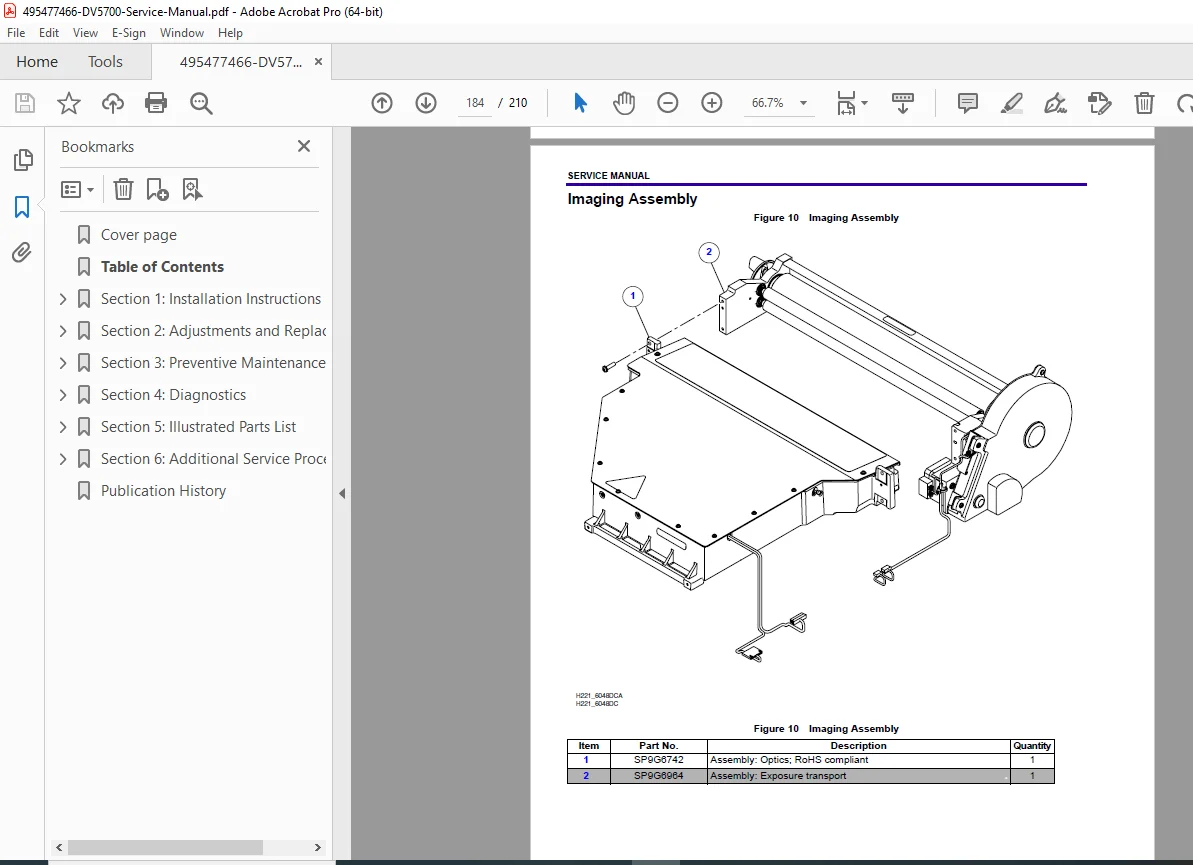
Adjustments & Replacements – Processor drum temperature calibration, optics alignment, cover removals, interlock switch service, densitometer, vacuum pump, feed rollers, imaging assembly, and optics replacement
495477466-DV5700-Service-Manual
Preventive Maintenance – Periodic inspection intervals, materials, PM checklists, and resetting maintenance counters.
Diagnostics – DICOM printer status, condition/error codes, log access, motors & sensors testing, and jam-clearing procedures.
Illustrated Parts List – Exploded diagrams for mechanical assemblies, wiring harnesses, optics, rollers, transport, and electronics boards.
Additional Service Procedures – Accessing the service tool, configuring network parameters, firmware upgrades, and configuration backup / restore.
⚙️ Key Maintenance Topics
Processor Drum Temperature Adjustment (123.5 – 124.5 °C ± 0.5 °C)
Imaging Assembly Index Delay Calibration for image centering on film
Exposure Transport Belt Replacement
Remote Management Services Setup via Secure Link & Web Service Portal
Condition Codes & Diagnostics (3-digit / 5-digit mapping) for network, laser, rollback, and film-feed faults
Safety Guidelines for high-voltage and hot-surface handling
📊 Technical Highlights
| Parameter | Specification |
|---|---|
| Manufacturer | Carestream Health Inc. |
| Models Covered | DRYVIEW 5700 Laser Imager, Trimax TX40 |
| Publication No. | 9G3889 |
| Issue Date | November 8, 2011 |
| Weight (approx.) | 54 kg (120 lb) packaged |
| Power Supply | 100–120 V / 200–240 V AC ±10 %, 50–60 Hz |
| Warm-Up Time | ≈ 30 min (90 s to display countdown) |
| Operating Temp. | 10 – 32 °C |
| Interface | DICOM Network / Ethernet |
| Software Tools | Secure Link Client v2.8.1+, Web Service Portal v4.0+ |
| Safety Compliance | IEC 60601-1, UL 60601-1, CSA C22.2 No. 60601-1 M90 |
📄 File Details
| Parameter | Information |
|---|---|
| File Name | 495477466-DV5700-Service-Manual.pdf |
| Manual Type | Factory Service / Maintenance Manual |
| Language | English |
| Pages | ≈ 210 pages |
| Format | Searchable PDF (OCR Enabled) |
| Quality | Original Factory Scan |
| Delivery | Instant Digital Download |