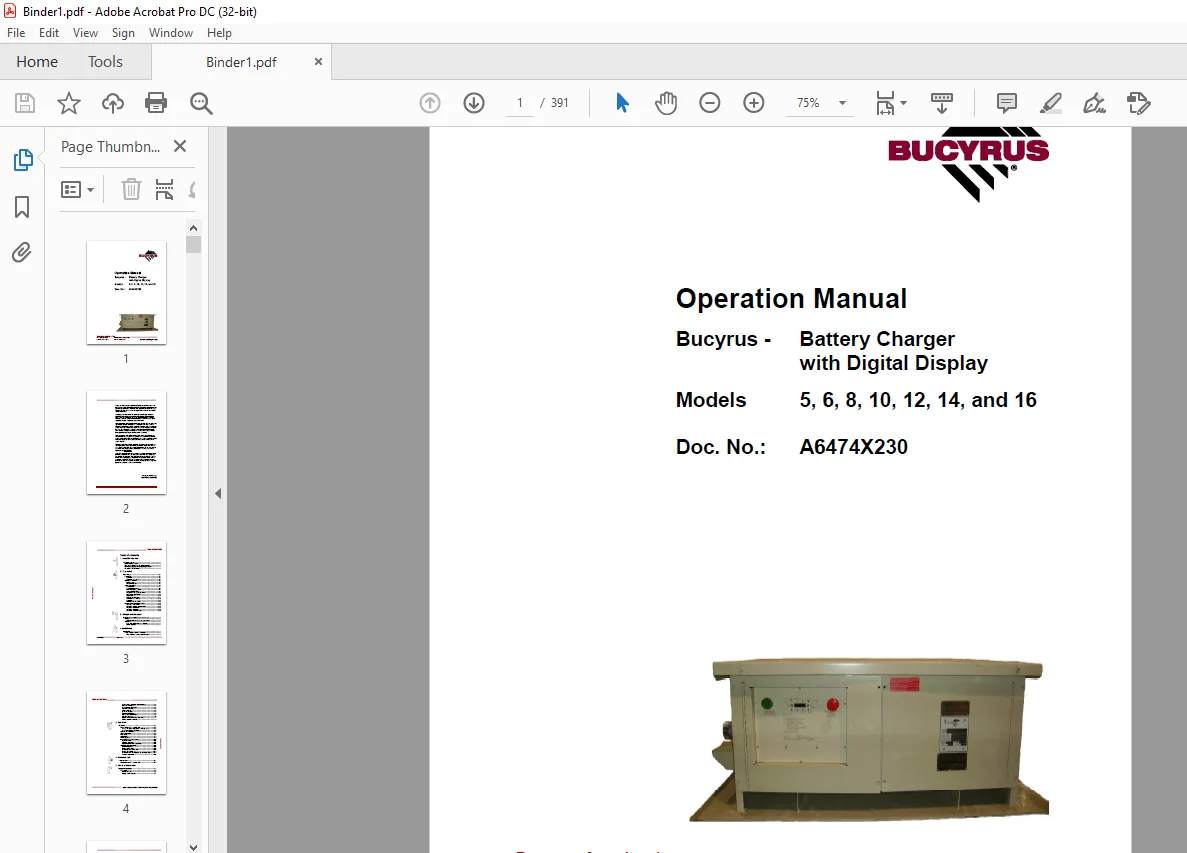
Cat Bucyrus 5, 6, 8, 10, 12, 14, and 16 Battery Charger with Digital Display Operation Manual A6474X230 – PDF DOWNLOAD
$28.95
Cat Bucyrus 5, 6, 8, 10, 12, 14, and 16 Battery Charger with Digital Display Operation Manual A6474X230 – PDF DOWNLOAD
1.Cat Bucyrus 5, 6, 8, 10, 12, 14, and 16 Battery Charger with Digital Display Operation Manual A6474X230
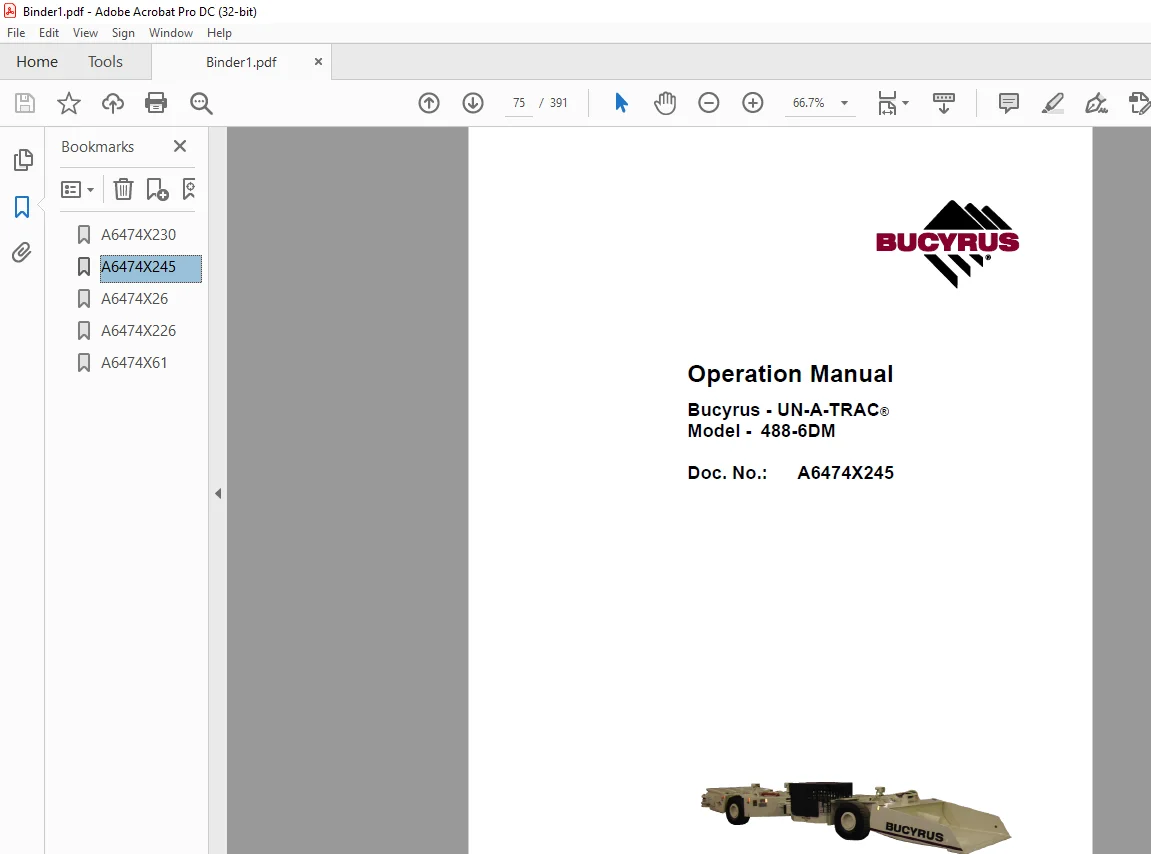
2.Cat Bucyrus 488-6DM Operation Manual A6474X245
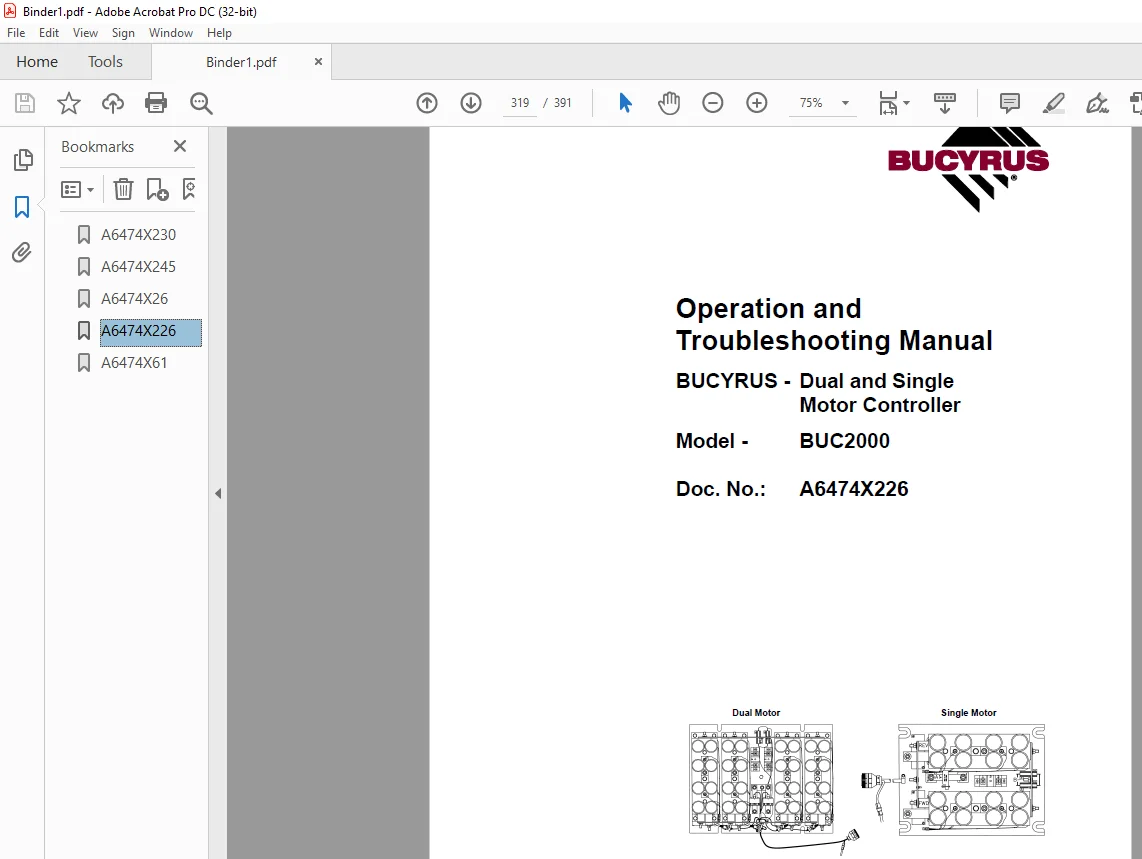
3.cat Bucyrus Dual and Single Motor Controller BUC2000 Operation and Troubleshooting Manual
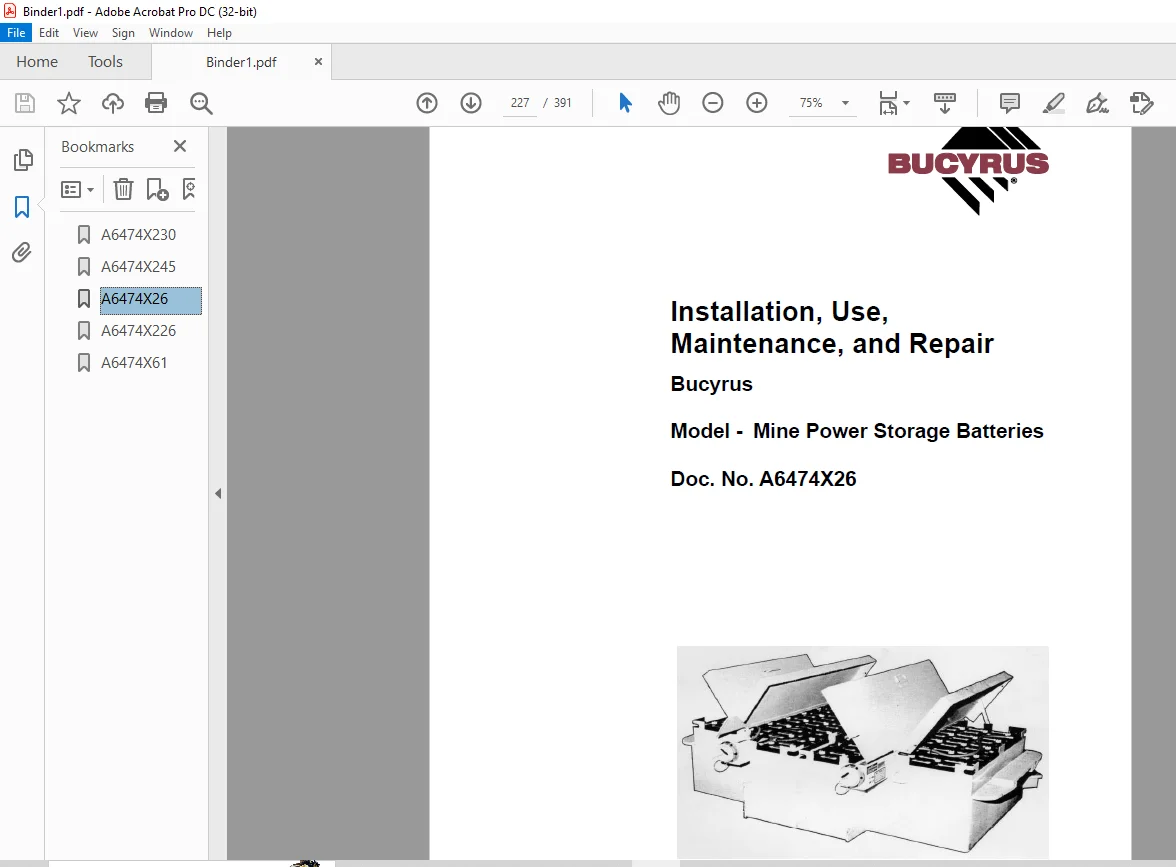
4.cat Bucyrus Mine Power Storage Batteries Installation, Use, Maintenance, and Repair Manual
Description
Cat Bucyrus 5, 6, 8, 10, 12, 14, and 16 Battery Charger with Digital Display Operation Manual A6474X230 – PDF DOWNLOAD
1.Cat Bucyrus 5, 6, 8, 10, 12, 14, and 16 Battery Charger with Digital Display Operation Manual A6474X230
2.Cat Bucyrus 488-6DM Operation Manual A6474X245
3.cat Bucyrus Dual and Single Motor Controller BUC2000 Operation and Troubleshooting Manual
4.cat Bucyrus Mine Power Storage Batteries Installation, Use, Maintenance, and Repair Manual
FILE DETAILS:
Cat Bucyrus 5, 6, 8, 10, 12, 14, and 16 Battery Charger with Digital Display Operation Manual A6474X230 – PDF DOWNLOAD
Language : English
Pages :391
Downloadable : Yes
File Type : PDF
IMAGES PREVIEW OF THE MANUAL:
TABLE OF CONTENTS:
Cat Bucyrus 5, 6, 8, 10, 12, 14, and 16 Battery Charger with Digital Display Operation Manual A6474X230 – PDF DOWNLOAD
1.Cat Bucyrus 5, 6, 8, 10, 12, 14, and 16 Battery Charger with Digital Display Operation Manual A6474X230
1 About this manual
About this manual 1 3
Before starting to work 1 3
Who is this operating manual intended for? 1 3
What is the purpose of this operating manual? 1 4
Characters and symbols 1 5
2 Your safety
Your safety 2 3
Personnel 2 4
Operation 2 4
Installation and repair 2 4
Operating conditions 2 5
Intended use 2 5
Unauthorized use 2 5
Safety instructions 2 7
General rules: 2 7
General precautions 2 8
Risk of explosive gasses 2 8
Personal precautions 2 9
Preparing to charge precautions 2 9
Unit location precautions 2 10
Major hazards 2 10
Storage and transport 2 11
Installation and start-up 2 12
Operation 2 12
Maintenance and repair 2 12
Overview of the safety instructions 2 15
Chapter 2: Your safety 2 15
Chapter 3: Storage and transport 2 15
Chapter 4: Installation 2 15
Chapter 5: Operation 2 16
Chapter 6: Technical data 2 16
3 Storage and transport
Storage and transport 3 3
Storage 3 3
Storage of the machine and spare parts 3 3
Transport 3 4
Load units; dimensions and weights 3 4
Before transport 3 4
4 Installation
Installation 4 3
Points to observe prior to installation 4 3
Who is allowed to carry out installation? 4 3
Table of contents _________________________________________________
_________________________________________________________________
BUC – Bucyrus Series Battery Charger with Digital Display
Bucyrus America Inc
Which tools are required for installation? 4 3
Notes on installation 4 3
Pre-installation check list 4 4
General information 4 5
Safety features 4 6
Standard features 4 8
Environmental ratings 4 8
Ratings and specifications 4 9
Minimum wire size 4 10
Electrical connections and field wiring 4 11
Ground integrity (optional) 4 12
5 Operation
Operation 5 3
How to operate the battery charger 5 3
Who is allowed to operate the battery charger 5 3
When can charging be started? 5 3
Controls and indicators 5 4
Startup procedure 5 5
Fault codes 5 6
Adjustments 5 7
Circuit operation 5 7
Instructions on the maintenance 5 13
Important notes 5 13
Before maintenance 5 13
General maintenance procedures 5 14
Troubleshooting procedures 5 15
General inspection 5 15
Service information 5 15
Troubleshooting information 5 16
Ground short circuit test 5 17
Troubleshooting and replacing power silicon diodes 5 17
Checking capacitors 5 18
6 Technical data
Technical data 6 3
Components of the battery charger 6 3
7 For your information
For your information 7 3
Our service 7 3
Service address 7 3
Rebuild facility address 7
2.Cat Bucyrus 488-6DM Operation Manual A6474X245
Table of contents
1 About this manual
About this manual 1 3
Before starting to work 1 3
Who is this operating manual intended for? 1 3
What is the purpose of this operating manual? 1 4
Characters and symbols 1 5
2 Your safety
Your safety 2 3
Personnel 2 4
Operation 2 4
Installation and repair 2 4
Operating conditions 2 5
Intended use 2 5
Unauthorized use 2 5
Safety instructions 2 7
General rules: 2 7
Storage and transport 2 8
Pre-start inspection 2 8
Installation and start-up 2 9
Operation 2 9
Stopping 2 10
Maintenance and repair 2 10
Overview of the safety instructions 2 15
Chapter 3: Storage and transport 2 15
Chapter 4: Installation 2 15
Chapter 5: Operation 2 16
Chapter 6: Technical data 2 21
3 Storage and transport
Storage and transport 3 3
Storage 3 3
Storage of the machine and spare parts 3 3
Transport 3 4
Before transport 3 5
4 Installation
Installation 4 3
Points to observe prior to installation 4 3
Who is allowed to carry out installation? 4 3
Which tools are required for installation? 4 3
Notes on installation 4 4
Pre-installation check list 4 5
Safety features 4 6
5 Operation
Operation 5 3
How to operate the UN-A-TRAC ® 5 3
Who is allowed to operate the UN-A-TRAC ® 5 3
When can operation be started? 5 3
Controls and indicators 5 4
Operator’s compartment 5 4
General hydraulic control information
(standard machine) 5 13
General hydraulic control information
(QDS bellcrank machine) 5 15
Hazard zone 5 18
Starting procedure 5 19
Machine operation 5 20
Shutdown procedure 5 23
Towing a disabled machine 5 25
Battery change procedure 5 26
Instructions on the maintenance 5 33
Important notes 5 33
Before maintenance 5 33
Critical torque values 5 35
Lubricants, fluids and capacities 5 35
Specific lubrication and maintenance instructions 5 39
Every shift 5 39
Weekly 5 40
Monthly 5 51
Every three months 5 52
Instructions on the adjustment procedures 5 59
Primary hydraulic system pressure 5 59
Steering relief pressure 5 61
Troubleshooting procedures 5 63
Hydraulic system (general) 5 64
Brakes 5 67
Hydraulic cylinders 5 69
Hydraulic pump 5 70
Valves 5 72
6 Technical data
Technical data 6 3
Components of the 488-6DM UN-A-TRAC ® 6 3
Tightening torques 6 7
Permissible data 6 13
Lubrication fluids and greases 6 13
7 For your information
For your information 7 3
Our service 7 3
Service address 7 3
Rebuild facility address 7 4
3.cat Bucyrus Dual and Single Motor Controller BUC2000 Operation and Troubleshooting Manual
1 About this manual
About this manual 1 3
Before starting to work 1 3
Who is this operating manual intended for? 1 3
What is the purpose of this operating manual? 1 4
Characters and symbols 1 5
2 Your safety
Your safety 2 3
Personnel 2 4
Operation 2 4
Installation and repair 2 4
Operating conditions 2 5
Intended use 2 5
Unauthorized use 2 5
Safety instructions 2 7
General rules 2 7
Storage and transport 2 7
Pre-start inspection 2 8
Operation 2 8
Maintenance and repair 2 9
Battery hazards 2 10
Safety procedures 2 11
Federal standards 2 11
While handling batteries 2 11
While charging batteries 2 12
While handling acids 2 13
While servicing or repairing batteries 2 14
Overview of the safety instructions 2 15
Chapter 3: Storage and transport 2 15
Chapter 4: Installation 2 15
Chapter 5: Operation 2 15
3 Storage and transport
Storage and transport 3 3
Storage 3 3
Storage methods 3 3
Charged and wet batteries 3 3’
Charged and dry batteries 3 3
Transport 3 4
Load units 3 4
Shipment 3 4
Unpacking upon receipt 3 5
4 Installation
Installation 4 3
Points to observe prior to installation 4 3
Who is allowed to carry out installation? 4 3
Which tools are required for installation? 4 3
Notes on installation 4 4
Pre-installation check list 4 5
5 Operation
Operation 5 3
Definitions 5 3
Descriptions and construction 5 3
Charging 5 7
Principles of operation 5 11
Fundamentals of cycling 5 11
Ampere-hour capacity 5 12
Voltage 5 12
Rated capacity 5 12
Sulfation 5 13
Operating cycle 5 13
Service life 5 13
Temperature 5 13
Preparation for use 5 15
Establishing battery requirements 5 15
Acid to water proportions 5 15
Charged and wet batteries 5 15
Instructions on the maintenance 5 17
Important notes 5 17
General 5 17
Specific maintenance instructions 5 19
Every shift 5 19
Weekly 5 21
Monthly 5 22
Annually 5 22
Recordkeeping 5 22
Troubleshooting procedures 5 25
Instructions on the adjustment procedures 5 29
Electrolyte specific gravity 5 29
Restoring a sulfated battery 5 30
Excessive self discharge correction 5 31
Test discharge 5 31
Replacement of parts 5 33
Purging gas 5 33
Removing intercell connectors 5 33
Removing a complete cell 5 34
Removing an element 5 34
Replacing a cell in a battery 5 36
Replacing a cell cover 5 37
Sealing compound and lead bushing design 5 37
Epoxy seal and nut design 5 38
Heat bonded plastic cover-to-jar design 5 38
6 Technical data
Tightening torques 6 3
7 For your information
For your information 7 3
Our service 7 3
Service address 7 3
Rebuild facility address 7 4
4.cat Bucyrus Mine Power Storage Batteries Installation, Use, Maintenance, and Repair Manual
1 About this manual
About this manual 1 3
Before starting to work 1 3
Who is this manual intended for? 1 3
What is the purpose of this manual? 1 4
Characters and symbols 1 5
2 Your safety
Your safety 2 3
State of the art 2 3
Repair 2 3
Safety instructions 2 4
General rules 2 4
Storage and transport 2 5
Maintenance and repair 2 6
Overview of the safety instructions 2 8
Chapter 3: Operation 2 8
Chapter 4: Technical data 2 8
3 Operation
Operation 3 3
History 3 3
Simplified BUC2000 circuit 3 4
Voltage vs speed 3 4
Flywheel diode motor current (forward mode) 3 5
Flywheel diode motor current (reverse mode) 3 5
Flywheel diode motor current (direction does not change) 3 6
Flywheel current (low speed) 3 7
Flywheel current (high speed) 3 7
General specifications 3 8
Data logging features 3 11
Microprocessor based logic card 3 12
Microprocessor based logic card diagnostics 3 13
Configuration jumper table 3 14
Optional dashboard display 3 15
Fault message chart 3 16
Optional hand held diag calibration unit security levels 3 17
Optional hand held diagnostics calibration unit 3 18
Optional hand held diagnostics calibration unit operation 3 19
Personality adjustment procedure 3 19
Traction personalities (controller adjustments) 3 20
Traction status display 3 21
Traction test display 3 23
Traction BDI display 3 23
Error code legend 3 24
IGBT panels and harness assemblies 3 25
Dashboard display and harness assembly 3 31
Panel wiring harness 3 34
Vehicle direction of travel 3 35
Troubleshooting 3 37
IGBT and diode measurements 3 38
IGBT measurements 3 39
Diode measurements 3 40
Panel measurements 3 42
Driver measurements 3 43
Schematics 3 44
4 Tightening torques
Tightening torques 4 3
5 For your information
For your information 5 3
Our service 5 3
Service address 5 3
Rebuild facility address 5 4
Contact us: [email protected]
‘https://vimeo.com/895484613?share=copy
S.M