Challenger EU Tractor AUTO-GUIDE 110 150 Operator Instruction Manual AGA3663-EN
Original price was: $86.95.$18.95Current price is: $18.95.
Challenger EU Tractor AUTO-GUIDE 110 150 Operator Instruction Manual AGA3663-EN – PDF DOWNLOAD
Description
Challenger EU Tractor AUTO-GUIDE 110 150 Operator Instruction Manual AGA3663-EN – PDF DOWNLOAD
IMAGES PREVIEW OF THE MANUAL:


DESCRIPTION:
Challenger EU Tractor AUTO-GUIDE 110 150 Operator Instruction Manual AGA3663-EN – PDF DOWNLOAD
INTRODUCTION :
Тhе System 110/150 is а guidance console designed and built Ьу Topcon Precision Agriculture to assist you in your farming activities. For clarity, System 110/150 refers to both the System 110 and the System 150 console. Both the System 11 О and System 150 сап Ье used to perform Manual Guidance, however only the System 150 configuration сап perform Auto-Steering. 1n this operators manual, you will find instructions on how to setup the physical connections of your console and also how to configure the software for use. The button interface is designed to Ье straight forward and intuitive, allowing you to setup quickly for immediate operation.
- The System 110/150 is robust and is designed to operate in harsh AGA3663-EN Rev 1 .4 ldl System 110/150 Operator’s Manual conditions. The water tight casing protects the System 110/150 from moisture and dirt, elements that can Ье а frequent cause for concem for most electronic equipment in the field.
- While designed to Ье robust, these features exist to ensure the longevity of your System 1 10/150 and serve only as precautions to protect you console in the event of such cases. Never push the limits of your console and always keep the System 110/150 well within its operating parameters whenever possiЫe.
- Utilizing the guidance software, you will Ье аЫе to determine the coverage of your field more accurately, whether it Ье seeding, spraying, spreading or harvesting. This allows you, as the user, to know precisely where you have driven your vehicle and how much area you have covered with it.
- Moreover, rather than simply knowing how much area you have covered, the aЬility of the System 110/150 to create and save field boundaries means you can determine the size of the total area of your field before you even start your coverage.
- After coverage, you will also Ье аЫе to create а coverage report that will give you а summary of your job. Тhis information includes the amount of area you covered, the total area of your field (if you created а boundary), the time spent mapping the field, the total time spent on the field and also the start and end date of your job. With the System 110/150, you will have the opportunity to step ahead of the competition and improve your farming activity now and in the future.
FILE DETAILS:
Challenger EU Tractor AUTO-GUIDE 110 150 Operator Instruction Manual AGA3663-EN – PDF DOWNLOAD
Size : 29.3 MB
Format : PDF
Language : English
Brand: Challenger EU
Type of machine: Agricultural-Tractor
Type of document: Operator Instruction Book
Model: Challenger EU Tractor AUTO-GUIDE 110 150
Date: 2009
Number of Pages: 192 Pages
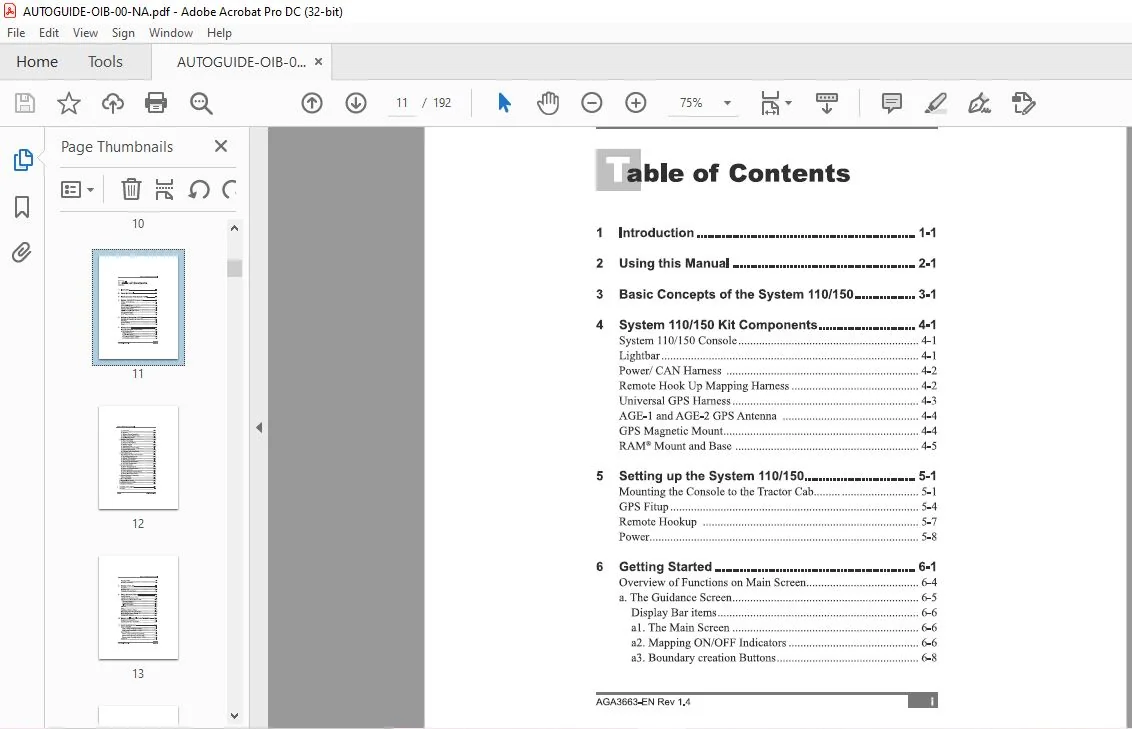
TABLE OF CONTENTS:
Challenger EU Tractor AUTO-GUIDE 110 150 Operator Instruction Manual AGA3663-EN – PDF DOWNLOAD
1 Introduction 1-1
2 Using this Manual 2-1
3 Basic Concepts of the System 110/150 3-1
4 System 110/150 Kit Components 4-1
System 110/150 Console 4-1
Lightbar 4-1
Power/ CAN Hamess 4-2
Remote Hook Up Mapping Harness 4-2
Universal GPS Hamess 4-3
AGE- 1 and AGE-2 GPS Antenna 4-4
GPS Magnetic Mount 4-4
RАМ® Mount and Base 4-5
5 Setting up the System 110/150 5-1
Mounting the Console to the Tractor СаЬ 5-1
GPS Fitup 5-4
Remote Hookup 5-7
Power 5-8
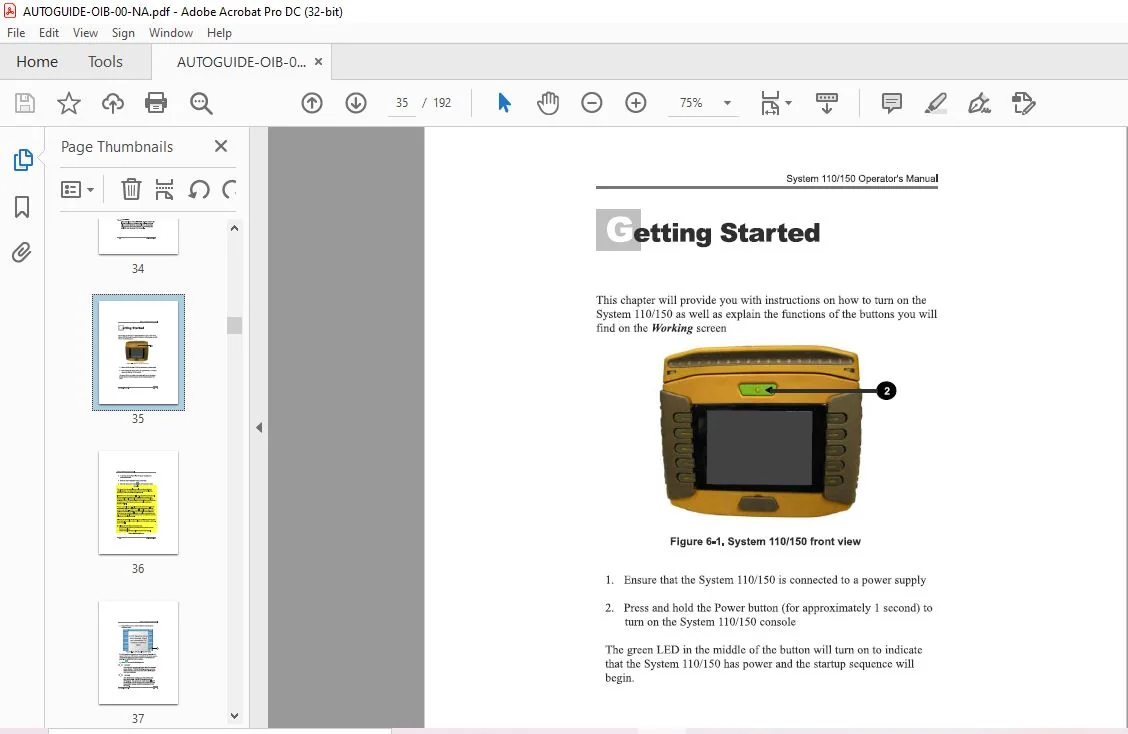
6 Getting Started 6-1
Overview of Functions on Main Screen 6-4
а The Guidance Screen 6-5
Display Bar items 6-6
al Тhе Main Screen 6-6
а2 Mapping ON/OFF Indicators 6-6
аЗ Boundary creation Buttons 6-8
AGA3663-EN Rev 1 4 1111
System 110/150 Operator’s Manual
а5 Zoom Out 6-10
а6 Zoom In 6-10
а7 Change Viewing Perspective 6- 11
а8 Select Guidance Pattem screen 6-13
а9 Auto-Steering Button 6-19
Ь Guidance Setup Screen 6-20
Ы End of Row Setup 6-2 1
Ы Units and Time Settings 6-26
Ь3 Select Language 6-27
Ь4 Implement Setup 6-28
Ь5 GPS Antenna Location Setup 6-3 1
Ь6 Lightbar Setup Screen 6-3 4
Ь7 Coverage Sense Setup Screen 6-3 9
с GPS Settings Screen 6-4 1
Data Settings for ‘Other’ GPS Receivers 6-42
cl Input/Output Setup Screen 6-43
с2 Display GPS Information 6-46
с3 GPS Antenna Selection 6-47
с4 Coттection System Selection 6-48
с5 GPS Drift Compensation 6-50
d The Job Setup Screen 6-5 1
dl Create Coverage Report 6-52
d2 Access Job Selection Screen 6-52
d3 Clear Cuпent Job 6-52
d4 Access Boundary Selection Screen 6-53
d5 Access Enter Notes Screen 6-53
е System Memory and Diagnostics 6-54
Memory Wamings 6-54
f Day or Night Mode 6-56
g Reprogram the Console 6-57
h Additional Console Features 6-57
Con:figuration Checklist 6-58
7 Creating а Boundary 7-1
Procedure 7-1
11111 www topconpa com
System 110/150 Operator’s Manual
Boundary Offset 7-7
Recalling а Boundary 7-9
8 Starting а New Job 8-1
Procedure 8-1
Recalling а Job 8-6
Creating а Coverage Report 8-9
9 Using Guidance Patterns 9-1
Identical Curves 9-1
Adaptive Curves (System 110) 9-5
Adaptive Curve Modes (System 150) 9-1 О
Coverage Triggered 9-1 О
Manual End of Row 9-13
U-Tum Recognition 9-15
АВ Lines 9-17
Pivot 9-2 1
Recalling а Guidance Pattem 9-25
Using Nudge for Pivots and АВ Lines 9-28
Nudge Options Screen (System 150) 9-29
Steering with Guidance 9-3 1
10 Backup and lmport Files from Thumbdrive 10-1
Backing up to Thumbdrive 10-1
Importing Files from Thumbdrive 10-3
11 Quick Start Reference 11-1
Create а Boundary 11-1
How to create а boundary in 5 Steps 11-1
How to recall а boundary in 3 Steps 11-1
Start а New Job 11-2
How to create а coverage map in 5 Steps 11-2
How to recall а Coverage map in 3 Steps 11-2
How to create а Coverage report in 3 Steps 11-2
Sample Job 11-3
AGA3663-EN Rev 1 4 111111
System 110/150 Operator’s Manual
А Button lndex А-1
В Spare Parts List В-1
С Product Specifications С-1
D Tractor Schematic D-1
Е File Name lnformation Е-1
F Using а USB Thumbdrive F-1
G Additional GPS lnformation G-1
Н Alarms List H-1
Index
CHALLENGER EU TRACTOR AUTO-GUIDE 110 150 OPERATOR INSTRUCTION MANUAL AGA3663-EN:
PLEASE NOTE:
- This is the same manual used by the DEALERSHIPS to SERVICE your vehicle.
- The manual can be all yours – Once payment is complete, you will be taken to the download page from where you can download the manual. All in 2-5 minutes time!!
- Need any other service / repair / parts manual, please feel free to contact us at heydownloadss @gmail.com . We may surprise you with a nice offer
S.V