Compaq Armada M700 Series of Personal Computers MAINTENANCE AND SERVICE GUIDE MANUAL – PDF DOWNLOAD
Compaq Armada M700 Series of Personal Computers MAINTENANCE AND SERVICE GUIDE MANUAL – PDF DOWNLOADCompaq Armada M700 Series of Personal Computers MAINTENANCE AND SERVICE GUIDE MANUAL – PDF DOWNLOAD
Notice
2001 Compaq Computer Corporation.
COMPAQ, the Compaq logo, and ARMADA Registered in U. S. Patent and Trademark Office
Microsoft, Windows, and Windows NT, are registered trademarks of Microsoft Corporation. Intel and Pentium are registered trademarks of Intel Corporation. Imation and SuperDisk are trademarks of Imation Enterprises Corporation.
All other product names mentioned herein may be trademarks or registered trademarks of their respective companies.
Compaq shall not be liable for technical or editorial errors or omissions contained herein.
The information in this publication is provided as is without warranty of any kind. The entire risk arising out of the use of this information remains with the recipient. In no event shall Compaq be liable for any direct, consequential, incidental, special, punitive or other damages whatsoever (including without limitation, damages for loss of business profits, business interruption or loss of business information), even if Compaq has been advised of the possibility of such damages and whether in an action or contract or tort, including negligence.
The limited warranties for Compaq products are exclusively set forth in the documentation accompanying such products. Nothing herein should be construed as constituting a further or additional warranty.
MAINTENANCE AND SERVICE GUIDE
Compaq Armada M700 Series of Personal Computers
Seventh Edition (March 2001)
First Edition (July 1999)
Published in the U.S.A., U.K., Singapore, and Taiwan.
Documentation Part Number 125403-007
Spare Part Number 158340-001
Compaq Armada M700 Series of Personal Computers MAINTENANCE AND SERVICE GUIDE MANUAL – PDF DOWNLOAD
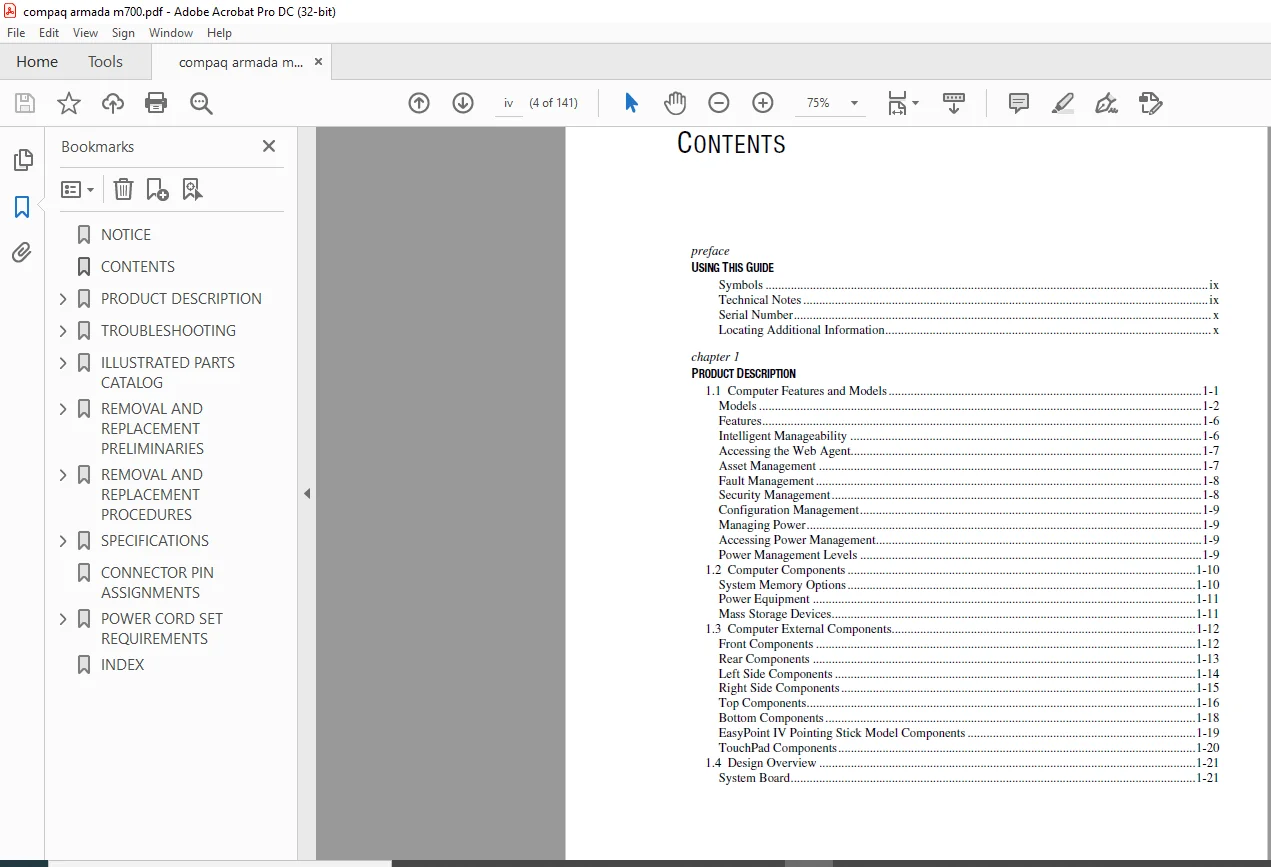
NOTICE................................................................  2
CONTENTS..............................................................  4
PRODUCT DESCRIPTION................................................... 10
	1.1 Computer Features and Models.................................. 10
		Models........................................................ 11
		Features...................................................... 15
		Intelligent Manageability..................................... 15
		Accessing the Web Agent....................................... 16
		Asset Management.............................................. 16
		Fault Management.............................................. 17
		Security Management........................................... 17
		Configuration Management...................................... 18
		Managing Power................................................ 18
		Accessing Power Management.................................... 18
		Power Management Levels....................................... 18
	1.2 Computer Components........................................... 19
		System Memory Options......................................... 19
		Power Equipment............................................... 20
		Mass Storage Devices.......................................... 20
	1.3 Computer External Components.................................. 21
		Front Components.............................................. 21
		Rear Components............................................... 22
		Left Side Components.......................................... 23
		Right Side Components......................................... 24
		Top Components................................................ 25
		Bottom Components............................................. 27
		EasyPoint IV Pointing Stick Model Components.................. 28
		TouchPad Components........................................... 29
	1.4 Design Overview............................................... 30
		System Board.................................................. 30
TROUBLESHOOTING....................................................... 32
	2.1 Preliminary Steps............................................. 33
	2.2 Clearing Passwords............................................ 34
	2.3 Power-On Self-Test (POST)..................................... 34
	2.4 POST Error Messages........................................... 35
	2.5 Compaq Utilities.............................................. 38
		Selecting Computer Setup or Compaq Diagnostics for Windows.... 38
		Using Compaq Diagnostics for Windows.......................... 42
		Factory Default Settings...................................... 42
	2.6 Troubleshooting Without Diagnostics........................... 44
		Before Replacing Parts........................................ 44
		Obtaining Update Information with Info Messenger.............. 44
		Checklist for Solving Problems................................ 45
ILLUSTRATED PARTS CATALOG............................................. 58
	3.1 Serial Number Location........................................ 58
	3.2 Computer System Major Components.............................. 59
	3.3 Plastics Kit Components....................................... 65
	3.4 Cable Kit Components.......................................... 67
	3.5 Mass Storage Devices.......................................... 68
	3.6 Miscellaneous................................................. 69
REMOVAL AND REPLACEMENT PRELIMINARIES................................. 70
	4.1 Tools Required................................................ 70
	4.2 Service Considerations........................................ 70
		Plastic Parts................................................. 70
		Cables and Connectors......................................... 71
	4.3 Preventing Damage to Removable Drives......................... 71
	4.4 Preventing Electrostatic Damage............................... 72
		Packaging and Transporting Precautions........................ 72
		Workstation Precautions....................................... 73
		Grounding Equipment and Methods............................... 74
		Electrostatic Voltage Levels and Protective Materials......... 75
REMOVAL AND REPLACEMENT PROCEDURES.................................... 76
	5.1 Serial Number................................................. 76
	5.2 Disassembly Sequence Chart.................................... 77
	5.3 Disconnecting the Computer.................................... 78
	5.4 Computer Feet................................................. 79
	5.5 Preparing the Computer for Disassembly........................ 80
	5.6 Battery Packs................................................. 81
		Removing a Primary Battery Pack from the Battery Bay.......... 81
		Inserting a Primary Battery Pack in the Battery Bay........... 82
	5.7 Hard Drives................................................... 83
		Removing a Hard Drive from the Hard Drive Bay................. 83
		Inserting a Hard Drive into the Hard Drive Bay................ 85
	5.8 MultiBay Devices.............................................. 86
		Removing MultiBay Devices..................................... 86
		Inserting MultiBay Devices.................................... 87
		Inserting a Hard Drive into the MultiBay Adapter.............. 88
	5.9 PC Cards...................................................... 89
		Removing a PC Card............................................ 90
		Inserting a PC Card........................................... 91
	5.10 Modem/Combo Card............................................. 92
	5.11 RTC Battery.................................................. 94
	5.12 Keyboard..................................................... 95
	5.13 Memory Expansion............................................. 97
		Removing a Memory Expansion Board............................. 97
		Installing a Memory Expansion Board........................... 98
	5.14 Switch Cover................................................. 99
	5.15 Display Assembly.............................................101
	5.16 Top Cover....................................................104
	5.17 USB Board....................................................108
	5.18 Voltage Converter Board......................................109
	5.19 Infrared Board...............................................110
	5.20 System Board.................................................111
	5.21 Fan..........................................................115
SPECIFICATIONS........................................................118
	6.1 Physical and Environmental....................................118
	6.2 Displays......................................................119
	6.3 Hard Drives...................................................120
	6.4 Diskette Drive................................................121
	6.5 CD-ROM Drive..................................................122
	6.6 DVD-ROM Drive.................................................123
	6.7 LS-120 Drive..................................................124
	6.8 Battery Pack..................................................125
	6.9 System DMA....................................................125
	6.10 System Interrupts............................................126
	6.11 System I/O Addresses.........................................127
	6.12 System Memory Map............................................129
CONNECTOR PIN ASSIGNMENTS.............................................130
POWER CORD SET REQUIREMENTS...........................................136
	3-Conductor Power Cord Set........................................136
	Country-Specific Requirements.....................................137
INDEX.................................................................138
PLEASE NOTE:
This is the SAME manual used by the dealers to troubleshoot any faults in your vehicle. This can be yours in 2 minutes after the payment is made.
Contact us at [email protected] should you have any queries before your purchase or that you need any other service / repair / parts operators manual.
s.m
✹
What Our Customers Say
★★★★★Live reviews from customers
Loading customer reviews...
🌟 Related Products
Discover more professional manuals for your equipment