Trusted Business
Verified & Licensed
Virus Free Files
100% Safe Downloads
Secure Payment
SSL Protected
Instant Delivery
Available Immediately
Sale!

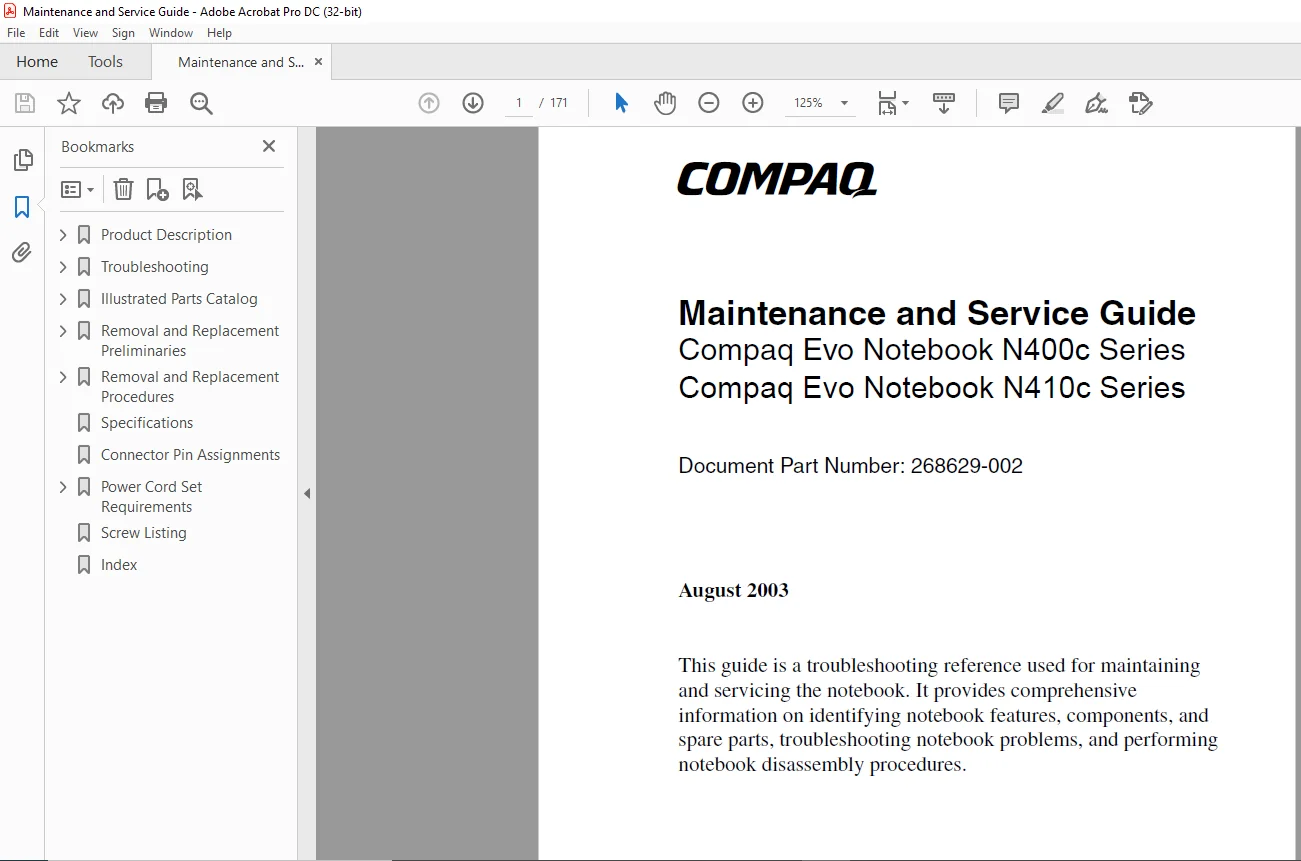
Compaq Evo Notebook N400c Series Compaq Evo Notebook N410c SeriesLaptop MAINTENANCE AND SERVICE GUIDE MANUAL – PDF DOWNLOAD
Original price was: $80.00.$16.95Current price is: $16.95.
Compaq Evo Notebook N400c Series Compaq Evo Notebook N410c SeriesLaptop MAINTENANCE AND SERVICE GUIDE MANUAL – PDF DOWNLOAD
Document Part Number: 268629-002
Instant PDF Download
Available immediately
Save to Your Device
Download & keep forever
Antivirus Scanned
100% virus-free
Trusted Worldwide
175,000+ customers
Description
Compaq Evo Notebook N400c Series Compaq Evo Notebook N410c SeriesLaptop MAINTENANCE AND SERVICE GUIDE MANUAL – PDF DOWNLOAD
2003 Compaq Computer Corporation
- Compaq, Evo, and the Compaq logo are trademarks of Compaq Information Technologies Group, L.P. Microsoft and Windows are trademarks of Microsoft Corporation. Intel and Pentium are trademarks of Intel Corporation.
- All other product names mentioned herein may be trademarks of their respective companies. Compaq shall not be liable for technical or editorial errors or omissions contained herein. The information in this document is provided “as is” without warranty of any kind and is subject to change without notice.
- The warranties for Compaq products are set forth in the express limited warranty statements accompanying such products. Nothing herein should be construed as constituting an additional warranty
Maintenance and Service Guide
Second Edition (August 2003)
Document Part Number: 268629-002
Compaq Evo Notebook N400c Series Compaq Evo Notebook N410c SeriesLaptop MAINTENANCE AND SERVICE GUIDE MANUAL – PDF DOWNLOAD
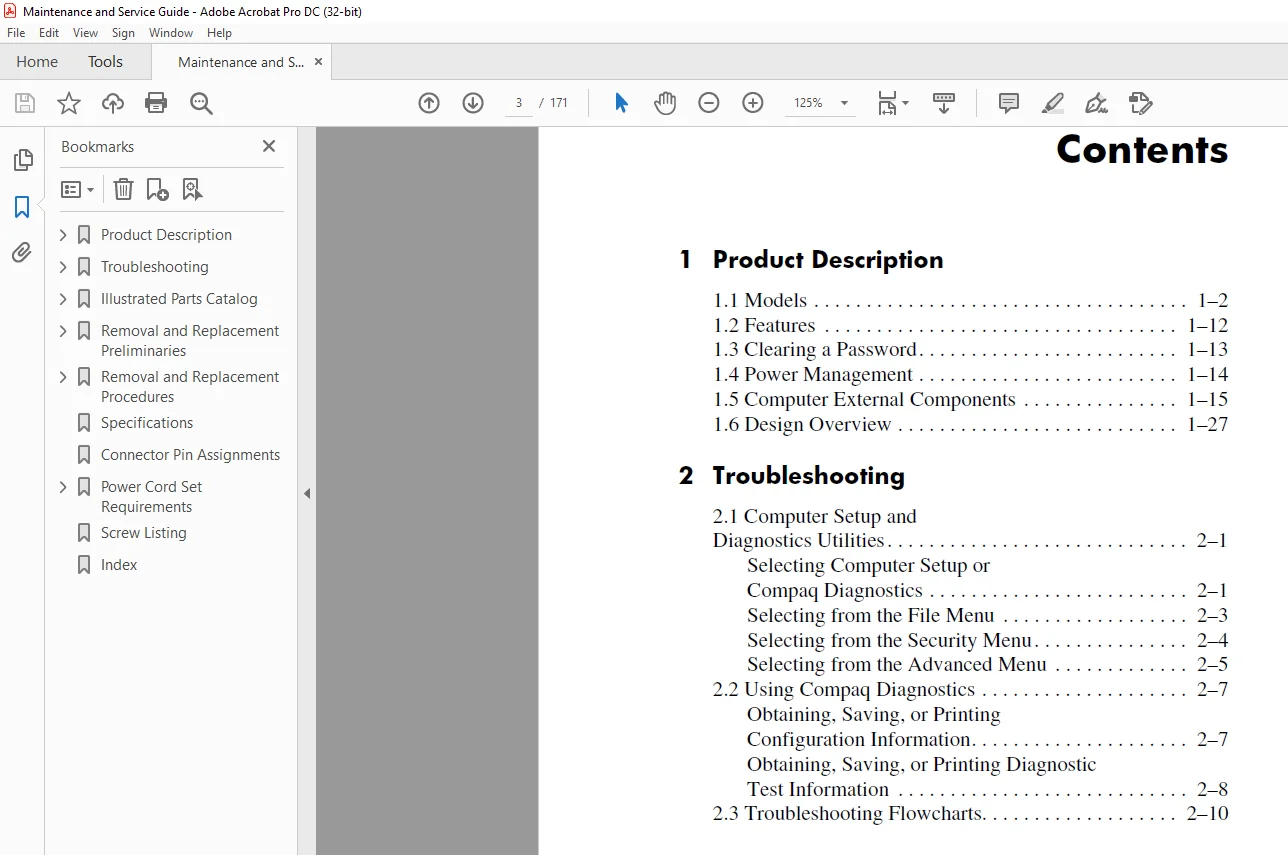
Product Description.......................................................  6
	1.1 Models............................................................  7
	1.2 Features.......................................................... 17
	1.3 Clearing a Password............................................... 18
	1.4 Power Management.................................................. 19
	1.5 Computer External Components...................................... 20
	1.6 Design Overview................................................... 32
Troubleshooting........................................................... 33
	2.1 Computer Setup and Diagnostics Utilities.......................... 33
		Selecting Computer Setup or Compaq Diagnostics.................... 33
			Using Computer Setup.......................................... 34
		Selecting from the File Menu...................................... 35
		Selecting from the Security Menu.................................. 36
		Selecting from the Advanced Menu.................................. 37
	2.2 Using Compaq Diagnostics.......................................... 39
		Obtaining, Saving, or Printing Configuration Information.......... 39
		Obtaining, Saving, or Printing Diagnostic Test Information........ 40
	2.3 Troubleshooting Flowcharts........................................ 42
		Flowchart 2.1 - Initial Troubleshooting........................... 43
		Flowchart 2.2 - No Power, Part 1.................................. 44
		Flowchart 2.3 - No Power, Part 2.................................. 45
		Flowchart 2.4 - No Power, Part 3.................................. 46
		Flowchart 2.5 - No Power, Part 4.................................. 47
		Flowchart 2.6 - No Video, Part 1.................................. 48
		Flowchart 2.7 - No Video, Part 2.................................. 49
		Flowchart 2.8 - Nonfunctioning Docking Station (if applicable).... 50
		Flowchart 2.9 - No Operating System (OS) Loading.................. 51
		Flowchart 2.10 - No OS Loading from Hard Drive, Part 1............ 52
		Flowchart 2.11 - No OS Loading from Hard Drive, Part 2............ 53
		Flowchart 2.12 - No OS Loading from Hard Drive, Part 3............ 54
		Flowchart 2.13 - No OS Loading from Diskette Drive................ 55
		Flowchart 2.14 - No OS Loading from CD- or DVD-ROM Drive.......... 56
		Flowchart 2.15 - No Audio, Part 1................................. 57
		Flowchart 2.16 - No Audio, Part 2................................. 58
		Flowchart 2.17 - Nonfunctioning Device............................ 59
		Flowchart 2.18 - Nonfunctioning Keyboard.......................... 60
		Flowchart 2.19 - Nonfunctioning Pointing Device................... 61
		Flowchart 2.20 - No Network or Modem Connection................... 62
Illustrated Parts Catalog................................................. 63
	3.1 Serial Number Location............................................ 63
	3.2 Computer System Major Components.................................. 64
	3.3 Miscellaneous Plastics Kit Components............................. 72
	3.4 Mass Storage Devices.............................................. 74
	3.5 Miscellaneous Spare Parts......................................... 76
Removal and Replacement Preliminaries..................................... 79
	4.1 Tools Required.................................................... 79
	4.2 Service Considerations............................................ 80
		Plastic Parts..................................................... 80
		Cables and Connectors............................................. 80
	4.3 Preventing Damage to Removable Drives............................. 81
	4.4 Preventing Electrostatic Damage................................... 82
	4.5 Packaging and Transporting Precautions............................ 82
	4.6 Workstation Precautions........................................... 83
	4.7 Grounding Equipment and Methods................................... 84
Removal and Replacement Procedures........................................ 86
	5.1 Serial Number..................................................... 86
	5.2 Disassembly Sequence Chart........................................ 87
	5.3 Preparing the Notebook for Disassembly............................ 88
	5.4 Computer Feet..................................................... 90
	5.5 Palm Rest......................................................... 91
	5.6 Memory Expansion Board............................................ 98
	5.7 Hard Drive........................................................102
	5.8 Mini PCI Communications Board.....................................104
	5.9 Keyboard..........................................................106
	5.10 Real Time Clock (RTC) Battery....................................110
	5.11 Switch Cover.....................................................111
	5.12 Display..........................................................113
	5.13 Modem Cable......................................................116
	5.14 System Board.....................................................121
Specifications............................................................131
Connector Pin Assignments.................................................147
Power Cord Set Requirements...............................................152
	3-Conductor Power Cord Set............................................152
		General Requirements..............................................152
	Country-Specific Requirements.........................................153
Screw Listing.............................................................155
Index.....................................................................166
PLEASE NOTE:
- This is not a physical manual but a digital manual – meaning no physical copy will be couriered to you. The manual can be yours in the next 2 mins as once you make the payment, you will be directed to the download page IMMEDIATELY.
- This is the same manual used by the dealers inorder to diagnose your vehicle of its faults.
- Require some other service manual or have any queries: please WRITE to us at [email protected]
s.m