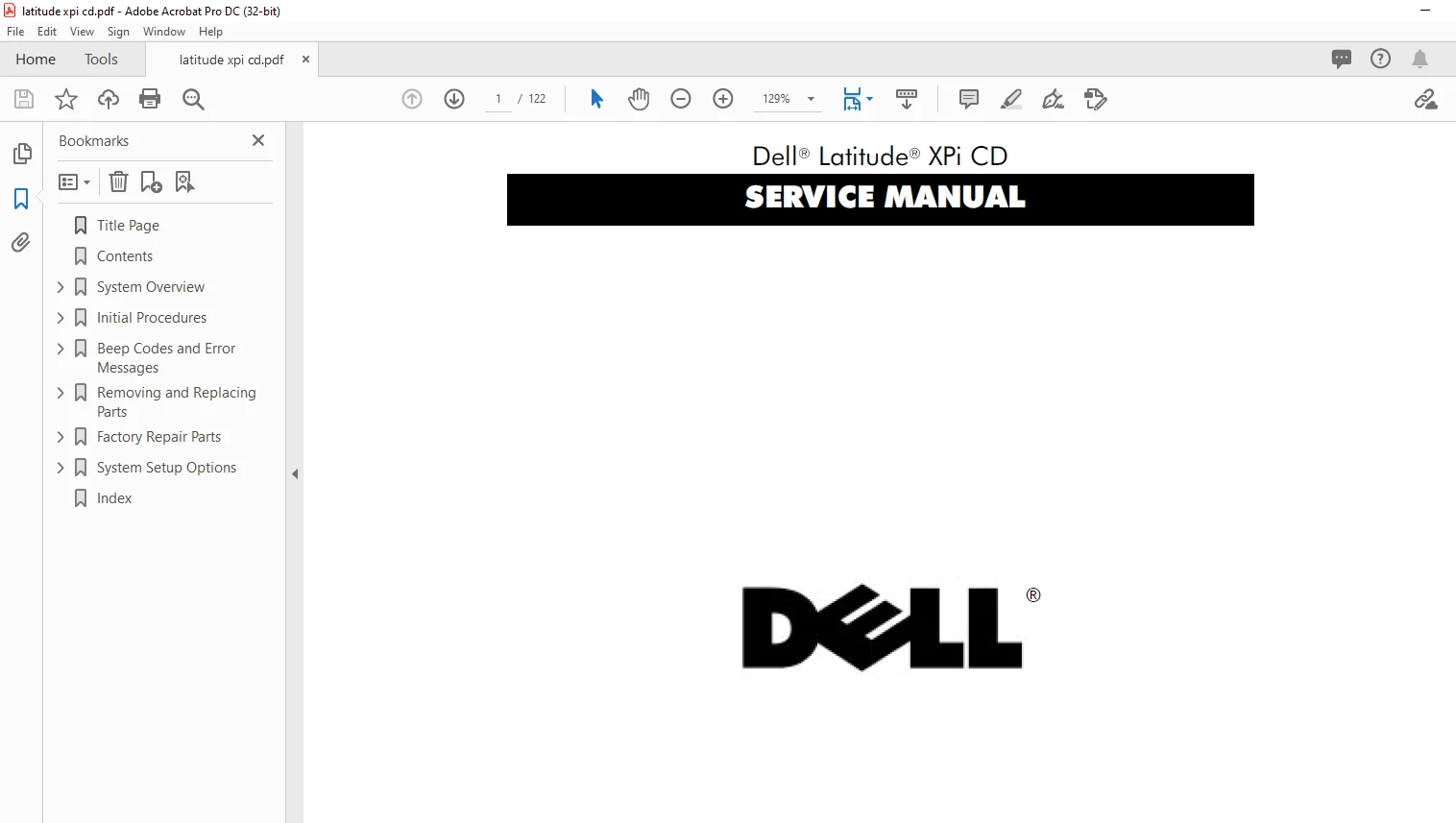
Dell Latitude XPi CD Laptop SERVICE MANUAL – PDF DOWNLOAD
Dell Latitude XPi CD Laptop SERVICE MANUAL – PDF DOWNLOADInformation in this manual is subject to change without notice.
1994–1996 Dell Computer Corporation. All rights reserved.
Reproduction in any manner whatsoever without the written permission of Dell Computer Corporation is strictly forbidden. Trademarks used in this text: Dell, the DELL logo, and Latitude are registered trademarks of Dell Computer Corporation; Microsoft, Windows, and MS-DOS are registered trademarks of Microsoft Corporation; Intel and Pentium are registered trademarks of Intel Corporation; IBM is a registered trademark of International Business Machines Corporation.
Other trademarks and trade names may be used in this document to refer to either the entities claiming the marks and names or their products. Dell Computer Corporation disclaims any proprietary interest in trademarks and trade names other than its own.
Dell Latitude XPi CD Laptop SERVICE MANUAL – PDF DOWNLOAD
Title Page................................................  1
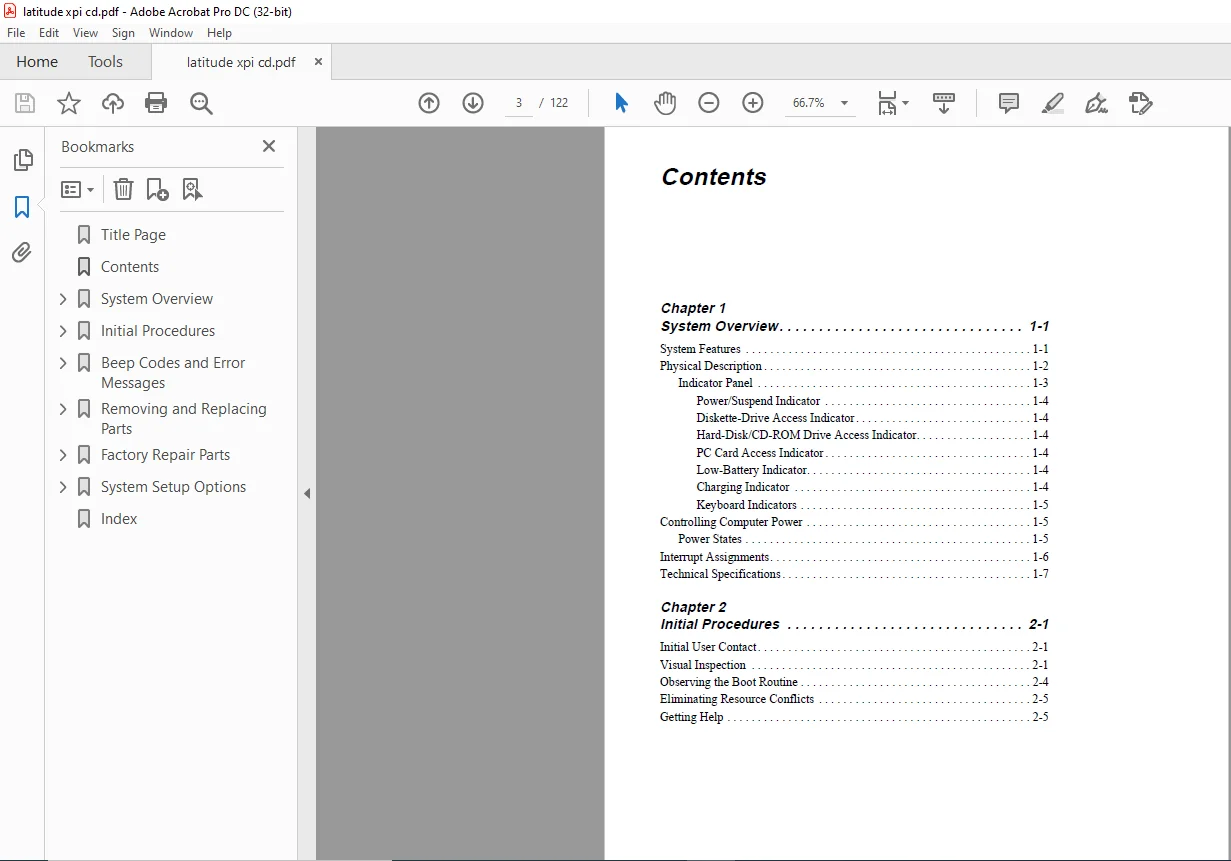
Contents..................................................  3
System Overview...........................................  9
	System Features.......................................  9
	Physical Description.................................. 10
		Indicator Panel................................... 11
			Power/Suspend Indicator....................... 12
			Diskette-Drive Access Indicator............... 12
			Hard-Disk/CD-ROM Drive Access Indicator....... 12
			PC Card Access Indicator...................... 12
			Low-Battery Indicator......................... 12
			Charging Indicator............................ 12
			Keyboard Indicators........................... 13
	Controlling Computer Power............................ 13
		Power States...................................... 13
	Interrupt Assignments................................. 14
	Technical Specifications.............................. 15
Initial Procedures........................................ 23
	Initial User Contact.................................. 23
	Visual Inspection..................................... 23
	Observing the Boot Routine............................ 26
	Eliminating Resource Conflicts........................ 27
	Getting Help.......................................... 27
Beep Codes and Error Messages............................. 29
	POST Beep Codes....................................... 29
	System Error Messages................................. 31
	Running the Dell Diagnostics.......................... 36
Removing and Replacing Parts.............................. 39
	Recommended Tools..................................... 40
	Precautionary Measures................................ 40
	Screw Identification and Tightening................... 42
	ZIF Connectors........................................ 43
	Field-Replaceable Parts and Assemblies................ 44
		Hard-Disk Drive Assembly.......................... 45
		Memory Compartment Cover.......................... 46
		Memory Modules.................................... 47
	Palmrest Assembly..................................... 48
		Trackball Assembly................................ 51
		Keyboard Assembly................................. 52
	Display Assembly...................................... 54
		Tilt-Support Foot................................. 54
		Display Assembly.................................. 56
		Display Assembly Bezel............................ 58
		Display Assembly Latch and Latch Spring........... 59
		LCD Panel......................................... 60
		LCD Inverter Board................................ 62
		Hinge Covers...................................... 63
		Display-Assembly Interface Cable.................. 64
		Microphone/Switch Assembly........................ 66
	Bottom Case Assembly.................................. 67
		Diskette/CD-ROM Drive Assembly.................... 69
		Deck Buoy......................................... 71
		Superpart Assembly................................ 72
		Reserve Battery................................... 74
		System Board Assembly............................. 76
			Removing the System Board Assembly............ 77
			Replacing the System Board Assembly........... 78
		3.1-V Power Supply Board.......................... 79
		I/O-Panel Dust Cover.............................. 80
		Advanced Port Replicator Connector Dust Cover..... 81
		Audio Board....................................... 82
Factory Repair Parts...................................... 83
	Recommended Tools..................................... 83
	Precautionary Measures................................ 83
	Factory Repair Parts and Assemblies................... 83
	Exploded Views of Components and Assemblies........... 94
		Hard-Disk Drive................................... 97
		CD-ROM Drive...................................... 98
		Diskette Drive.................................... 98
	Palmrest Assembly Components.......................... 98
		Trackball......................................... 98
		Trackball Interface Cable......................... 98
		Trackball Button Board............................ 98
		Palmrest Brace.................................... 98
	Display Assembly Components........................... 99
		Display-Assembly EMI Shield....................... 99
		Display Assembly Base.............................100
		Display Assembly Hinges...........................101
	System-Board Assembly Components......................102
		System Board......................................102
		Keyboard/Keypad/Mouse Connector Shield............103
		I/O Interface Cable...............................104
		I/O Board.........................................105
		I/O Panel.........................................106
	Bottom-Case Assembly Components.......................107
		Main Battery Insulator............................107
		Power Button and Power-Button Mounting Bracket....108
		Spreader and Keel Plates..........................109
System Setup Options......................................111
	Accessing the Dell Control Center.....................111
	Accessing the System Setup Program....................112
		System Setup Screens..............................113
Index.....................................................119
PLEASE NOTE:
This is the SAME exact manual used by your dealers to fix your vehicle.
The same can be yours in the next 2-3 mins as you will be directed to the download page immediately after paying for the manual.
Any queries / doubts regarding your purchase, please feel free to contact [email protected]
S.M
1 review for Dell Latitude XPi CD Laptop SERVICE MANUAL – PDF DOWNLOAD





Hassan Davion –
SAFE & SECURE SIGHT