Epson Stylus Color 200 – Stylus 200 Service Manual – PDF DOWNLOAD
$20.95
Epson Stylus Color 200 – Stylus 200 Service Manual – PDF DOWNLOAD
Description
Epson Stylus Color 200 – Stylus 200 Service Manual – PDF DOWNLOAD
FILE DETAILS:
Epson Stylus Color 200 – Stylus 200 Service Manual – PDF DOWNLOAD
Language :English
Pages :84
Downloadable : Yes
File Type : PDF
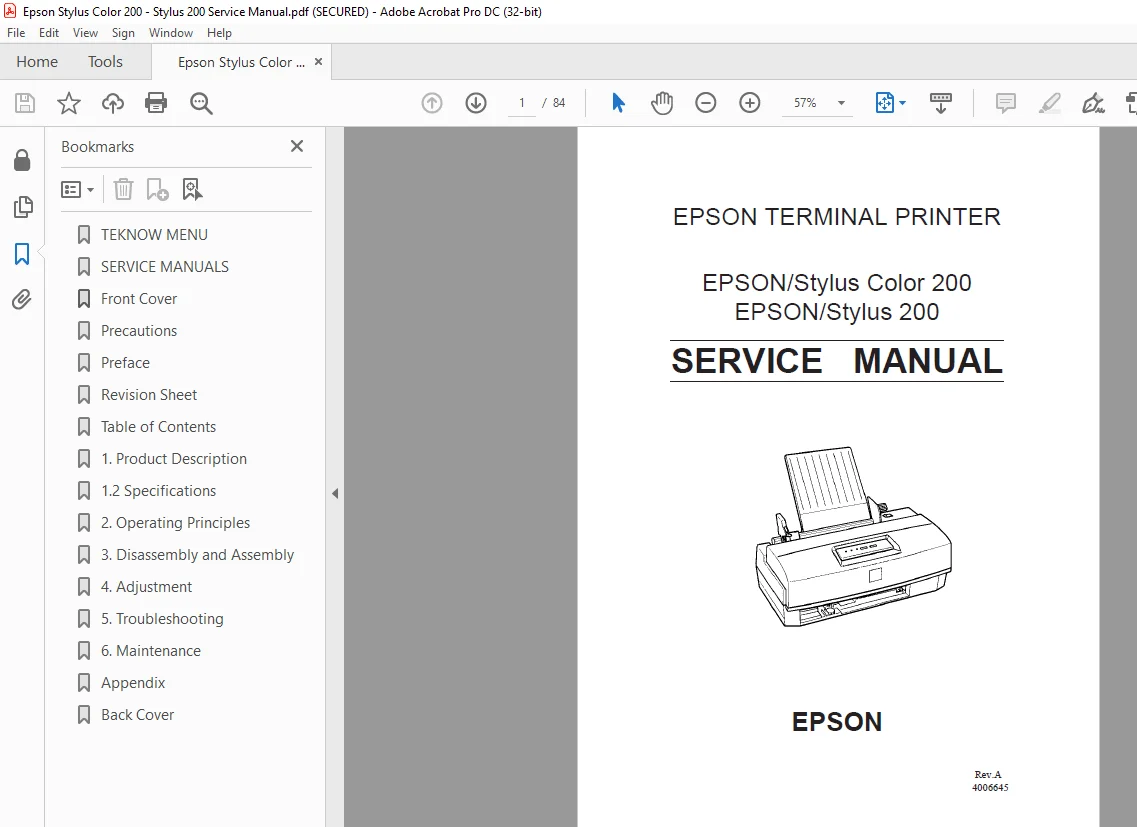
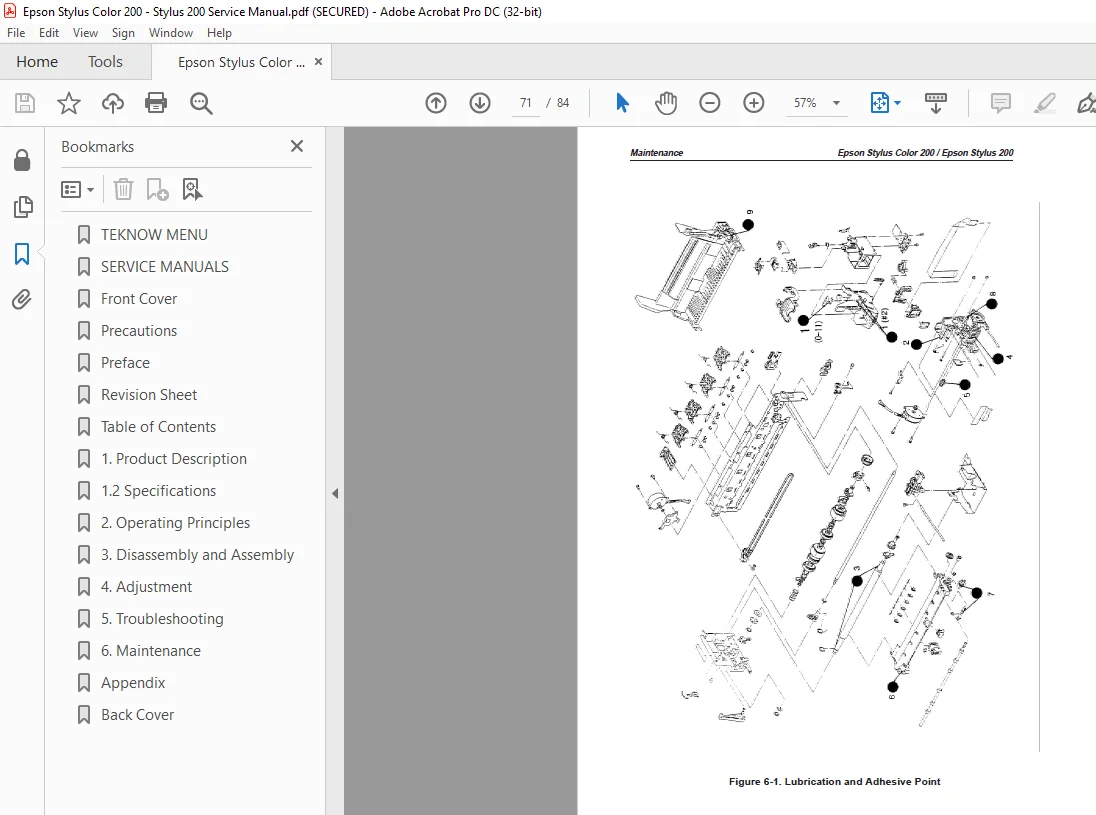
IMAGES PREVIEW OF THE MANUAL:
DESCRIPTION:
Epson Stylus Color 200 – Stylus 200 Service Manual – PDF DOWNLOAD
PREFACE
This manual describes functions, theory of electrical and mechanical operations, maintenance, and repair of Epson Stylus Color 200 /Epson Stylus 200.
The instructions and procedures included herein are intended for the experience repair technician, and attention should be given to the precautions on the preceding page. The chapters are organized as follows:
CHAPTER 1. PRODUCT DESCRIPTION
Provides a general product overview, lists specifications, and illustrates the main components of the printer.
CHAPTER 2. OPERATING PRINCIPLES
Describes the theory of printer operation.
CHAPTER 3. DISASSEMBLY AND ASSEMBLY Includes the step-by-step guide for product disassembly and assembly
CHAPTER 4. ADJUSTMENTS Includes a step-by-step guide for adjustment.
CHAPTER 5. TROUBLESHOOTING Provides Epson-approved techniques for adjustment.
CHAPTER 6. MAINTENANCE
Describes preventive maintenance techniques and lists lubricants and adhesives required to service the equipment.
APPENDIX
Describes connector pin assignments, circuit diagrams, circuit board component layout and exploded diamam
TABLE OF CONTENTS:
Epson Stylus Color 200 – Stylus 200 Service Manual – PDF DOWNLOAD
Table of Contents
11 OVERVIEW 1-1
12 SPECIFICATIONS 1-2
121 Printing Specifications 1-2
122 Paper Handling Specifications 1-4
123 Paper Specifications 1-4
124 Ink Cartridge Specifications 1-6
125 Electrical Specifications 1-7
126 Environmental Conditions 1-7
127 Reliability 1-8
128 Safety Approvals 1-8
129 Acoustic Noise 1-8
1210 Physical Specifications 1-8
13 INTERFACE SPECIFICATIONS 1-9
131 Parallel Interface Specifications 1-9
132 Parallel Interface (Reverse channel) 1-11
14 OPERATIONS 1-12
141 Control Panel 1-12
142 Panel Operation and Built-in Function 1-12
143 Default Settings 1-14
1431 Default Settings Items 1-14
1432 Changing the Default Settings 1-15
144 Error Conditions 1-16
145 Printer Initialization 1-16
1451 Power-On Initialization 1-16
1452 Sofware Initialization 1-16
1453 Panel Initialization 1-16
15 MAIN CONPONENTS 1-17
151 Main Control Board(C199 Main Control Board) 1-17
152 Power Supply Board(C160 PSB/PSE Board) 1-18
153 C160 I/F Board 1-18
154 Printer Mechanism((M-4C11) 1-19
155 Housing 1-19
Figure 1-1 Exterior View of EPSON Stylus Color 200 1-1
Figure 1-2 Nozzle Configuration 1-2
Figure 1-3 Printable Area 1-4
Figure 1-4 Paper Select Lever 1-5
Figure 1-5 Temperature / Humidity of Range 1-7
Figure 1-6 Data Transmission Timing 1-9
Figure 1-7 Control Panel Appearance 1-12
Figure 1-8 C199 Main Control Board Component Layout 1-17
Figure 1-9 C160 PSB/PSE Board Component Layout 1-18
Figure 1-10 C160 I/F Board Component Layout 1-18
Figure 1-11 M-4C11 Printer Mechanism 1-19
Figure 1-12 Housing 1-19
List of Tables
Table 1-1 Print Speed and Printable Columns 1-2
Table 1-2 Character Tables 1-3
Table 1-3 Paper Specifications 1-4
Table 1-4 Adjust Lever Settings 1-5
Table 1-5 Paper Select Lever Settings 1-5
Table 1-6 Black I/C Specifications 1-6
Table 1-7 Color I/C Specifications 1-6
Table 1-8 Rated Electrical Ranges 1-7
Table 1-9 Acceptable Environmental Conditions 1-7
Table 1-10 Siganal and Connector Pin Assignment for Parallel I/F 1-10
Table 1-11 Pin Assignment for Reverse channel 1-11
Table 1-12 Panel Operation 1-12
Table 1-13 Built-in Functions on the Panel 1-13
Table 1-14 Button Operatins in Default Setting Mode 1-13
Table 1-15 Error Indications 1-13
Table 1-16 Default Setting Items 1-14
Table 1-17 Default Setting Items(Con) 1-15
Table 1-18 Language Selection 1-15
S.M 26/2/2025