Epson Stylus Color 600 Service Manual – PDF DOWNLOAD
$25.95
Epson Stylus Color 600 Service Manual – PDF DOWNLOAD
Description
Epson Stylus Color 600 Service Manual – PDF DOWNLOAD
FILE DETAILS:
Epson Stylus Color 600 Service Manual – PDF DOWNLOAD
Language :English
Pages :154
Downloadable : Yes
File Type : PDF
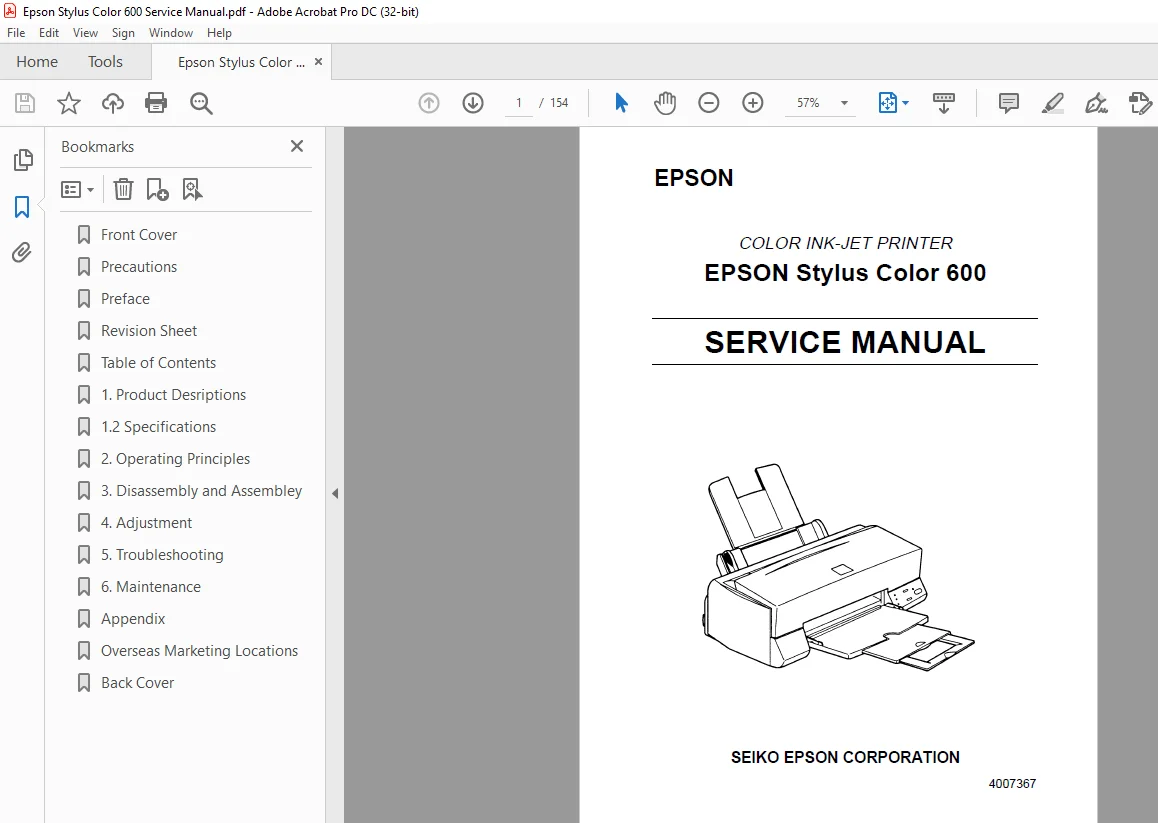
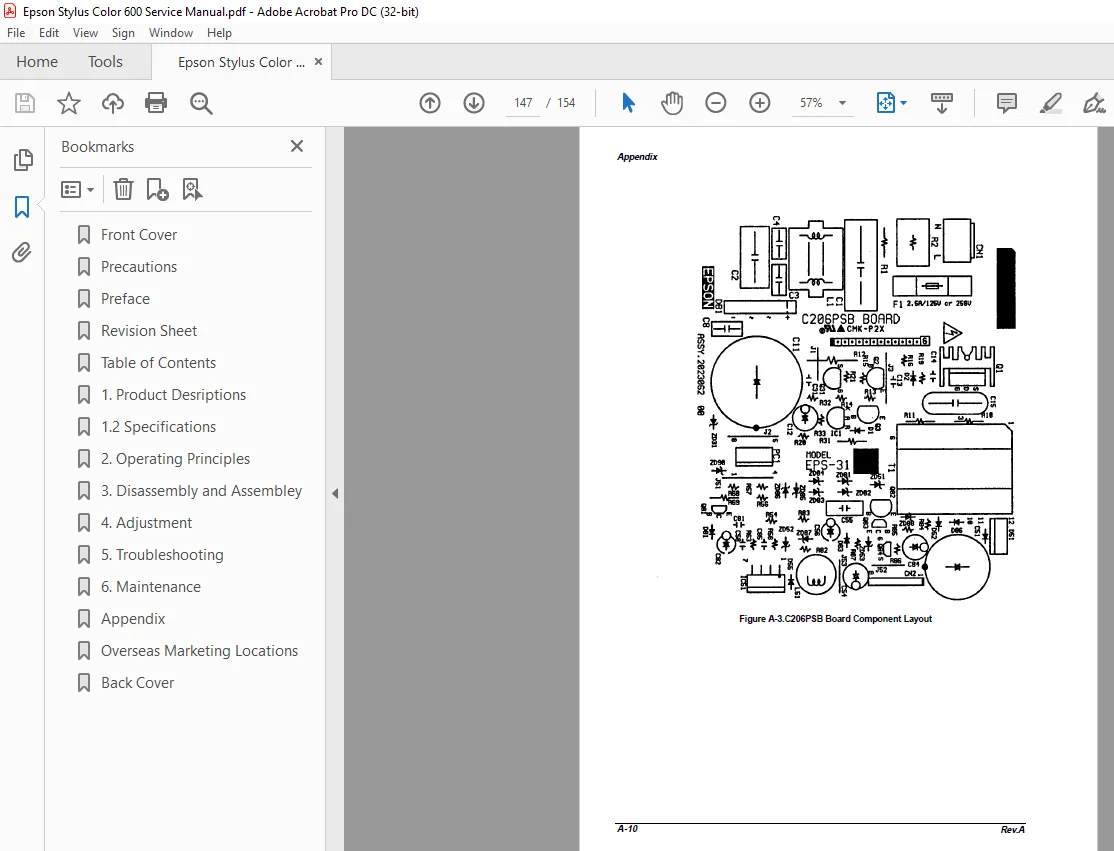
IMAGES PREVIEW OF THE MANUAL:
DESCRIPTION:
Epson Stylus Color 600 Service Manual – PDF DOWNLOAD
PREFACE
This manual describes functions, theory of electrical and mechanical operations, maintenance, and
repair of EPSON Stylus Color 600.
The instructions and procedures included herein are intended for the experience repair technician,
and attention should be given to die precautions on the preceding page. The Chapters are
organized as follows:
CHAPTER 1. GENERAL DESCRIPTION
Provides a general product overview, lists specifications, and illustrates the main components of the
printer.
CHAPTER 2. OPERATING PRINCIPLES
Describes the theory of printer operation.
CHAPTER 3. DISASSEMBLY AND ASSEMBLY
Includes a step-by-step guide for product disassembly and assembly.
CHAPTER 4. ADJUSTMENT
Includes a step-by-step guide for adjustment.
CHAPTER 5. TROUBLESHOOTING
Provides EPSON-approved techniques for troubleshooting.
CHAPTER 6. MAINTENANCE
Describes preventive maintenance techniques and lists lubricants and adhesives required to
service the equipment.
APPENDIX
Describes connector pin assignments, circuit diagrams, circuit board component layout and
exploded diagram.
TABLE OF CONTENTS:
Epson Stylus Color 600 Service Manual – PDF DOWNLOAD
11 Features1
12 Specifications 2
121 Printing Specification 2
122 Paper Specification 5
1221 Cut Sheet 5
1222 Transparency Film / Glossy Paper 5
1223 Envelope 5
1224 Index Card 5
123 Adjust Lever Settings (PG adjust lever) 6
124 Printable Area 7
1241 Cut Sheet 7
1242 Envelope 8
125 Environmental Condition 9
126 Ink Cartridge Specifications 10
1261 Black Ink Cartridge 10
1262 Color Ink Cartridge 11
127 Physical Specification 12
128 Electric Specification 13
129 Reliability 13
1210 Safety Approvals 13
1211 Acoustic Noise 13
1212 CE Marking 13
1213 Printer Language and Emulation 14
13 Interface16
131 Parallel Interface (Forward Channel) 16
132 Parallel Interface (Reverse Channel) 17
1321 Prevention Hosts from Data Transfer Time-out 19
133 Serial Interface 20
14 Control Panel 21
141 Indicators 21
142 Panel Functions 22
143 Printer Condition and Panel Status 23
15 Error Status24
151 Ink Out 24
152 Paper Out 24
153 Paper Jam 24
154 No Ink-Cartridge Error 25
155 Maintenance Request 25
156 Fatal Errors 25
16 Printer Initialization 26
161 Initialization Settings 26
17 Main Components 27
171 Printer Mechanism 27
172 C200 MAIN Board 28
173 C206 PSB/PSE Board 29
174 C206 PNL Board 29
S.M 1/3/2025