Epson Stylus Color 740 Manual – PDF DOWNLOAD
$27.95
Epson Stylus Color 740 Manual – PDF DOWNLOAD
Description
Epson Stylus Color 740 Manual – PDF DOWNLOAD
FILE DETAILS:
Epson Stylus Color 740 Manual – PDF DOWNLOAD
Language : English
Pages : 186
Downloadable : Yes
File Type : PDF
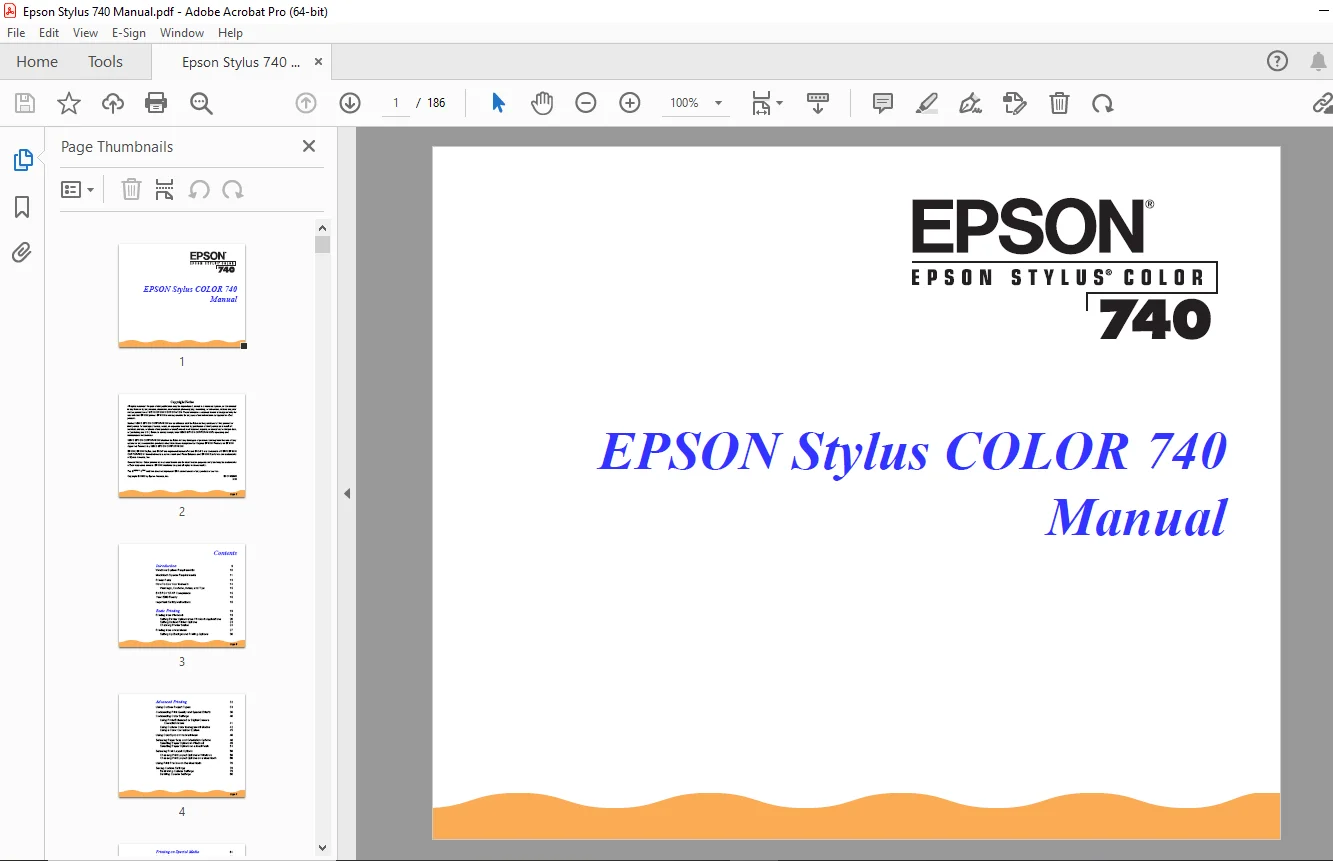
IMAGES PREVIEW OF THE MANUAL:
TABLE OF CONTENTS:
Epson Stylus Color 740 Manual – PDF DOWNLOAD
Introduction 9
Windows System Requirements 10
Macintosh System Requirements 11
Printer Parts 13
How To Use Your Manuals 14
Warnings, Cautions, Notes, and Tips 15
ENERGY STAR Compliance 15
Year 2000 Ready 16
Important Safety Instructions 16
Basic Printing 19
Printing from Windows 19
Setting Printer Options from Windows Applications 20
Setting Default Printer Options 23
Checking Printer Status 24
Printing from a Macintosh 27
Setting Up Background Printing Options 30
Advanced Printing 32
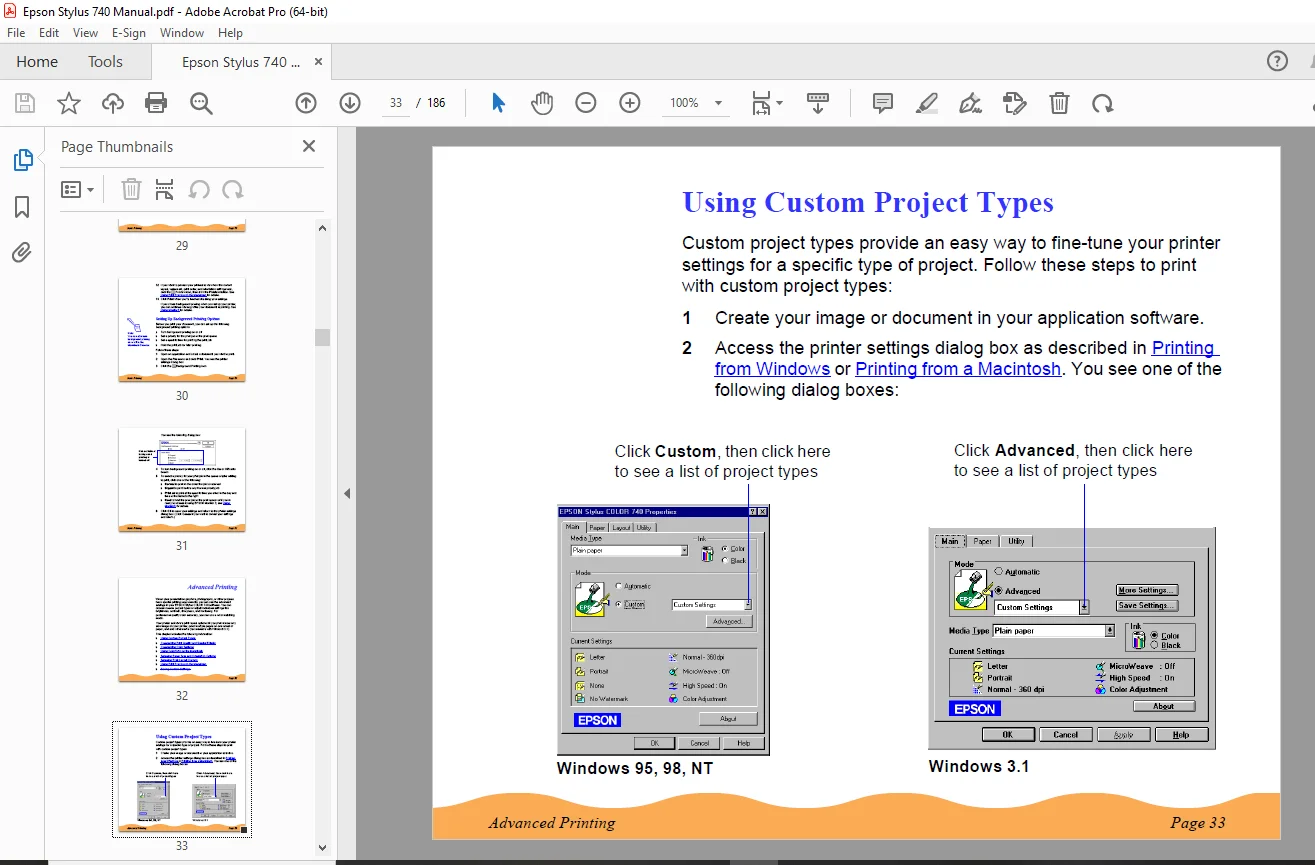
Using Custom Project Types 33
Customizing Print Quality and Special Effects 36
Customizing Color Settings 40
Using PhotoEnhance3 or Digital Camera
Correction Mode 41
Using Custom Color Management Modes 42
Using a Color Correction System 45
Using ColorSync on the Macintosh 46
Selecting Paper Size and Orientation Options 48
Selecting Paper Options in Windows 49
Selecting Paper Options on a Macintosh 54
Selecting Print Layout Options 59
Choosing Print Layout Options in Windows 59
Choosing Print Layout Options on a Macintosh 69
Using Print Preview on the Macintosh 76
Saving Custom Settings 78
Redefining Custom Settings 79
Deleting Custom Settings 80
Printing on Special Media 81
Selecting Special Media 82
Media Loading and Handling Guidelines 84
Letterhead, Preprinted Forms, and Legal-size Paper 85
EPSON Photo Quality Glossy Paper, Film, and
Transparencies 85
Envelopes 87
EPSON Photo Paper 89
EPSON Photo Quality Ink Jet and Note Cards 92
EPSON Photo Stickers 93
EPSON Photo Quality Self Adhesive Sheets 93
EPSON Iron-On and Cool Peel Iron-On Transfer Paper 94
Managing Print Jobs 95
Managing Print Jobs in Windows 95, Windows 98, and
Windows NT4.0 96
Selecting the Speed & Progress Options 97
Using the Spool Manager 100
Using Status Monitor 2 101
Managing Print Jobs in Windows 3.1 111
Using the Spool Manager 111
Managing Print Jobs on a Macintosh 114
Using Monitor3 115
Using the Macintosh Status Monitor 118
Selecting Configuration Options 120
Maintenance and Transportation 122
Replacing an Ink Cartridge 123
Removing and Installing Ink Cartridges 124
Replacing an Outdated Ink Cartridge 127
Cleaning the Print Head 129
Using the Head Cleaning Utility 129
Using the Control Panel 130
Examining the Nozzle Check Pattern 132
Aligning the Print Head 133
Cleaning the Printer 134
Transporting the Printer 135
Troubleshooting 136
Diagnosing Problems 137
Checking the Control Panel Lights 138
Running a Printer Operation Check 139
Confirming the Printer ID Number 140
Improving Print Quality 141
Solving Printing Problems 147
Solving Printer Software Problems 151
Fixing Paper Problems 156
Solving Miscellaneous Printout Problems 159
Uninstalling Printer Software 163
Windows 95, Windows 98, and Windows NT 4.0
Instructions 163
Windows 3.1 Instructions 164
Macintosh Instructions 164
Where To Get Help 165
Specifications 167
Printing 167
Paper 168
Ink Cartridges 172
Mechanical 173
Electrical 174
Environmental 174
Safety Approvals 175
DOS Support 175
Control Panel Settings 176
Character Tables 177
Interfaces 178
Index 180
DESCRIPTION:
Epson Stylus Color 740 Manual – PDF DOWNLOAD
Introduction:
- Your EPSON Stylus® COLOR 740 printer is the ideal output device for business graphics, layout proofs, digital photography, or any project you create on your computer.
- With resolutions up to 1440 by 720 dpi and EPSON’s unique variable micro droplet technology, you get amazingly realistic photographic images, vivid color graphics, and razor-sharp black text.
- The printer software for Microsoft® Windows® and Macintosh® provides advanced color management with adjustable levels of brightness, contrast, sharpness, and other settings.
- Support for ColorSync™ 2.01 and two Windows color matching methods gives you even more precise color control. EPSON’s specially formulated ink cartridges and wide variety of ink jet papers offer the most flexibility for getting the results you want.
- With standard parallel, serial, and high-speed USB (Universal Serial Bus) ports, setting up your printer is fast and easy.
How To Use Your Manuals:
To set up your printer and install the printer software, see the Start Here card. This manual contains the following information:
- Basic Printing: covers the basics of printing with Windows or Macintosh.
- Advanced Printing: tells you how to print using custom settings for print quality, color management, and distinctive layouts.
- Printing on Special Media: gives guidelines for selecting the right paper or other media for your print job and instructions for loading it in your printer.
- Managing Print Jobs: explains how to control print jobs and check printer status while you’re printing.
- Maintenance and Transportation: gives instructions for replacing ink cartridges, cleaning and aligning the print head, and cleaning and transporting the printer.
- Troubleshooting: provides solutions for any problems you may have with your printer or software.
- Specifications: provides the technical details on your printer, ink cartridges, and EPSON papers.
- To go right to the section you need, see the Index.
G.B 03/03/25