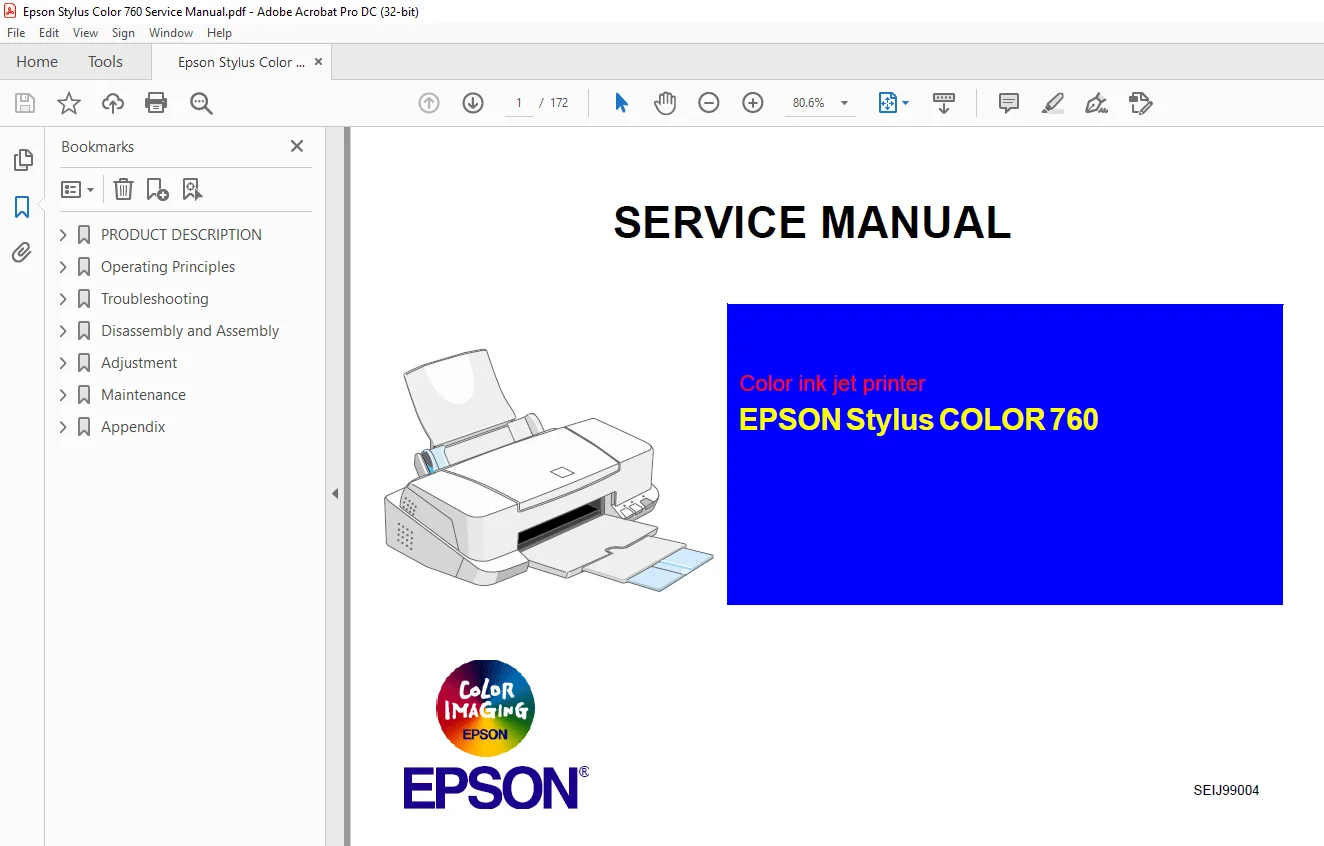
Epson Stylus Color 760 Service Manual – PDF DOWNLOAD
$28.95
Epson Stylus Color 760 Service Manual – PDF DOWNLOAD
Description
Epson Stylus Color 760 Service Manual – PDF DOWNLOAD
FILE DETAILS:
Epson Stylus Color 760 Service Manual – PDF DOWNLOAD
Language :English
Pages :172
Downloadable : Yes
File Type : PDF
IMAGES PREVIEW OF THE MANUAL:
DESCRIPTION:
Epson Stylus Color 760 Service Manual – PDF DOWNLOAD
PREFACE
This manual describes basic functions, theory of electrical and mechanical operations, maintenance and repair procedures of the EPSON Stylus
COLOR 760. The instructions and procedures included herein are intended for the experienced repair technicians, and attention should be given to
the precautions on the preceding page. The chapters are organized as follows:
CHAPTER 1. PRODUCT DESCRIPTIONS
Provides a general overview and specifications of the product.
CHAPTER 2. OPERATING PRINCIPLES
Describes the theory of electrical and mechanical operations of the product.
CHAPTER 3. TROUBLESHOOTING
Provides the step-by-step procedures for troubleshooting.
CHAPTER 4. DISASSEMBLY AND ASSEMBLY
Describes the step-by-step procedures for disassembling and assembling the
product.
CHAPTER 5. ADJUSTMENTS
Provides Epson-approved methods for adjustment.
CHAPTER 6. MAINTENANCE
Provides preventive maintenance procedures and the lists of Epson-approved
lubricants and adhesives required for servicing the product.
APPENDIX
Provides the following additional information for reference:
• EEPROM Address Map
• Connector Pin Assignments
• C298MAIN Board Component Layout
• Parts List and Explode Diagrams
• C298MAIN Board Circuit Diagram
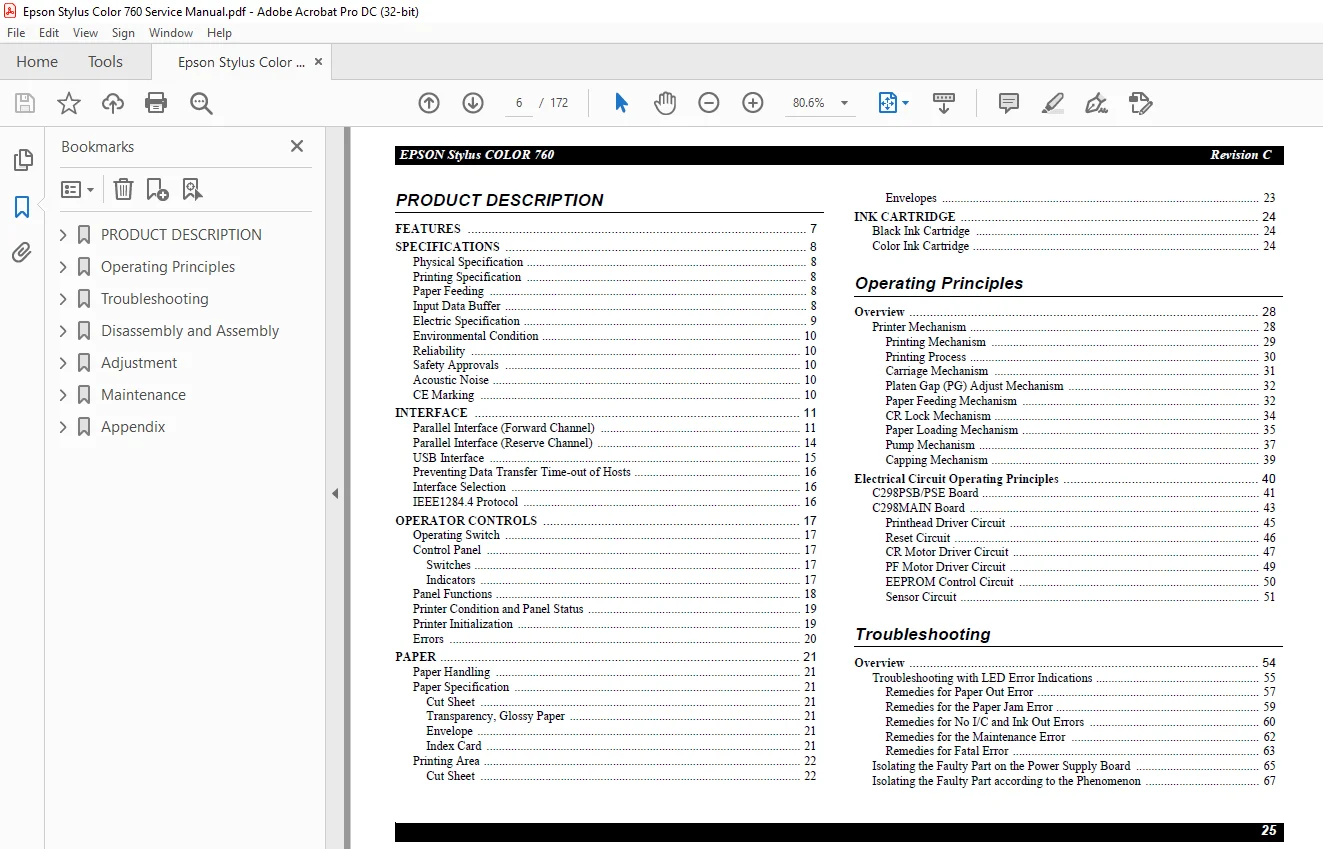
TABLE OF CONTENTS:
Epson Stylus Color 760 Service Manual – PDF DOWNLOAD
PRODUCT DESCRIPTION 8
11 FEATURES 9
12 SPECIFICATIONS 10
121 Physical Specification 10
122 Printing Specification 10
123 Paper Feeding 10
124 Input Data Buffer 10
125 Electric Specification 11
126 Environmental Condition 12
127 Reliability 12
128 Safety Approvals 12
129 Acoustic Noise 12
1210 CE Marking 12
13 INTERFACE 13
131 Parallel Interface (Forward Channel) 13
132 Parallel Interface (Reserve Channel) 16
133 USB Interface 17
134 Preventing Data Transfer Time-out of Hosts 18
135 Interface Selection 18
136 IEEE12844 Protocol 18
14 OPERATOR CONTROLS 19
141 Operating Switch 19
142 Control Panel 19
1421 Switches 19
1422 Indicators 19
143 Panel Functions 20
144 Printer Condition and Panel Status 21
145 Printer Initialization 21
146 Errors 22
15 PAPER 23
151 Paper Handling 23
152 Paper Specification 23
1521 Cut Sheet 23
1522 Transparency, Glossy Paper 23
1523 Envelope 23
1524 Index Card 23
153 Printing Area 24
1531 Cut Sheet 24
1532 Envelopes 25
16 INK CARTRIDGE 26
161 Black Ink Cartridge 26
162 Color Ink Cartridge 26
Operating Principles 27
21 Overview 28
211 Printer Mechanism 28
2111 Printing Mechanism 29
2112 Printing Process 30
2113 Carriage Mechanism 31
2114 Platen Gap (PG) Adjust Mechanism 32
2115 Paper Feeding Mechanism 32
2116 CR Lock Mechanism 34
2117 Paper Loading Mechanism 35
2118 Pump Mechanism 37
2119 Capping Mechanism 39
22 Electrical Circuit Operating Principles 40
221 C298PSB/PSE Board 41
222 C298MAIN Board 43
2221 Printhead Driver Circuit 45
2222 Reset Circuit 46
2223 CR Motor Driver Circuit 47
2224 PF Motor Driver Circuit 49
2225 EEPROM Control Circuit 50
2226 Sensor Circuit 51
Troubleshooting 53
31 Overview 54
311 Troubleshooting with LED Error Indications 55
3111 Remedies for Paper Out Error 57
3112 Remedies for the Paper Jam Error 59
3113 Remedies for No I/C and Ink Out Errors 60
3114 Remedies for the Maintenance Error 62
3115 Remedies for Fatal Error 63
312 Isolating the Faulty Part on the Power Supply Board 65
313 Isolating the Faulty Part according to the Phenomenon 67
Disassembly and Assembly 72
41 Overview 73
411 Precautions for Disassembling the Printer 73
412 Tools 74
413 Screw Specifications 75
414 Service Checks After Repair 76
42 Disassembly Procedures 77
421 Removing the Upper Housing 78
422 Removing the Circuit Board Assembly 79
423 Removing the Operation Panel 81
424 Disassembling the Printer Mechanism 82
4241 Removing the Printhead Unit 83
4242 Removing the Waste Ink Absorber Tray Assembly 85
4243 Removing the Ink System Assembly 87
4244 Removing the CR Motor Assembly 90
4245 Removing the ASF Assembly 91
42451 Removing the Paper Feed Roller Assembly 93
42452 Removing the Right and Left LD Roller Assembly 97
4246 Removing the CR Assembly 98
42461 Disassembling the CR Assembly101
4247 Removing the PF Roller & Paper Eject Roller Assy103
4248 Remove the PF Motor Assembly107
4249 Removing the PE Detector Assembly108
Adjustment109
51 Overview110
511 Required Adjustments110
512 Adjustment Tools Required111
52 Adjustment112
521 Parallelism Adjustment112
522 Backlash value Adjustment for PF motor115
523 Adjustment by Adjustment Program118
5231 About Adjustment Program118
5232 How to set up the program118
5233 Select the Model Name119
5234 Market Destination Check120
5235 Head Voltage ID Input121
5236 Head Angular Adjustment123
5237 Bi-D Adjustment126
5238 USB ID input129
5239 Initial Ink Charge Operation133
52310 Head Cleaning Operation134
52311 Protection Counter Check/Reset135
52312 Recovery for the clogged nozzle137
52313 Print A4 pattern138
53 PF Loop scale unit assembling procedure139
531 Assembling the PF Loop scale unit139
532 Sticking the PF Loop scale unit to Gear 76141
Maintenance142
61 Overview143
611 Cleaning143
612 Service Maintenance143
613 Lubrication144
Appendix152
71 Connector Summary153
711 Connector Pin Assignment153
712 EEPROM ADDRESS MAP156
72 Circuit Board Component Layouts161
73 Exploded Diagram164
74 Parts List169
75 Circuit Diagrams172
S.M 26/2/2025