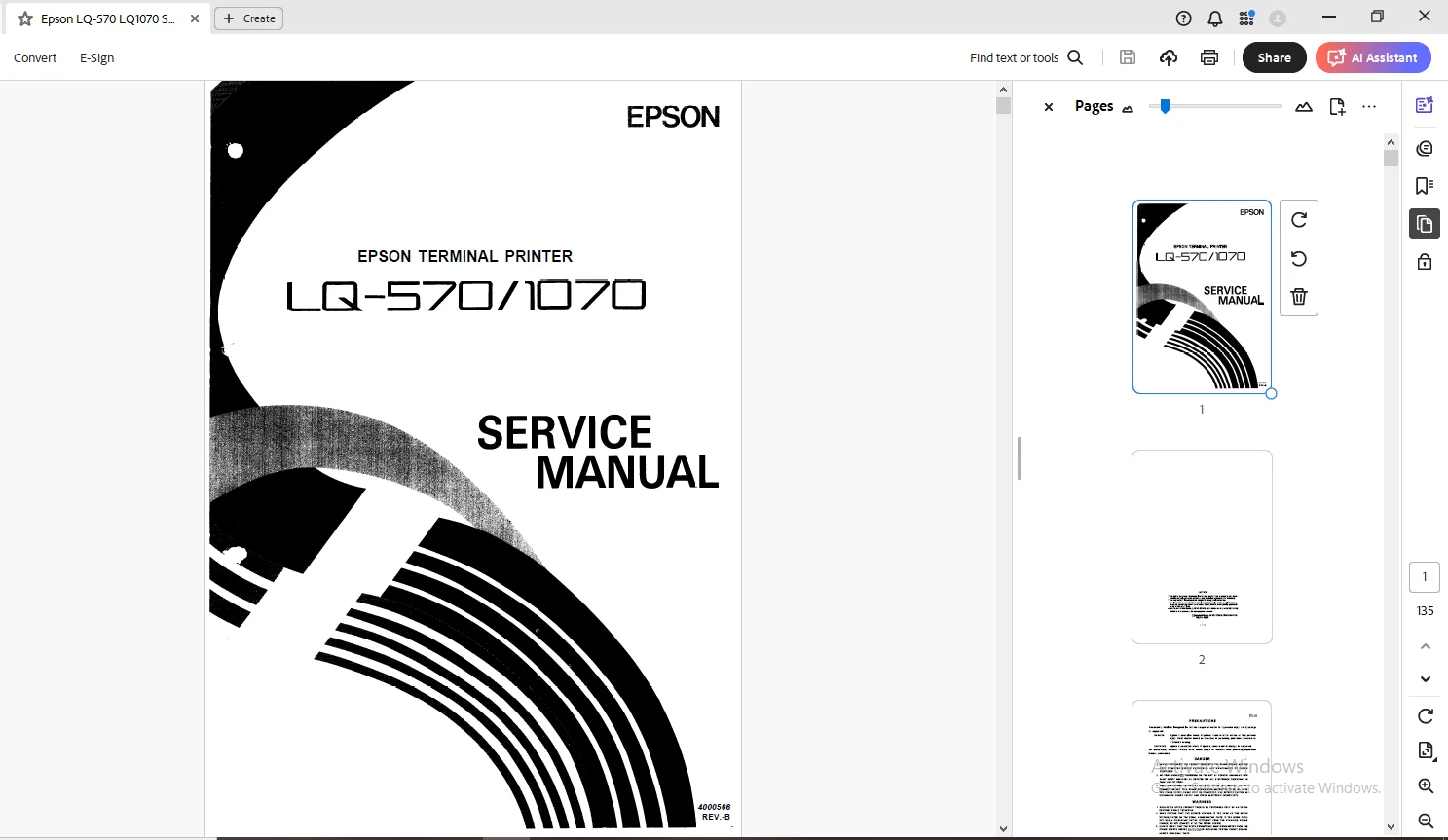
Epson Terminal Printer LQ-570 LQ-1070 Service Manual – PDF
$26.95
Epson Terminal Printer LQ-570 LQ-1070 Service Manual – PDF DOWNLOAD
Description
Epson Terminal Printer LQ-570 LQ-1070 Service Manual – PDF DOWNLOAD
FILE DETAILS:
Epson Terminal Printer LQ-570 LQ-1070 Service Manual – PDF DOWNLOAD
Language : English
Pages : 135
Downloadable : Yes
File Type : PDF
IMAGES PREVIEW OF THE MANUAL:
TABLE OF CONTENTS:
Epson Terminal Printer LQ-570 LQ-1070 Service Manual – PDF DOWNLOAD
CHAPTER 1
GENERAL DESCRIPTION
FEATURES1 – 1
SPECIFICATIONS 1 – 3
121 Hardware Speci f icat ions 1 -3
122 Fi rmware Speci f icat ions 1 -9
INTERFACE OVERVIEW1 – 14
131 Paral lel Inter face1 – 1 4
CONTROL PANEL1 – 1 6
DIP SWITCHES AND JUMPER SETTING 1 -18
151 DIP Swi tch Set t ings 1 – 18
152 Jumper Set t ing 1 – 19
OPERATING INSTRUCTIONS 1 -20
Self-Test1 – 2 0
Hexadecimal Dump Function 1 -20
Paper-out Detection and Forms Override Function1-21
Error Conditions 1 – 21
Buzzer Operation1 – 21
Printer Initialization1 -21
Default Values 1 – 22
Sheet Loading and Sheet Ejection 1 -22
Tear-off Function1 – 23
LEVER, G, ADJUST 1 -24
printer Protection for Heavy-Duty Printing 1-25
MAIN COMPONENTS1 – 26
171 C062 MAIN Board (Main Control Circuit Board)1-26
172 C062 PNL Board (Control Panel Circuit Board) 1-27
173 C062 PSB/PSE Board (Power SupPlY Circuit Board)1-27
174 Printer Mechanism (M-5 E10/M-5E60) 1-28
175 Housing 1 – 2 8
1 -i
REV-B
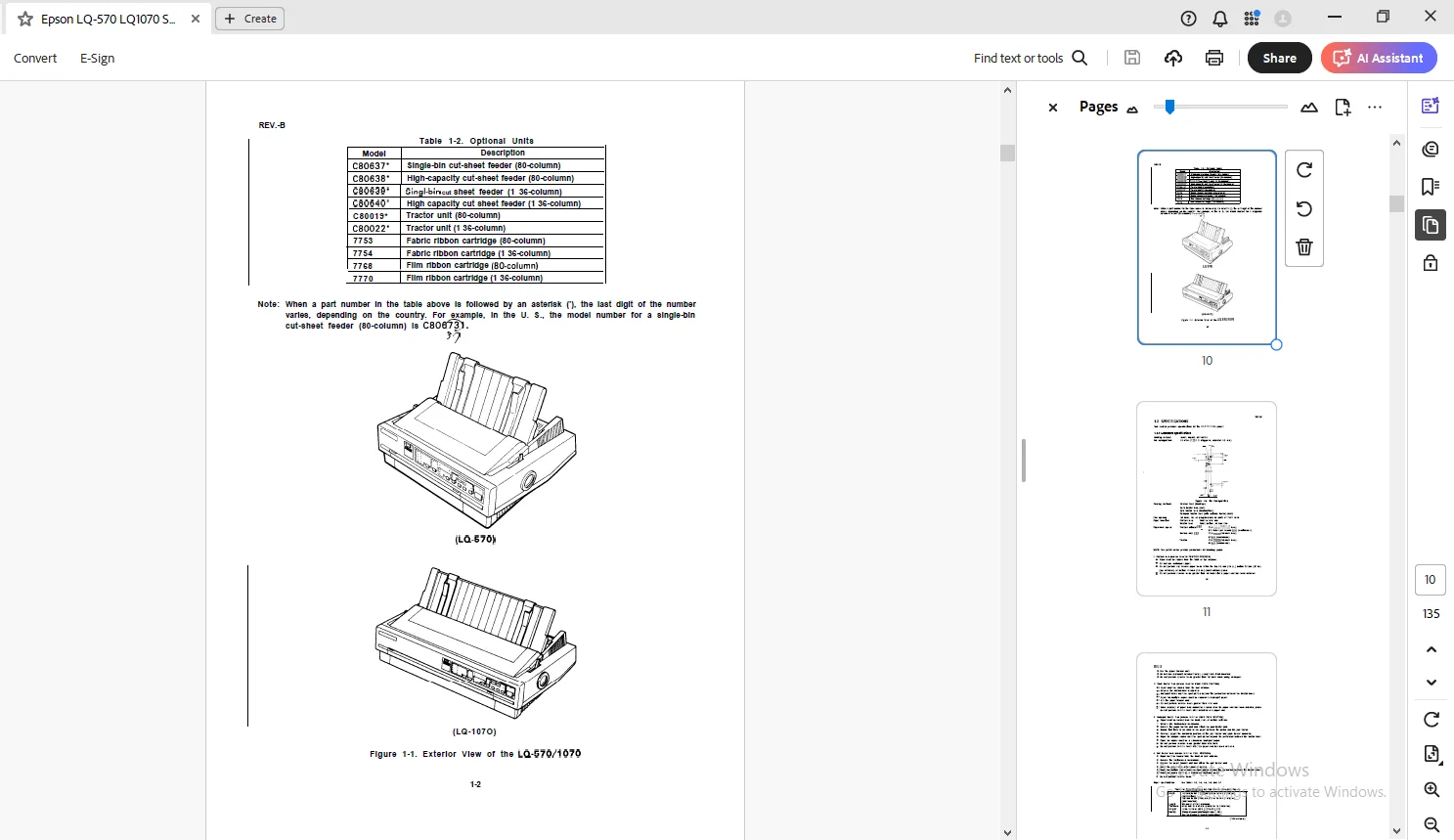
Exterior View of the LQ-570/1070 1-2
Pin Configuration 1 – 3
Printable Area for Cut Sheets 1 – 6
Printable Area for Continuous Sheets1-6
Character Matrix 1 – 13
Data Transmission Timing 1 -14
Control Panel 1 -1 6
Self-Test Printout 1 – 20
Hexadecimal Dump Function1 -20
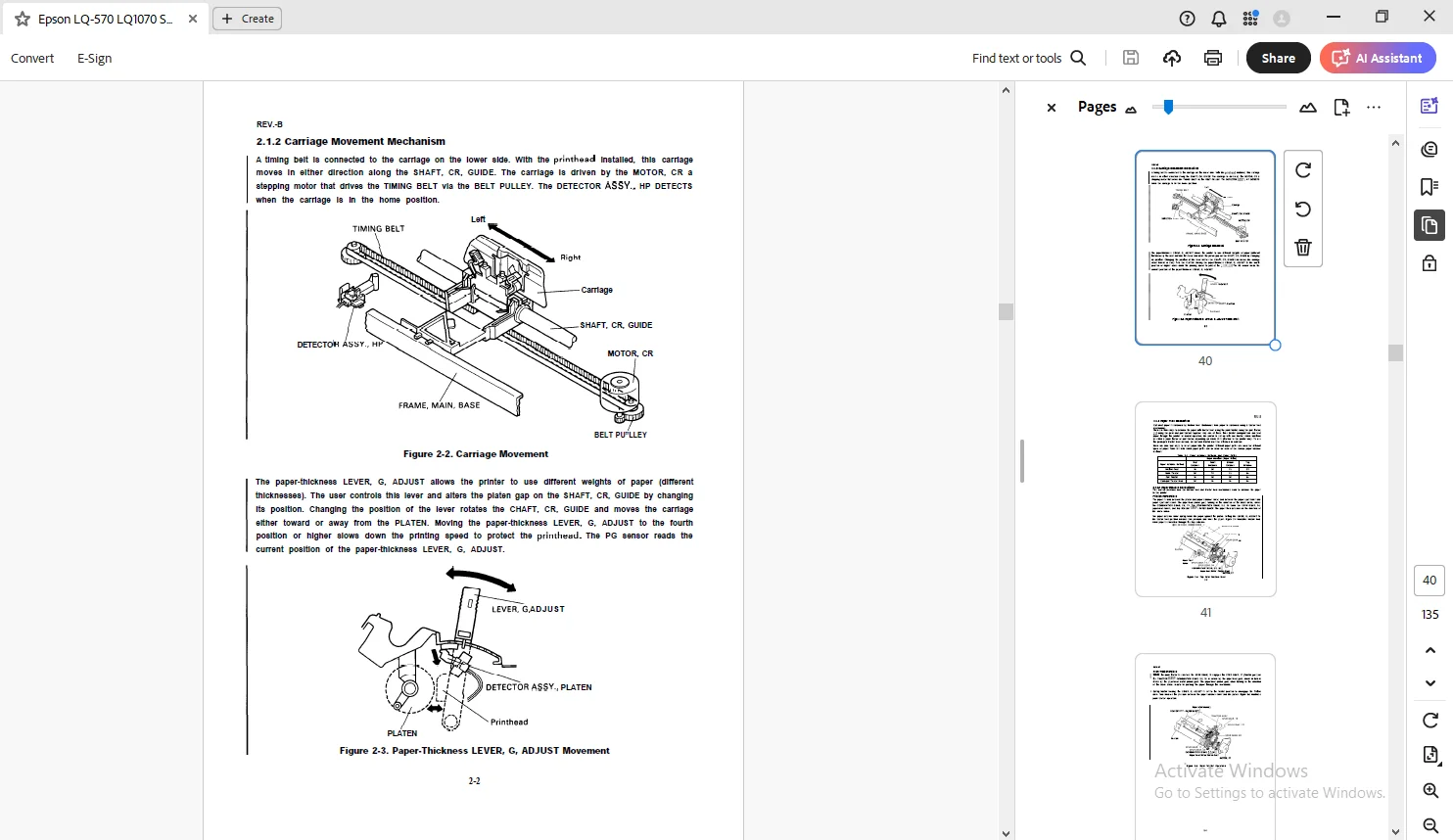
Lever Positions 1 – 24
LQ-570/l 070 Component Layout 1-26
C062 MAIN Board 1-26
C062 PNL Board 1 -27
C062 PSB/PSE Board1 -27
Model-5El O/5E60 Printer Mechanism 1-28
Housing 1 – 2 8
LIST OF TABLES
Interface Options 1 -1
Optional Units 1 – 2
Specifications for Cut Sheets 1 -4
Specifications for Cut Sheets
(Carbonless Duplicating Paper) 1 -5
Specifications for Continuous Sheets1-5
Envelopes 1 – 5
Label Specifications 1 – 5
Printing (Text Mode) 1 -10
Printing (Bit Image Mode) 1 -11
Character Matrix and Character Size1 – 1 2
Connector Pin Assignments and Signal Functions1-14
Settings for DIP Switch 1 (SW1)1 -18
Settings for DIP Switch 2 (SW2) 1-18
International Character Set Selection1-19
Page Length1 – 1 9
Lever Positions1-24
DESCRIPTION:
Epson Terminal Printer LQ-570 LQ-1070 Service Manual – PDF DOWNLOAD
PRECAUTIONS:
Precautionary notations throughout the text are categorized relative to
- DANGER Signals a precaution which, if ignored, could result in serious or fatal personal injury. Great caution should be exercised in performing procedures preceded by a DANGER heading.
- WARNING Signals a precaution which, if ignored, could result in damage to equipment. The precautionary measures itemized below should always be observed when performing repair/maintenance procedures.
PREFACE:
- This manual describes functions, theory of electrical and mechanical operations, maintenance, and repair of the LQ-570/l 070.
- The instructions and procedures included herein are intended for the experienced repair technician, and attention should be given to the precautions on the preceding page.
The chapters are organized as follows:
- Chapter 1 – Provides a general product overview, lists specifications, and illustrates the main components of the
- Chapter 2 -Describes the theory of printer operation. printer.
- Chapter 3 -Includes a step-by-step guide for product disassembly and assembly.
- Chapter 4 -Includes a step-by-step guide for adjustment.
- Chapter 5 -Provides Epson-approved techniques for troubleshooting.
- Chapter 6 -Describes preventive maintenance techniques and lists lubricants and adhesives required to service the equipment.
G.B 01/03/25