Epson WF-C579R/C579Ra/WF-C529R Service Manual (PDF)
Original price was: $95.00.$19.95Current price is: $19.95.
Technician-grade Epson Workforce Pro WF-C579R / WF-C579Ra / WF-C529R Service Manual in PDF. Covers product specs, internal structure & operating principles, installation/setup, service support mode, full troubleshooting (normal/fatal errors, feed/print quality issues), complete disassembly/reassembly with required adjustments, maintenance/inspection, and connection diagrams. Instant download.
Description
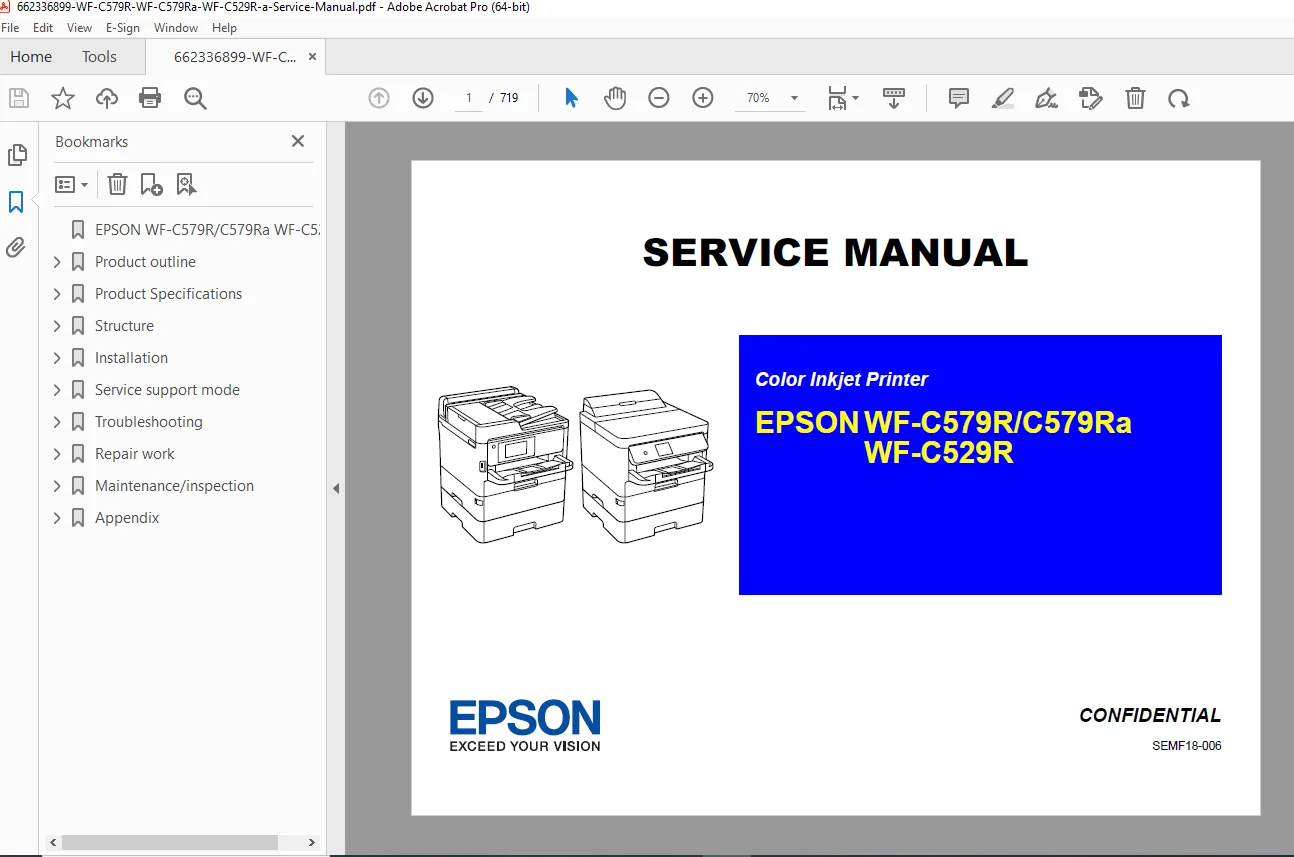
Epson WF-C579R/C579Ra/WF-C529R Service Manual (PDF) DOWNLOAD
Description
Need a real, technician-level manual for the Epson WF-C579R / WF-C579Ra / WF-C529R color inkjet printers? This official-style Service Manual PDF is built for serious diagnostics and correct repairs—covering the printer’s internal mechanisms, service mode functions, error/fault isolation, and step-by-step repair work with required adjustments.
✅ What This Manual Helps You Do
Diagnose error codes (normal + fatal) and isolate root causes fast
Fix paper feed / jam / conveyance issues with sensor & mechanism guidance
Resolve print quality problems using structured troubleshooting flows
Perform proper disassembly/reassembly with the required adjustments afterward
Use Service Support Mode and individual action checks to test components
Handle maintenance items like cleaning, lubrication, and firmware update via USB
📚 Manual Contents (Neatly Categorized)
1) Product Outline
Product summary, features, serviceability overview
2) Product Specifications
Hardware specifications, printing specs
WF-C579R/C579Ra-only sections (copying, ADF, scanner, fax/network)
3) Structure (Mechanisms + Operating Principles)
Part names/configuration (WF-C579R vs WF-C529R)
Motors, sensors, solenoids (paper feed, ink detection, covers, encoders, etc.)
Operating principles:
Printhead fundamentals + alignment concepts
Carriage/PG (APG) mechanism
Paper loading/feed path + conveyance
Ink supply + leak detection functions
Scanner/ADF mechanisms (model-dependent)
4) Installation
Installation workflow + checks
Firmware update steps
Initial ink filling + network/fax settings + operational checks
5) Service Support Mode
Service mode startup
Menu configuration + screen transitions
6) Troubleshooting
Workflow-based diagnostics
Error/problem lists:
With error indication (normal / fatal)
Without error indication (feed trouble, print quality, ADF/scanner, other)
Individual action check functions + sensor checks
Fax troubleshooting + logs, error codes, service parameters (WF-C579R/C579Ra)
7) Repair Work
Tools/jigs, repair workflow
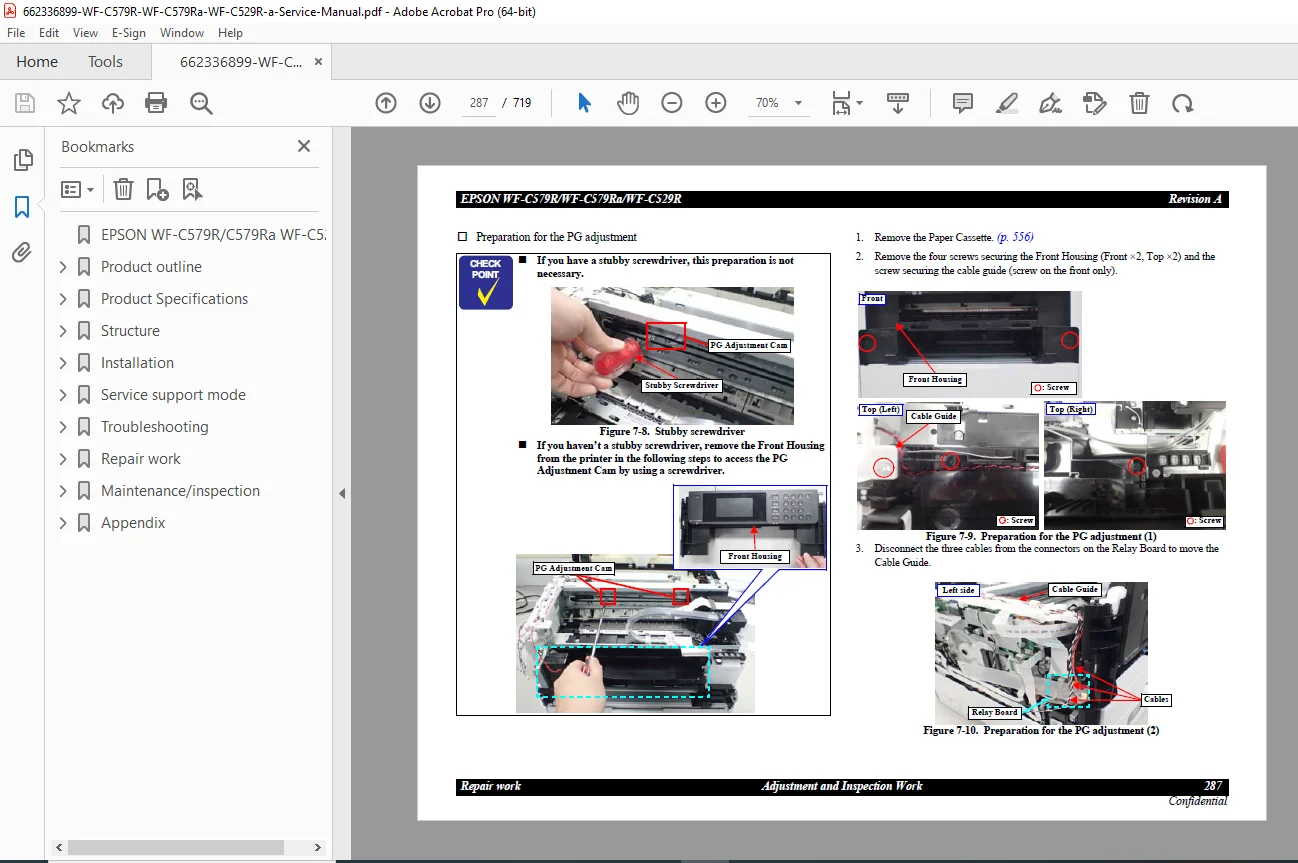
Adjustment & inspection list (mechanical + software)
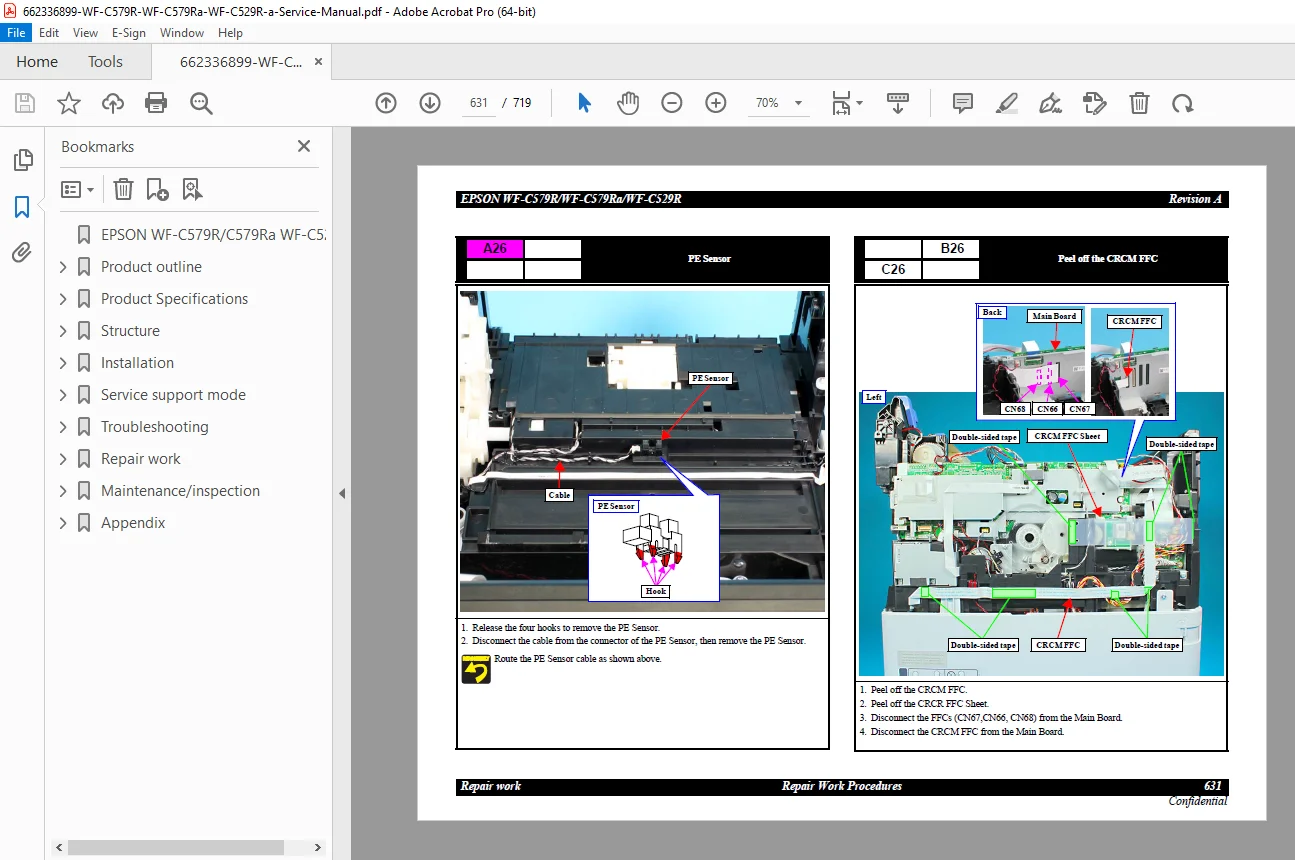
Repair procedures with detailed teardown/assembly sections:
Housing (model-specific)
Ink supply mechanism / inksystem
Electrical components
Carriage mechanism
Paper feed mechanism
Optional paper cassette unit procedures
8) Maintenance / Inspection
Cleaning method
Lubrication points and instructions
Printer status info
USB data swap
Firmware update using USB flash drive
Periodic replacement parts + counter reset
9) Appendix
Connection diagram
Part-name conversion tables
Status sheet information
📌 File Details
| Item | Details |
|---|---|
| Manual Name | Epson WF-C579R/C579Ra / WF-C529R Service Manual (SEMF18-006) |
| Models Covered | WF-C579R, WF-C579Ra, WF-C529R |
| Year | 2018 (Revision A) |
| PDF Quality | OEM-style service manual (high detail, print-friendly) |
| Pages | 719 pages |
⚠️ Quick Notes (balanced)
It’s a technician/service manual (more advanced than a user guide).
Some procedures assume you have basic repair tools and safety knowledge.
Stop wasting time on guesswork—this manual gives you the exact troubleshooting flows, repair steps, and required adjustments to get your Epson WF-C579R/C579Ra/WF-C529R back online fast. Instant download so you can start fixing immediately.