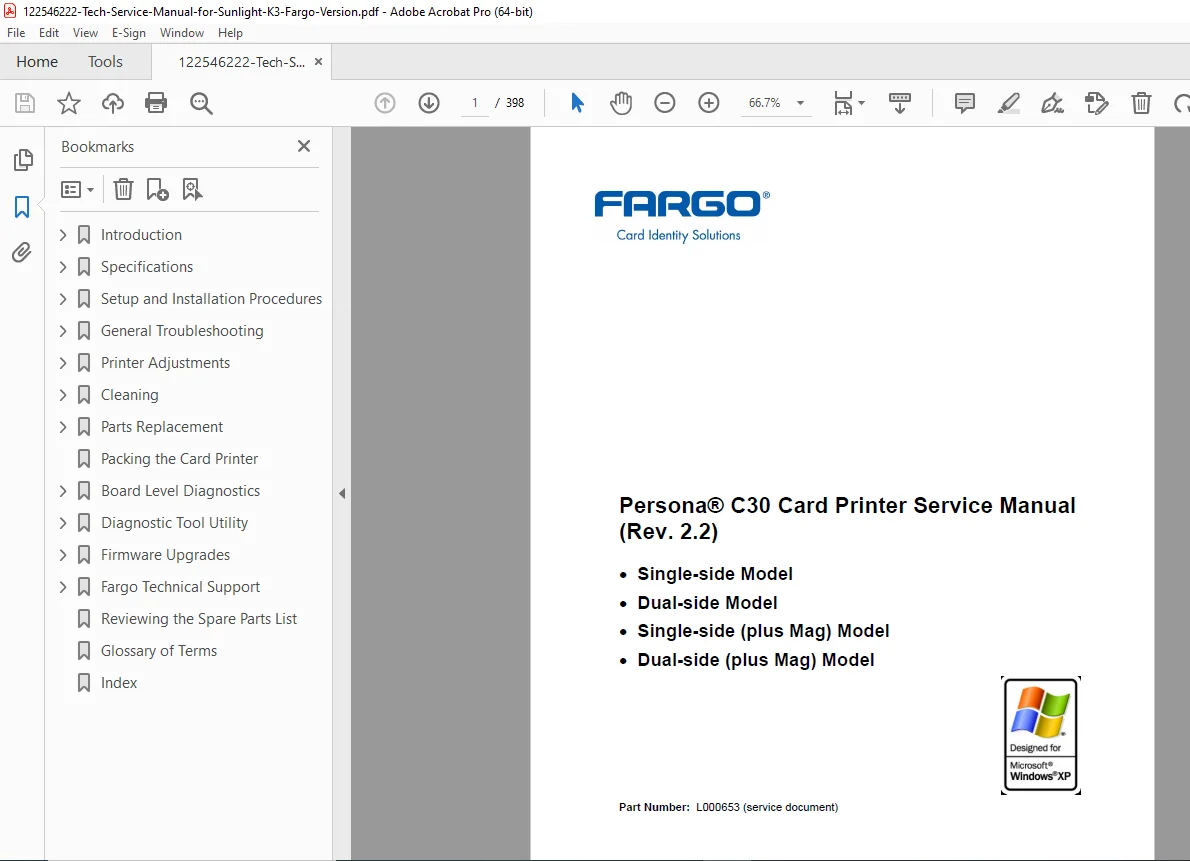
Fargo Persona C30 Card Printer Service Manual ID Badge Dye Sublimation PDF
Original price was: $95.00.$18.95Current price is: $18.95.
Complete Fargo Persona C30 card printer technical service manual covering single-side, dual-side, and magnetic stripe encoding models. This comprehensive 398-page manual includes troubleshooting procedures, parts replacement, cleaning protocols, printer adjustments, driver settings, and specifications. Covers dye-sublimation and resin printing, magnetic encoding, flipper module installation, and visual security solutions. Essential technical documentation for service technicians maintaining ID badge printers.
Description
Fargo Persona C30 Card Printer Service Manual ID Badge Dye Sublimation Rev 2.2 PDF DOWNLOAD
DESCRIPTION
Fargo Persona C30 Card Printer Service Manual – Complete Technical Documentation
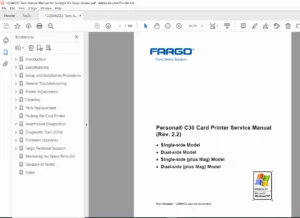
This is the official Fargo Electronics Persona C30 Card Printer Service Manual (Part Number L000653, Revision 2.2), published March 2006. This comprehensive 398-page technical manual provides complete service, maintenance, troubleshooting, and repair procedures for all Fargo Persona C30 card printer models including single-sided, dual-sided, and magnetic stripe encoding configurations.
Models Covered
This Fargo card printer service manual covers all Persona C30 configurations:
Standard Print Models:
- Single-side printing model
- Dual-side printing model
Magnetic Encoding Models:
- Single-side (plus Mag) model
- Dual-side (plus Mag) model
Manual Contents & Structure
This ID card printer technical manual is organized into seven comprehensive sections:
Section 1: Introduction (Pages 1-1 to 1-7)
- How to use the service manual
- Safety messages and precautions
- Persona C30 Card Printer Overview:
- Block diagram analysis
- Sequence of operations
- Boot up sequence procedures
Section 2: Specifications (Pages 2-1 to 2-12)
- Regulatory Compliances – FCC, CE, and international certifications
- Agency Listings – Safety and compliance standards
- Technical Specifications:
- Print resolution and speed
- Card specifications and compatibility
- Power requirements
- Environmental operating conditions
- Physical dimensions and weight
- Functional Specifications:
- Input/output hopper capacities
- Print ribbon specifications
- Connectivity options
- Printer Components Detailed:
- Front cover to USB port descriptions
- Print ribbon types and specifications
- Resin-only print ribbons
- Dye-sublimation print ribbons
- Dye-sublimation/resin combination ribbons
- Blank card specifications
- Flipper Table Module Assembly (D900200)
Section 3: Setup and Installation Procedures (Pages 3-1 to 3-27)
- Printer Setup and Installation:
- Choosing optimal printer location
- Moisture condensation considerations
- Unpacking and inspection procedures
- Front view component review
- Connection and Setup:
- Connecting printer power
- Installing print ribbon cartridge
- Installing blank cards into card hopper
- Lowering card output hopper
- Flipper Table Module Installation:
- Installing Flipper Table Module Assembly (D900200)
- Configuration procedures
- Software Installation:
- Printer driver installation (detailed step-by-step)
- Printing test print images
- Driver configuration
- Printer Transport:
- Moving printer to another location safely
Section 4: General Troubleshooting (Pages 4-1 to 4-54)
- Communications Errors:
- Resolving communication error conditions
- Print Process Errors:
- Card not fed errors (single card and multiple card issues)
- Ribbon RFID errors (antenna and sensor corruption)
- Magnetic encoding errors
- Ribbon sensor errors (ribbon miscue)
- Ribbon break jam errors
- Ribbon out errors
- No ribbon installed errors
- Invalid ribbon errors
- Wrong ribbon errors
- Card jam errors
- Headlift motor or sensor errors
- Cover open error messages
- Blank output troubleshooting
- Flipper Table Module Assembly Problems:
- No flipper table module detection
- Flipper jam error resolution
- Diagnosing Image Problems:
- Pixel failure problems
- Card surface debris issues
- Incorrect image darkness
- Ribbon wrinkle problems
- Excessive resin printing issues
- Incomplete resin printing problems
- Image placement errors
- Poor image quality resolution
- Running Self Tests:
- Standard self test print procedures
- Magnetic self test (HiCo only)
Section 5: Printer Adjustments (Pages 5-1 to 5-105)
Comprehensive driver settings and calibration procedures:
- C30 Print Driver Options:
- Reviewing printer driver interfaces
- Card tab settings (card size, orientation, copies)
- Diagnostics button functions
- Clean printer options
- Test print procedures
- Device Options Tab:
- Ribbon type adjustments
- Auto ribbon select
- Color profile selection
- Color matching adjustments
- Resin dither settings
- Print both sides options
- Split ribbon panel options
- Print orientation controls
- Disable printing option
- Image Color Tab:
- Resin heat (K) adjustments for front and back
- Overlay heat (O) options
- Color matching and default settings
- Calibrate Tab:
- Image position controls
- Sensor adjustments
- Settings configuration
- Magnetic Encoding Tab:
- Track selection (Tracks 1, 2, 3)
- Magnetic track options
- Bit density settings
- Character size options
- MLE support configuration
- ASCII offset settings
- LRC generation
- Character parity
- Shift data options
- ISO track locations
- Track data specifications
- Overlay / Print Area Tab:
- Frontside and backside options
- Overlay area definitions
- Defined area options
- Visual Security Solutions (VeriMark, HoloMark)
- Custom graphics in 2D foil
- K Panel Resin Tab:
- Black resin printing options
- Full card and defined area settings
- Print YMC under K options
- Printer Information Tab:
- Ribbon information display
- Ribbon level indicator
- Printer Calibration Utility:
- Image darkness adjustments
- Print top/end/left of form settings
- Magnetic encoder voltage offset (Hi-Co and Lo-Co)
- Mag top of form settings
- Ribbon tension adjustments
- Flipper home/center/angle offset options
Section 6: Cleaning (Pages 6-1 to 6-7)
- Safety messages for cleaning procedures
- Persona C30 Cleaning Kit (Part Number 085976):
- Included supplies and materials
- Cleaning the printhead
- Cleaning the platen and card feed rollers
- Cleaning the printer’s interior
- Cleaning the printer’s exterior
Section 7: Parts Replacement (Pages 7-1 onwards)
- Detailed parts replacement procedures
- Main print board connections review
- Component-level repair instructions
Key Features & Technologies
Dye-Sublimation Printing: High-quality photo-realistic color printing using YMCKO (Yellow, Magenta, Cyan, Black, Overlay) ribbon technology for professional ID cards and badges.
Resin Thermal Transfer: Monochrome printing using durable resin for text, barcodes, and solid areas with excellent durability and resistance to fading.
Magnetic Stripe Encoding: Built-in magnetic encoding capability for creating access control cards with high-coercivity (HiCo) and low-coercivity (LoCo) magnetic stripes.
RFID Ribbon Technology: Intelligent ribbon cartridges with RFID sensors for automatic ribbon detection, panel counting, and supply management.
Flipper Table Module: Optional dual-sided printing accessory for automatic card flipping, enabling both front and back printing in a single pass.
Visual Security Solutions:
- VeriMark technology for custom graphics in 2D foil
- HoloMark technology for holographic security features
- Custom overlay patterns and security designs
Applications & Industries
This card printer repair manual supports equipment used in:
- Corporate ID badge production
- Access control card manufacturing
- Educational institution ID cards
- Healthcare facility badges
- Government identification cards
- Event credentials and passes
- Membership cards
- Loyalty cards and gift cards
- Driver’s licenses (government applications)
- Time and attendance badges
Who Needs This Manual?
This Fargo printer troubleshooting guide is essential for:
- Card Printer Service Technicians performing repairs and maintenance
- IT Support Staff managing ID card printing systems
- Security Badge Administrators maintaining card production equipment
- Print Service Providers offering ID card printing services
- Corporate Facilities Managers responsible for badge printing
- School Administrators managing student ID card systems
- Government Card Issuers maintaining credential printing equipment
- Service Companies providing authorized Fargo service
Technical Information Included
✓ Complete troubleshooting flowcharts for all error conditions
✓ Detailed component specifications and part numbers
✓ Driver configuration screenshots with step-by-step instructions
✓ Calibration procedures for optimal print quality
✓ Magnetic encoding specifications including ISO track standards
✓ Print ribbon compatibility charts and specifications
✓ Cleaning and maintenance schedules for preventive care
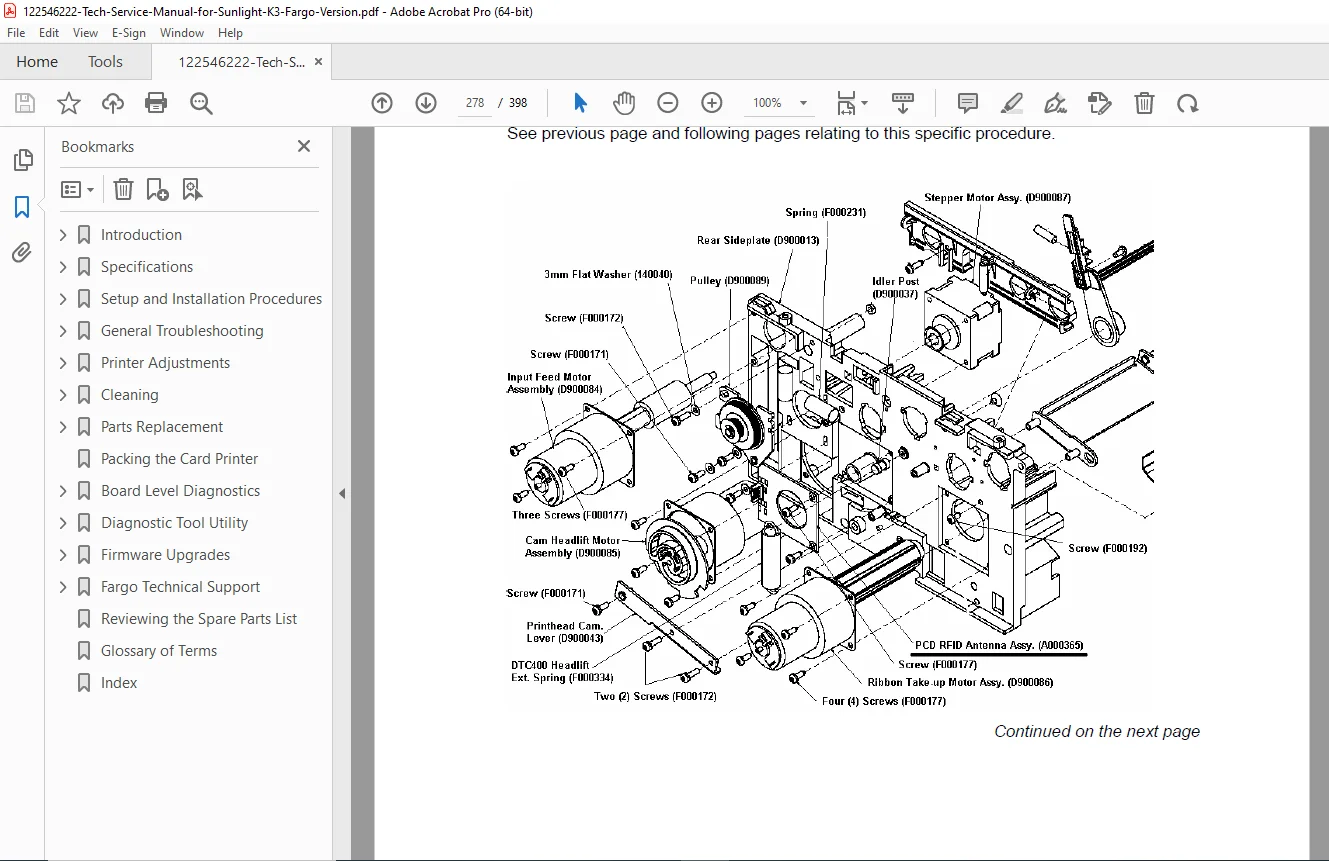
✓ Parts replacement procedures with assembly diagrams
File Details
| Specification | Details |
|---|---|
| Manual Title | Persona C30 Card Printer Service Manual |
| Manufacturer | Fargo Electronics, Incorporated |
| Part Number | L000653 |
| Revision | 2.2 |
| Publication Date | March 1, 2006 |
| Previous Revisions | Rev 2.1 (Feb 2006), Rev 2.0 (Jan 2006), Rev 1.0 (Aug 2005) |
| Total Pages | 398 |
| File Format | |
| File Quality | Good – Scanned professional manual with clear text and diagrams |
| Document Type | Restricted Use – Service Documentation |