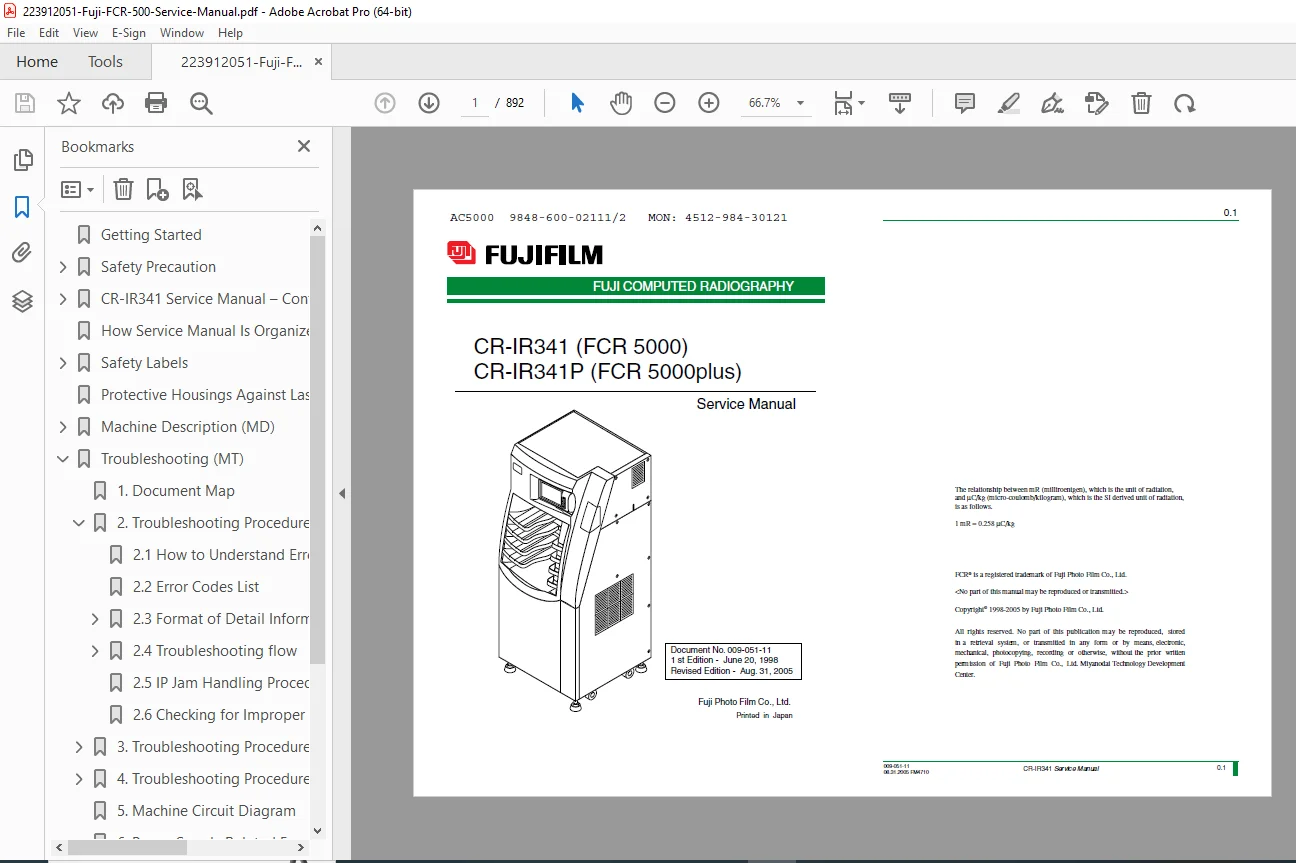
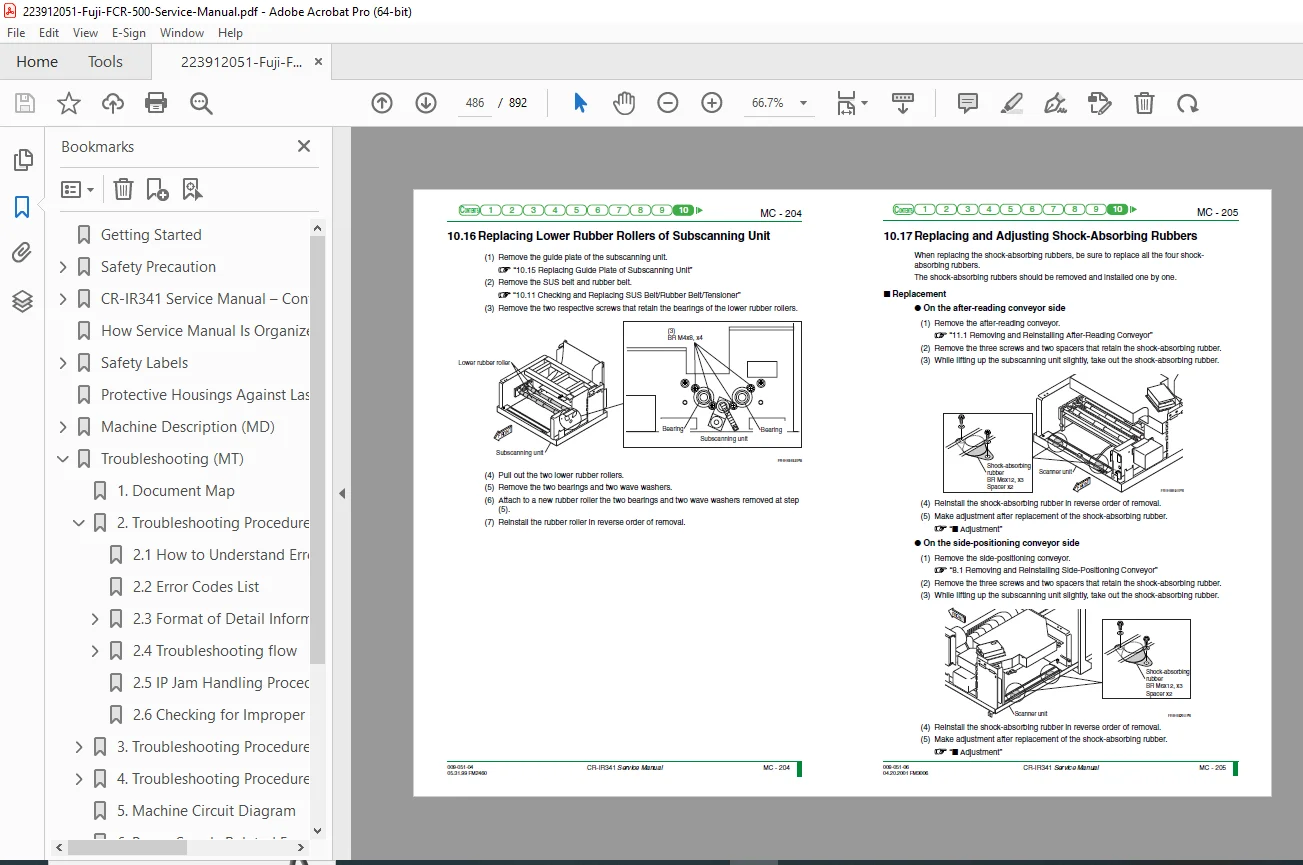
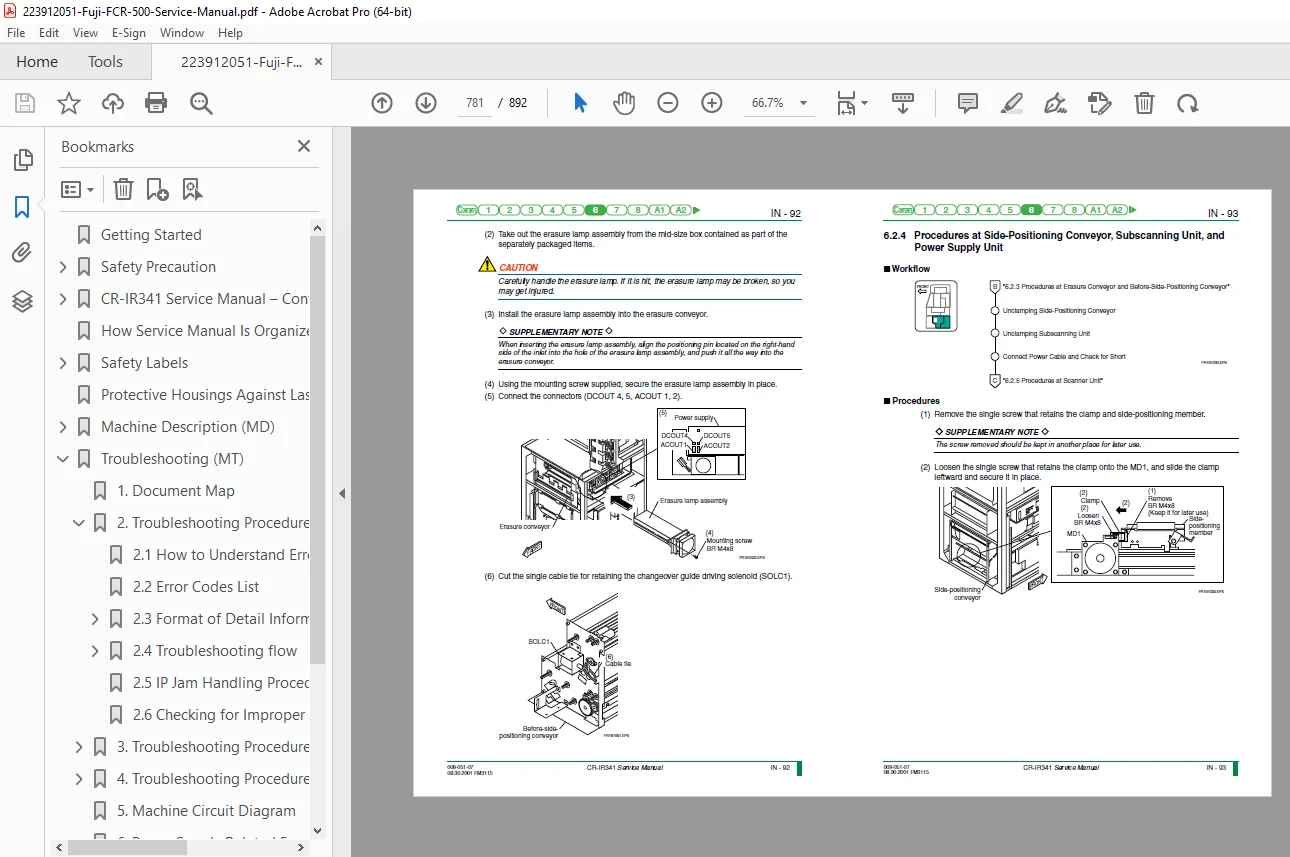
Fuji FCR 500 / FCR 5000 / CR-IR341 Service Manual PDF
Original price was: $95.00.$30.95Current price is: $30.95.
This is the complete factory Fuji FCR 500 / FCR 5000 (CR-IR341 & CR-IR341P) Service Manual. It includes full mechanical and electrical troubleshooting, complete Fuji CR-IR341 error code diagnostics, circuit diagrams, image reader control flows, and full CR-IR341 disassembly, replacement, and adjustment procedures. Covers installation, maintenance utilities, preventive maintenance, and service parts lists.
Description
Fuji FCR 500 / FCR 5000 / CR-IR341 Service Manual PDF (CR-IR341 / CR-IR341P) DOWNLOAD
Description
This is the official, full-length Fuji FCR 500 / FCR 5000 Service Manual, covering both CR-IR341 and CR-IR341P image reader models. This master technical guide is essential for any biomedical engineer, radiology service technician, or facility performing maintenance on Fuji Computed Radiography systems.
The manual covers all four factory volumes—Maintenance, Troubleshooting, Installation, and Service Parts—making it the most complete technical reference available for these CR systems.
It includes full mechanical sequences, optical unit procedures, scanner alignment, timing charts, error code diagnostics, maintenance utility menus, and complete circuit diagrams.
Table of Contents
1. Machine Description (MD)
A complete breakdown of CR-IR341 / CR-IR341P hardware:
External views & machine configuration
Features of mechanical mechanisms
Image Network I/F
New serviceability improvements
System block diagrams
I/O sensor & actuator lists
IP Flow & timing chart
Elevation unit, IP removal unit
Side-positioning conveyor
Subscanning & scanning optics
Electrical block diagrams
Image data flow, power supply
Scanning optics system overview
Mechanical control flow charts
Error handling & recovery operations
Parameters, board info, unit locations, home positions
2. Troubleshooting (MT)
Extensive error diagnosis system:
Understanding Fuji CR error codes
Full error code list (03xx, 13xx, etc.)
Error detail information formats
Priority diagnostic sequences
Board, cable, motor, PSU troubleshooting flows
HDD, FDD, monitor diagnostic sequences
IP jam removal procedures
Improper operation troubleshooting
Scanner-related image problems
Controller image artifacts
System-level abnormal event troubleshooting
Full circuit diagrams & fuse block diagrams
3. Checks, Replacement & Adjustment (MC)
Step-by-step disassembly and servicing:
Removing covers, trays & units
All cassette set unit procedures
Sensors, solenoids, suction pumps, rollers
Up-down IP removal unit procedures
Conveyor units (before, side-positioning, after-reading)
Barcode reader replacement
Timing belt adjustments
Scanning optics unit removal, LD assembly replacement
Polygon motor, PMT board, light-collecting guides
Subscanning motor, grip motors & timing belts
Power supply unit tests
HDD & FDD service
Monitor service & fuses
Complete list of boards & board location diagrams
Standard & special Fuji tools
4. Maintenance Utility (MU)
Full description of the CR service utility:
Error log tools (view, clear, save)
Configuration settings (system, print, network, routing, DICOM)
Backup & restore functions
Electrical diagnostics (lamp test, memory test, DSP test, LAN test, HDD test)
Scanner utility (laser, polygon, HV, shading/sensitivity correction)
Mechanical utility tests (motors, actuators, sensors)
Unit-level diagnostics for all mechanical subsystems
Menu setting / editing tools
Software installation & HDD formatting
5. Service Parts List (SP)
Complete exploded diagrams & part numbers:
Covers, frames, cassette set units
Up-down IP removal units
All conveyor units
Scanning optics
Subscanning system
Controllers & boards
Cables & wiring
Quick-wearing parts list & screw index
6. Installation Volume (IN)
Full Fuji installation procedures:
System configuration workflows
Installation environment requirements
Unpacking & temporary placement
Full installation of all subsystems:
Cassette unit
IP removal unit
Conveyors
Subscanning unit
Scanner optics
Power supply unit
Controller
Board installation procedures
Cable wiring diagrams
Power-on checks
Voltage measurement & adjustment
Final system checks
Image optimization
Error log verification
6. Machine Description (MD)
Fully expanded
External views
Block diagrams
Sensors
Mechanical flow charts
Scanning optics
Power supply
Image data flow
Error handling
Home positions
✔️ ALL included
7. Troubleshooting (MT)
Fully expanded
Error codes
Diagnostic flow
Board testing
PSU tests
Image defects
System fault isolations
Jam clearance procedures
✔️ ALL included
8. Checks, Replacement & Adjustment (MC)
Fully expanded
Disassembly
Unit removal
Roller & belt procedures
Optics replacement
Laser & polygon motor
Calibration & alignment
✔️ ALL included
9. Maintenance Utility (MU)
Fully expanded
Error log tools
Scanner utility
Motor tests
Sensor tests
Board tests
Backup/restore
Test mode structure
✔️ ALL included
10. Service Parts List (SP)
✔️ Fully included
Exploded diagrams
Component lists
Wear parts
Cables, frames, boards
11. Installation (IN)
✔️ Fully expanded
Unpacking
Mechanical installation
Board & cable routing
Voltage checks
Final verification
Image optimization
12. Performance Check (PC)
✔️ Included inside functional & scanner tests
Flow rate
Temperature checks
Density uniformity
Optics inspection
📄 File Details
Manual Name:
Fuji Computed Radiography Service Manual – CR-IR341 / CR-IR341P (FCR 500 / FCR 5000)
Models Covered:
FCR 500, FCR 5000, CR-IR341, CR-IR341P (including units with serial #5001 and above)
Year:
1998–2005 (1st edition to revised edition)
Manual PDF Quality:
High-quality, fully searchable, bookmarked official factory service manual
Number of Pages:892