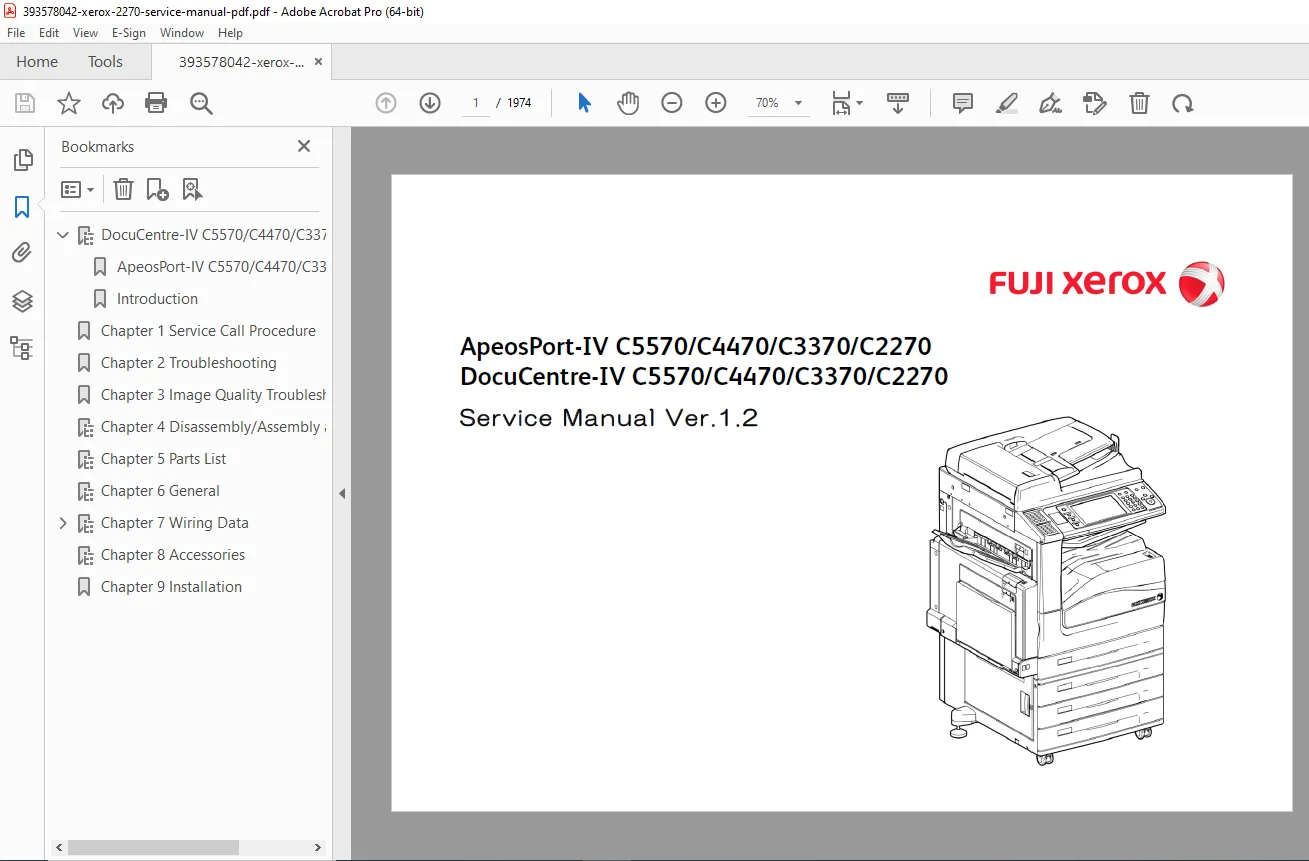
Fuji Xerox ApeosPort-IV / DocuCentre-IV C2270–C5570 Service Manual PDF
Original price was: $85.00.$22.95Current price is: $22.95.
Factory Service Manual for ApeosPort-IV / DocuCentre-IV C2270 / C3370 / C4470 / C5570. Includes service call procedures, error code diagnostics (CHAIN/FIP), image quality correction, fuser & IBT belt service, drum/toner CRUM troubleshooting, wiring diagrams, adjustment mode, disassembly instructions, and full parts listings. High-quality searchable PDF. Instant download.
Description
Fuji Xerox ApeosPort-IV / DocuCentre-IV C2270–C5570 Service Manual PDF download
Description
This is the official Fuji Xerox service manual used by certified field engineers for the ApeosPort-IV / DocuCentre-IV multifunction color systems.
It provides complete component-level repair procedures, diagnostics, image quality troubleshooting workflows, and disassembly with exploded diagrams.
Ideal for:
Copier / printer repair centers
In-house maintenance technicians
MFD fleet managers & service contractors
Parts refurbishers and field service engineers
Models Covered
| Series | Models |
|---|---|
| ApeosPort-IV | C2270, C3370, C4470, C5570 |
| DocuCentre-IV | C2270, C3370, C4470, C5570 |
Key Technical Coverage
1
0. Introduction
0.1 Getting to Know This Service Manual
0.2 Manual Structure and Conventions
0.3 Terminology and Symbols Used
0.4 Safety, Warning, and Electrostatic Handling Notes
0.5 Customer Data Handling and Privacy Protection
1. Service Call Procedure
1.1 Before Starting Servicing
Safety Requirements
Handling Printed and Electronic Customer Data
Required Tools & Service Access
1.2 Service Call Workflow
Initial External Checks
Condition Diagnosis Sequence
Call History & Status Verification
1.3 Detailed Service Call Contents
1.4 TRIM (Total Replacement & Inspection Maintenance) Checklist
1.5 Periodic Replacement Parts / Consumables List
2. Failure Isolation Procedure (FIP / CHAIN / FIP Codes)
2.1 How to Troubleshoot
Troubleshooting Logic Flow
Glossary of Diagnostic Terms
Use of Controller FIP Tools
2.2 Product FIP (Failure Isolation Procedures)
IIT / IOT / Option Module FIP
DADF / Finisher FIP
Fax / Line Interface FIP (if equipped)
2.3 Power Systems FIP
AC Power FIP
STBY +5V DC Power FIP
+24V Power Distribution FIP
2.4 MCU / Communication Bus / Controller FIP
2.5 Drive System / Motor Clutch / Solenoid FIP
2.6 Sensor System FIP
2.7 Job Log / Failure Log / Event Trace Analysis
3. Image Quality Troubleshooting
3.1 Overview & Test Patterns
3.2 Image Quality Entry FIP
Includes:
White Streaks / Scratches
Density Unevenness
Color Registration Shift
Toner Scatter / Background Gray
Charge Roller Pattern Defects
Developer Carryover / Toner Dropout
IBT Transfer Misalignment
Drum / Developer / 2nd BTR Fault Indicators
(Each symptom has cause, diagnostic path, correction procedure.)
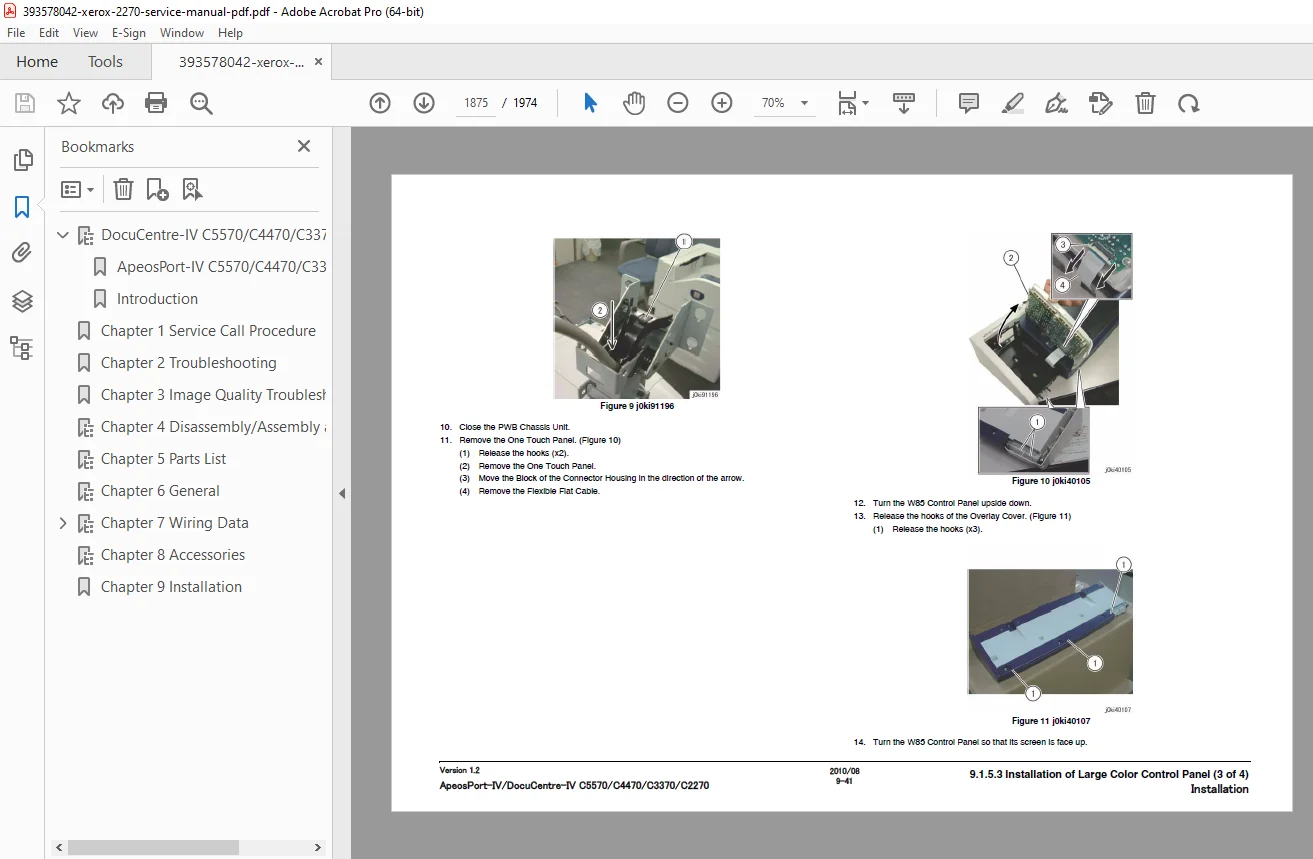
4. Disassembly / Assembly & Adjustment
All modules include removal → replacement → re-assembly → post-adjustments
Tray 1 / Tray 2 / Tray 3 / Tray 4 Feed Systems
Bypass Feeder Unit
DADF / ADF Scanner Feeder System
Optical Scanner / Lamp Shading System
Process Unit Assembly
Drum Cartridge Blocks
Developer / Toner Supply System
Fuser / IH Heater Assembly
IBT Belt & Cleaner Unit
2nd BTR Assembly
Registration / Transport / Drive Motor Assemblies
Exhaust Fans / Solenoids / Clutch Packs
HFSI Counter Reset & Service Initialization Steps
5. Service / Diagnostic Mode (Diag Mode)
Entering Service Mode
Service Soft Switch List
NVM (EEPROM) Data Control
Output / Input Sensor Check Mode
Color Registration Adjustment
Gradation / Gamma / Density Calibration Pattern Execution
System Initialization and Restoration
6. Product Information & Service Resources
Machine Specifications
Paper Path Sizes / Output Paths
Tools & Service Consumables
Optional Hardware & Unit Compatibility
Fax / Line Interface Specifications (if applicable)
Service Reference Tables
7. Board Signal Diagrams & Wiring
System Block Diagram
Controller / IOT / LVPS / HVPS Board Layouts
Connector Pinouts
Cable Harness Routing Maps
Electrical Signal Flow Charts
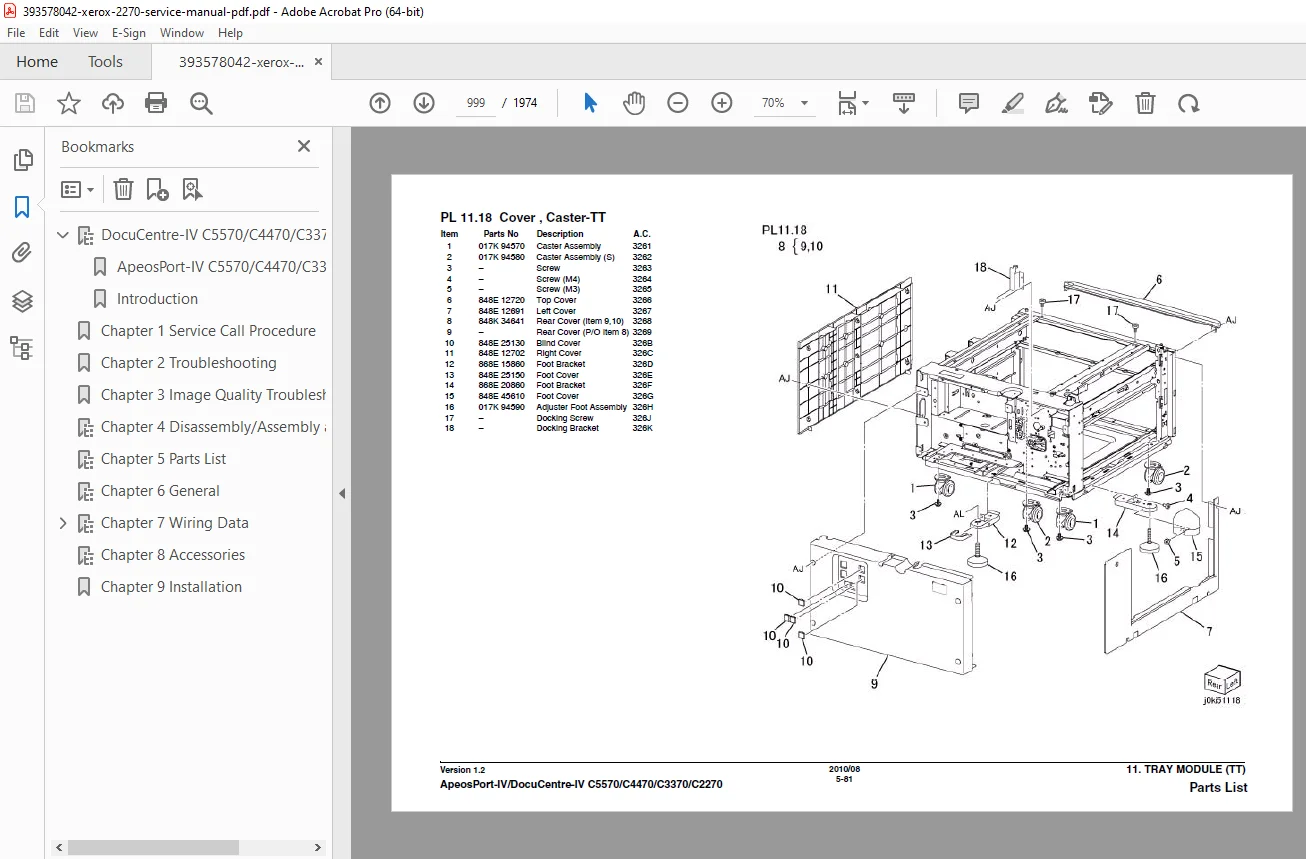
8. Parts List (Exploded Diagrams)
Full FRU Level Parts Breakdown
Mechanical Component Exploded Views
Electrical & Wiring Part Index
Part Number Cross-References
Service Replacement Notes
File Details
| Item | Detail |
|---|---|
| Manual Name | Service Manual Ver.1.2 |
| Machines Covered | C2270 / C3370 / C4470 / C5570 |
| Format | Searchable PDF |
| Pages | ~1974 pages (full technical set) |
| Language | English |
| Quality | High-resolution OEM digital manual |