GE Lunar DPX-IQ Service Manual PDF DOWNLOAD
Original price was: $65.00.$21.95Current price is: $21.95.
Detailed GE Lunar DPX-IQ service manual PDF for bone densitometer troubleshooting guide, DPX-IQ installation instructions, Lunar DPX maintenance checkpoints, DPX-IQ error codes and diagnostics, Lunar DPX parts replacement guide, and image quality adjustments. Covers checkpoints for trouble, documents, image/parts/installation/maintenance/software issues, and references for the DPX-IQ bone densitometer system.
Description
GE Lunar DPX-IQ Service Manual PDF DOWNLOAD
Description
This GE Lunar DPX-IQ service manual PDF (Rev. B, October 1996) is a crucial resource for technicians servicing the DPX-IQ bone densitometer, a dual-energy X-ray absorptiometry (DEXA) system used for bone density measurements. It provides a detailed bone densitometer troubleshooting guide with checkpoints for abnormal scans, bootup failures, and error codes, including diagnostics and remedies. The manual features comprehensive DPX-IQ installation instructions, covering site preparation, mechanical setup, software configuration, and optional accessories.
Lunar DPX maintenance checkpoints outline preventive programs, 2nd/4th-year parts lists, and cleaning/lubrication steps. DPX-IQ error codes and diagnostics classify faults with on-site fixes, including board LEDs and unit/roller locations. The Lunar DPX parts replacement guide includes lists, exploded views, and indexes for accurate repairs. Image quality adjustments cover sensitivity/shading correction, format tweaks, and scan data flows.
Safety precautions and voltage checks are emphasized for patient environments. Visual aids like circuit diagrams, I/O locations, conveyance paths, and block diagrams support the bone densitometer troubleshooting guide and DPX-IQ installation instructions throughout.
Table of Contents (Extracted from Guide Page and Structured with Subsections; No Separate Index Present Beyond This Overview):
- Checkpoints When Trouble Occurs (Page 1)
- Abnormal scan occurs.
- Bootup does not take place, and the panel LED remains as “ ”.
- Documents and References to be Used When Trouble Occurs (Page 1)
- Search the error code.
- Software Control
- Circuit Diagrams (Disconnection Check)
- I/O Locations and Their Functional Overview
- SND37A Board LEDs
- CPU37A Board LEDs
- Unit Locations
- Roller Locations/Conveyance Paths
- Scan Data Flows
- Sensitivity/Shading Correction
- Format Adjustment
- Image Related Checkpoints (Page 1)
- Parts Related Checkpoints
- Checkpoints during Installation
- Checkpoints during Preventive Maintenance
- Software Related Checkpoints
- Parts List (INDEX) (Referenced Throughout)
- List of Preventive Maintenance Replacement Parts: 2nd-Year / 4th-Year
- Installation Specifications (Page 1)
- Preparation for Installation
- Installation Procedures (Mechanical)
- Installation Procedures (Software Setup)
- Procedures for Changing the RU IP Address
- Procedures for Changing the IP Address of the FTP Server
- Installing Optional Items (Anti-Drop Retainer)
- Installing Optional Items (Additional Stand for LCD and Stand Wagon)
- When Installed in Patient Environment
- To Table of Contents of Service Manual (Page 1)
- How to Use PDF Manual
- To CLIENT PC – GUIDE PAGE
- Voltage Check Procedures
No separate bookmarks or index are present beyond the guide page. This GE Lunar DPX-IQ service manual PDF ensures precise repairs with proprietary insights for the DPX-IQ system.
File Details
- Manual Name: DPX-IQ Service Manual
- Models Covered: DPX-IQ
- Year: 1996
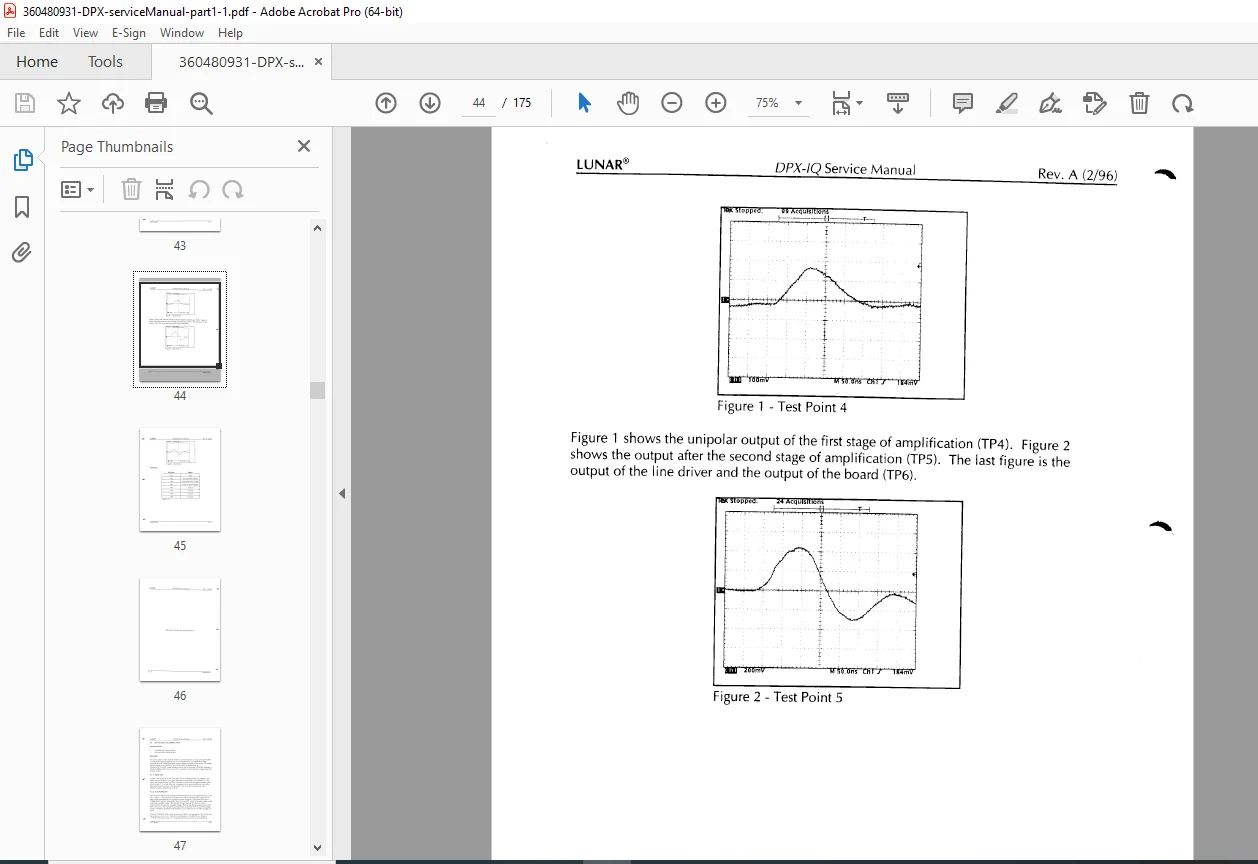
- Manual PDF Quality: Scanned with clear text and diagrams
- No of Pages: 175