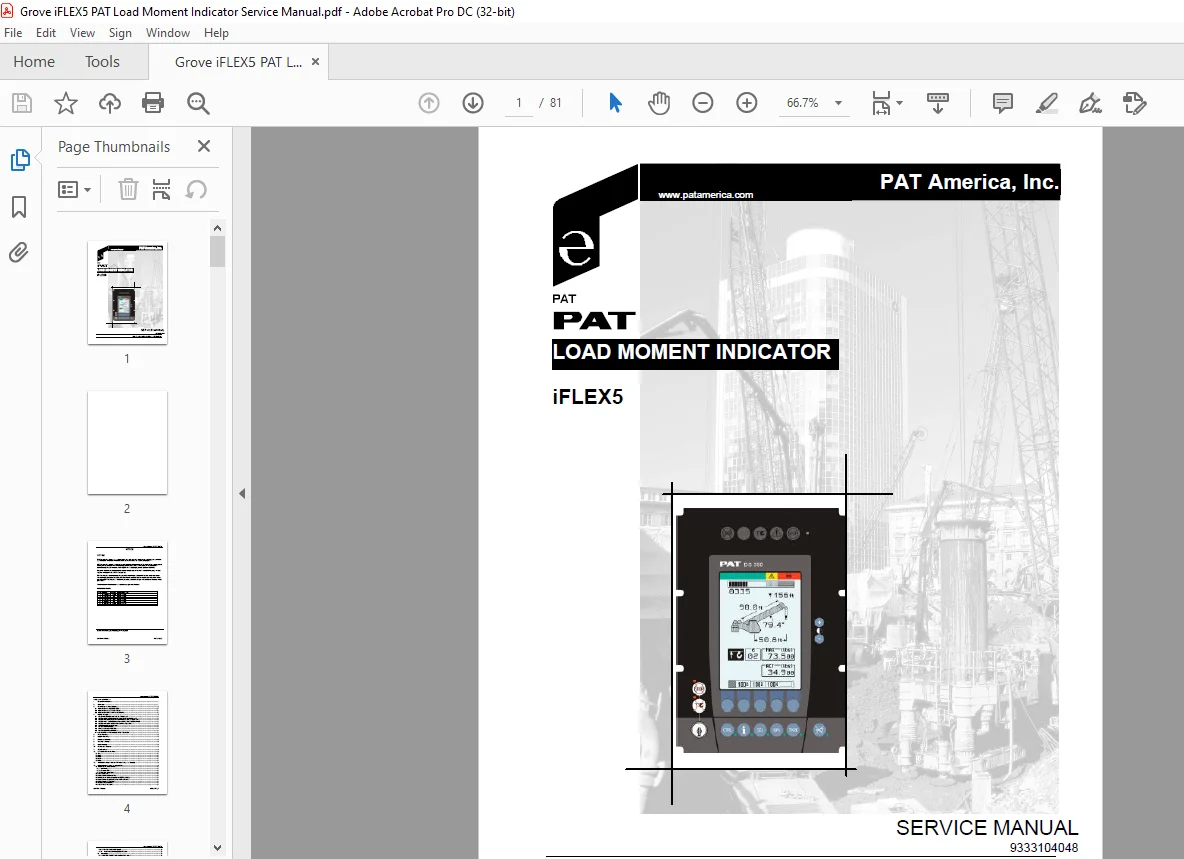
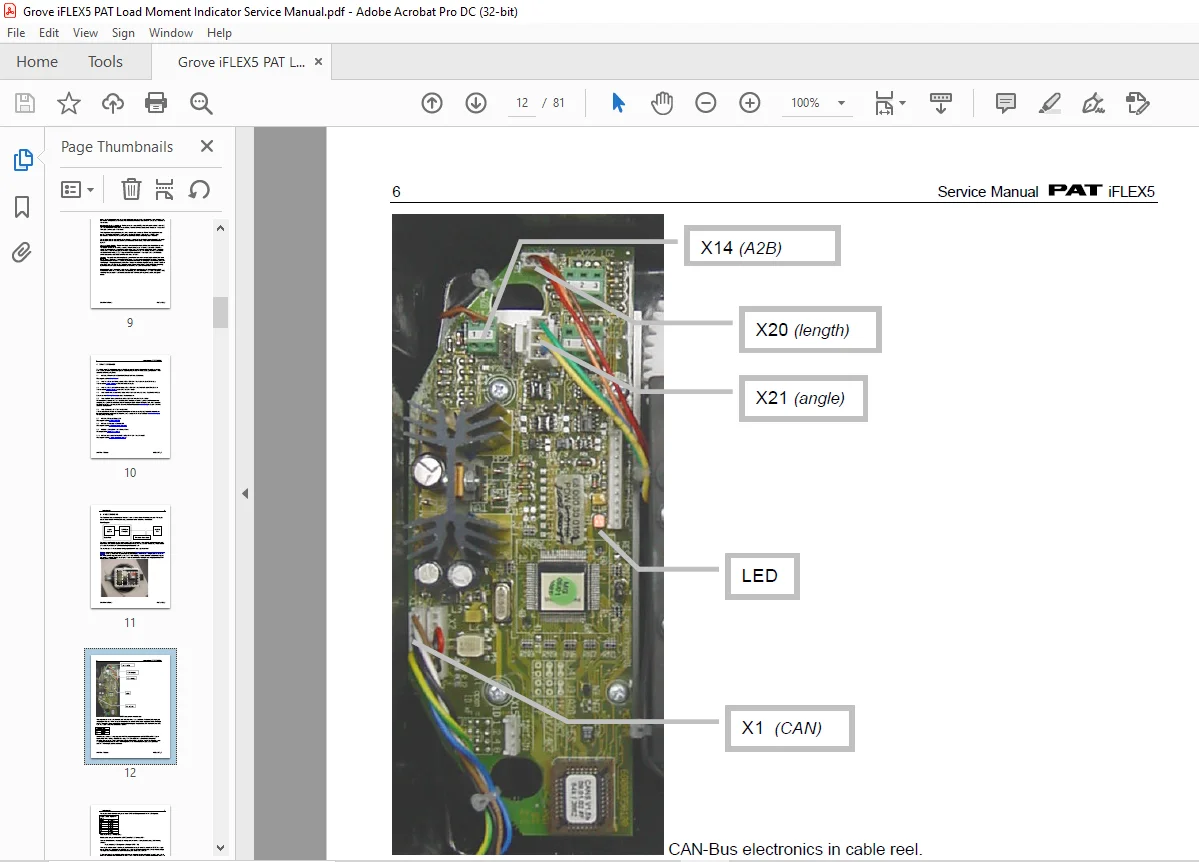
Grove iFLEX5 PAT Load Moment Indicator Service Manual 9333104048 – PDF DOWNLOAD
$19.95
Grove iFLEX5 PAT Load Moment Indicator Service Manual 9333104048 – PDF DOWNLOAD
Description
Grove iFLEX5 PAT Load Moment Indicator Service Manual 9333104048 – PDF DOWNLOAD
FILE DETAILS:
Grove iFLEX5 PAT Load Moment Indicator Service Manual 9333104048 – PDF DOWNLOAD
Language : English
Pages : 81
Downloadable : Yes
File Type : PDF
IMAGES PREVIEW OF THE MANUAL:
DESCRIPTION:
Grove iFLEX5 PAT Load Moment Indicator Service Manual 9333104048 – PDF DOWNLOAD
NOTICE:
- PAT America, Inc. makes no warranty of any kind with regard to this material, including, but not limited
to, the implied warranties of merchantability and/or its fitness for a particular purpose. - PAT America, Inc. will not be liable for errors contained in this manual or for incidental or consequential
damages in connection with the furnishing, performance, or use of this manual. This document
contains proprietary information, which is protected by copyright, and all rights are reserved. - No part of this document may be photocopied, reproduced, or translated to another language without
the prior written consent of PAT America, Inc. - PAT America, Inc. reserves proprietary rights to all drawings, photos and the data contained therein.
The drawings, photos and data are confidential and cannot be used or reproduced without the written
consent of PAT America, Inc. The drawings and/or photos are subject to technical modification without
prior notice.
GENERAL INFORMATION:
This service manual is designed to assist a service or maintenance person in identifying system
problem areas or malfunctions. A digital voltmeter with the capability to measure current will be
required, along with standard maintenance and service tools. NOTE: Knowledge of how to use a
voltmeter to measure both voltage and current is assumed.
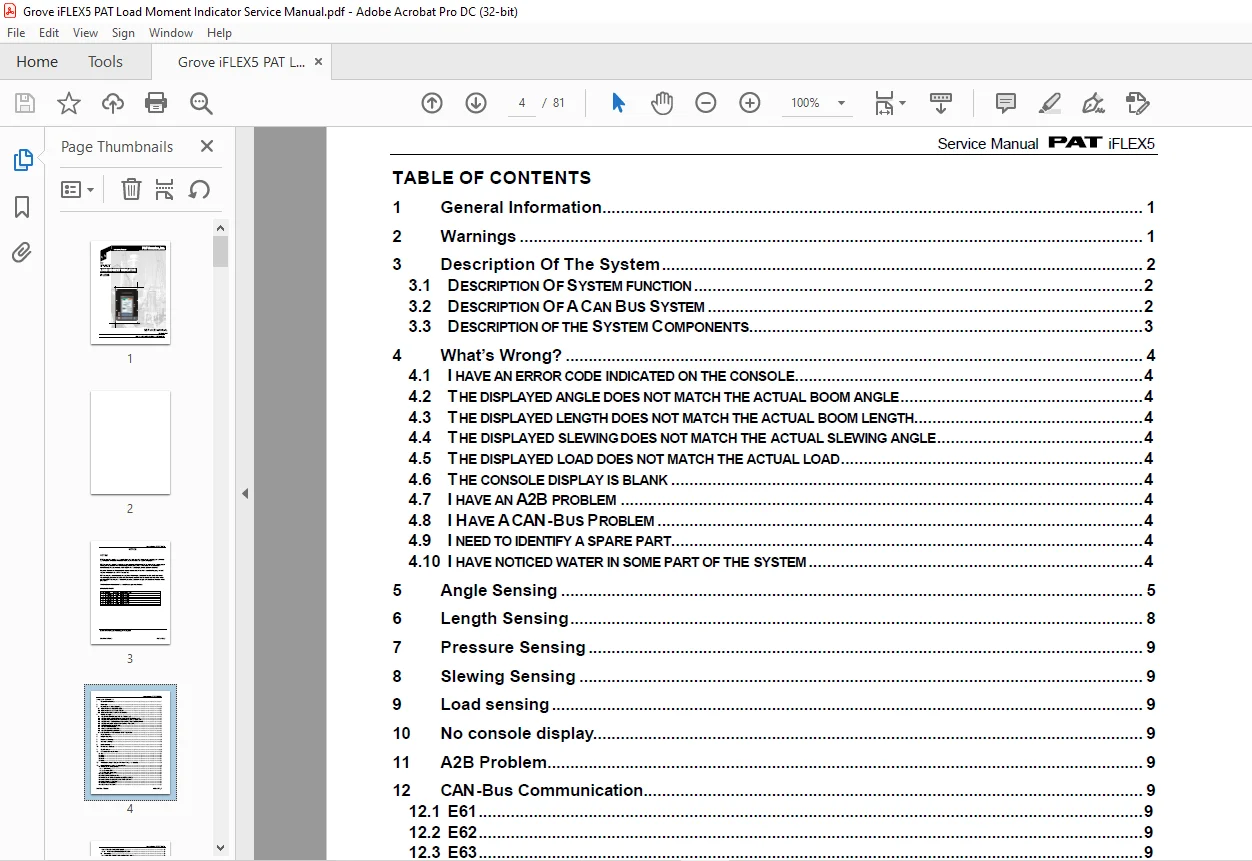
TABLE OF CONTENTS:
Grove iFLEX5 PAT Load Moment Indicator Service Manual 9333104048 – PDF DOWNLOAD
1 General Information 1
2 Warnings 1
3 Description Of The System 2
3 1 DESCRIPTION OF SYSTEM FUNCTION 2
3 2 DESCRIPTION OF ACAN BUS SYSTEM 2
3 3 DESCRIPTION OF THE SYSTEM COMPONENTS 3
4 What’s Wrong? 4
4 1 I HAVE AN ERROR CODE INDICATED ON THE CONSOLE 4
4 2 THE DISPLAYED ANGLE DOES NOT MATCH THE ACTUAL BOOM ANGLE 4
4 3 THE DISPLAYED LENGTH DOES NOT MATCH THE ACTUAL BOOM LENGTH 4
4 4 THE DISPLAYED SLEWING DOES NOT MATCH THE ACTUAL SLEWING ANGLE 4
4 5 THE DISPLAYED LOAD DOES NOT MATCH THE ACTUAL LOAD 4
4 6 THE CONSOLE DISPLAY IS BLANK 4
4 7 I HAVE AN A2B PROBLEM 4
4 8 I HAVE ACAN-BUS PROBLEM 4
4 9 I NEED TO IDENTIFY A SPARE PART 4
4 10 I HAVE NOTICED WATER IN SOME PART OF THE SYSTEM 4
5 Angle Sensing 5
6 Length Sensing 8
7 Pressure Sensing 9
8 Slewing Sensing 9
9 Load sensing 9
10 No console display 9
11 A2B Problem 9
12 CAN-Bus Communication 9
12 1 E61 9
12 2 E62 9
12 3 E63 9
12 4 E64 9
12 5 E65 9
13 Troubleshooting A Sensor Problem Using The Display 9
14 iFLEX5 Boom Control System (BCS) 9
14 1 RT9000E / RT800E BASICS 9
14 1 1 Terminology: 9
14 1 2 Components: 9
14 1 3 Manual / Auto Mode: 9
14 2 TELE SEQUENCE: 9
14 3 IFLEX5 BCS DIGITAL INPUTS: 9
14 4 RT9000E / RT800E IFLEX5 BCS DIGITAL OUTPUTS: 9
14 5 IFLEX5 BCS ANALOG INPUTS AND PWM OUTPUTS: 9
14 6 IFLEX5 BCS TEST DISPLAY: 9
14 7 BOOM OUT OF SEQUENCE: 9
14 8 TELE ROD DRAIN VALVE: 9
Service Manual iFLEX5
© PAT Rev F 07/29/03 IFLEX 5 REV_F
14 9 TELE TWO STAGE RELIEF VALVE: 9
14 10 HYDRAULIC LUFFING BOOM EXTENSION: 9
15 Drawings 9
15 1 COMPONENTS OF THE LMI SYSTEM PAT IFLEX5 9
15 2 BLOCK DIAGRAM 9
15 3 ELECTRICAL SYSTEM DIAGRAM STANDARD SYSTEM 9
15 3 1 Central Unit to Crane and Console Wiring Diagram 9
15 3 2 Cable Reel (length/angle sensor) Wiring Diagram 9
15 3 3 Boom Extension Anti-two Block Wiring Diagram 9
15 4 MAIN CENTRAL UNIT CONNECTOR 9
15 5 ELECTRICAL SYSTEM DIAGRAM BOOM CONTROL SYSTEM 9
15 5 1 Central Unit to Crane Interface Wiring Diagram 9
15 5 2 Console and Sensor Wiring Diagram 9
15 5 3 Cable Reel (LWG520/0002) Wiring Diagram 9
15 5 4 Luffer Extension Wiring Diagram 9
16 Spare Part Listings 9
16 1 CENTRAL UNIT, IFLEX5 PART NO 9333103866 9
16 2 GRAPHIC CONSOLE ASSY, VERTICAL PART NO 9333103868 9
16 3 CABLE REEL, LWG508 PART NO 9333103873 9
16 4 CABLE REEL, LWG521 PART NO 9333103973 9
16 5 CABLE REEL, LWG152 PART NO 9333103963 9
16 6 PRESSURE TRANSDUCER BLOCK, DAV314/0014 PART NO 9333103870 9
16 7 CABLEASSEMBLY 11M, PART NO 9333103872 9
16 8 WIRING HARNESS STANDARD, PART NO 9333103869 9
16 9 WIRING HARNESS BOOM CONTROL, PART NO 9333103911 9
16 10 CABLEASSEMBLY, 14M PART NO 9333103916 9
17 Service Screen For Sensor Calibration 9
17 1 ACTIVATING THE SERVICE SCREEN FOR SENSOR CALIBRATION 9
17 2 ZERO-SETTING THE TRANSDUCER INPUTS 9
17 3 ZERO-SETTING THE SLEWING INPUTS 9
17 4 LENGTH SENSOR CALIBRATION PROCEDURE 9
17 4 1 Cable Reel LWG508 Adjustment Procedure 9
17 4 2 Length Sensor Adjustment Procedure 9
17 4 3 Cable Reel Length Cable Replacement Procedure 9
17 5 ANGLE SENSOR CALIBRATION PROCEDURE 9
17 6 ZERO-SETTING THE SLEW POTENTIOMETER 9
18 Error Codes 9
19 Troubleshooting Moisture 9
19 1 WATER INGRESS 9
19 2 CONDENSATION 9
20 Software Transfer Instructions for the Console Using the flash module 9
21 Software Transfer Instructions for the iFLASH Palm and Central Unit 9
21 1 INTRODUCTION 9
21 2 INSTALLING IFLASHDESKTOP 9
21 3 INSTALLING IFLASH 9
21 4 DATA TRANSFER FROM THE PC TO THE PALM 9
21 5 DATA TRANSFER FROM THE PALM TO THE PC 9
Service Manual iFLEX5
© PAT Rev F 07/29/03 IFLEX 5 REV_F
21 6 TRANSFERRING SYSTEM, DATA OR TLK FILES FROM THE PALM TO THE IFLEX5 9
21 7 TRANSFERRING SYSTEM, DATA OR TLK FILES FROM THE IFLEX5 TO THE PALM “ 9
21 8 PARAMETER FILES 9
Questions? Email us: [email protected]
PLEASE NOTE:
- This is the same manual used by the dealers to diagnose and troubleshoot your vehicle
- You will be directed to the download page as soon as the purchase is completed. The whole payment and downloading process will take anywhere between 2-5 minutes
- Need any other service / repair / parts manual, please feel free to contact [email protected] . We still have 50,000 manuals unlisted
S.V