HP DesignJet T1700, Z6 & Z9+ Printer Series Service Manual PDF
Original price was: $95.00.$13.95Current price is: $13.95.
Get the official HP DesignJet T1700 service manual PDF for your wide-format printer series. This complete HP wide format printer repair guide is essential for technicians, providing a detailed DesignJet Z6 troubleshooting manual and precise HP DesignJet Z9+ error codes PDF breakdown. Instantly download this factory guide to access complete disassembly instructions, wiring diagrams, and the official HP DesignJet parts list download to fix your plotter fast!
Description
HP DesignJet T1700, Z6 & Z9+ Printer Series Service Manual PDF DOWNLOAD
Description
Welcome to the definitive, factory-authorized HP DesignJet T1700, Z6 & Z9+ Printer Series Service Manual PDF. Designed for HP-certified service personnel and professional maintenance teams, this comprehensive guide provides all the exact specifications, diagnostic procedures, and exploded parts diagrams needed to keep your HP DesignJet wide-format printers operating flawlessly.
Whether you are diagnosing complex system errors using the HP DesignJet Z9+ error codes PDF section, performing mechanical tear-downs with the DesignJet Z6 troubleshooting manual, or ordering exact OEM replacements via the HP DesignJet parts list download, this manual eliminates the guesswork from your repairs. It covers everything from resolving print quality and banding issues to completely removing and installing the carriage, cutter assemblies, and electronics.
File Details
Manual Name: HP DesignJet T1700 / T1708 / Z9+ / Z6 Printer Series Service Manual
Models Covered: * HP DesignJet T1700 / T1700dr (44-in & PostScript models)
HP DesignJet T1708 / T1708dr (44-in & PostScript models)
HP DesignJet Z6 / Z6dr (24-in, 44-in, & 44-in with V-Trimmer)
HP DesignJet Z9+ / Z9+dr (24-in, 44-in, & 44-in with V-Trimmer)
Edition/Year: Edition 4, March 2020
Manual PDF Quality: Crisp, clear, factory-original high-resolution digital PDF (Text-searchable)
Number of Pages: 556 Pages
Table of Contents & Highlights
This manual is neatly categorized into technical overviews, deep troubleshooting, parts lists, and mechanical disassembly for rapid navigation.
1. Printer Fundamentals
Product and ecological specifications
Theory of operation and mechanical components initialization
Electronics block diagrams and schematics
2. Troubleshooting
Using the Touch Control Panel and Service Key Combinations
Paper-handling and Ink-supplies troubleshooting
Print Quality diagnostics (The Service Image Quality Diagnostic Print)
Troubleshooting connectivity problems
3. System Error Codes
What to do if the front panel fails to initialize
System error codes in brief and in full (0-Printer, 1-Accessory, 8XXX Firmware errors)
Emergency firmware upgrade with USB flash drive
4. Diagnostics Menu
Entering the Diagnostic menu (service bootmode)
Component testing (E-box, Service station, ISS, Secure electronics, Media input/path, Y-Cutter, Carriage)
5. Service Menu
Service Utilities (bootmode “full”)
Calibrations (Drop detection, Line sensor, Paper advance)
Printhead alignment and Force Drop detection
6. Parts and Diagrams
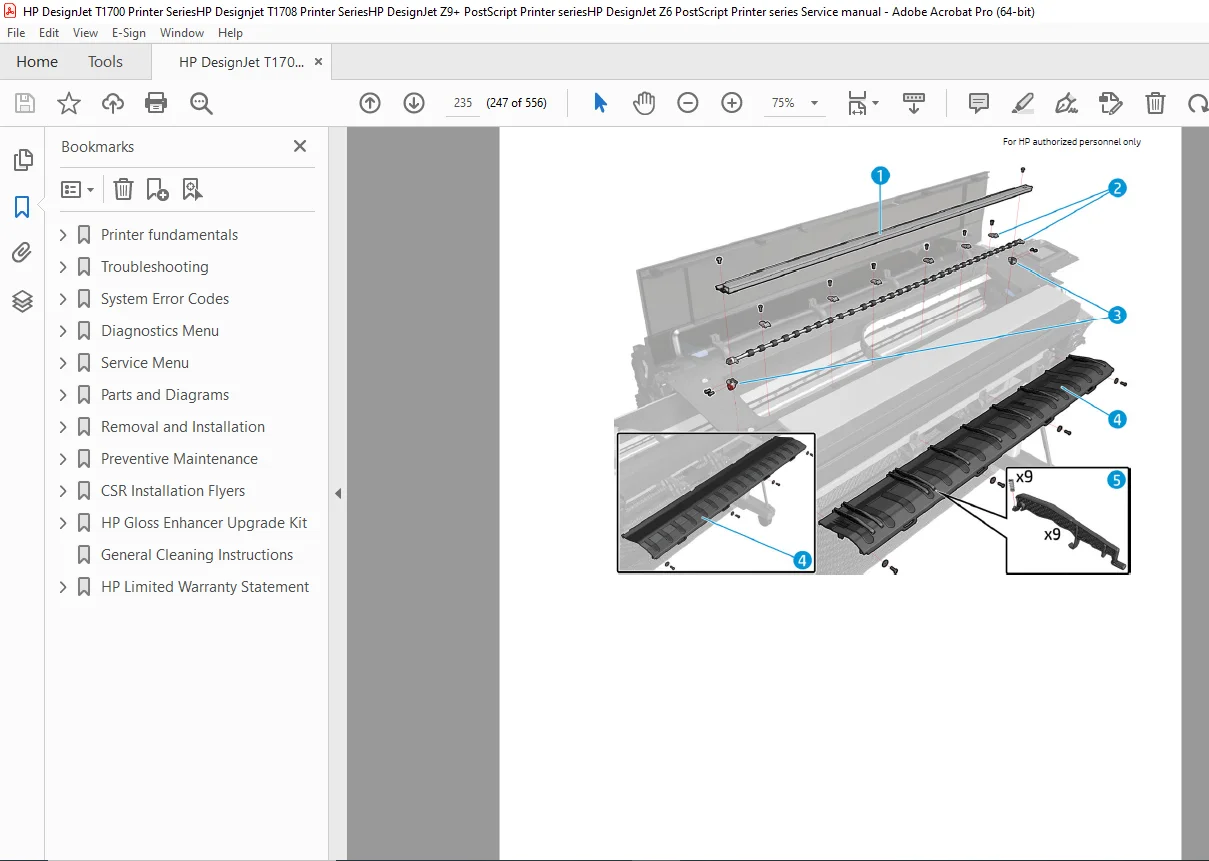
Complete exploded views and part numbers for ordering
Covers (Right, Left, Center, Front, Roll)
Paper path assemblies, Carriage assemblies, and Scan-axis assemblies
Vertical Trimmer and Miscellaneous Parts
7. Removal and Installation
Service Calibration Guide to Removal and Installation
Step-by-step disassembly for all major components:
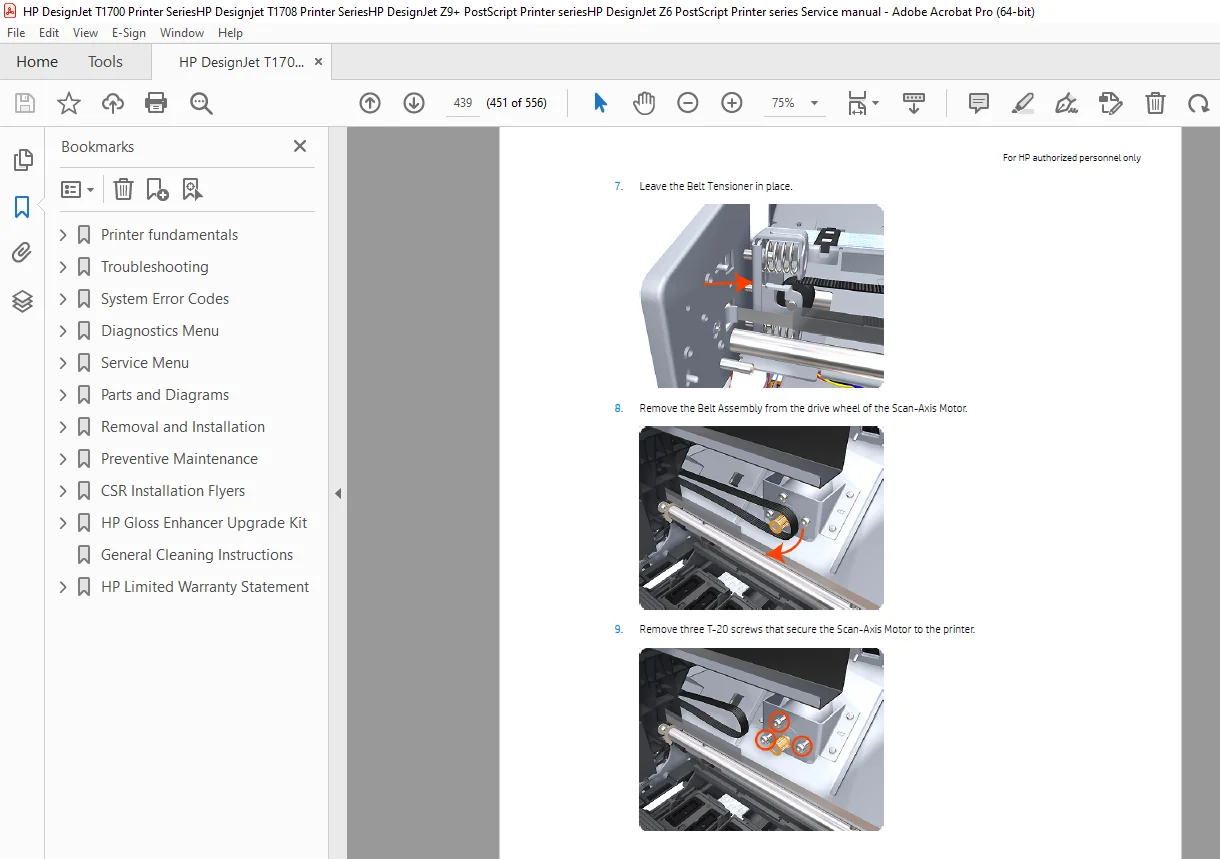
Carriage and cutter assembly
E-box, Formatter PCA, Hard disk drive, and Power supply unit
Ink supply station, tubes, and Trailing cable
Pinchwheel, Media advance drive, and Starwheel assemblies
V-Trimmer structures, transmission, and modules
8. Preventive Maintenance
Scheduled maintenance procedures for T1700, T1708, Z6, and Z9+ series
Cleaning the Drive Roller and Overdrive
Preventive Maintenance Kits
Why wait for costly service calls or shipping when you can have the answers right now? Stop guessing and start fixing! Add this manual to your cart to instantly download the complete PDF to your device, and get your HP DesignJet printer plotting flawlessly today.