
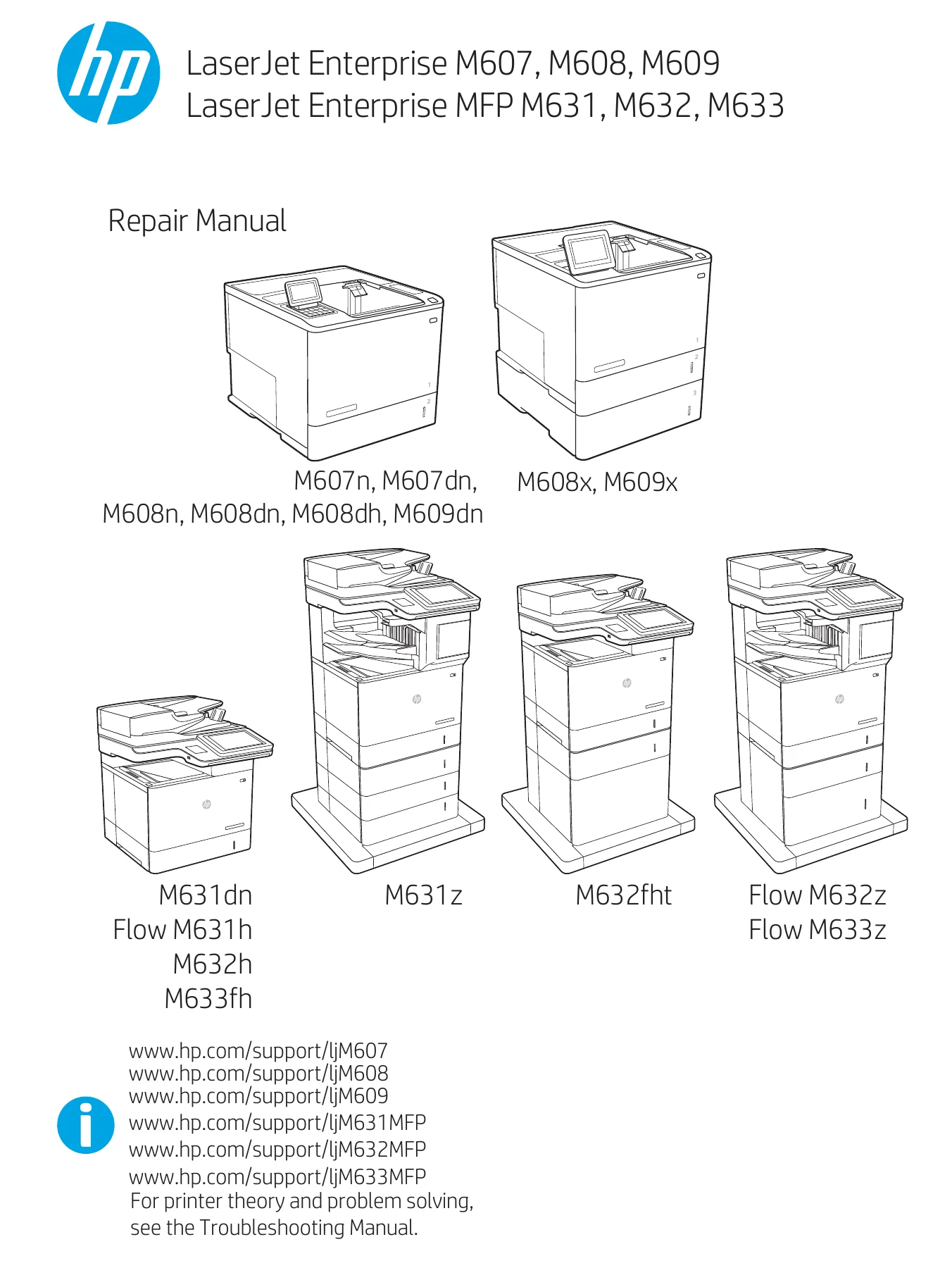
HP LaserJet Enterprise M607 M608 M609 MFP M631 M632 M633 Repair Manual
Original price was: $39.95.$24.95Current price is: $24.95.
Complete HP repair manual for LaserJet Enterprise M607, M608, M609 and MFP M631, M632, M633 series printers. Step-by-step removal and replacement procedures, exploded parts diagrams, and field-replaceable unit instructions across 2,132 pages.
Description
HP LaserJet Enterprise M607 M608 M609 MFP M631 M632 M633 Repair Manual
This is the complete repair documentation for the HP LaserJet Enterprise M607, M608, M609 single-function printers and the MFP M631, M632, M633 multifunction printer series, including Flow variants. At 2,132 pages, the manual covers every field-replaceable unit in the machine, from fusers and rollers to formatter boards, laser scanner assemblies, and full paper-deck options. Every procedure is written for the technician working at assembly level, with illustrated disassembly sequences, screw callouts, cable routing notes, and reinstallation tips that flag the mistakes most likely to cause a return visit.
File Details
- Manual type: Repair Manual (field service documentation)
- Brand: HP
- Models covered: HP LaserJet Enterprise M607, M608, M609; HP LaserJet Enterprise MFP M631, M632, M633 (including Flow M631h, Flow M632z, Flow M633z, M631dn, M631z, M632h, M632fht, M633fh, M607n, M607dn, M608n, M608dn, M608dh, M609dn, M608x, M609x)
- Language: English
- Page count: 2,132 pages
- File format: PDF
- Edition: 1st Edition, May 2017
- Copyright: 2017 HP Development Company, L.P.
Chapters Covered
The repair manual is organized into two primary chapters, each structured to take a technician from diagnosis to verified repair:
- 1. Removal and replacement
- For additional service and support
- Removal and replacement strategy
- Considerations during removal and replacement
- Electrostatic discharge
- Required tools
- Fasteners used in this printer
- Service approach
- Before performing service
- After performing service
- Post service tests
- Print quality test
- Copy-quality test (M631, M632, M633 models)
- Fax-quality test (M631, M632, M633 models)
- Parts removal orientation
- Removal and replacement procedures (MFP M631, M632, M633)
- Customer self-repair (CSR) A parts and assemblies
- Customer self-repair (CSR) B parts and assemblies
- Field replaceable units (FRUs)
- Removal and replacement procedures (M607, M608, M609)
- 2. Parts and diagrams
- For additional service and support
- Assembly locations
- Product front view (M607, M608, M609)
- Product front view (M631, M632, M633)
- Order parts, accessories, and supplies
- Ordering
- Orderable parts
- Supplies
- Accessories
- Customer self-repair kits
- Related documentation and software
- How to use the parts lists and diagrams
- Parts and diagrams: Document feeder and scanner whole units (M631, M632, M633)
- Parts and diagrams: Covers (M607, M608, M609)
- Parts and diagrams: Covers (M631, M632, M633)
- Parts and diagrams: Internal components (M607, M608, M609)
- Parts and diagrams: Internal components (M631, M632, M633)
- Parts and diagrams: 550-sheet paper feeder (M607, M608, M609)
- Parts and diagrams: 550-sheet paper feeder (M631, M632, M633)
- Parts and diagrams: Envelope feeder (M607, M608, M609)
- Parts and diagrams: Envelope feeder (M631, M632, M633)
- Parts and diagrams: 1×550 Sheet feeder stand (M631, M632, M633)
- Parts and diagrams: 3×550 Sheet feeder stand (M631, M632, M633)
- Parts and diagrams: 2,550 Sheet feeder stand (HCI) (M631, M632, M633)
- Parts and diagrams: 2,100 Sheet feeder stand (HCI) (M607, M608, M609)
- Parts and diagrams: Stapler stacker/Multi Bin Mailbox (M607, M608, M609)
- Parts and diagrams: Staple stacker/Multi Bin Mailbox (M631, M632, M633)
- Alphabetical parts list
- Numerical parts list
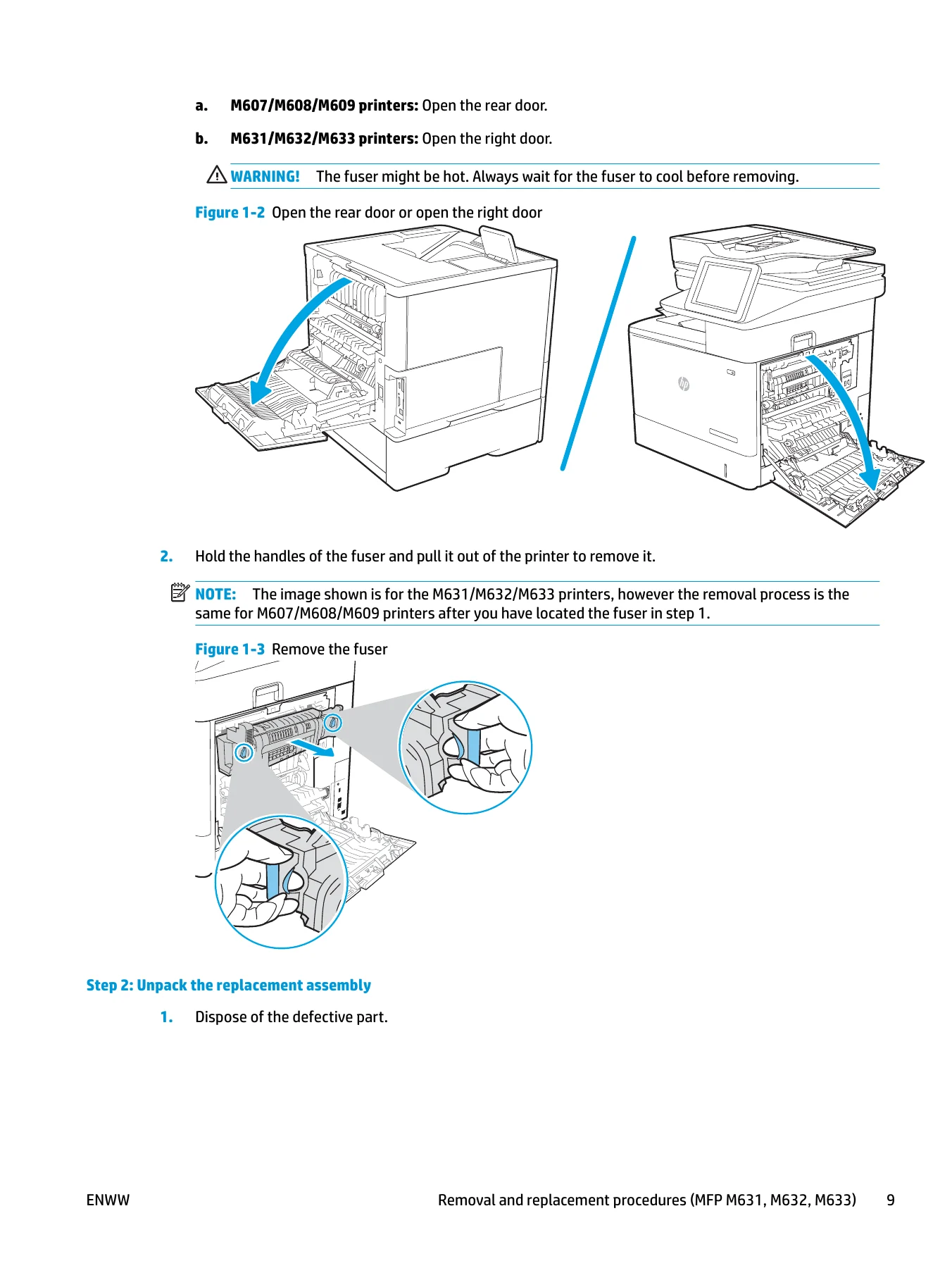
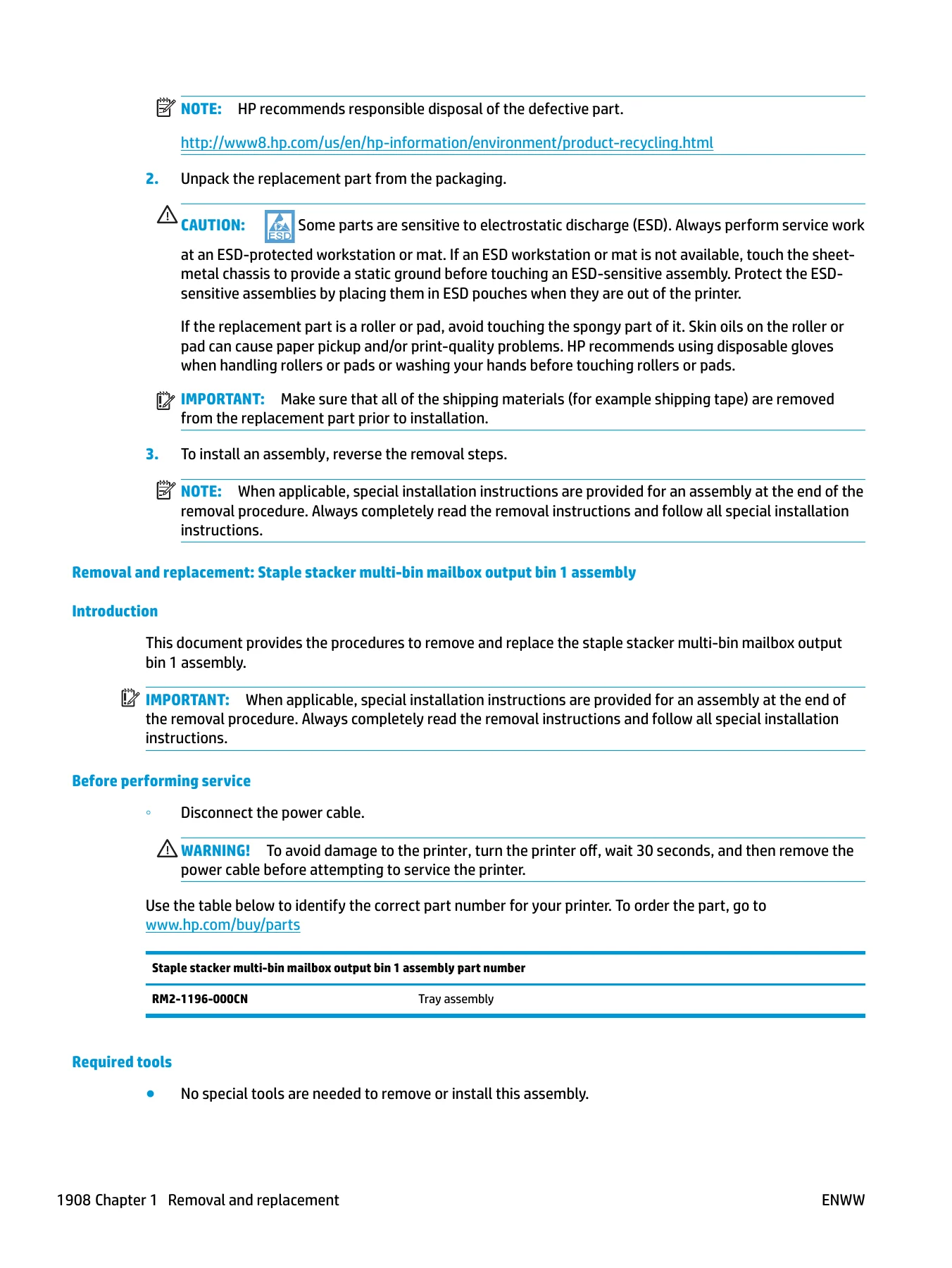
What separates this manual from a bare parts catalog is the procedural depth inside Chapter 1. Each assembly removal is broken into numbered steps with illustrated callouts, screw counts and locations, cable disconnection points, and latching mechanisms. The manual calls out the difference between the M607/M608/M609 platform and the MFP M631/M632/M633 platform throughout, so procedures for the fuser, right door, or formatter cover tell you which door to open and which chassis you are working on. Reinstallation tips appear where a part can be seated incorrectly, and caution blocks flag hot fusers, electrostatic-sensitive boards, and sheet-metal edges.
What This Manual Enables You to Do
With the HP LaserJet Enterprise M607 M608 M609 MFP M631 M632 M633 Repair Manual, a service technician can remove and replace the fuser, tray 1 pickup and separation rollers, secondary transfer roller, document feeder rollers, white backing and retention clips, hard-disk drive, DIMM, fax PCA, internal USB port module, foreign interface harness, keyboard, control panel, tray 2 through tray x rollers, and every external panel, cover, and door across both printer families. Beyond that, the manual covers the internal assemblies: formatter PCA, laser scanner, transfer assembly, registration assembly, paper delivery assembly, low-voltage power supply, fuser drive, lifter drive, developing drive, drum motor, main drive, paper feed frame, paper pickup assembly, cartridge tray, high-voltage power supply, DC controller, and WiFi antenna.
The input accessory coverage is equally detailed, with removal and replacement for the 1×550-sheet paper feeder and envelope feeder, the 1×550-sheet paper deck, the 3×550-sheet paper deck, and the 2,550-sheet and 2,100-sheet high-capacity input (HCI) stands. Output accessories are covered through the 2-bin staple stacker multi-bin mailbox, including its covers, stapler assembly, jogger assembly, feed assemblies, fans, motors, solenoids, and controller PCA. For each of these accessories, the manual provides cover removal, drive and lifter drive service, pickup and separation roller replacement, auto-close assembly service, and controller PCA replacement.
The parts and diagrams chapter is where this manual earns its place on the shelf. Every covered assembly is shown in an exploded-view illustration with a corresponding parts table listing reference number, description, part number, and quantity. The alphabetical and numerical parts lists at the end allow lookup by description or part number, which is faster than scrolling through diagrams when you already know what you need to order. Assembly locations diagrams at the start of Chapter 2 give the product front view for both platforms, pointing out the right door, tray 1 (MP), left door, test print button, tray 2, power switch, and output tray so a technician new to the machine can orient themselves before opening a single cover.
Who This Manual Is For
This is a field service manual written for technicians who diagnose and repair at the field-replaceable unit level. HP does not support component-level repair of the printed circuit assemblies, and the manual states that plainly, so the workflow is diagnosis followed by assembly replacement rather than board-level troubleshooting. Independent service providers, in-house IT maintenance teams supporting LaserJet Enterprise fleets, and refurbishers preparing M607 through M633 units for resale will find the removal sequences and parts diagrams directly usable. The customer self-repair sections (CSR A and CSR B) are also useful for end users who want to replace a fuser, pickup roller, or DIMM themselves and need to know which procedures are considered easy versus difficult.
Why Correct Procedures and Part Numbers Matter
The M607/M608/M609 and MFP M631/M632/M633 families share a chassis architecture but differ in doors, covers, and scanner assemblies. Replacing a fuser on the wrong platform’s procedure, or ordering a formatter cover that fits the M631 but not the M607, results in downtime and return shipping. This manual keeps the two platforms separated and labels each procedure and diagram by model family, so the part and the procedure match the machine on the bench. The reinstallation tips matter too: a document feeder roller installed at an angle, a keyboard flat cable not fully captured in its connector, or a main drive clutch not seated on its stopper will all pass a visual check and fail in operation. The manual calls out these failure points by illustration and note.
IMAGES PREVIEW
Instant PDF Delivery
The HP LaserJet Enterprise M607 M608 M609 MFP M631 M632 M633 Repair Manual is delivered as a PDF download immediately after payment. There is no physical shipment, no waiting for a disc, and no shipping cost. The file opens on any computer, tablet, or smartphone with a PDF reader, and every procedure and parts table can be printed for use at the printer. Whether you are servicing a single M608dn in a small office or maintaining a fleet of M632fht and Flow M633z units across multiple sites, the manual stays on the device you carry to the machine.
Reviews
There are no reviews yet.