HP Pavilion dv9000 and dv9200 Notebook PC Laptop Maintenance and Service Guide Manual – PDF DOWLOAD
Original price was: $80.00.$18.95Current price is: $18.95.
HP Pavilion dv9000 and dv9200 Notebook PC Laptop Maintenance and Service Guide Manual – PDF DOWLOAD
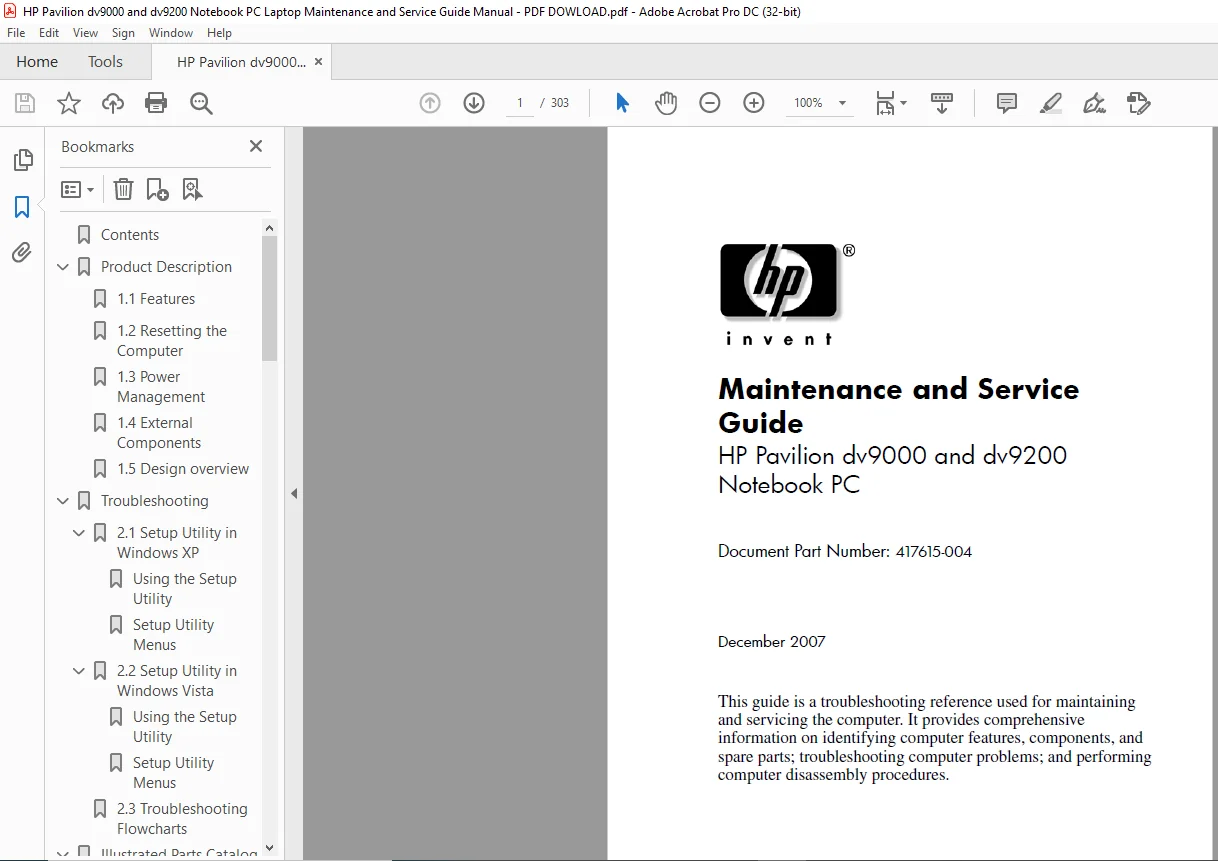
Document Part Number: 417615-004
Description
HP Pavilion dv9000 and dv9200 Notebook PC Laptop Maintenance and Service Guide Manual – PDF DOWLOAD
Copyright 2006, 2007 Hewlett-Packard Development Company, L.P.
Microsoft, Windows, and Windows Vista are either trademarks or
registered trademarks of Microsoft Corporation in the United States and/or
other countries. Intel and Core are trademarks or registered trademarks of
Intel Corporation or its subsidiaries in the United States and other
countries. Bluetooth is a trademark owned by its proprietor and used by
Hewlett-Packard Company under license. SD Logo is a trademark of its
proprietor. AMD, the AMD Arrow logo and combinations thereof are
trademarks of Advanced Micro Devices, Inc.
The information contained herein is subject to change without notice. The
only warranties for HP products and services are set forth in the express
warranty statements accompanying such products and services. Nothing
herein should be construed as constituting an additional warranty. HP shall
not be liable for technical or editorial errors or omissions contained herein.
Maintenance and Service Guide
HP Pavilion dv9000 and dv9200 Notebook PC
Fourth Edition: December 2007
First Edition: August 2006
Document Part Number: 417615-004
HP Pavilion dv9000 and dv9200 Notebook PC Laptop Maintenance and Service Guide Manual – PDF DOWLOAD
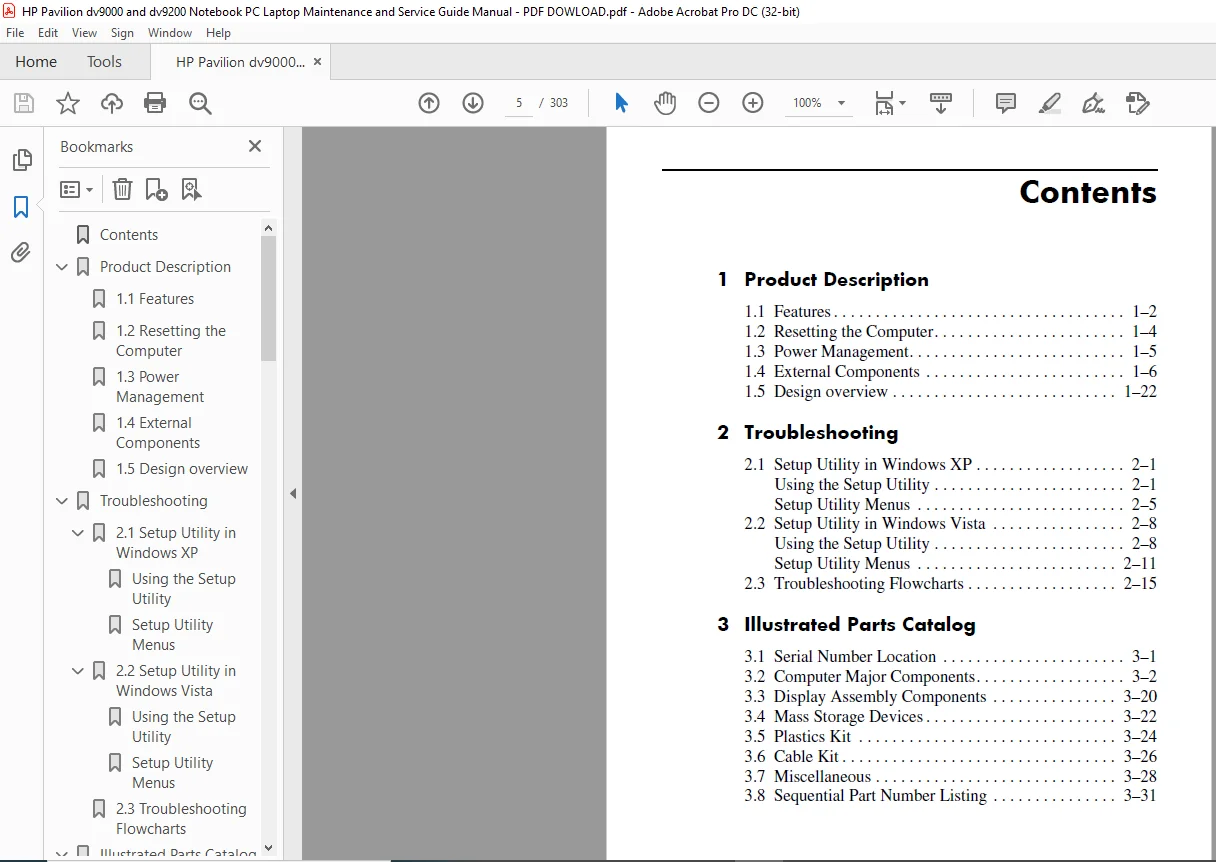
Contents…………………………………… 5
Product Description…………………………. 9
1.1 Features……………………………. 10
1.2 Resetting the Computer……………….. 12
1.3 Power Management…………………….. 13
1.4 External Components………………….. 14
1.5 Design overview……………………… 30
Troubleshooting…………………………….. 31
2.1 Setup Utility in Windows XP…………… 31
Using the Setup Utility………………. 31
Setup Utility Menus………………….. 35
2.2 Setup Utility in Windows Vista………… 38
Using the Setup Utility………………. 38
Setup Utility Menus………………….. 41
2.3 Troubleshooting Flowcharts……………. 45
Illustrated Parts Catalog……………………. 67
3.1 Serial Number Location……………….. 67
3.2 Computer Major Components…………….. 68
3.3 Display Assembly Components…………… 86
3.4 Mass Storage Devices…………………. 88
3.5 Plastics Kit………………………… 90
3.6 Cable Kit…………………………… 92
3.7 Miscellaneous……………………….. 94
3.8 Sequential Part Number Listing………… 97
Removal and Replacement Preliminaries………….109
4.1 Tools Required……………………….109
4.2 Service Considerations………………..110
Plastic Parts………………………..110
Cables and Connectors…………………110
4.3 Preventing Damage to Removable Drives…..111
4.4 Preventing Electrostatic Damage………..112
4.5 Packaging and Transporting Precautions….113
4.6 Workstation Precautions……………….114
4.7 Grounding Equipment and Methods………..115
Removal and Replacement Procedures…………….117
5.1 Serial Number………………………..118
5.2 Disassembly Sequence Chart…………….118
5.3 Preparing the Computer For Disassembly….121
5.4 Hard Drive…………………………..123
5.5 Computer Feet………………………..127
5.6 Memory Module………………………..128
5.7 RTC Battery………………………….131
5.8 Mini Card Module……………………..132
5.9 Optical Drive………………………..135
5.10 Switch Cover………………………..138
5.11 Keyboard……………………………142
5.12 Speaker Assembly…………………….147
5.13 Power Button Board…………………..149
5.14 Display Assembly…………………….151
5.15 Top Cover…………………………..164
5.16 Wireless Switch Board………………..170
5.17 Audio Board…………………………173
5.18 Bluetooth Module…………………….175
5.19 USB/Magnetic Board…………………..177
5.20 ExpressCard Assembly…………………179
5.21 Top Cover Support Trim……………….182
5.22 Display Lid Switch Module…………….185
5.23 Power Connector Assembly……………..187
5.24 System Board………………………..191
5.25 Fan/Heat Sink Assembly……………….196
5.26 Processor…………………………..201
Specifications………………………………205
Screw Listing……………………………….223
Backup and Recovery………………………….253
Display Component Recycling…………………..271
Connector Pin Assignments…………………….285
Power Cord Set Requirements…………………..291
3-Conductor Power Cord Set………………..291
General Requirements……………………..292
Country/Region-Specific Requirements……….293
Index………………………………………295
PLEASE NOTE:
- This is the SAME exact manual used by your dealers to fix your vehicle.
- The same can be yours in the next 2-3 mins as you will be directed to the download page immediately after paying for the manual.
- Any queries / doubts regarding your purchase, please feel free to contact [email protected]
S.M