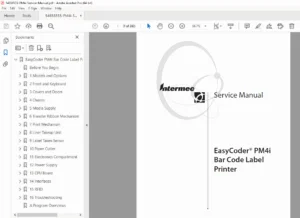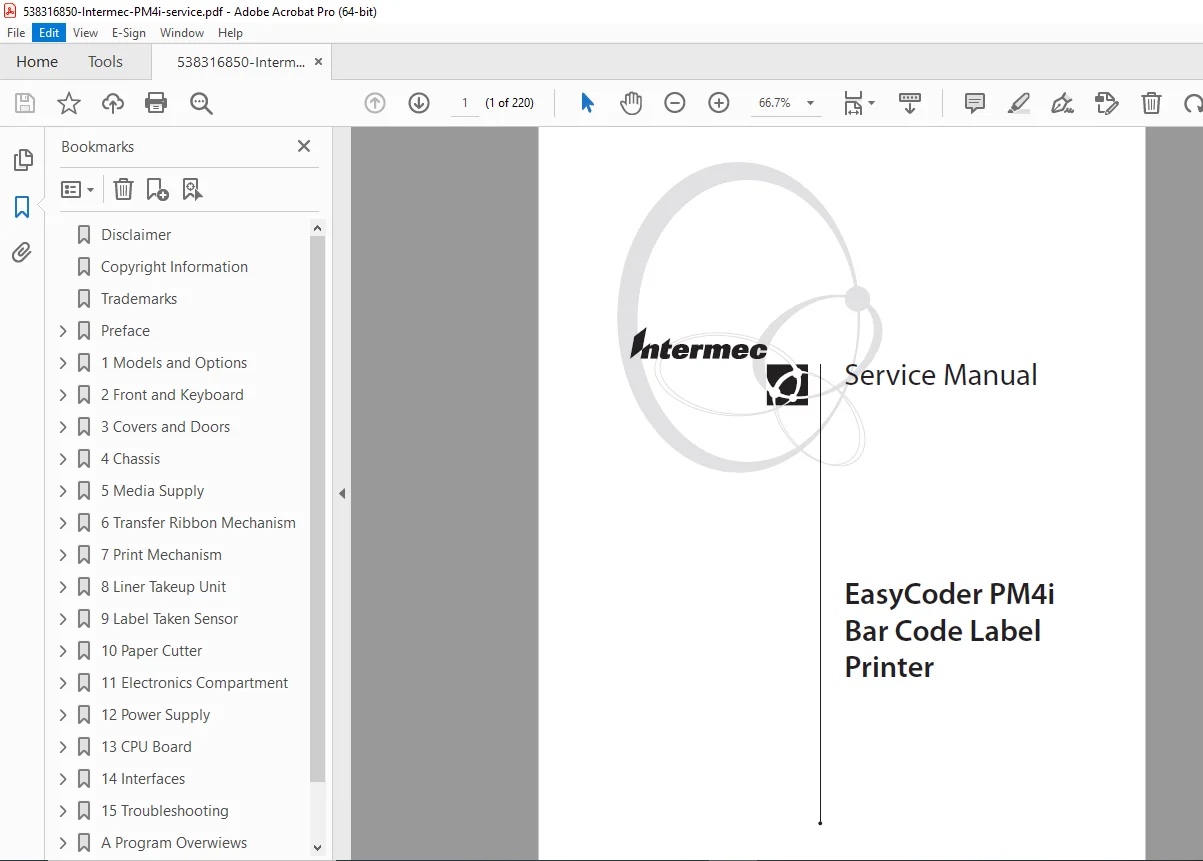
Intermec PM4i EasyCoder Service Manual – Barcode Printer Repair PDF
Original price was: $95.00.$16.95Current price is: $16.95.
Factory service manual for Intermec EasyCoder PM4i industrial barcode label printer. Covers complete disassembly, troubleshooting, repair procedures, schematics, interface boards, electronics diagnostics, and component replacement. Includes printhead maintenance, ribbon mechanism repair, power supply testing, CPU board diagnostics, and sensor adjustments. Essential for technicians servicing thermal transfer printers. Instant download.
Description
Intermec PM4i EasyCoder Service Manual – Barcode Printer Repair PDF DOWNLOAD
DESCRIPTION
Intermec EasyCoder PM4i Industrial Barcode Label Printer – Complete Service Manual
Professional factory service manual for the Intermec EasyCoder PM4i thermal transfer barcode label printer. This Intermec PM4i service manual provides comprehensive technical documentation for authorized service technicians and repair professionals.
📋 File Details
- Manual Name: Intermec EasyCoder PM4i Service Manual
- Models Covered: EasyCoder PM4i (all variants)
- Publication Date: 2003 (covers Fingerprint firmware v8.00)
- Pages: 220 pages
- Format: Searchable PDF
- Quality: Factory original documentation
- Language: English
📖 Complete Table of Contents
CHAPTER 1: MODELS AND OPTIONS
- Model Identification
- EasyCoder PM4i Specifications
- Print speed and resolution
- Media handling capabilities
- Thermal transfer specifications
- Interface options
- Printer Dimensions & Measurements
CHAPTER 2: FRONT AND KEYBOARD
- Front Panel Components
- Keyboard Layout & Functions
- Console PCB Assembly
CHAPTER 3: COVERS AND DOORS
- Right-Hand Door Removal
- Front and Left-Hand Cover Disassembly
- Front Door Service
CHAPTER 4: CHASSIS
- Chassis Description & Construction
- Center Section Assembly
- Bottom Plate Removal
CHAPTER 5: MEDIA SUPPLY
- Internal Supply Mechanism
- Label Slack Absorber System
- Print Mechanism Edge Guide Adjustment
- Internal Fan-Fold Guide Installation
CHAPTER 6: TRANSFER RIBBON MECHANISM
- Ribbon System Overview
- Ribbon Supply Unit Service
- Ribbon Rewind Unit Maintenance
- Ribbon Sensor Adjustment
- Ribbon Motor Replacement
- Front Ribbon Break Shaft
- Printhead Ribbon Break Shaft
CHAPTER 7: PRINT MECHANISM
- Print Mechanism Description
- Platen Roller Replacement
- Stepper Motor Service
- Drive Belts Maintenance
- Label Stop Sensor (LSS) Adjustment
- Printhead Replacement & Maintenance
- Headlift Sensor Diagnostics
- Headlift Mechanism Service
- Media Feed Principles & Troubleshooting
CHAPTER 8: LINER TAKEUP UNIT
- Takeup Unit Description
- Parts Identification
- Installation Procedures
- Timing Belt Replacement
CHAPTER 9: LABEL TAKEN SENSOR
- Sensor Description & Function
- Replacement Procedures
- Adjustment & Calibration
CHAPTER 10: PAPER CUTTER OPTION
- Cutter Description & Operation
- Installation Instructions
- Fingerprint Control Programming
- Media Loading for Cutter
- Servicing & Maintenance
- Cutter PCB Diagnostics
CHAPTER 11: ELECTRONICS COMPARTMENT
- Introduction to Electronics
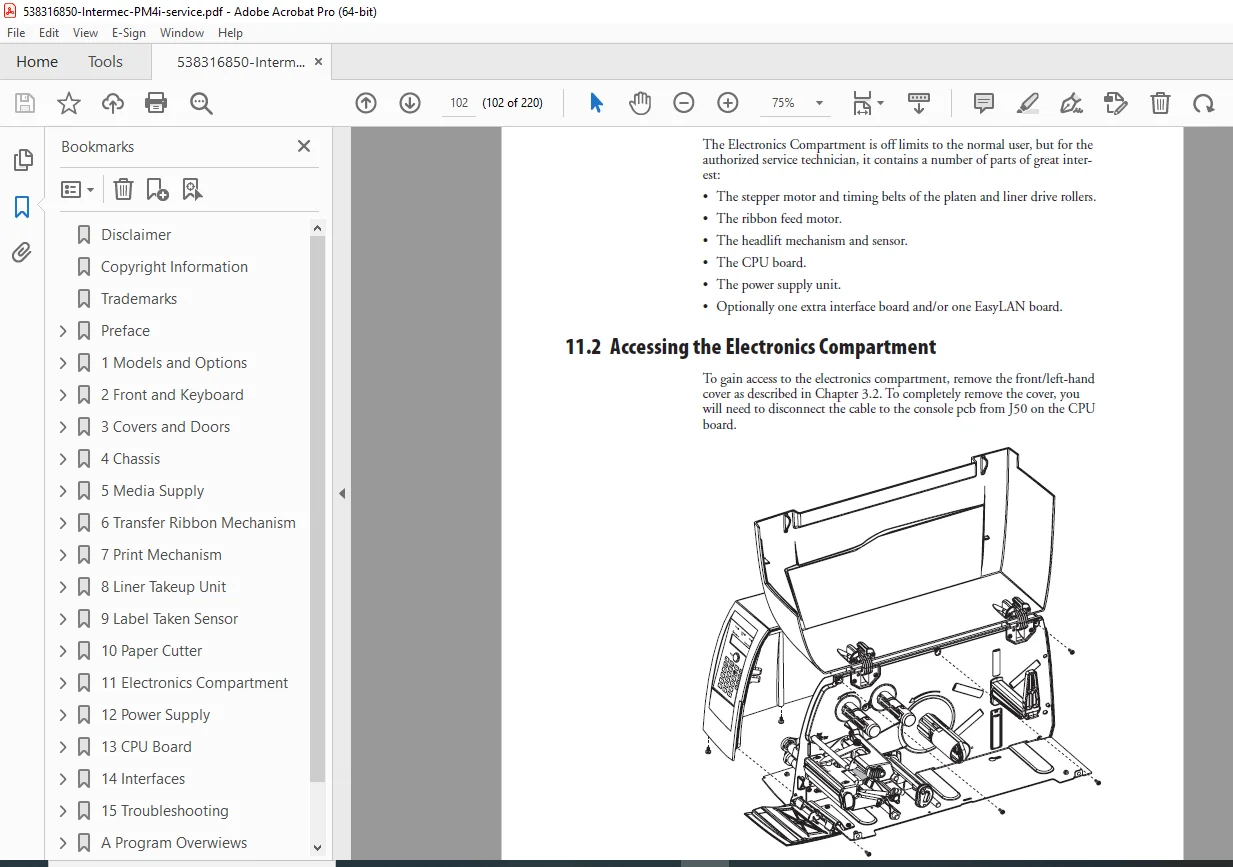
- Accessing Electronics Compartment
- Main Electronic Components
CHAPTER 12: POWER SUPPLY
- Power Supply Description
- Component Identification
- Circuit Analysis
- Detailed Schematics
CHAPTER 13: CPU BOARD
- CPU Board Description
- Circuit Analysis
- Connector Pinouts
- Test Points for Diagnostics
- Startup Procedures
- Component Layout
- Complete Schematics
- CPU Board Replacement
CHAPTER 14: INTERFACES
- Introduction to Interface Options
- Serial Communication Port (uart1:)
- USB Interface
- Bar Code Wand Interface
- Installing Interface Boards
- Serial/Industrial Interface Board
- Double Serial Interface Board
- IEEE 1284 Parallel Interface Board
- EasyLAN Ethernet Interface
CHAPTER 15: TROUBLESHOOTING
- Diagnostic Procedures
- No Reaction at Power Up
- Printer Stops After Startup
- CPU Board Failures
- Power Supply Unit Failures
- Console Errors & Error Messages
- Communication Failures:
- General troubleshooting
- Serial communication issues
- Sensor Malfunctions:
- Label Stop Sensor (LSS)
- Headlift Sensor
- Label Taken Sensor (LTS)
- Ribbon Sensor
- Paper Sensor
- Printing Troubles:
- No printout at all
- Weak printout issues
- Dark printout problems
- Missing dots diagnosis
- Unexpected black printout
- Media feed problems
- Compressed print images
- Printhead wear issues
- Transfer Ribbon Troubles:
- Ribbon breaking
- Ribbon wrinkling
- No transfer printout
- Ribbon feeding errors
- Liner Takeup Issues
- Memory Card Problems
- Paper Cutter Failures
APPENDIX A: PROGRAM OVERVIEWS
- Intermec Shell Overview
- Setup Mode Configuration
APPENDIX B: FIRMWARE UPGRADING
- Firmware Update Introduction
- General Upgrade Principles
- Upgrading from Memory Card
- Upgrading from Host Computer
🔧 What This Intermec PM4i Service Manual Covers
✅ Complete mechanical disassembly with detailed diagrams
✅ Printhead maintenance & replacement procedures
✅ Electronic diagnostics with schematics and test points
✅ Interface board installation for all options
✅ Sensor calibration & adjustment protocols
✅ Power supply testing and component replacement
✅ CPU board diagnostics and troubleshooting
✅ Transfer ribbon system repair and adjustment
✅ Comprehensive troubleshooting charts for all issues
✅ Firmware upgrade procedures
💡 Perfect For:
- Industrial printer service technicians
- Barcode printer repair specialists
- Electronics technicians
- Warehouse equipment service centers
- Manufacturing facility maintenance teams
- Technical training programs
- IT service professionals
⚡ Intermec PM4i Printer Key Features:
- Industrial-grade thermal transfer printing
- High-resolution barcode generation
- Multiple interface options (Serial, USB, Parallel, Ethernet)
- Durable construction for harsh environments
- Flexible media handling (internal/external supply)
- Optional paper cutter and liner takeup
- Fingerprint programming language support
Download this professional Intermec PM4i service manual instantly and gain complete technical knowledge to diagnose, repair, and maintain these industrial barcode printers with confidence. Get immediate access to 220 pages of factory schematics, troubleshooting guides, and repair procedures – start servicing today!
Reasoning: This is a comprehensive 220-page factory service manual for industrial equipment with extensive technical content including:
- Complete electronic schematics and circuit diagrams
- Multiple interface board documentation
- Professional troubleshooting procedures
- Printhead and thermal transfer system details
- Industrial barcode printer expertise required
Service manuals for industrial/commercial equipment typically command premium pricing due to their specialized nature and professional audience.