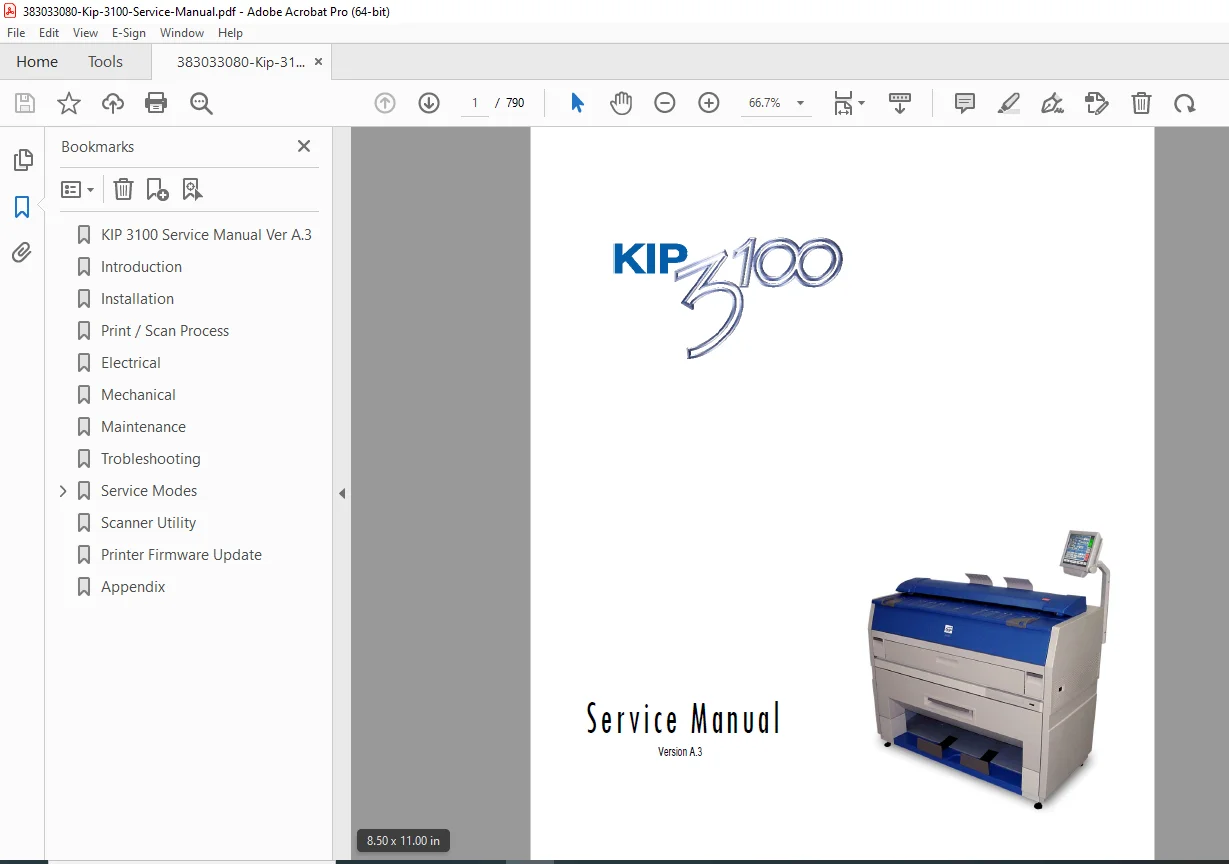
KIP 3100 Multi-Function Printer Service & Repair Manual – PDF
Original price was: $65.00.$22.95Current price is: $22.95.
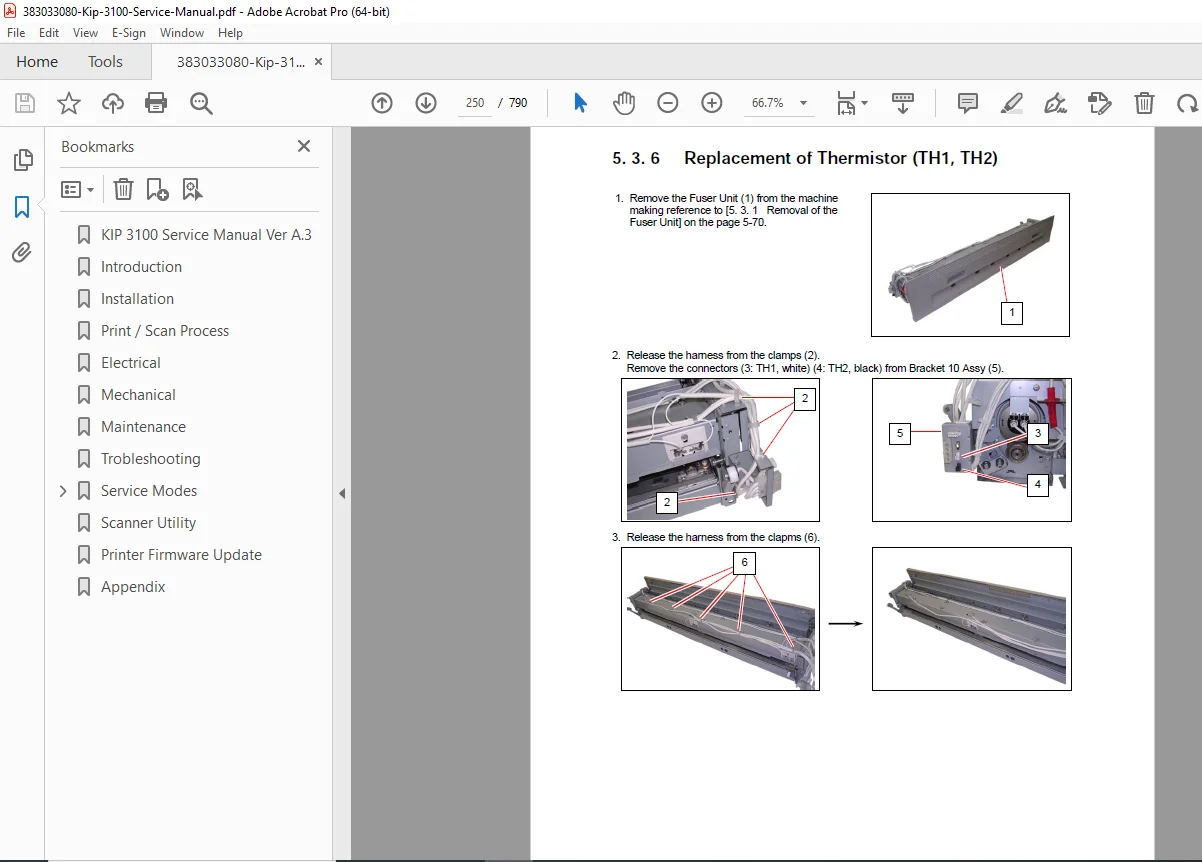
Official KIP 3100 Service Manual covering full repair, maintenance, setup, calibration and troubleshooting procedures for the printer/scanner system. Includes installation, print/scan process theory, electrical diagrams, developer unit setup, service mode settings, mechanical disassembly, and component replacement instructions. High-quality searchable PDF, ideal for field and workshop technicians.
Description
KIP 3100 Multi-Function Printer Service & Repair Manual – PDF DOWNLOAD
This is the factory-authorized Service & Field Maintenance Manual for the KIP 3100 Multi-Function Wide-Format Printer, designed for technicians handling installation, repair diagnostics, print quality restoration, scanner calibration, and mechanical component replacement.
It includes complete subsystem operation theory, which is essential when diagnosing image defects, feeding issues, and density inconsistencies.
Chapters Included in the Manual
| Chapter | Topics Covered |
|---|---|
| 1. Introduction | System features, capabilities, specifications, media handling guidelines |
| 2. Installation | Site requirements, unpacking, leveling, roll deck setup, scanner initialization |
| 3. Print / Scan Process | Toner charge theory, LED exposure, development, transfer, CIS scan flow |
| 4. Electrical | Circuit diagrams, board layout, signal routing, system controller architecture |
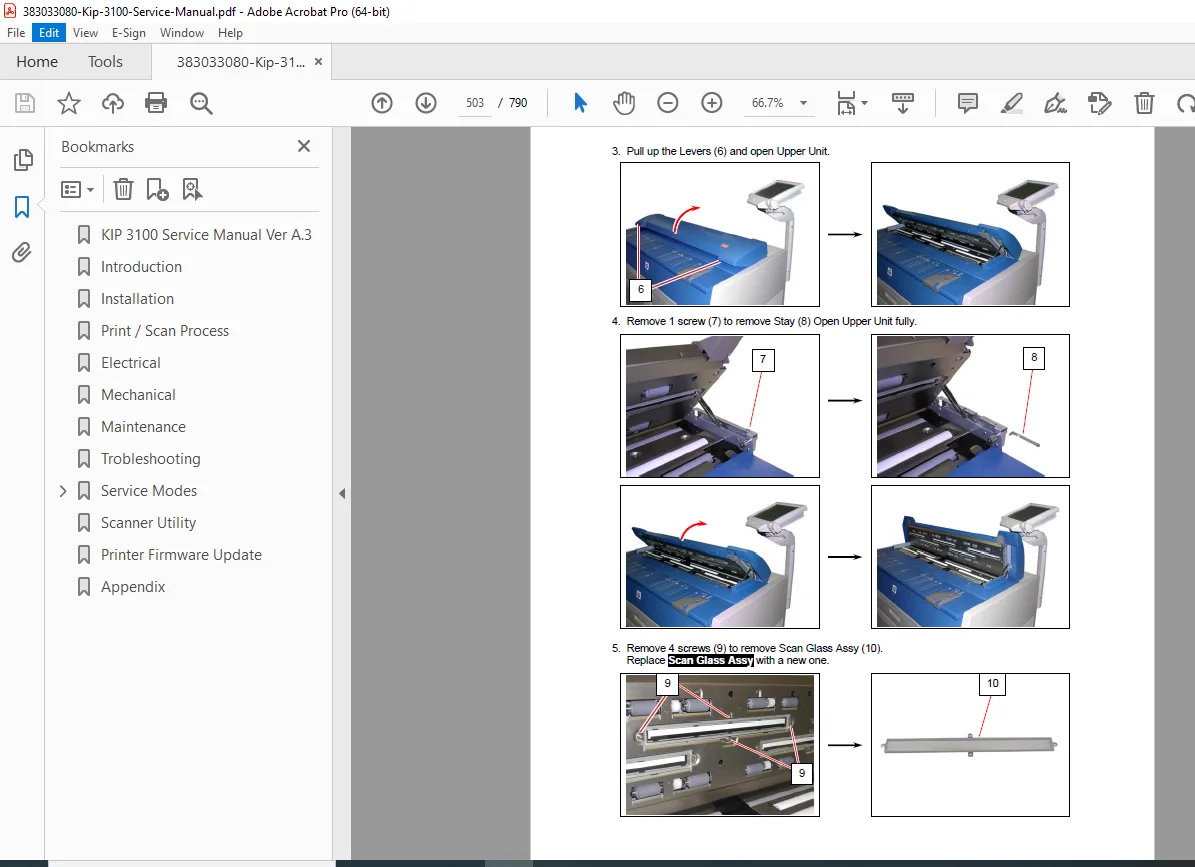
| 5. Mechanical | Full disassembly procedures, part replacement steps, routing diagrams |
| 6. Maintenance | Field service intervals, toner handling, preventive maintenance tasks |
| 7. Troubleshooting | Error symptoms, image defects, feed issues, jam analysis, corrective workflows |
| 8. Service Mode / Utility | Access codes, adjustments, calibration routines, scanner shading correction |
| 9. Appendix | General circuit diagrams and wiring layout references |
Key Technical Procedures Included
Developer unit toner charging & leveling setup
Scanner CIS shading calibration method using shading sheet
Toner density compensation system logic
Drum & LED head gap alignment
Roll media handling & humidity compensation
PCB signal flow diagnostics
Print quality troubleshooting:
Faint image / light density
Blotches / toner scatter
Banding / streaking
Skewed feed / curl issues
💡 Why This Manual Is Valuable
Provides correct service mode adjustments (not available in user guides)
Prevents costly incorrect developer setup
Reduces downtime with structured troubleshooting flowcharts
Enables print quality restoration to factory specification
Ideal for in-house maintenance, dealership techs, and independent service shops
📄 File Details
| Item | Description |
|---|---|
| Manual Name: | KIP 3100 Multi-Function Printer Service Manual |
| Models Covered: | KIP 3100 (Printer + Scanner + Controller) |
| Format: | Searchable PDF |
| Language: | English |
| Quality: | High-resolution OEM scan (clear text + diagrams) |
| Pages: | ~790 pages (complete edition) |