KIP 720 Wide Format Printer Service Manual PDF (Digital Copier/Scanner)
Original price was: $85.00.$18.95Current price is: $18.95.
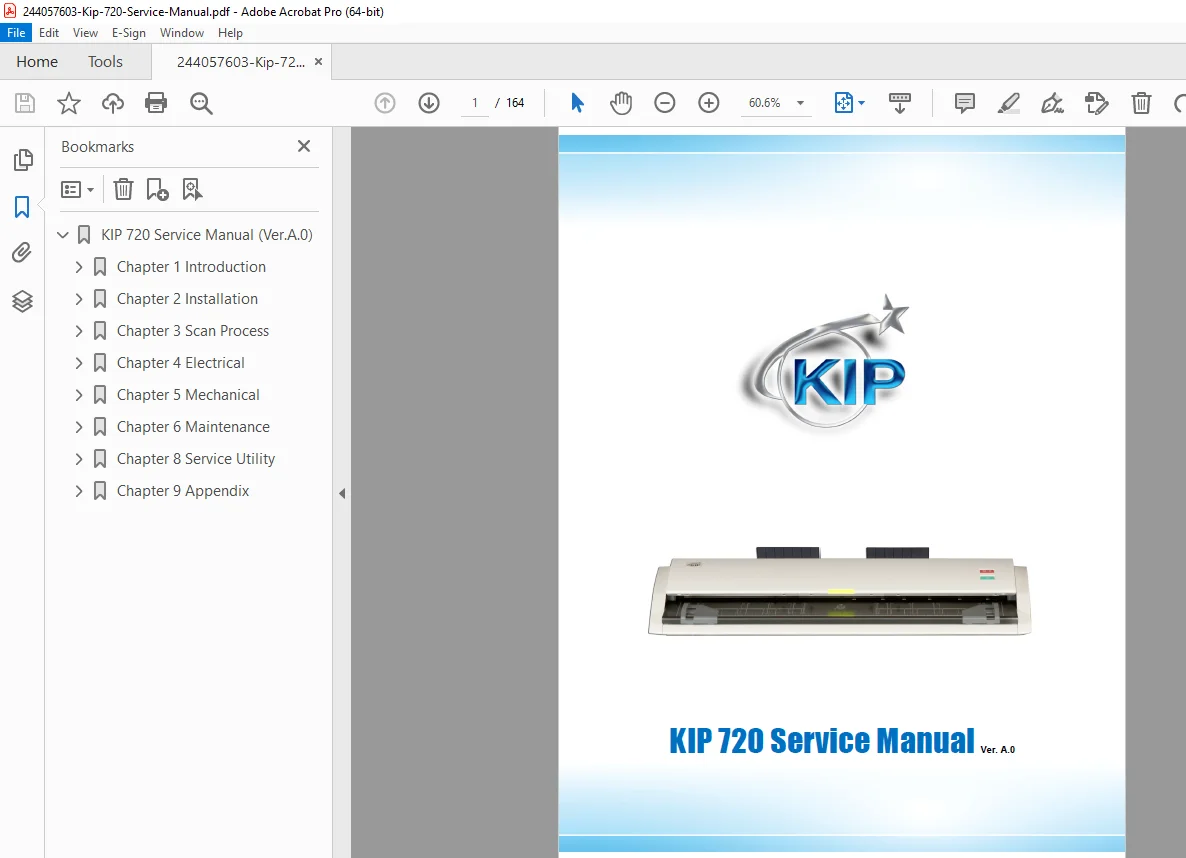
This is the complete factory KIP 720 Wide Format Printer Service Manual PDF. It includes full diagnostics, KIP 720 error codes, image quality adjustment procedures, PM schedules, scanner calibration, fuser and developer replacement, system wiring diagrams, controller troubleshooting, and mechanical disassembly. Essential for technicians servicing the KIP 720 printer/scanner/copier system.
Description
KIP 720 Wide Format Printer Service Manual PDF (Digital Copier/Scanner)
Description
This is the official KIP 720 Wide Format Digital Printer/Scanner/Copier Service Manual, providing complete technical instructions for corrective repair, preventive maintenance, diagnostics, calibration, wiring, and system-level troubleshooting.
It is the same reference used by authorized Konica Minolta/KIP service engineers.
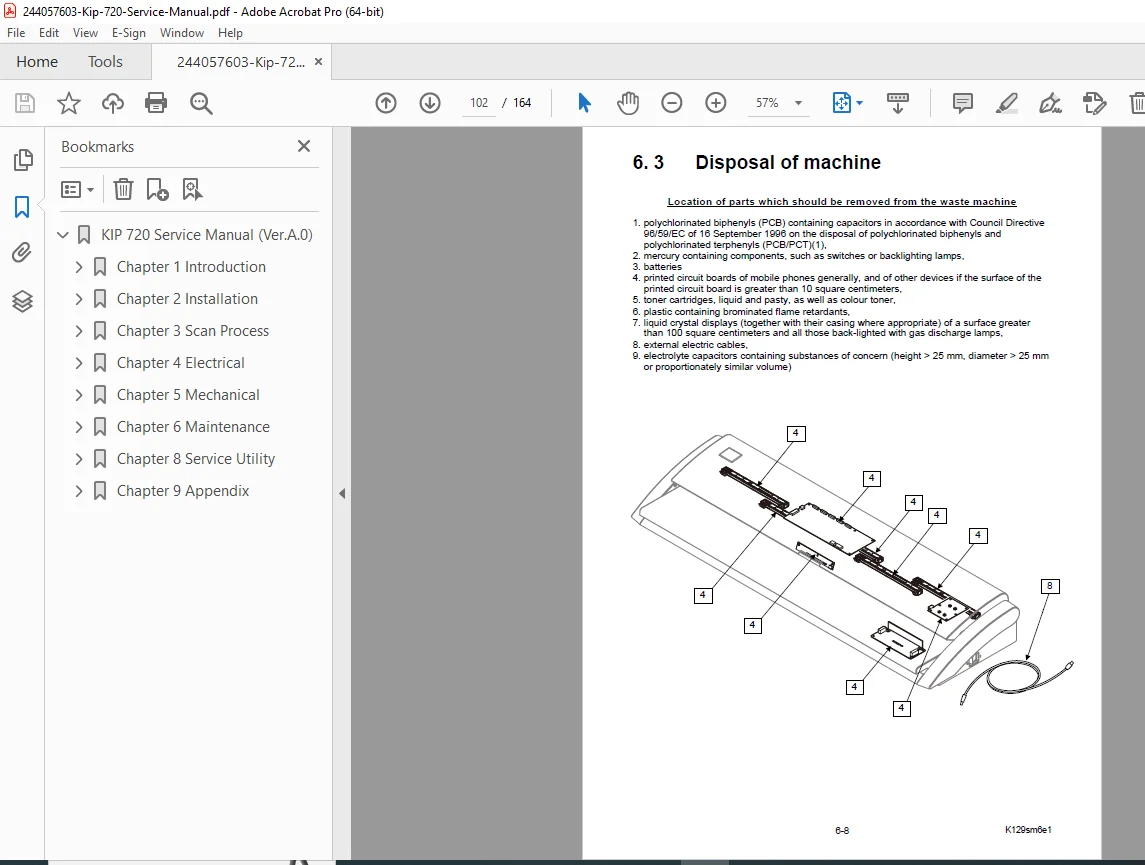
The manual covers all mechanical, optical, electrical, and software components of the KIP 720 system, including the printer engine, scanner assembly, controller, fuser, developer system, paper feed system, HDD/firmware, and image-processing electronics.
The guide also contains detailed error code explanations, jam removal procedures, adjustment charts, component-level disassembly, and electrical diagrams.
Table of Contents
1. Product Overview
System features
Printer/Scanner architecture
Control panel keys & indicators
Specifications (print speed, dpi, media types)
2. Installation & Setup
Unpacking & positioning
Power requirements
Interface connections
Network configuration
Firmware installation
3. Service Mode & Diagnostics
Entering diagnostics mode
Service PIN access
Sensor test mode
Motor test mode
Communication test
System log viewer
HDD diagnostics
4. Error Code List & Troubleshooting
KIP 720 error codes (E1xx–E9xx)
Paper jam code list
Scanner error codes
Controller board errors
Print quality faults
Developer system faults
Fuser temperature errors
Solutions & flowcharts
5. Image Quality Adjustments
Density setup
Shading correction
Toner charging calibration
Scanner calibration procedures
Line straightness adjustment
Exposure profile adjustment
6. Printer Engine (Mechanical System)
Paper feed path diagrams
Registration unit
Drive motor layout
Drum & developer system
Fuser assembly
Pressure rollers
Lubrication points
7. Scanner Unit (Optical System)
CCD sensor
CIS optical path
Lamp replacement
White calibration plate procedure
Mirror & lens cleaning
Scanner disassembly
8. Electrical System & Wiring Diagrams
Block diagram
Controller PCB layouts
Power supply
Wiring harness diagrams
Sensor connector tables
Motor pinouts
9. Preventive Maintenance (PM)
PM schedule
Developer replacement
Fuser rebuild
Dust removal points
Consumables lifetime chart
Calibration after PM
10. Disassembly & Replacement Procedures
Front/side cover removal
Drawer & cassette removal
Drum unit replacement
Developer assembly removal
Fuser replacement
Scanner unit removal
Controller board replacement
Motor, fan, solenoid replacement
11. Parts List (Exploded Diagrams)
Printer engine exploded views
Scanner exploded views
Electronics assemblies
Full part number tables
📄 File Details
| Field | Details |
|---|---|
| Manual Name | KIP 720 Service Manual |
| Models Covered | KIP 720 Wide Format Printer/Copier/Scanner |
| Year | Approx. 2004–2007 release cycle |
| Quality | High-quality, fully readable, bookmarked PDF |
| Total Pages | ~164 |