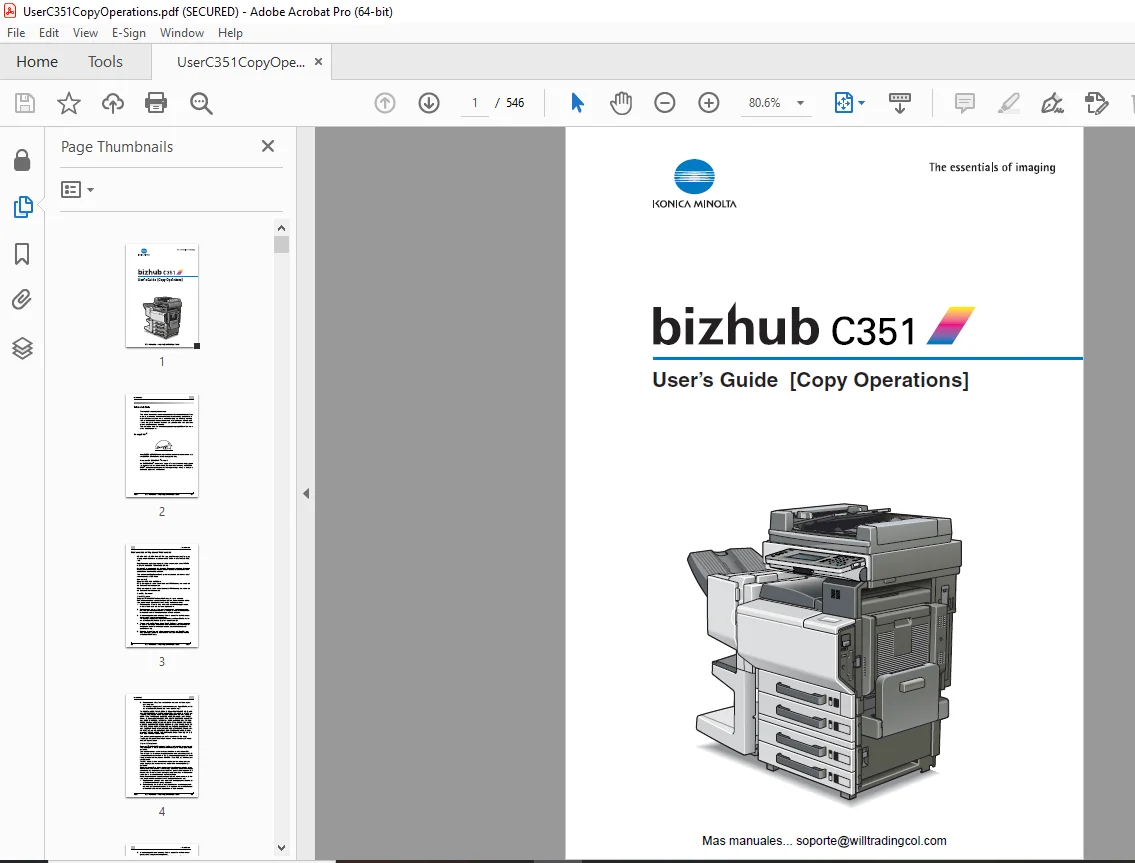
Konica Minolta bizhub C351 Copy Operations User Manual – PDF
$30.95
Konica Minolta bizhub C351 Copy Operations User Manual – PDF DOWNLOAD
Description
Konica Minolta bizhub C351 Copy Operations User Manual – PDF DOWNLOAD
FILE DETAILS:
Konica Minolta bizhub C351 Copy Operations User Manual – PDF DOWNLOAD
Language : English
Pages : 546
Downloadable : Yes
File Type : PDF
IMAGES PREVIEW OF THE MANUAL:
TABLE OF CONTENTS:
Konica Minolta bizhub C351 Copy Operations User Manual – PDF DOWNLOAD
bizhub C351 Copy Operations 1
Introduction 2
Energy Star® 2
Trademarks and Registered Trademarks 3
Contents 6
Available Features 18
Adjust Color Parameters 26
General Information about Color 28
Relationship betwen Hue, Brightness and Saturation (Color Mode) 29
“Red” Parameter 30
“Green” Parameter 31
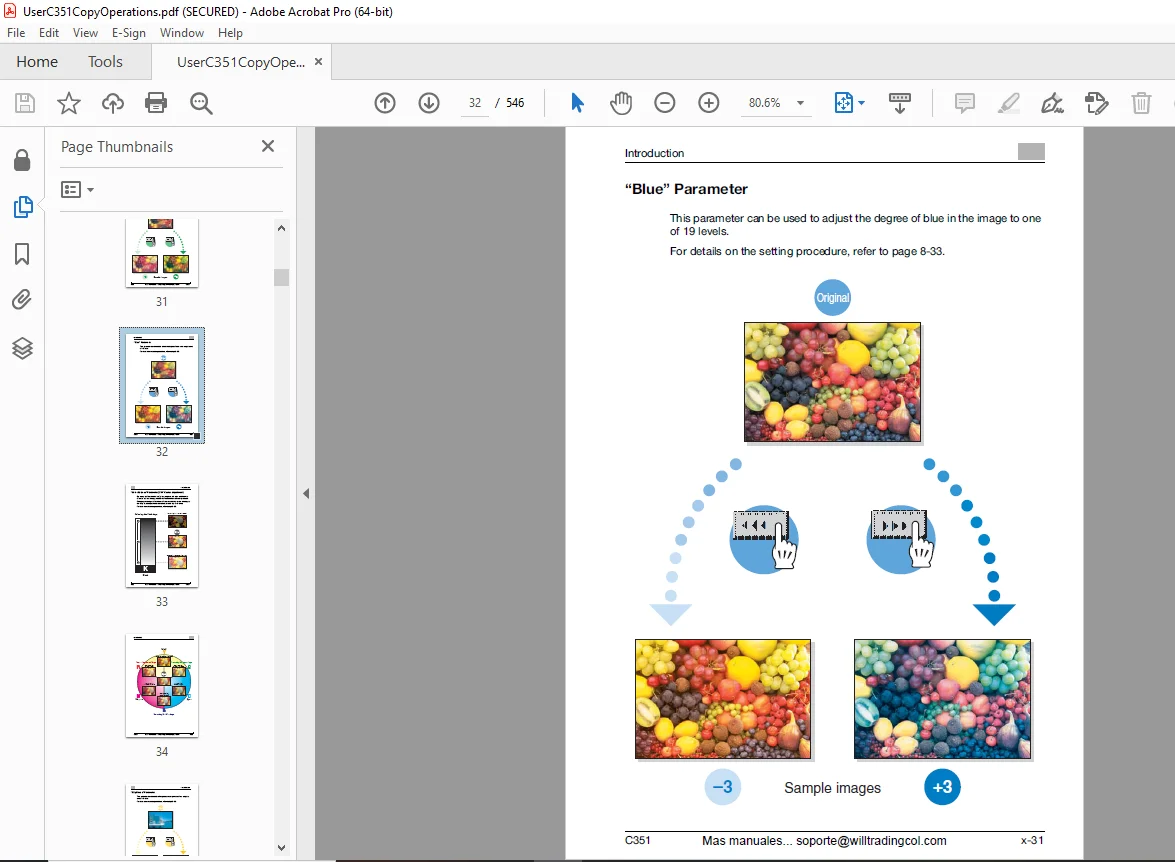
“Blue” Parameter 32
“Color Balance” Parameter (CMYK color adjustment) 33
“Brightness” Parameter 35
“Contrast” Parameter 36
“Saturation” Parameter 37
“Sharpness” Parameter 38
“Hue” Parameter 39
“Copy Density” Parameter 40
“Signle Color” Function 41
“2 Color” Function 42
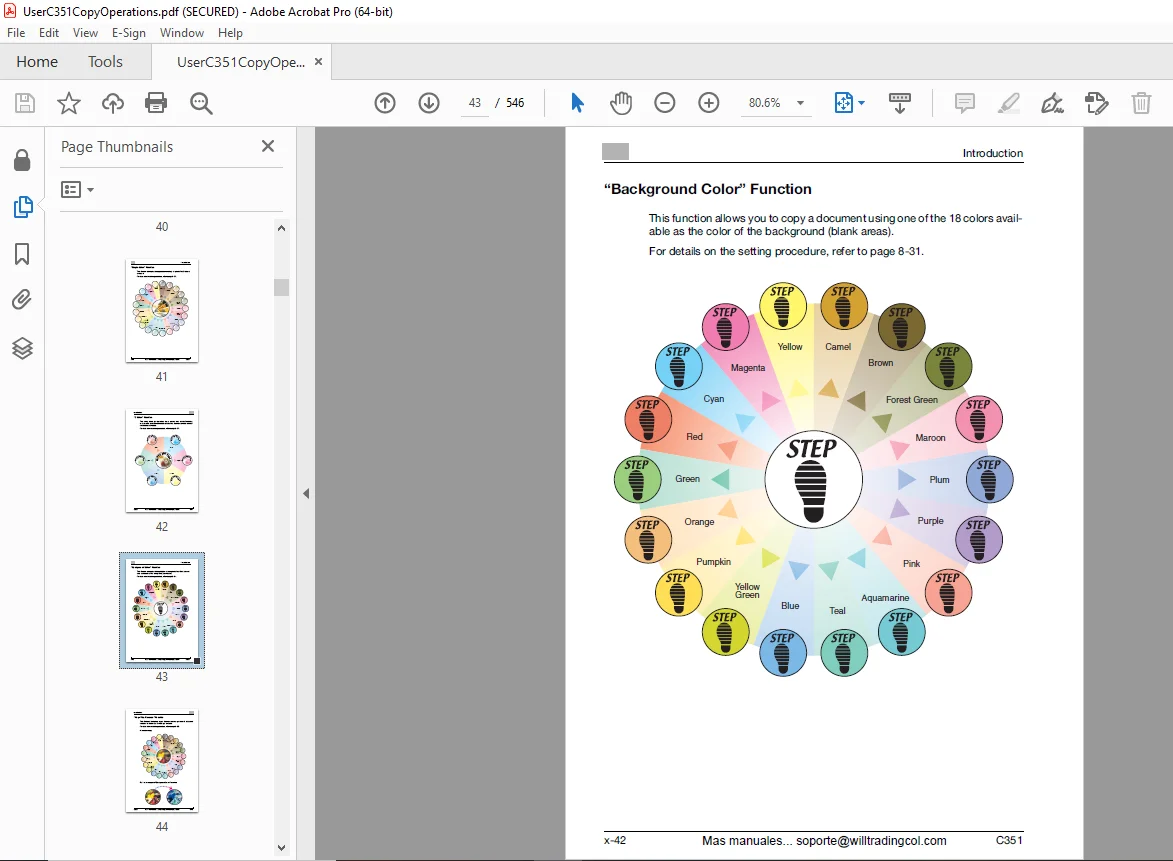
“Background Color” Function 43
“Neg-/Pos Reverse” Function 44
“Mirror Image” Function 45
Explanation of Manual Conventinos 46
Descriptions and Symbols for Documents aNd Paper 47
User’s Guides 49
Legal Restrictions on Copying 51
1 Installation and Operation Precautions 52
11 Safety Information 53
12 Regulation Notices 60
13 Caution Notations and Labels 62
14 Space Requirements 63
15 Operation Precautions 64
2 Before Making Copies 66
21 Part Names and Their Functions 67
22 Adjusting the Angle of the Control Panel 88
23 Turning on the Main Power and the Auxiliary Power 90
24 Loading Paper into the 1st Drawer109
25 Loading Paper into the 2nd, 3rd or 114
26 Loading Paper into the LCT117
27 Loading Paper into the Bypass Tray120
3 Basic Copy Operations126
31 General Coopy Operation127
32 Operations that Cannot be Combined130
33 Feeding the Document133
34 Specifying Original Settings142
35 Selecting a Color Setting152
36 Selecting a Paper Setting155
37 Specifying a Zoom Setting158
38 Selecting the Document and Copy Type Settins (1-Sided/2-Sides Settings)169
39 Selecting the Quality of the Document173
310 Specifying the Density Settings177
311 Selecting a Combine Originals Setting183
312 Selecting Finishing Settings186
313 Specifying Center Binding198
314 Scanning the Next Document to be Copied While a Copy Job is Being Printed (Next Job Reservation)200
315 Stopping Scanning/Printing202
316 Deleting a Stopped Job203
4 Additional Copy Operations204
41 Checking the Copy Settings (Mode Check)205
42 Printing a Proof Copy to be Checked (Proof Copy)208
43 Interrupting a Copy Job (Interrupt Mode)211
44 Registering Copy Programs (Mode Memory)213
45 Copying with Programmed Copy Settings (Mode Memory)217
46 Displaying Function (Descriptions (Help)220
47 Specifying Control Panel Settings (Accessibility Mode)226
5 Troubleshooting238
51 When the Message “Malfunction detected” Appears (Call Technical Representative)239
52 When the Message “Misfeed detected” Appears242
53 When the Message “Replenish paper” Appears274
54 When the Message “Not enough remaining memory” Appears275
55 When “Please replace following unit(s)” Appears277
56 When the Message “Please replace XXXX” Appears279
57 Simple Troubleshooting281
58 Main Messages and Their Remedies285
6 Specifications288
61 Specifications289
7 Copy Paper/Original Documents298
71 Copy Paper299
72 Selecting the Paper Settings306
73 Original Documents321
8 Application Functions326
81 Inserting paper hp tween Overhead Projector Transparancies (“OHP Interleave” Function)327
82 Adding Cover Pages (“Cover Mode” Function)330
83 Producing Separate Copies of Each Page in a Page Spread (“Book Copy” Function)333
84 Copying Pamphlets (“Booklet Original” Function)339
85 Tiling Copy Images (“Image Repeat” Function)343
86 Copying Booklet Documents (“Booklet Pagination” Function)348
87 Copying with Image Colors Inversed (“Neg-/Pos Reverse” Function)350
88 Copying in a Mirror Image (“Mirror Image” Function)352
89 Additing a Background Color to Copies (“Background Color” Function)356
810 Adjusting the Copy Color Quality (Adjust Color Parameters)358
811 Adding Filing Margins to Copies (“Page Margin” Function)363
812 Erasing Specifided Areas of Copies (“Erase” Function)366
813 Adjusting the Image To Fit the Paper (Image Adjustment Settings)368
814 Printing the Date/Time, Page Number or Distribution Number on Copies (Stamp Functions)372
9 Replacing Toner Cartridges and Staples and Emptying Waste Containers382
91 Replacing the Toner Cartridge383
92 Replacing the Staples391
93 Clearing a Staple Jam401
94 Emptying the Waste Containers411
10 Care of the Machine418
101 Cleaning419
102 Viewing Counters (Meter Count)424
103 When the Message “Preventive mainteance time” Appears425
11 Managing Jobs (Job List)426
111 Overview of the Job List Screen427
112 Performing Operationg on Jobs431
12 Utility446
121 Overview of Utility Mode Parameters447
122 Selecting a Destination Register457
123 Specifying User Settings460
124 Specifying Administrator Settings471
125 Overview of Weekly Timer Settings485
126 Adjusting the Printer486
127 Adjusting the Finisher492
128 Adjusting the Color Registration497
129 Adjusting the Gradation Levels503
1210 Authentication Method505
1211 User Authenticaion Setting513
1212 Account Track Setting524
1213 Viewing the Status of the Consumables530
13 Appendix532
131 Entering Text533
132 Glossary536
133 Index541
DESCRIPTION:
Konica Minolta bizhub C351 Copy Operations User Manual – PDF DOWNLOAD
Introduction:
- Thank you for choosing this machine. This manual contains details on the operation of the various functions of the machine, precautions on its use, and basic troubleshooting procedures.
- In order to ensure that this machine is used correctly and efficiently, carefully read this manual before using the machine. After reading the manual, store it in the designated holder so that it can easily be referred to when questions or problems arise during operation.
- The illustrations used in this manual may appear slightly different from views of the actual equipment.
1 1.1 Installation and Operation Precautions:
Safety Information:
- This section contains detailed instructions on the operation and maintenance of this machine. To achieve optimum utility of this device, all operators should carefully read and follow the instructions in this manual.
- Please read the following section before connecting the machine to the sup- ply. It contains important information related to user safety and preventing equipment problems.
- Please keep this manual in a handy place near the machine. Make sure you observe all of the precautions appear in each section of this manual. KM_Ver.01E_C
G.B 28/02/25