Konica Minolta CS-7 Direct Digitizer Installation Service Manual – PDF Download
$28.95
Installation and service manual for Konica Minolta CS-7 direct digitizer service/user tool screens. Details settings, calibrations, troubleshooting for AeroDR, REGIUS systems. Specs on network, X-ray integrations, firmware updates.
Description
Konica Minolta CS-7 Direct Digitizer Installation Service Manual – PDF Download
Description:
Overview
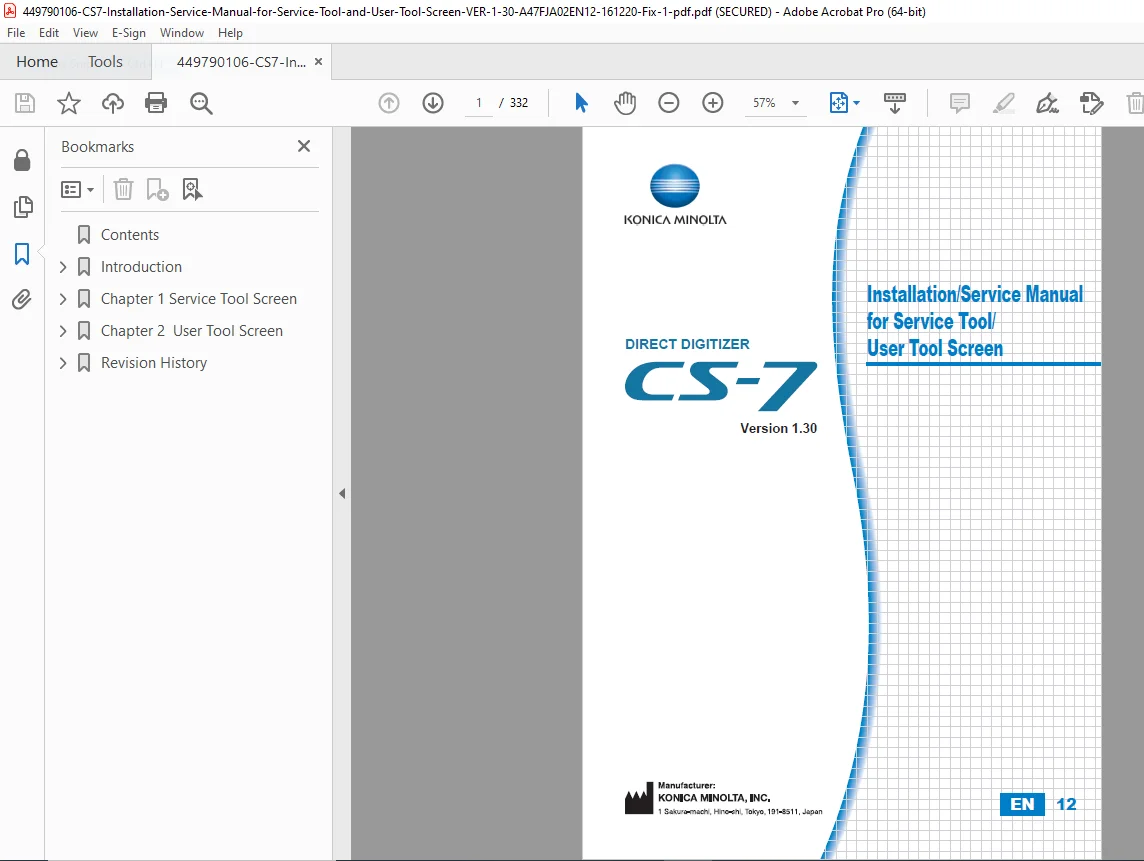
Konica Minolta CS-7 direct digitizer installation and service manual for service tool/user tool screen version 1.30, code A47FJA02EN12 dated 2016-12-20. Aimed at techs for the AeroDR and REGIUS digital radiography systems with 332 pages of detailed info. Starts with warnings on unauthorized access, safety for high voltage, radiation if applicable. Focuses on configuring the CS-7 console for DR detectors, access points, X-ray generators, RIS/HOST/printers. Revision history from 2012 to 2016 shows updates for functions like stitching, DICOM, firmware.
IMAGES:
Service Tool Screen
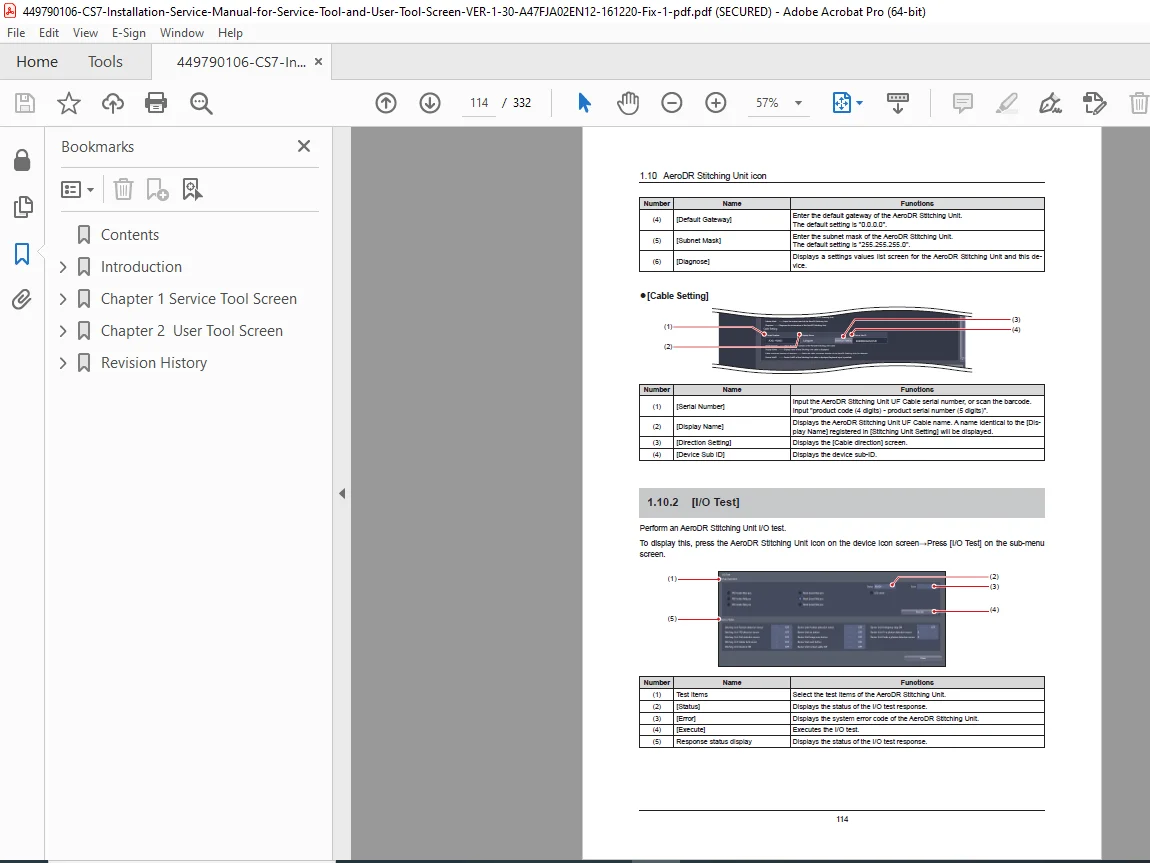
Chapter 1 dives into service tool screen transitions, common buttons like OK/Cancel/Apply. Icons for CS-7 (settings, network, patient DB, language, equipment info, PDA, medical checkup, routing, packet log, domain, AeroRemote, raw output, log viewer, update history, LCD calibration, study deletion). Console settings for institution info, date/time, keyboard, mouse, display, exam tags, output, emergency, print composer, lung lack/motion blur detection, DICOM, LDAP authentication, RIS built-in, EMR coordination. Detailed submenus for access points, DR detectors (settings, logs, radio wave monitoring, panel check, image analysis, Aero Sync, firmware update), cables, battery chargers, generator interfaces (prep-delay, firmware), stitching units (I/O test, adjustment, firmware), one shot stitching (SID registration, calibration editor), JM, REGIUS/Σ (parameters, PCB, image acquisition, unit test, analysis, calibration, count display, install/update, logs, masking/afterglow/moire settings, mammo exposures). RIS-IN/OUT, host/printer/media settings, X-ray devices (connections for TOSHIBA, HITACHI, SHIMADZU, SIEMENS, PHILIPS, CPI, Arcoma, emd, POSKOM, IBA Dosimetry, Sedecal, DRGEM, Spellman, SFT, parameter checks, DAP meter, work stations).
User Tool Screen
Chapter 2 covers user tool screen structures, transitions, common buttons. Settings for screen layouts (patient registration/list/exposure/output, application bar, S/G drag, barcode/magnetic card, list items, iPod/iPad displays), exam tags editing. Backup/restore system/exam tags/printer settings. Adjustments for DR detector calibration/update, long length unit, REGIUS Σ info notification/error hist/fractional masking. Manual file placement/replacement.
Revision History
Includes updates for new functions like V1.30R01, corrections, additions over years. Torque charts limited to specific components like mounting, some general. Wiring layouts, electrical circuits for integrations. Hydraulic none but X-ray tube paths. No over-capitalization. Good for shop though assumes tools like phantoms, multimeter, special jigs.
File Details
- Document Title: DIRECT DIGITIZER Installation/Service Manual for Service Tool/User Tool Screen (A47FJA02EN12, Version 1.30)
- Models Covered: CS-7, AeroDR, REGIUS (110/110HQ/170/190/210/Σ), AeroDR Access Point, DR Detector, I/F Cable, AeroDR Battery Charger, AeroDR UF Cable, AeroDR Generator Interface Unit, AeroDR Stitching Unit, One Shot Stitching, JM, RIS Built-IN, EMR (Info/Image), Host, Printer, Media, X-ray device, RIS-IN, RIS-OUT
- System Coverage: Service Tool Screen (CS-7 settings, network, patient DB, language, equipment info, PDA, medical checkup, routing, packet log, domain, AeroRemote, raw image output, log viewer, update history, LCD calibration, study deletion), Console, AeroDR Access Point, DR Detector (settings, log, radio wave monitoring, panel check, image analysis, Aero Sync, firmware update), I/F Cable, Battery Charger, UF Cable, Generator Interface Unit (settings, prep-delay measurement, firmware update), Stitching Unit (settings, I/O test, adjustment, firmware update), One Shot Stitching (settings, SID registration, calibration data editor), JM, REGIUS (settings, parameters, PCB, image acquisition, unit test, analysis, calibration, count display, install, update, log, chest wall masking, afterglow, mammo offset, grid moire), RIS-IN, RIS-OUT, Host, Printer, Media, X-ray device (connection, parameter check, DAP meter, work station, tube, generator settings for various manufacturers), EMR (info/image coordination), User Tool Screen (settings for screen, exam tag, backup/restore, adjustment for calibration/update/warning/error hist/fractional masking, manual file replacement)
- Pages: 332
- Format: Searchable PDF (OCR-enabled)
- Languages: English
- File Size: ~22.2 MB
- Quality Notes: Factory scan with clear text, crisp schematics, OCR searchable; diagrams sharp and legible. ✅ Verified factory technical content.