Konica PrintLink Medical Imaging Print Service Manual – PDF
Original price was: $95.00.$25.95Current price is: $25.95.
Complete installation and service manual for Konica PrintLink medical imaging print management system. Professional technical documentation covering multi-modality diagnostic image processing from CT, MRI, DSA, ultrasonic, and nuclear medicine devices to laser imagers. Includes detailed specifications for PrintLink-IV, ID, DV, HG, IN, and OD models with network and DICOM connectivity. Comprehensive coverage of system installation, interface configuration, troubleshooting, and maintenance for medical imaging professionals servicing hospital radiology departments.
Description
Konica PrintLink Medical Imaging Print Management Installation Service Manual – PDF DOWNLOAD
DESCRIPTION
This official Konica PrintLink Installation and Service Manual provides complete technical documentation for the PrintLink Print Management System, a sophisticated medical imaging solution designed to manage and route diagnostic images from multiple modalities to laser imagers and filing systems. This comprehensive 428-page manual is essential for biomedical engineers, medical imaging technicians, and service professionals supporting healthcare radiology departments.
System Overview
The Konica PrintLink is a professional-grade print management system that accumulates image data from various diagnostic devices and outputs to laser imagers with advanced routing, queuing, and image processing capabilities. This system serves as the critical infrastructure connecting diagnostic imaging equipment to film output devices in medical facilities.
Supported Diagnostic Modalities:
- CT (Computed Tomography) scanners
- MRI (Magnetic Resonance Imaging) systems
- DSA (Digital Subtraction Angiography) equipment
- Ultrasonic/Ultrasound devices
- Nuclear Medicine imaging systems
- Other medical diagnostic imaging equipment
PrintLink Model Variants
This manual covers all PrintLink models:
PrintLink-IV (Code: 0296)
- Video interface connectivity
- Multi-imager support
PrintLink-ID (Code: 0297)
- Digital interface capabilities
- Enhanced data transfer
PrintLink-HG (Code: 0298)
- High-speed video processing
- Advanced imaging features
PrintLink-DV (Code: 0299)
- Digital video interface
- Professional video signal handling
PrintLink-IN (Code: 0306)
- Network input/output capabilities
- DICOM connectivity
- Bi-directional communication
PrintLink-OD (Code: 0307)
- Output distribution controller
- Legacy imager support
Key System Features
1. Laser Imager Backup & Redundancy
- Automatic failover capabilities
- Continuous operation assurance
- Print queue management
2. Multi-Modality Expansion
- Supports multiple diagnostic device types simultaneously
- Expandable architecture with additional PrintLink units
- Seamless integration across imaging platforms
3. Extensive Imager Connectivity
- Up to 8 imagers/filing systems per input unit
- Up to 16 channels with PrintLink-OD
- Compatible imager models:
- Li-21, Li-7, Li-7A, Li-8
- Li-10A, Li-1417D, Li-1417DH
- Li-62P, DRYPRO722
4. Compact Controller Design
- Space-efficient installation
- Touch panel LCD interface
- User-friendly operation
5. Large Image Memory Capacity
- 4GB or 8GB image storage options
- Queue management for high-volume facilities
- Buffer protection against data loss
6. Emergency Interrupt & Priority Printing
- Immediate printing for urgent cases
- Queue priority override
- Critical patient care support
7. Modality-Specific Image Processing
- Interpolation algorithms per modality type
- Optimized output for each diagnostic device
- Quality enhancement processing
8. LUT (Look-Up Table) Configuration
- Customizable per modality
- Image contrast/density optimization
- Consistent output quality
9. Time/Date Stamping
- Automatic annotation per modality
- Patient information integration
- Compliance with medical record requirements
10. Print History & Recall
- Invoke previously printed images
- Reprint capability without re-scanning
- Archive access functionality
11. Advanced Frame Management
- Individual frame deletion
- Page erasure capabilities
- Frame overwrite functions
12. Modality-Specific Print Conditions
- Preset configurations per device type
- Customizable output parameters
- Template-based printing
13. Image Rotation
- 90-degree rotation per format
- Portrait/landscape optimization
- Automatic orientation adjustment
14. Flexible Format Options
- Slide size production
- Multiple layout formats: 1, 2, 4, 6, 9, 12, 15, 16, 20, 24, 25, 30, 35, 36, 42, 48 images per sheet
- Mixed format capability on single film
15. Network Connectivity
- Toshiba Ethernet input support
- DICOM input/output compliance
- Standard medical imaging protocols
16. Built-in SMPTE Test Pattern
- Quality assurance testing
- Calibration verification
- System diagnostics
Technical Specifications
Interface Options:
- Video interface
- Digital interface
- High-speed video
- Digital video
- Network (Ethernet/DICOM)
Video Input Specifications:
- Composite video
- Video + Composite Sync
- Video + Separate Sync
- Pixel Clock: 80-135 MHz
- Horizontal Frequency: 60-80 kHz
- Vertical Frequency: 55-75 Hz
Memory Capacity:
- Standard: 4GB
- Optional: 8GB
Network Architecture:
- Multi-node expansion capability
- Filing system integration
- Direct imager connection or network routing
Power Requirements:
- Input Voltage: 100VAC
- Internal lithium battery backup
- Sealed lead battery for memory protection
Environmental Compliance:
- IEC 60601-1-2 (1993 version) EMC standards
- Medical device safety certifications
- Class 1 electrical device classification
Comprehensive Manual Contents
SECTION 1: PRINTLINK OVERVIEW
- System architecture and features
- Complete specifications
- System block diagrams
- Circuit board layouts and cable routing
SECTION 2: CABINET & PHYSICAL INSTALLATION
- Cabinet section identification
- Component descriptions
- Cover panel removal procedures
- Diagnostic device and imager connection protocols
- Battery and fuse replacement instructions
- Physical installation guidelines
SECTION 3: POWER UNIT & INTERNAL BOARDS
- Main board architecture and specifications
- Component layout diagrams
- Hard disk installation and configuration
- Internal connection diagrams
- Circuit board replacement procedures
SECTION 4: IMAGER CONFIGURATION
- Li-7, Li-7A, and Li-8 setup procedures
- Li-21 configuration guidelines
- Li-10A installation and setup
- Li-62P connection specifications
- DryPro imager integration
SECTION 5: NETWORK & INTERNAL SYSTEM CONFIGURATION
- Network interface setup
- IP address configuration
- DICOM connectivity setup
- Internal system parameters
- Communication protocol settings
SECTION 6: SOFTWARE CONFIGURATION & OPERATION
- Environment file configuration
- System settings and parameters
- Status monitoring and diagnostics
- Desktop delivery tools
- Version information and updates
- Software upgrade procedures (V1.04)
SECTION 7: NETWORK I/F CONFIGURATION
- Network interface specifications
- Hardware setup procedures
- Communication protocols
- Troubleshooting network connectivity
SECTION 8: VIDEO I/F SETUP
- Video interface configuration
- Analog section specifications
- Digital section specifications
- Block diagrams
- Parts layout diagrams
- Signal adjustment procedures
- PLL lock adjustment
- Operational testing with abnormalities
- Board adjustment protocols
- LED status indicators
SECTION 9: DIGITAL I/F CONFIGURATION
- Digital interface specifications
- Configuration procedures
- Signal processing setup
- Interface testing
SECTION 10: HIGH-SPEED VIDEO I/F
- High-speed video interface setup
- Performance optimization
- Signal integrity verification
SECTION 11: DIGITAL VIDEO I/F
- Input signal specifications
- Pixel clock configuration (80-135 MHz)
- Horizontal frequency settings (60-80 kHz)
- Vertical frequency parameters (55-75 Hz)
- Composite video handling
- Sync signal processing
SECTION 12: CONTROLLER OPERATION
- Touch panel LCD operation
- Control interface functions
- User interface navigation
- Controller troubleshooting
SECTION 13-15: ADVANCED SYSTEM FUNCTIONS
- Image processing algorithms
- Format selection and configuration
- Print queue management
- Priority handling protocols
SECTION 16: TROUBLESHOOTING & DIAGNOSTICS
- Systematic troubleshooting procedures
- Component-level diagnostics
- Board testing protocols
- Error code interpretation
- System recovery procedures
SECTION 17-19: MAINTENANCE & CALIBRATION
- Preventive maintenance schedules
- Calibration procedures
- Component cleaning protocols
- Performance verification
SECTION 20: SOFTWARE UPGRADES
- Upgrade procedures
- Version management
- System backup protocols
- Configuration preservation
Safety & Installation Precautions
Comprehensive Safety Guidelines:
DANGER Level Warnings:
- Power disconnection requirements before service
- High voltage section precautions
- Authorized technician requirements
- Electrical shock prevention protocols
WARNING Level Precautions:
- Proper grounding requirements
- Voltage verification procedures
- Static discharge protection (ESD)
- Component replacement guidelines
- Lithium battery handling
- Water exposure prevention
CAUTION Level Notices:
- Ventilation requirements
- LCD touch panel handling
- Cable routing and connection
- Environmental considerations
- Storage requirements
Installation Requirements:
- Location selection criteria
- Environmental conditions (temperature, humidity)
- Vibration and shock protection
- Chemical exposure avoidance
- Power outlet capacity requirements
- Ground terminal connection
- Ventilation clearance specifications
LCD Touch Panel Precautions:
- Finger operation only (no hard/sharp objects)
- Glass protection measures
- Liquid containment procedures
- Crack detection and response
Battery & Disposal Information:
- Sealed lead battery handling
- Automatic charging system
- Recycling requirements
- Industrial waste regulations
Ethernet & Network Safety
- Dedicated Ethernet terminal usage
- Prohibition of telephone line connection
- Network isolation requirements
Who Should Use This Manual?
- Biomedical equipment technicians
- Medical imaging service engineers
- Hospital technical services staff
- Radiology department IT specialists
- Konica authorized service personnel
- Healthcare facility maintenance engineers
- Medical equipment installation specialists
Manual Features
✓ Official Konica factory documentation
✓ Comprehensive 428-page technical guide
✓ Detailed circuit board diagrams
✓ Block diagrams and signal flow charts
✓ Step-by-step installation procedures
✓ Complete interface configuration guides
✓ Parts layout and silk screen diagrams
✓ Troubleshooting flowcharts
✓ Safety precautions integrated throughout
✓ Multi-model coverage (IV, ID, DV, HG, IN, OD)
✓ DICOM and network setup instructions
✓ Imager-specific configuration guides
This installation and service manual provides complete technical knowledge required for professional installation, configuration, maintenance, and repair of Konica PrintLink medical imaging print management systems in healthcare environments.
FILE DETAILS
Manual Name: Konica PrintLink Installation and Service Manual
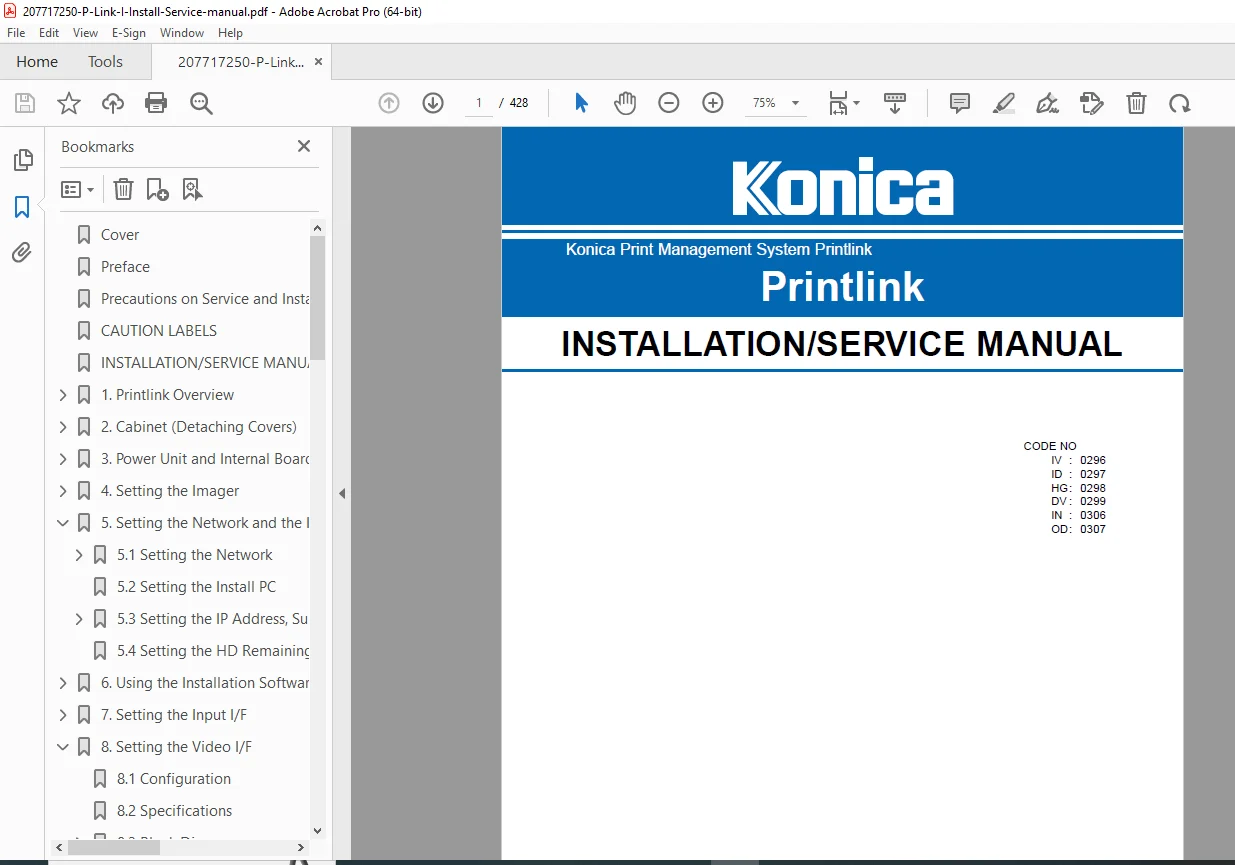
Models Covered: PrintLink-IV (0296), PrintLink-ID (0297), PrintLink-HG (0298), PrintLink-DV (0299), PrintLink-IN (0306), PrintLink-OD (0307)
Year: December 2000 (Version B)
Manual Quality: Excellent – Clear text, detailed diagrams, professional formatting
Number of Pages: 428 pages
File Format: PDF
File Size: 15.5 MB
Language: English
Version: Ver. 1.0 2000.12
Publisher: Konica Corporation
Editor: Ugo Joe Piasevoli