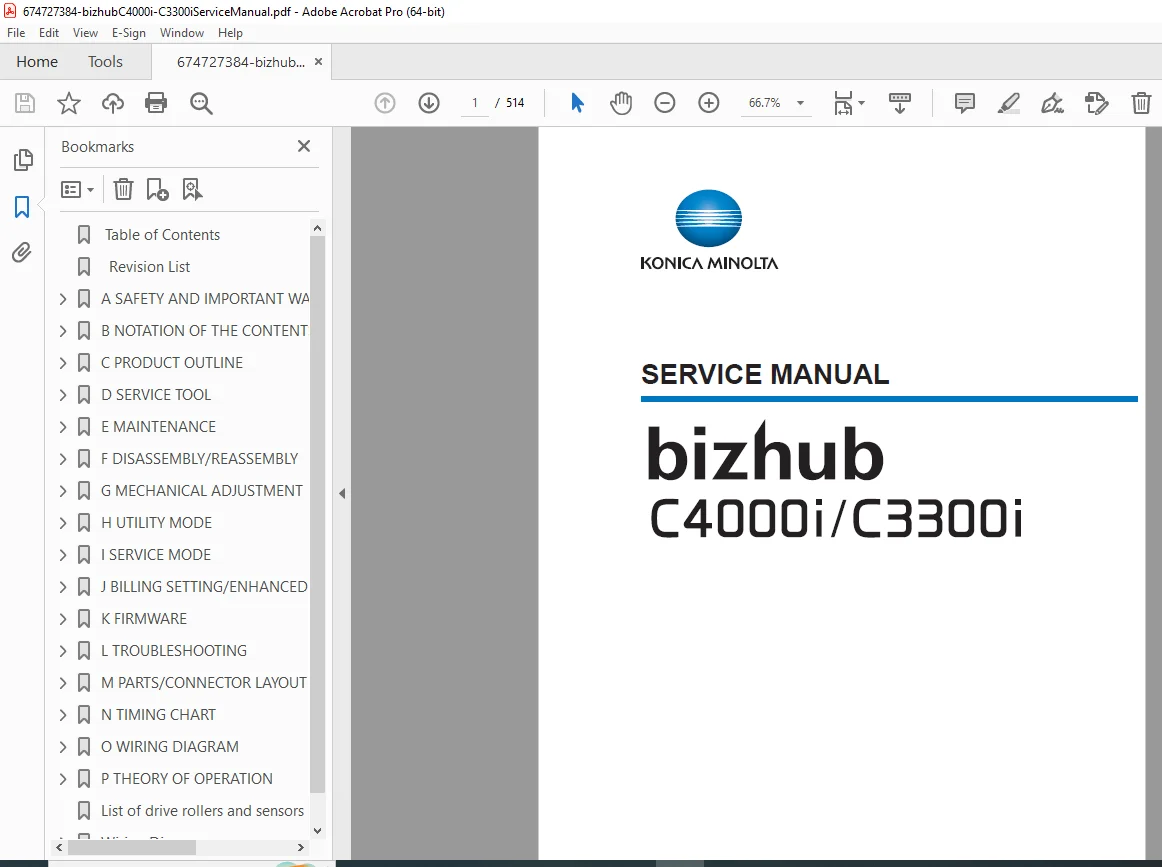
Konica Minolta bizhub C4000i C3300i Service Manual PDF
Original price was: $85.00.$18.95Current price is: $18.95.
Official Konica Minolta service manual for bizhub C4000i and C3300i color printers. Covers installation, preventive maintenance, disassembly, service mode, firmware updates, wiring diagrams, timing charts, error codes, jam codes, image quality troubleshooting, and full theory of operation. Essential for field engineers and professional service technicians
Description
Konica Minolta bizhub C4000i C3300i Service Manual PDF DOWNLOAD
Description
This official Konica Minolta Service Manual is a comprehensive, factory-issued technical guide for servicing and maintaining the bizhub C4000i and bizhub C3300i color printers.
Designed for authorized service engineers, this manual provides deep insight into mechanical systems, electrical circuits, firmware, diagnostics, and advanced troubleshooting.
✅ Models Covered
Konica Minolta bizhub C4000i
Konica Minolta bizhub C3300i
Supported Options & Units
PF-P20 / PF-P21 Paper Feed Units
FS-P04 Finisher
CU-202 Clean Unit (Europe)
EK-P08 / EK-P09 USB Hub
EK-P10 NFC Unit
UK-221 Wireless LAN
EM-908 Memory Expansion
KP-P03 / KP-102 Keypads
i-Option functions
📂 Detailed Contents & Bookmarks Breakdown
🔹 A. Safety & Important Warning Items
Laser safety & radiation precautions
Electrical & power supply warnings
Installation environment requirements
On-site service safety checkpoints
Regional battery disposal rules
🔹 B. Product Outline & Specifications
Machine specifications & print volume
Paper handling capabilities
System configuration diagrams
Image creation & forming control
Process speed & control block diagrams
🔹 C. Service Tools & Utilities
Utility tool overview
IC card information setting tool
Diagnostic support utilities
🔹 D. Maintenance
Preventive & Periodic Maintenance
Periodical replacement parts list
Toner cartridge & imaging unit replacement
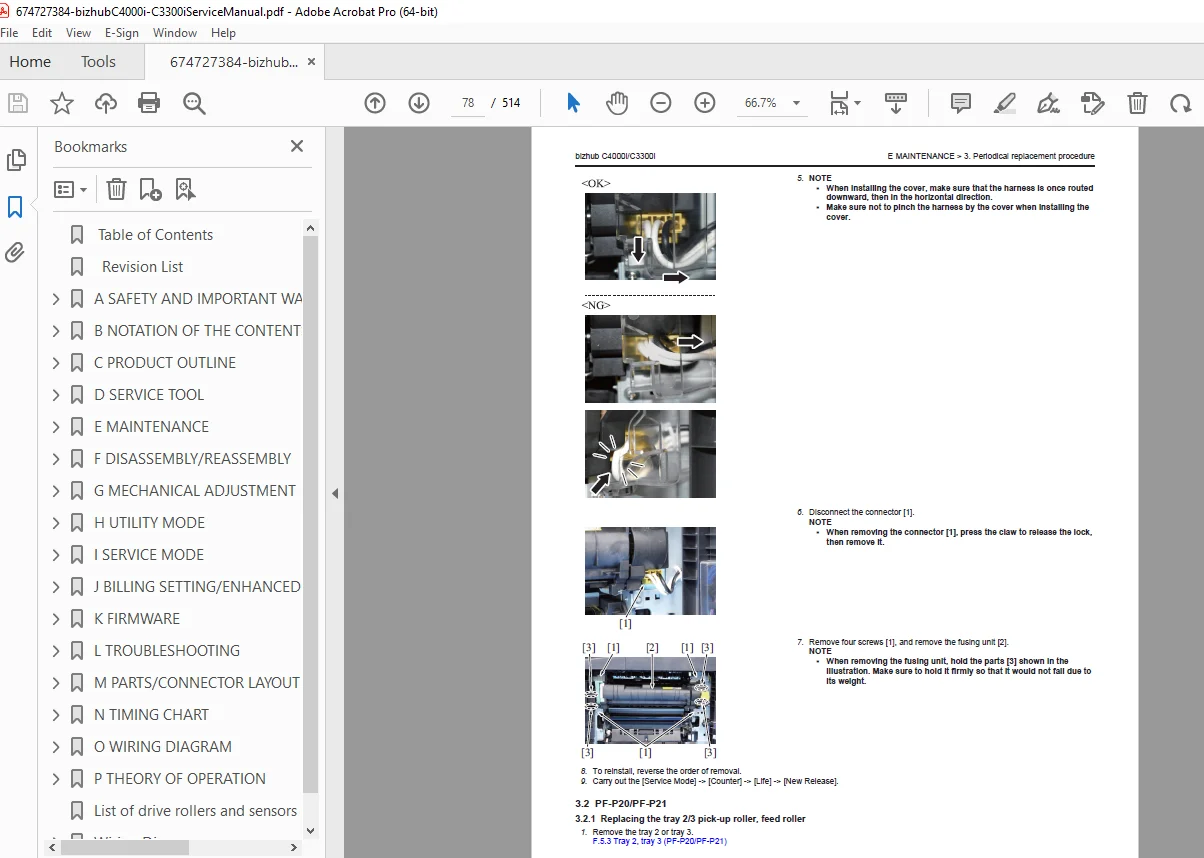
Transfer belt, transfer roller & fusing unit replacement
Waste toner bottle handling
Cleaning & Lubrication
Pick-up rollers & separation rollers
PH window & IDC sensor cleaning
Duplex transport rollers
Registration & transfer components
🔹 E. Disassembly / Reassembly
Prohibited disassembly items
Exterior covers & control panel removal
Imaging unit & transfer assemblies
Boards:
BASEB, CPUB, DCPS, HVPS, ERB, MCMB
Motors, clutches, fans & sensors
Optional unit disassembly (PF-P20/P21, CU-202, NFC, WLAN)
🔹 F. Mechanical Adjustments
Image centering & registration
Leading edge & duplex adjustments
Color registration fine tuning
🔹 G. Utility Mode
Administrator & service maintenance menus
Network, security & authentication settings
Storage management & encryption
Remote panel & remote access configuration
🔹 H. Service Mode (Advanced Technician Section)
Fusing temperature & transport speed
Laser diode (LD) adjustments
Transfer voltage & charging voltage settings
Image stabilization & density control
Software switch tables (SW numbers)
Counters, logs & history data
Test patterns & paper passage tests
🔹 I. Firmware & Updates
USB firmware rewriting
Internet ISW updates
Auto update configuration
i-Option firmware installation
Backup & recovery procedures
🔹 J. Troubleshooting (Extremely Detailed)
JAM codes with sensor layouts
Malfunction codes (P-codes)
Trouble codes (C-codes, CA, CC, CD, CE, CF)
Boot diagnosis & panel blackout issues
Self-diagnostic (Full & Individual)
Image quality troubleshooting:
Color misregistration
Density issues
Blurred images
Fusing defects
Background fog & banding
🔹 K. Diagrams & Technical Reference
Parts layout drawings
Board & connector pin layouts
Timing charts
Full wiring diagrams
Complete theory of operation:
Toner supply
Imaging process
Transfer & fusing systems
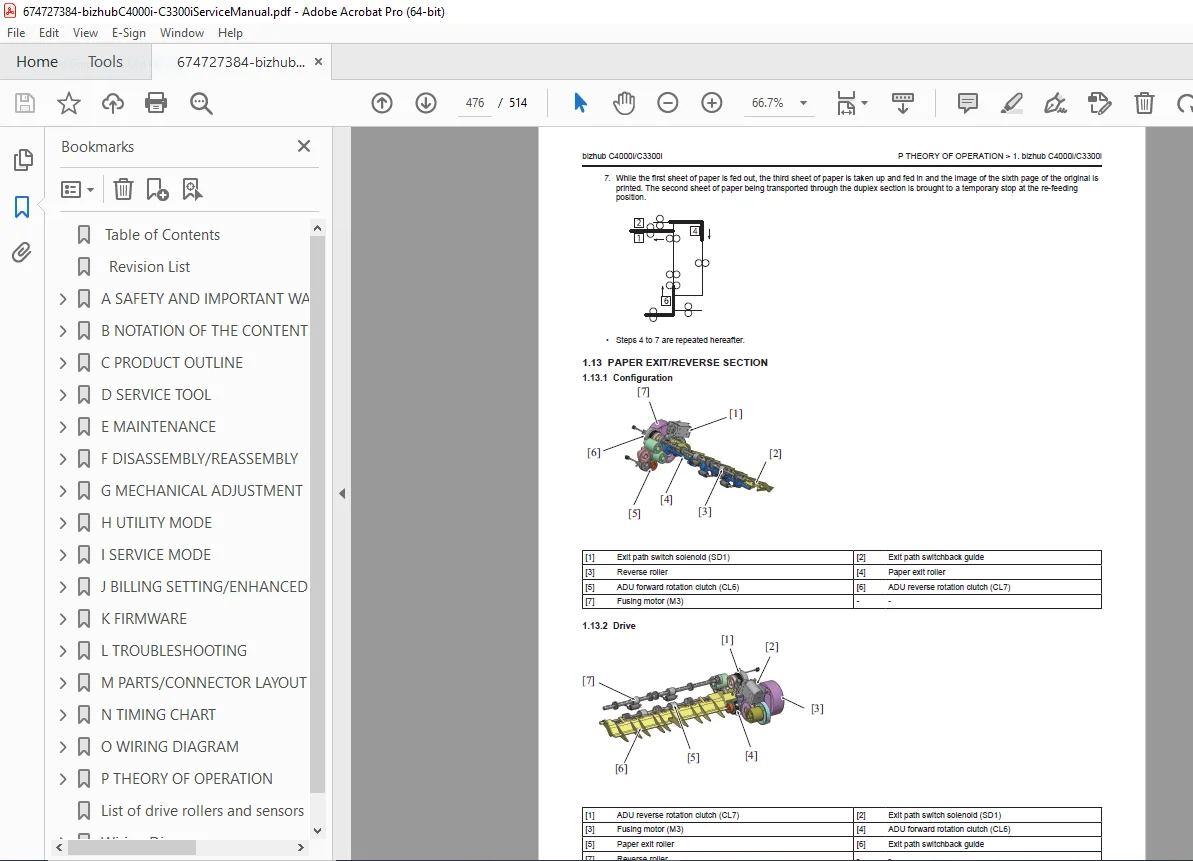
Duplex & paper feed
Power supply & fan control
📄 File Details
| Specification | Details |
|---|---|
| Manual Name | Konica Minolta bizhub C4000i / C3300i Service Manual |
| Models Covered | bizhub C4000i, bizhub C3300i |
| Publication Date | March 24, 2023 |
| Manual Version | Function Version 2.2 |
| PDF Quality | High-quality, searchable, illustrated |
| Total Pages | 514 pages |