Description
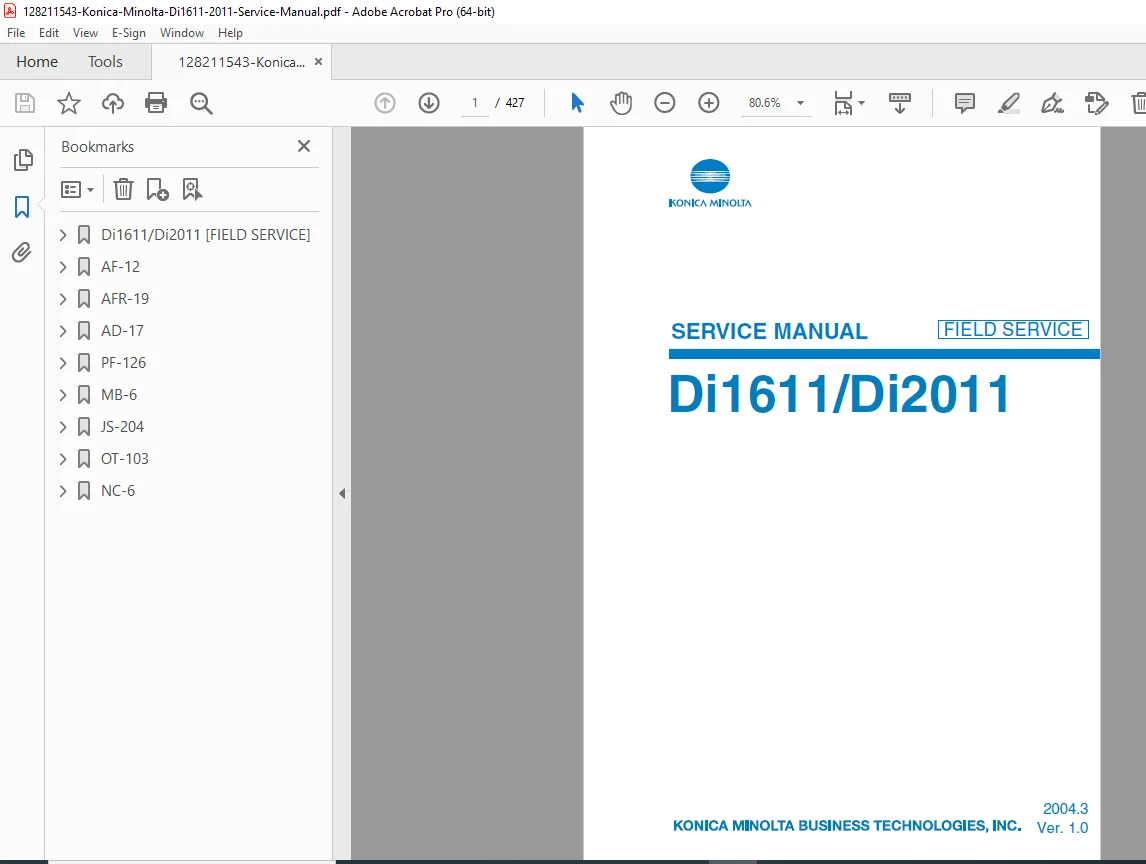
This is the genuine Konica Minolta Factory Service Manual for the Di1611 and Di2011 digital copiers, issued in March 2004 (Ver. 1.0)
It is the same internal technical documentation used by Konica Minolta–trained field engineers.
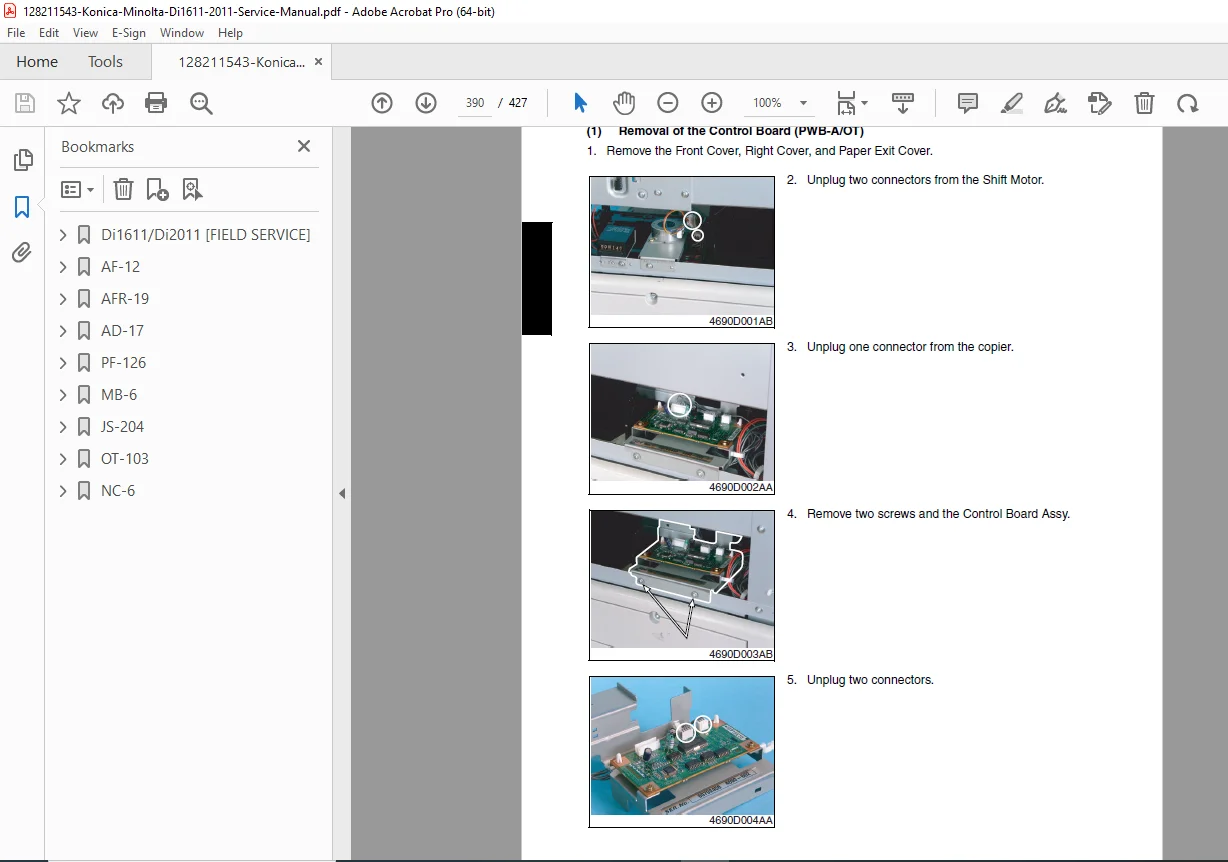
Designed for professional servicing, this manual delivers step-by-step maintenance procedures, mechanical disassembly guides, firmware upgrade methods, service mode functions, adjustment routines, and complete troubleshooting charts.
It is indispensable for:
Copier repair technicians
Office equipment service centers
Refurbishers & resellers
IT and facilities maintenance teams
From laser safety and PM schedules to fuser removal and ATDC calibration, every system is explained with diagrams and factory precision.
📚 What This Manual Covers
🛡 Safety & Service Guidelines
Laser safety and radiation precautions
On-site service checkpoints
Electrical and fire safety standards
Handling toner, developer & solvents
Emergency procedures
🔧 Maintenance Section
Service tools & jigs
Preventive maintenance schedules
PM parts list with life cycles
Cleaning & replacement procedures for:
Paper feed & transport rollers
IR (scanner) section
PH (print head) window
Imaging Unit (IU)
PC drum, cleaning blade, corona
Developer & ATDC sensor
Image transfer system
Fusing (heater) unit
⚙ Disassembly & Reassembly
Covers, doors & exterior parts
Circuit boards (Master, Control, HV, PSU)
PH Unit, IR Unit, CCD & scanner
Motors, fans, sensors & drive assemblies
Imaging Unit teardown and rebuild
🖥 Utility & Service Modes
Utility Mode function tree
Machine settings & user management
Paper source configuration
Energy-saving & auto shut-off controls
🧪 Service Mode Functions
Firmware versions & diagnostics
Counters (total, PM, misfeed, supplies)
ATDC auto adjust
Print test patterns
Paper feed & ADF tests
Factory tests & memory reset
🛠 Mechanical Adjustments
🧯 Troubleshooting
Paper misfeed diagnostics by section
Jam detection timing charts
Malfunction code list (C0000–C14A3)
Fuser, motor, sensor & PCB faults
Image defects:
Every procedure is illustrated with diagrams and step sequences used by field engineers.
📂 File Details
| Detail | Information |
|---|
| Manual Name | Konica Minolta Di1611 / Di2011 Service Manual |
| Models Covered | Di1611, Di2011 |
| Year | 2004 |
| PDF Quality | Original factory manual, fully illustrated & searchable |
| Pages | 427 pages |
🚀 Fix It Right – The Factory Way
Stop guessing and start repairing with confidence. Download the Konica Minolta Di1611 / Di2011 Service Manual now and gain instant access to factory diagnostics, wiring, and service procedures—everything you need to restore, maintain, and repair these copiers like a professional.