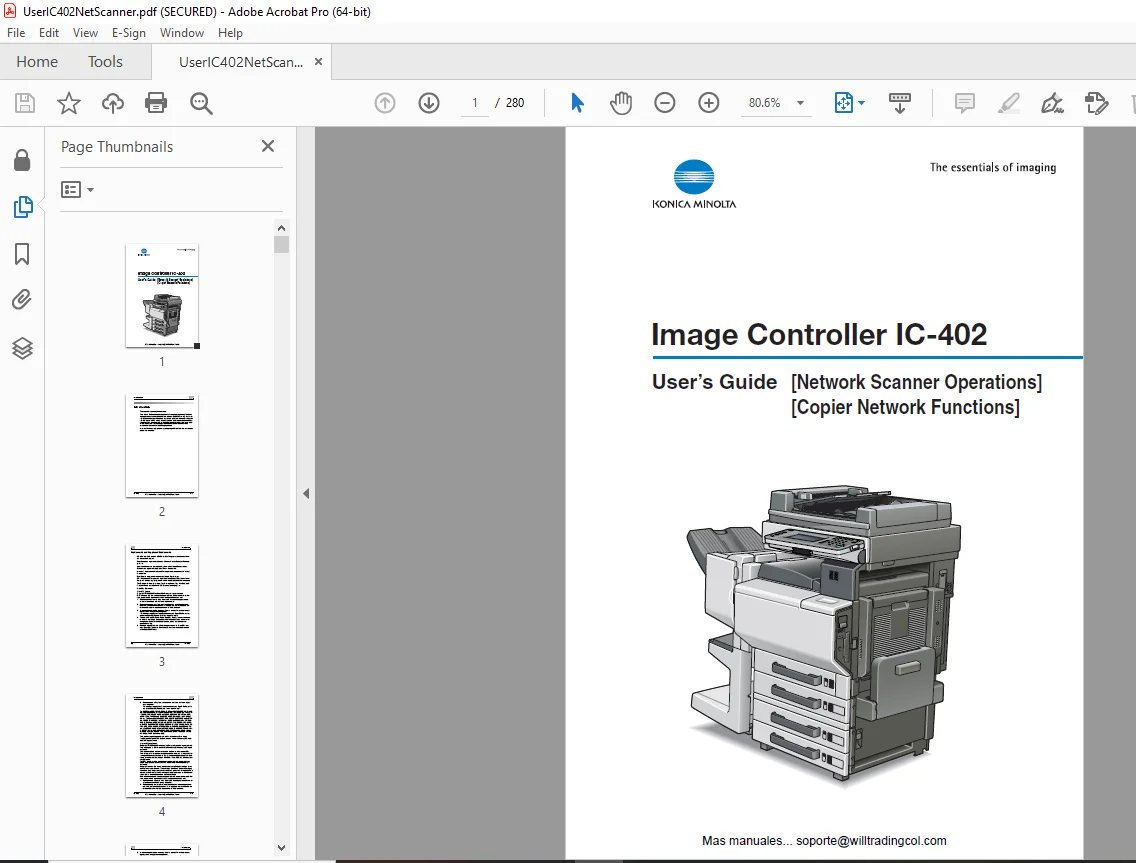
Konica Minolta Image Collector IC-402 Users Manual – PDF
$28.95
Konica Minolta Image Collector(Network Scanner Operations & Copier Network Functions)IC-402 Users Manual – PDF DOWNLOAD
Description
Konica Minolta Image Collector IC-402(Network Scanner Operations & Copier Network Functions)Users Manual – PDF DOWNLOAD
FILE DETAILS:
Konica Minolta Image Collector(Network Scanner Operations & Copier Network Functions)IC-402 Users Manual – PDF DOWNLOAD
Language : English
Pages : 280
Downloadable : Yes
File Type : PDF
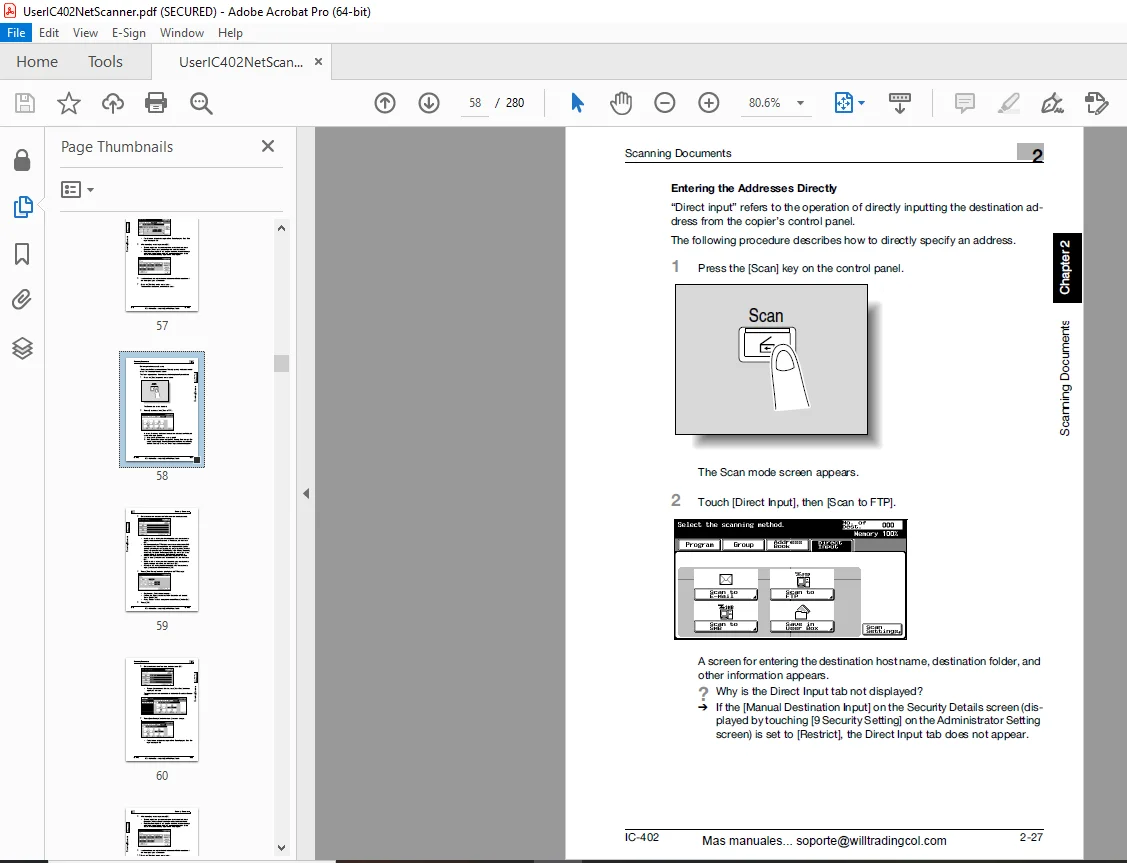
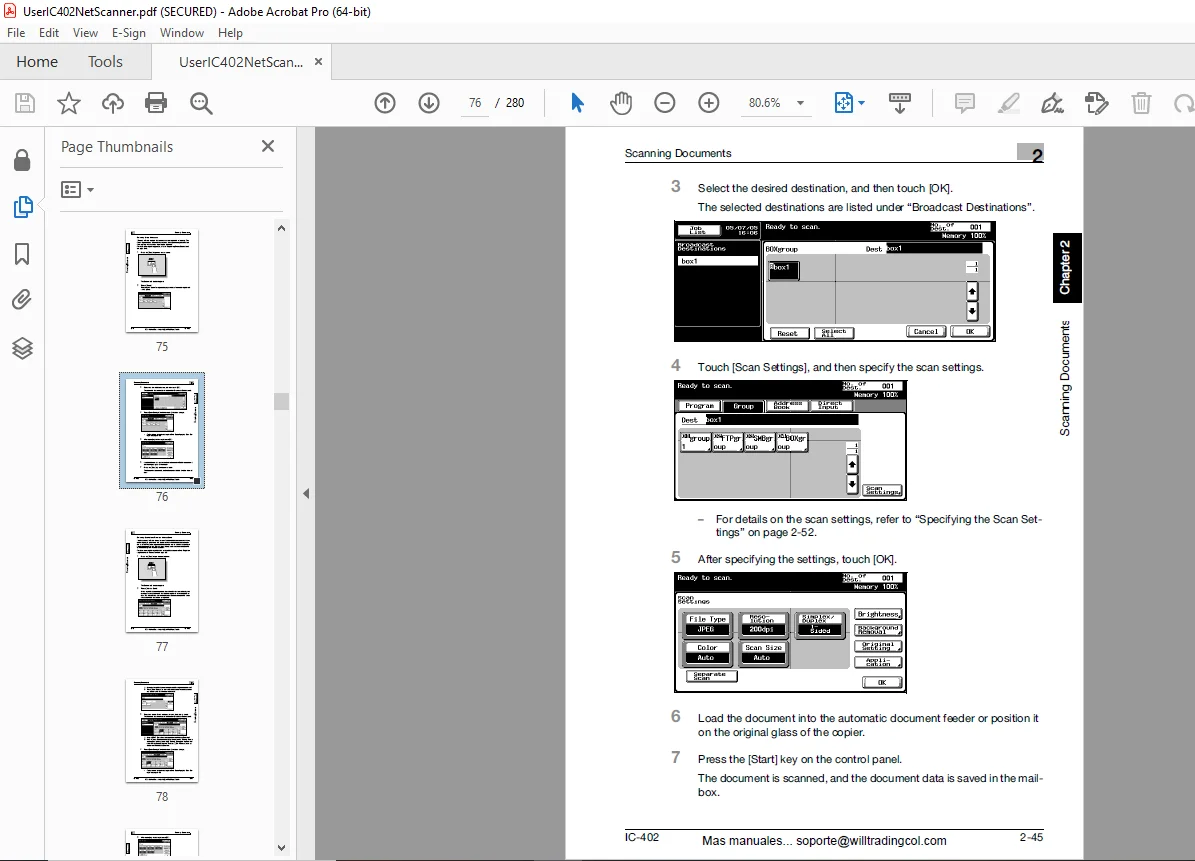
IMAGES PREVIEW OF THE MANUAL:
TABLE OF CONTENTS:
Konica Minolta Image Collector(Network Scanner Operations & Copier Network Functions)IC-402 Users Manual – PDF DOWNLOAD
Image Controller IC402 1
Introduction 2
Trademarks and Registered Trademarks 3
Contents 6
About This Manual 13
Explanation of Manual Conventions 15
1 Before Using the Scan Function 16
11 Environment Required for Using the Scan Function 17
12 Available Scanning Functions 18
13 Settings for using Network/Scanning Functions 22
14 Settings for Scanning 24
15 Connectiong to the Network 25
16 Flow Chart of Setup and Scanning Operations 26
17 Frequently Used Screens 27
2 Scanning Documents 32
21 Control Panel 33
22 Displaying the Scan Screen 36
23 Sending Data in an E-Mail Message (scan to E-Mail) 37
24 Sending Data to a Server (scan to FTP) 50
25 Sending Data to a PC on the Network (scan to SMB) 62
26 Saving Data on the Hard Disk (Save in Mailbox) 72
27 Specifying the Scan Setting 83
28 Checking the Settings102
29 Checking the Scan Job List111
3 Registering Destinations (Recipients) for Network Scanning114
31 Registering Abbreviated Destinations115
32 Registering Group Destinations129
33 Registering Program Destinations131
4 Other Network Scanning Settings134
41 Specifying E-Mail Settings135
42 Setting the Main Scan Mode Screen139
43 Setting the Save Format of the Data to Be Scanned141
44 Prefix/Suffix Settings143
45 Authentication Function148
5 Specifying Network Scanning Settings150
51 Available Settings151
52 Entering the Image Controller Setup Screen153
53 Specifying Settings for E-Mail Transmissions154
54 Specifying Settings for Save in Mailbox Operations156
55 Specifying Settings for FTP File Transmissions159
56 Specifying Settings for SMB Server Transmissions161
57 Setting the Error Notification Destination162
58 Setting the Sender (from) Address163
59 Hold Period of the Image Data164
6 Copier Network Functions166
61 Copier Network Settings167
62 TCP/IP Settings170
63 NetWare Settings173
64 FTP Settings174
65 SMB Settings175
66 Enabling LDAP Settings177
67 Setting Up LDAP Settings181
68 E-Mail TX (SMTP) Settings186
69 E-Mail RX (POP) Settings193
610 MAC Adress196
611 Time Adjustment Settings197
612 Status Notification Settings200
613 PING Confirmation202
614 IS OpenAPI Settings205
7 Using PageScope Web Connection210
71 System Requirements211
72 Acessing PageScope Web Connections212
73 User Mode218
74 Image Controller Administrator Mode240
75 Copier Administrator Mode244
8 Apendix266
81 Entering Text267
82 Glossary272
83 Index276
DESCRIPTION:
Konica Minolta Image Collector(Network Scanner Operations & Copier Network Functions)IC-402 Users Manual – PDF DOWNLOAD
Introduction:
- Thank you for choosing this machine. This User’s Guide contains descriptions of the network scanning functions and operations that can be used from optional C450/C351 image controller IC-402 and the network functions that can be used from the copier when the IC-402 is installed.
- To ensure the best possible performance and most effective use of the machine, read this manual thoroughly. After reading this Us- er’s Guide, store it in the designated holder for quick reference when problems or questions arise during operation. Views of the actual equipment may be slightly different from the illustrations used in this manual.
About This Manual :
- This User’s Guide provides descriptions of the network scanning functions available with IC-402 (the optional image controller for C450/C351).
- In addition, supplementary descriptions are provided in chapter 6 for the network functions that can be used from the copier when IC-402 is installed.
- This section introduces the structure of the manual and the notations used for product names, etc. This manual is intended for users who understand the basic operations of computers and this machine.
- For operating procedures of the Windows or Macintosh operating system and software applications, refer to the corresponding manuals. Structure of the Manual
- Chapter 1 Before Using the Scan Functions
- Chapter 2 Scanning Documents
- Chapter 3 Registering Destinations (Recipients) for Network Scanning
- Chapter 4 Other Network Scanning Settings
- Chapter 5 Specifying Network Scanning Settings
- Chapter 6 Copier Network Functions
- Chapter 7 Using Page Scope Web Connection
- Chapter 8 Appendix
G.B 28/02/25