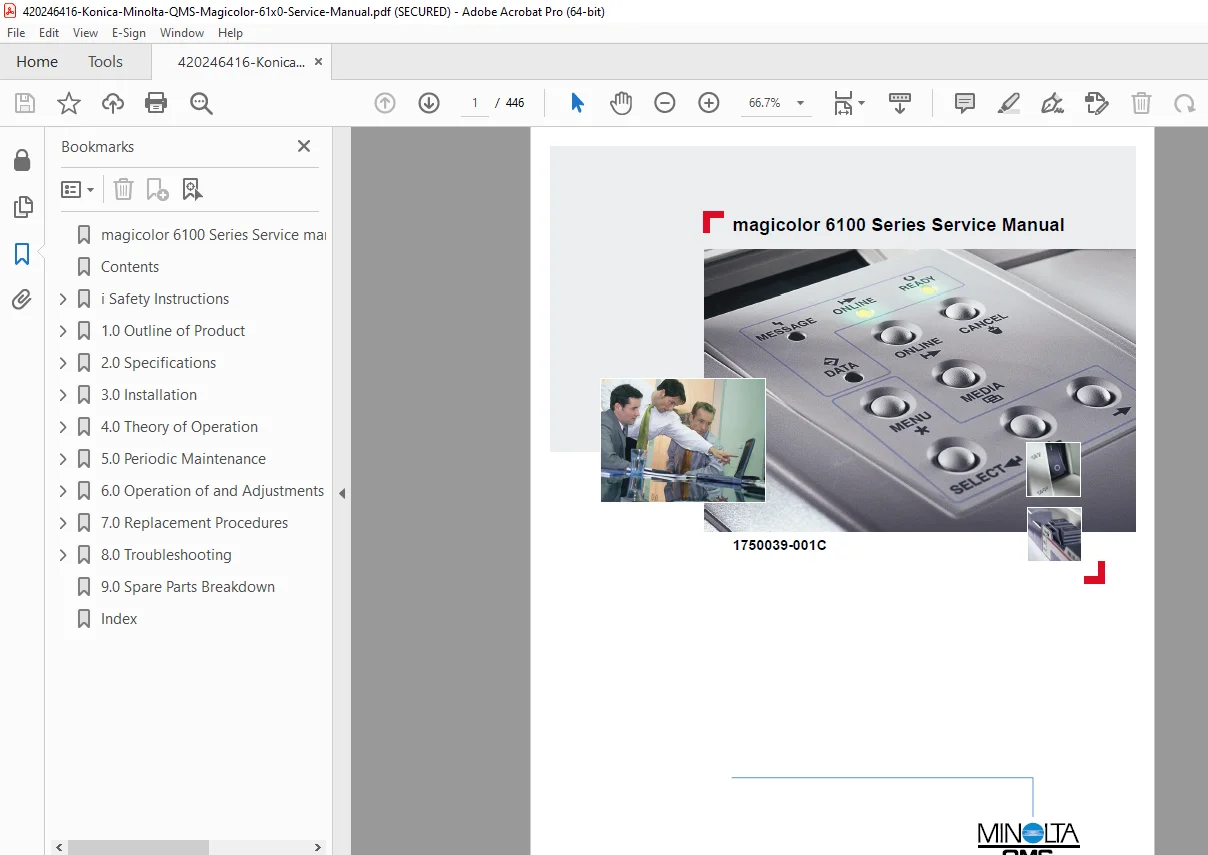
Konica Minolta Magicolor 6100 Service Manual PDF
Original price was: $95.00.$19.95Current price is: $19.95.
Comprehensive Konica Minolta magicolor 6100 service manual PDF detailing maintenance, troubleshooting, and repairs for the QMS magicolor 6100 color laser printer. Includes Konica Minolta magicolor 6100 toner cartridge replacement guide, magicolor 6100 fuser unit maintenance procedures, QMS magicolor 6100 error code troubleshooting steps, magicolor 6100 duplexer installation instructions, Konica Minolta printer OPC belt cartridge service, and periodic cleaning cycles with diagrams and part breakdowns. 446 pages of technical illustrations and specifications for service technicians.
Description
Konica Minolta Magicolor 6100 Service Manual PDF DOWNLOAD
Description
This detailed Konica Minolta magicolor 6100 service manual PDF serves as a vital resource for technicians servicing the QMS magicolor 6100 color laser printer series. Released with revisions from 1999 to 2001 by Minolta-QMS, it covers essential theory, installation, maintenance, adjustments, replacement procedures, and troubleshooting, ensuring optimal performance and longevity. The manual includes safety guidelines, FCC compliance notes, and a revision control table tracking updates up to Rev. 001C. Key sections emphasize practical steps with illustrations, such as Konica Minolta magicolor 6100 toner cartridge replacement guide for handling independent K, Y, M, C cartridges, magicolor 6100 fuser unit maintenance procedures for oil bottle and heater lamp servicing, and QMS magicolor 6100 error code troubleshooting for resolving operator calls like toner low or jams.
Navigation is facilitated by a structured table of contents and an alphabetical index for quick reference to components like the OPC belt cartridge, transfer drum, and duplexer units. The electrophotographic process is explained in depth, covering charging, exposing, developing, transferring, and fusing stages, with tips on avoiding common issues like color misregistration or insufficient gloss.
The manual’s organization includes:
- Table of Contents (Neatly categorized from page 13):
| Section | Title | Page Range/Subsections |
|---|---|---|
| 1.0 | Outline of Product | 1-3 to 1-8: Name and Function of Components, Duplexer, LFU, Internal Structures, Operator Panel |
| 2.0 | Specifications | 2-3 to 2-8: Rating, Printer Specs, Environmental Conditions |
| 3.0 | Installation | 3-3 to 3-22: Conditions, Unpacking (Printer, Starter Kit, LFU, Duplexer), Consumables Installation, Test Print |
| 4.0 | Theory of Operation | 4-3 to 4-50: Basic Structure, Print/Transfer Systems, Optical System, Paper Transport, Fuser, Control System, Connector Assignments |
| 5.0 | Periodic Maintenance | 5-3 to 5-26: General, Cleaning Procedures (Cycle Table, Registration Roller, Transfer Roller, etc.), Replacement Cycles (OPC, Fuser, etc.) |
| 6.0 | Operation of and Adjustments through the Operator Panel | 6-3 to 6-43: Panel Layout, Display Modes, Normal/Service/Factory Modes, Adjustment Procedures (Margins, NVRAM Init) |
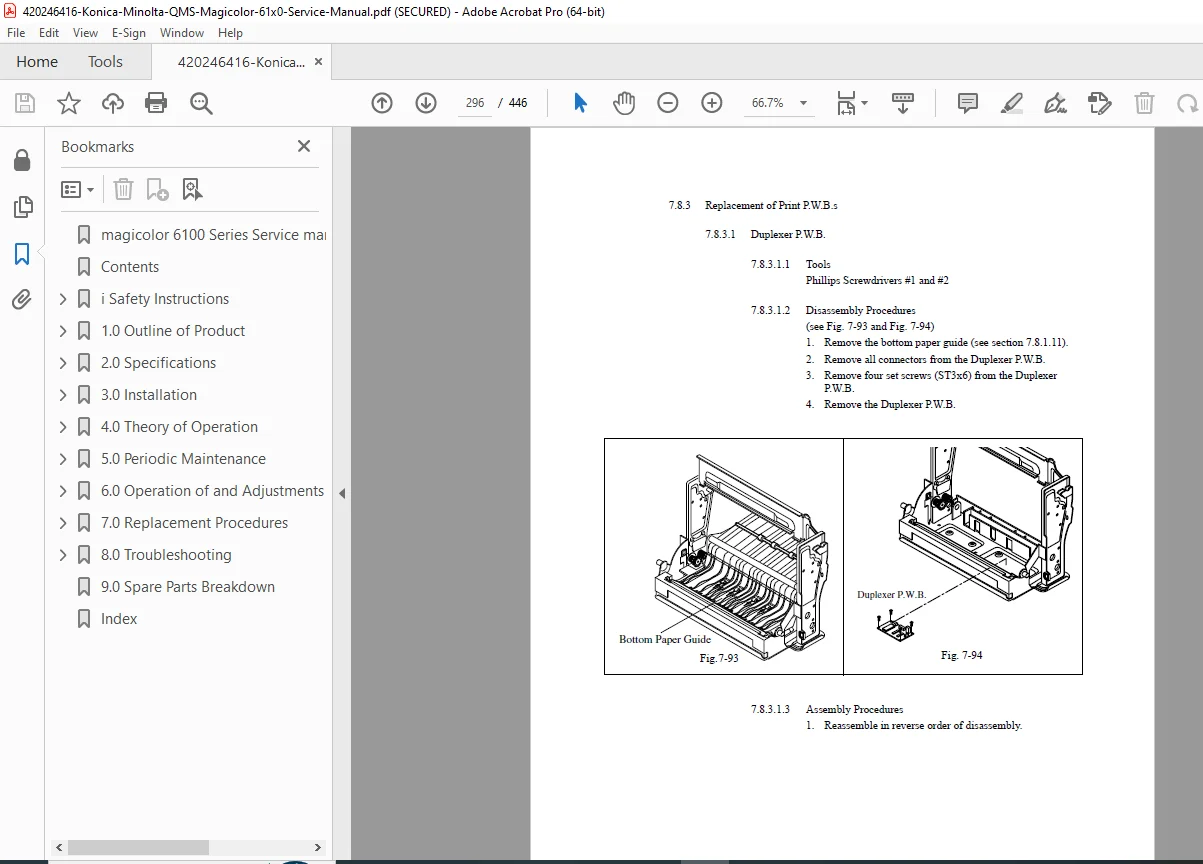
| 7.0 | Replacement Procedures | 7-3 to 7-113: Covers, PWBs, Motors, Clutches, Switches/Sensors, Rollers/Drums, Fuser, Duplexer, LFU Parts |
| 8.0 | Troubleshooting | 8-3 to 8-94: Outline, Operator Call Errors, Paper Transport Errors, Printer Errors, Imaging Failures (Jitter, Mottle, etc.) |
| 9.0 | Spare Parts Breakdown | 9-3 to 9-23: Engine, Duplexer, LFU Breakdowns |
| – | Index | I-3 onwards: Alphabetical topics like ACV Tune Up, Back Stain, etc. |
Index (Excerpted from pages 435-446; full alphabetical listing of key terms and procedures):
- A: ACV Tune Up (6-32), Adjustment Procedures (6-37)
- B: Back Stain (8-92), Background (8-72), Banding (8-83), BD Check (6-22), Belt Cleaning (4-18), Belt Discharging (4-17), Belt Marker Sensor Replacement (7-62), Black Line (8-80)
- C: Call For Service Error Codes (various 8-38/39), Cassette Installation (3-12), CBV Tune Up (6-30), Charging Process (4-11), Cleaner Cover Replacement (7-17), Cleaning Procedures (various 5-5 to 5-12), Clutch Replacements (7-47 to 7-50), Color Misregistration (8-88), Control System (4-27), Covers Replacement (7-5 to 7-18)
- D: DBV Tune Up (6-29), Developing Process (4-13), Discharger Brush Replacement (7-76), Drum Cleaning (4-21), Duplex Jams (8-36), Duplexer Replacements (7-83 to 7-106)
- E: Each Image Reset (6-35), Electrophotographic Process (4-9), Engine Error Codes (8-38/39), Erase Lamp (4-17, Replacement 7-32), Exposing Process (4-12)
- F: FBV Tune Up (6-31), First Transfer (4-15/16), Fuser Replacement (5-17, 7-80), Fusing Temperature (4-26)
- H: Handling Precautions (5-3), Heater Lamp Replacement (7-81), High Voltage Power Supply (4-44, Replacement 7-30)
- I: Imaging Failures (8-72, specific issues 8-73 to 8-94), Installation Procedures (3-3 to 3-23), Interface Control (4-38), Interlock Switches (7-52 to 7-54)
- J: Jam Errors (8-34 to 8-36), Jitter (8-74)
- L: Laser Unit (4-22, Cleaning 5-11, Replacement 7-42), LFU Replacements (7-107 to 7-113), Low Voltage Power Supply (4-41, Replacement 7-28)
- M: Main Motor Replacement (7-34), Maintenance Cycles (5-13), Margin Adjustment (6-37), Mottle (8-89), Motor Replacements (7-33 to 7-46)
- N: Next Care Procedures (6-14), NVRAM Initialization (6-33, 6-43)
- O: Oil Bottle Installation (3-9), OPC Belt Cartridge (4-6, Replacement 5-15), Operator Call Errors (8-4 to 8-8), Optical System (4-22), Ozone Fan Replacement (7-46)
- P: Paper Specifications (2-7), Paper Transport System (4-24), Periodic Maintenance (5-3 to 5-26), PWB Replacements (7-19 to 7-30), Printer Errors (8-37)
- R: Registration Roller (5-7, Replacement 7-70), Replacement Procedures (7-3 to 7-113), Residual Image (8-90)
- S: Second Transfer (4-19), Sensor Replacements (7-55 to 7-68), Service Mode Procedures (6-12 to 6-36), Specifications (2-3 to 2-8)
- T: Temperature/Humidity (2-8), Test Print (3-22, 6-13), THV Tune Up (6-28), Toner Cartridge (4-13, Installation 3-11), Transfer Drum (4-15, Replacement 5-26/7-71), Troubleshooting (8-3)
- U: Unpacking (3-4 to 3-8)
- V: Vertical Line/Band (8-79 to 8-82)
- W: Waste Toner Auger Replacement (7-77), White Band/Line/Print (8-77 to 8-93), Wrinkle/Image Migration (8-76)
- X: Xerographic Process (4-9)
Ideal for magicolor 6100 duplexer installation instructions, Konica Minolta printer OPC belt cartridge service, and QMS magicolor 6100 error code troubleshooting, this PDF supports safe repairs with warnings on hazardous voltages, ozone gas, and laser exposure. Always use genuine parts and follow periodic cycles to maintain print quality.
File Details
- Manual Name: magicolor 6100 Series Service Manual
- Models Covered: magicolor 6100 Series (color laser printers)
- Year: 1999 (with revisions up to 2001)
- Manual PDF Quality: High quality with clear text, detailed diagrams, illustrations, and searchable content
- No. of Pages: 446