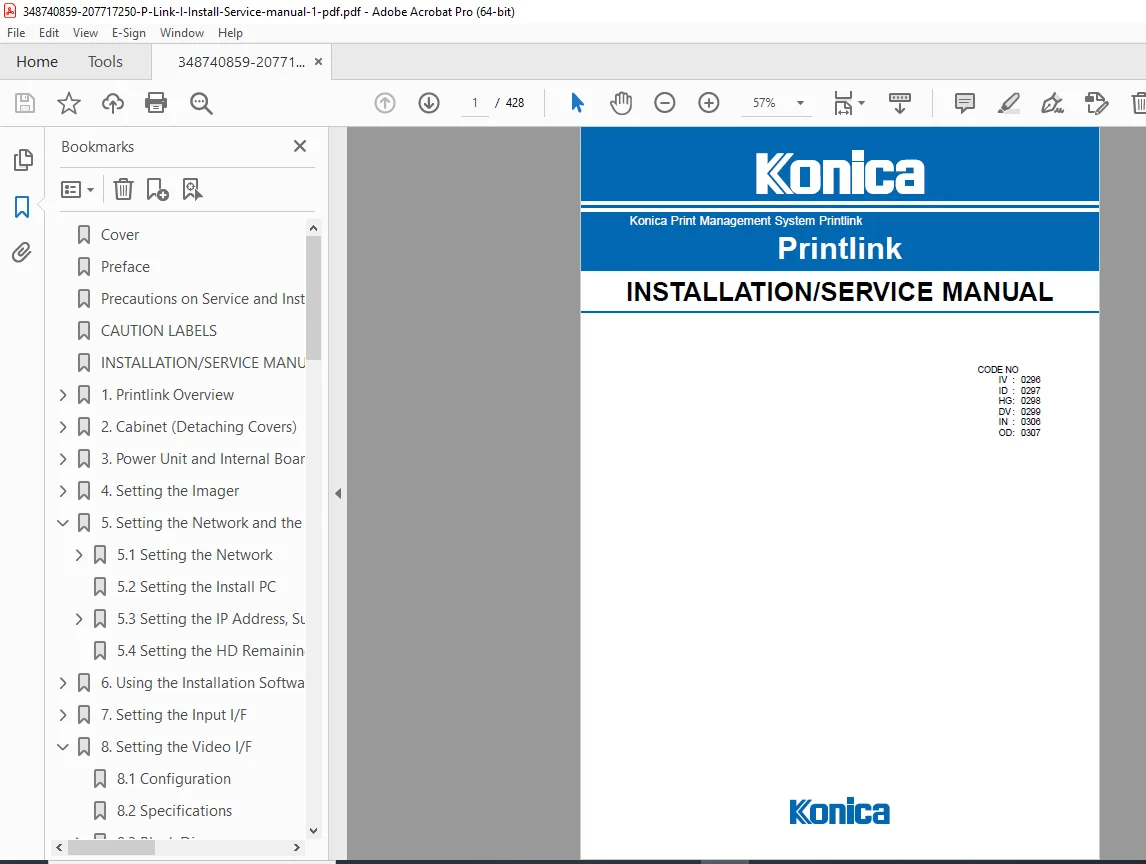
Konica Printlink Print Management System Installation & Service Manual PDF
Original price was: $95.00.$19.95Current price is: $19.95.
Download the Konica Printlink Installation & Service Manual PDF. This official factory manual covers Printlink-IV, ID, DV, HG, IN, and OD systems, including system architecture, installation, network configuration, DICOM input/output, imager setup, diagnostics, error codes, troubleshooting, software upgrades, and internal hardware servicing. Essential for biomedical and imaging service engineers. Instant PDF download
Description
Konica Printlink Print Management System Installation & Service Manual PDF DOWNLOAD
Description
Konica Printlink Print Management System – Installation & Service Manual (PDF Download)
The Konica Printlink Installation and Service Manual is the official factory-issued technical service document for installing, configuring, and servicing Konica Printlink medical print management systems used with CT, MRI, DSA, ultrasound, nuclear medicine, and DICOM imaging environments.
This manual is written for authorized service engineers and biomedical imaging technicians and provides comprehensive coverage of both hardware and software, including internal boards, power systems, network controllers, image routing, DICOM configuration, diagnostic interfaces, imager compatibility, and advanced troubleshooting.
It is the definitive reference for safe installation, precise configuration, and reliable long-term servicing of Konica Printlink systems in hospital and diagnostic imaging environments.
Table of Contents
1. Printlink Overview
System features and capabilities
Supported modalities (CT, MRI, ultrasound, nuclear medicine, etc.)
Supported imagers and filing systems
Technical specifications
Complete system block diagrams
Circuit boards and internal cables
2. Cabinet & Hardware Access
Cabinet section identification
Front and rear panel layouts
Detaching outer covers
Connecting diagnostic devices and imagers
Battery and fuse replacement procedures
Safety precautions during servicing
3. Power Unit & Internal Boards
Main board specifications (CPU, memory, BIOS)
Hard disk specifications and configuration
Internal wiring diagrams
PCI backplane and interface boards
Troubleshooting power and startup issues
4. Imager Configuration
Li-7 / Li-7A / Li-8 setup
Li-21 configuration
Li-10A configuration
Li-62P configuration
DRYPRO series setup
ROM and firmware compatibility tables
Controller parameter settings
5. Network & System Configuration
Network setup procedures
IP address, subnet, gateway configuration
Install PC setup
Hard disk space and log management
6. Installation & Maintenance Software
Operating environment requirements
Software connection procedures
Functional descriptions
Error messages and compatibility
7–12. Interface Configuration
Video interface (Video I/F, HG Video I/F)
Digital interface
Digital video interface
Output interface
Signal checking and board adjustment
13–19. Advanced Functions
Multi-client configuration
Backup and redundancy
Data routing
OCR (character recognition) configuration
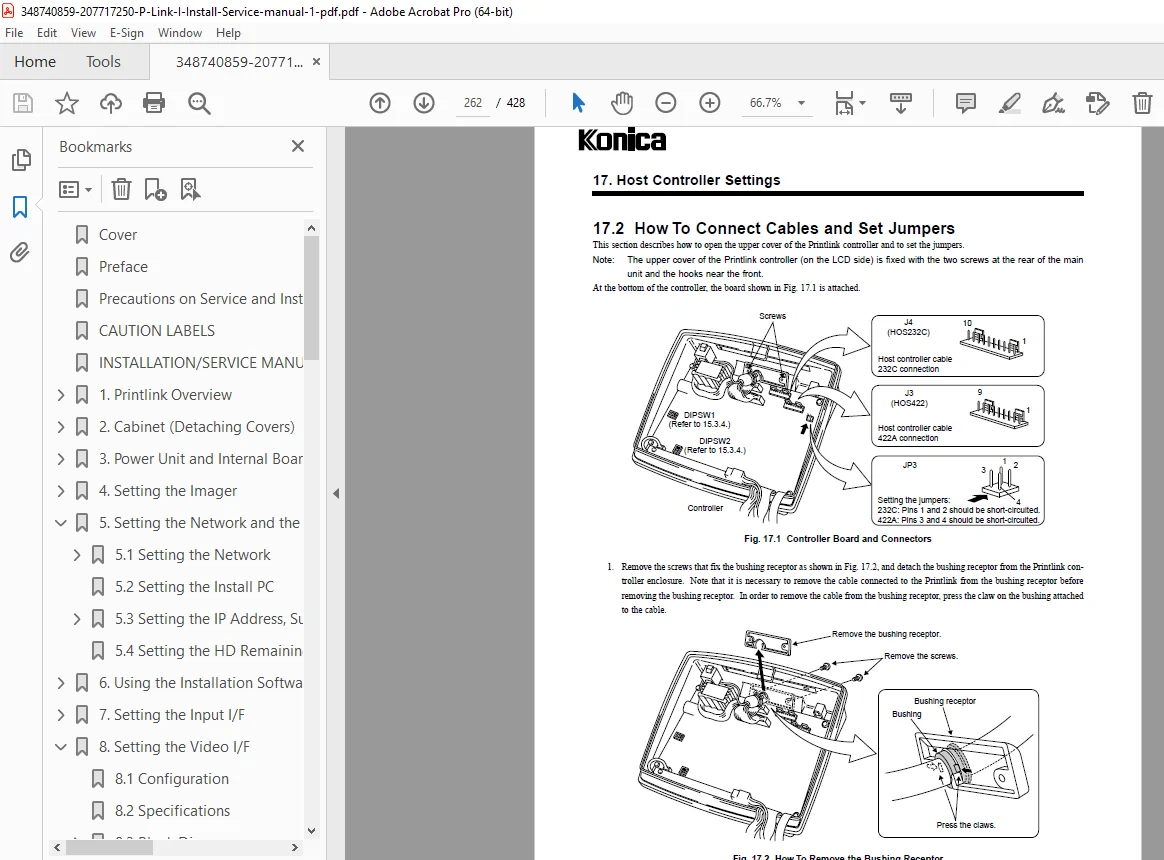
Host controller setup
System layout examples
20–22. Software, Error Codes & Troubleshooting
Software upgrade and downgrade procedures
Error code tables
Event and log interpretation
Startup, connection, operation, and image quality troubleshooting
📌 File Details
| Item | Details |
|---|---|
| Manual Name | Konica Printlink Installation & Service Manual |
| System | Print Management System Printlink |
| Supported Units | Printlink-IV, ID, DV, HG, IN, OD |
| Manual Version | Ver. 1.0 / Ver. 1.1 |
| Publication Period | 2000–2001 |
| PDF Quality | High-quality factory scan (diagrams & tables clear) |
| Number of Pages | 428 pages |
When accuracy and reliability in medical imaging workflows matter, rely on official Konica factory documentation. Download the Printlink Installation & Service Manual instantly and service complex print management systems with total confidence.