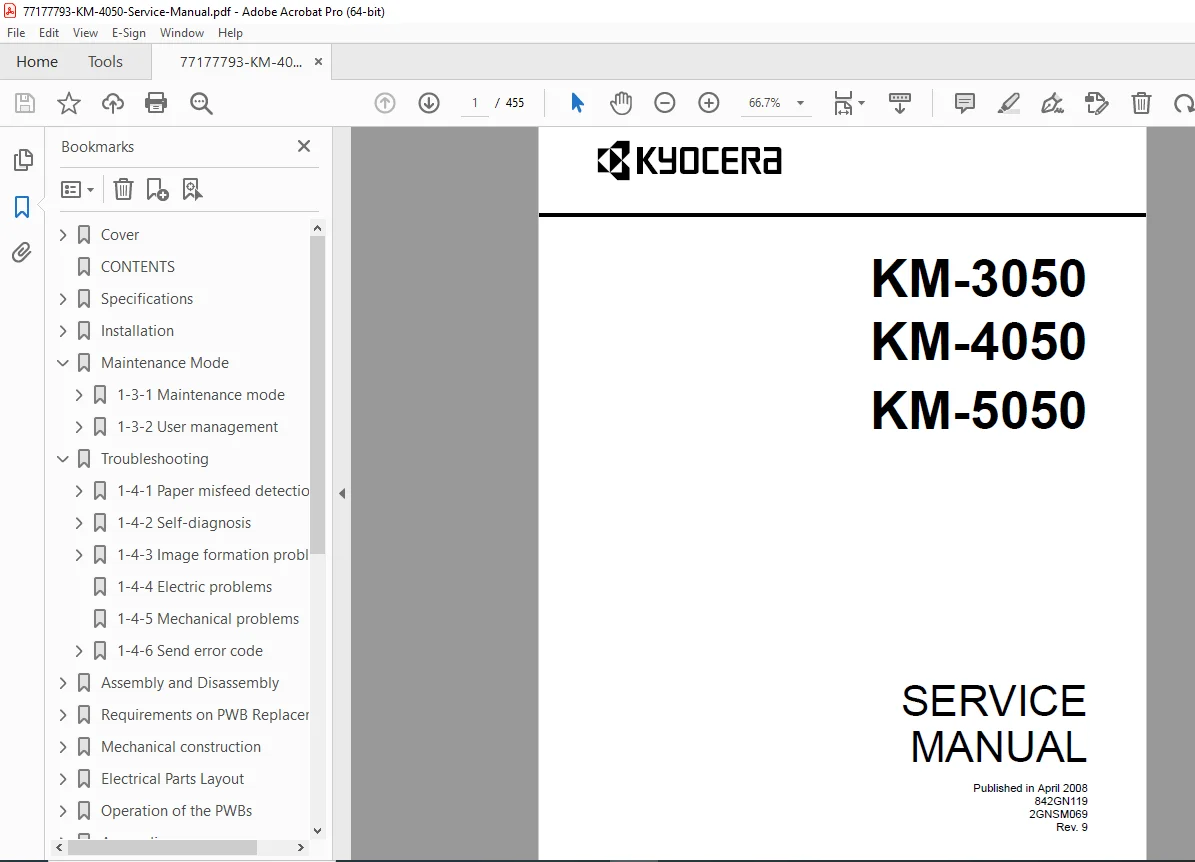
Kyocera KM-4050 / KM-3050 / KM-5050 Service Manual PDF (Rev. 9 – 2008)
Original price was: $85.00.$20.95Current price is: $20.95.
This is the official Kyocera KM-4050 / KM-3050 / KM-5050 Service Manual (Rev. 9, 2008). It includes complete troubleshooting charts, self-diagnostic codes, image-quality problem resolution, mechanical and electrical fault charts, and detailed disassembly/reassembly procedures for all sections—optical, drum, fuser, transfer, duplex, and paper feed assemblies. Essential for technicians servicing KM-4050 series copiers.
Description
Kyocera KM-4050 / KM-3050 / KM-5050 Service Manual PDF (Rev. 9 – 2008) DOWNLOAD
Description
This is the complete Kyocera KM-4050 / KM-3050 / KM-5050 Service Manual, published April 2008, document codes 842GN119 / 2GNSM069 Rev. 9.
It provides full technical coverage for troubleshooting, maintenance, repair, and part-level servicing of the Kyocera KM-4050 series multifunction copiers.
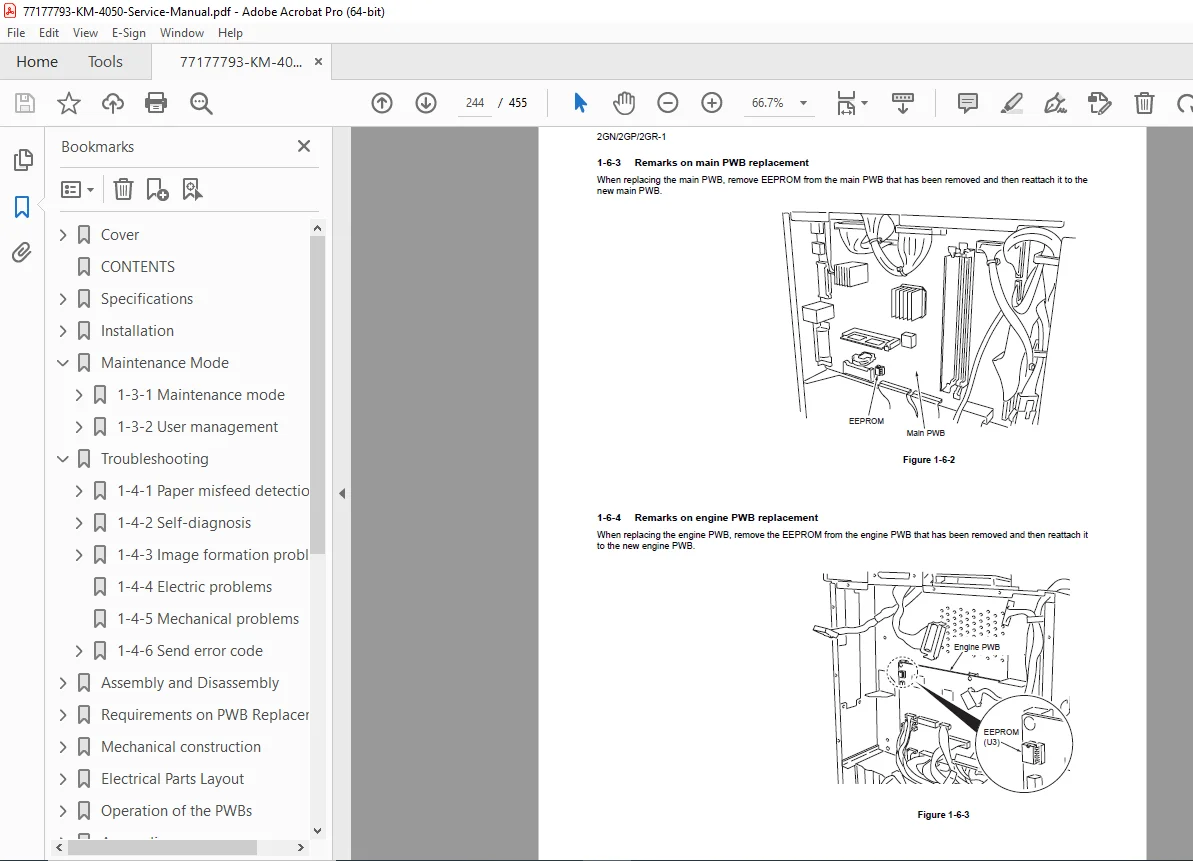
The manual includes detailed service procedures, self-diagnostic codes, image-formation troubleshooting, mechanical/electrical error charts, and complete assembly & disassembly steps for every subsystem.
Below is the organized and extracted Table of Contents, based directly on the contents found in the PDF.
Table of Contents
1. Self-Diagnosis & Troubleshooting
Based on the manual’s diagnostic section:
Self-Diagnostic Function
Diagnostic logic
Error detection
Code interpretation
Image Formation Problems
(Common print-quality faults with resolutions):
No image (white)
No image (black)
Image too light
Background visible
White/black lines (vertical/horizontal)
Uneven density
Black dots
Blurred image
Misalignment (consistent / sporadic)
Paper crease
Offset issues
Missing image parts
Poor fusing
Out-of-focus image
Non-square image
Electric Problems
Mechanical Problems
Send Error Codes
SMB
FTP
Email
Network TWAIN
Software trouble codes
2. Assembly & Disassembly Procedures
Cited from the disassembly section:
1-5-1 Precautions
Safety
Handling PWBs
Drum handling/storage
Toner handling
Toner authenticity verification (with optical validation viewer)
1-5-2 Paper Feed Section
Forwarding rollers
MP feed pulleys
Registration cleaner removal
1-5-3 Optical Section
Exposure lamp
Scanner wires
ISU removal
Laser scanner removal & skew adjustment
1-5-4 Drum Section
Drum unit
Main charger
Drum claws
1-5-5 Developing Section
Developing unit removal
1-5-6 Transfer Section
Transfer roller unit
1-5-7 Fuser Section
Fuser unit
Heat roller
Press roller
Fuser thermistors
Heater removal
Left/right squareness adjustments
3. Parts List & Maintenance Kits
Based on parts listing in the file:
Major FRUs
Drum units DK-715 / DK-716
Developing unit DV-715
Main charger unit MC-710
Laser scanner LK-710
Fuser units FK-715 U/E/TW
Transfer roller TR-710
Feed rollers, eject rollers
Duplex rollers/pulleys
Dust filters
Maintenance Kits
MK-715 U (120V)
MK-715 E (220–240V)
MK-715 TW (110V)
Each includes full part numbers & diagrams.
4. Error Codes & System Messages
Examples from the error-code table:
5103 / 5104 – Operation handle sensor errors
7101 – Memory allocation failure
7102 – Socket creation error
720F – Unknown error
Each includes corrective actions (e.g., power cycling).
📄 File Details
| Field | Details |
|---|---|
| Manual Name | Kyocera KM-4050 / KM-3050 / KM-5050 Service Manual |
| Models Covered | KM-3050, KM-4050, KM-5050 |
| Revision | Rev. 9 |
| Publication Date | April 2008 |
| PDF Quality | Excellent — searchable, bookmarked, OEM copy |
| No. of Pages | Large full manual (hundreds of pages; includes diagrams & tables) |