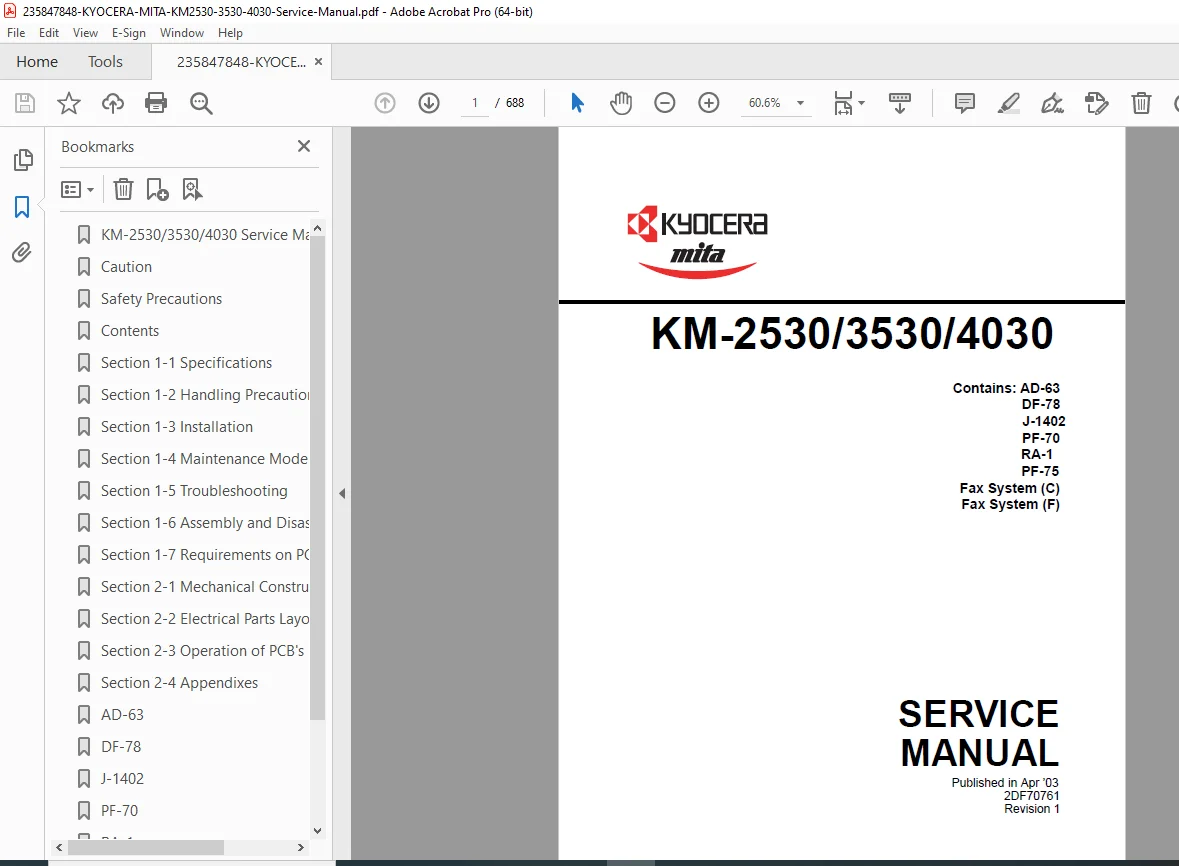
Kyocera Mita KM-2530 / KM-3530 / KM-4030 Service Manual – PDF
Original price was: $85.00.$19.95Current price is: $19.95.
This Kyocera Mita KM-2530 / KM-3530 / KM-4030 Service Manual is the official factory repair and diagnostics guide for Kyocera multifunction copiers. It covers installation, maintenance, disassembly, adjustment procedures, troubleshooting, error codes, wiring diagrams, and image quality calibration. Ideal for professional service technicians and copier repair specialists.
Description
Kyocera Mita KM-2530 / KM-3530 / KM-4030 Service Manual – PDF DOWNLOAD
Description
The Kyocera Mita KM-2530 / KM-3530 / KM-4030 Service Manual is the official Kyocera factory service documentation created for trained service engineers and technical maintenance professionals. This manual provides complete technical coverage of the KM-2500/3500/4000-series platforms, enabling accurate diagnostics, mechanical servicing, and electrical repair.
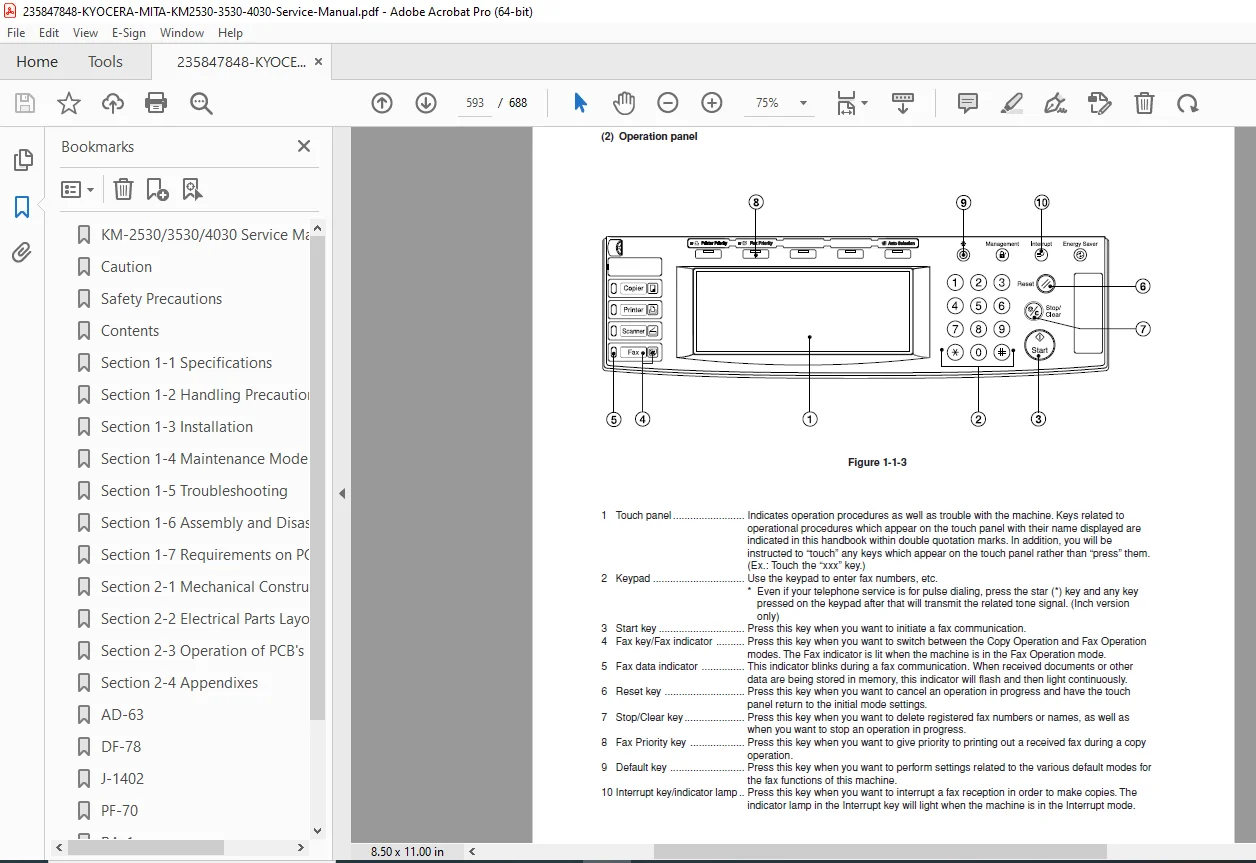
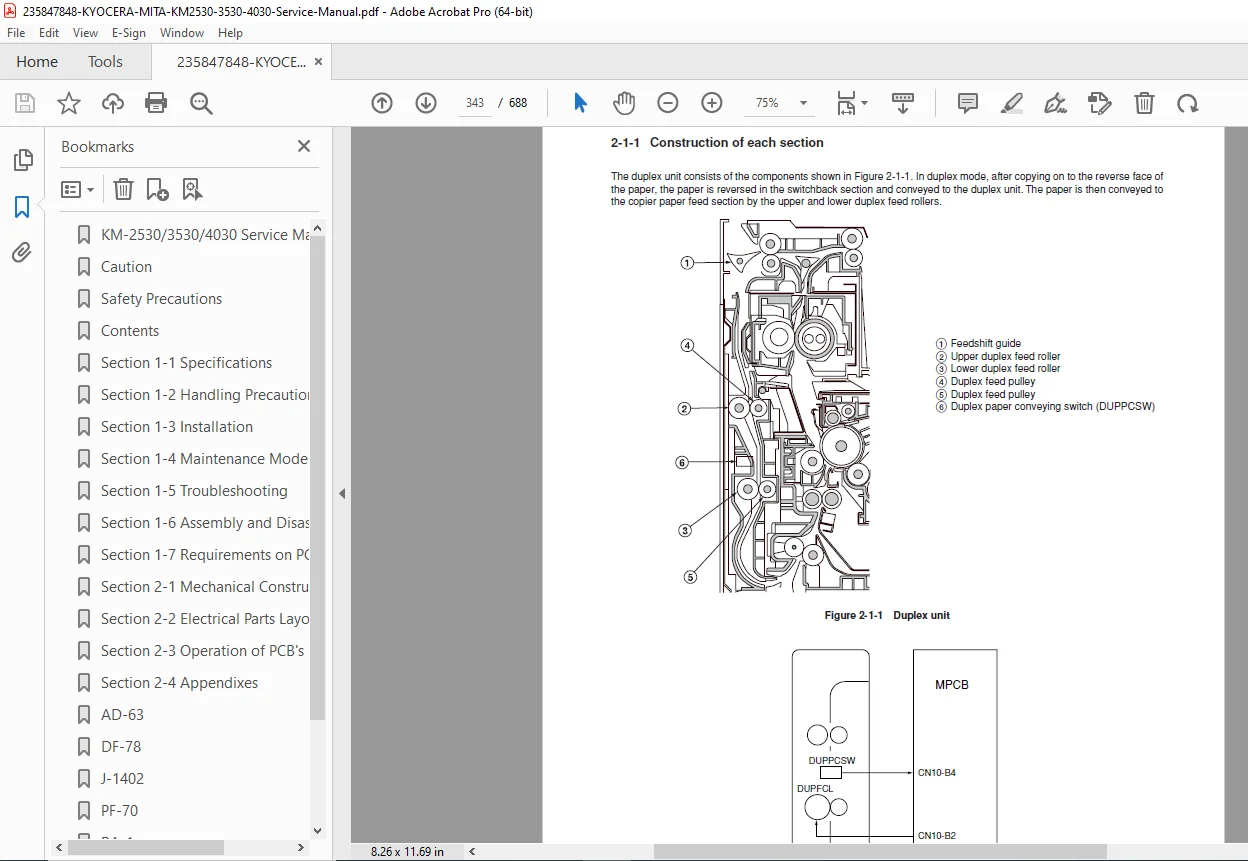
With several hundred pages of detailed service data, the manual explains the copying process, mechanical drive systems, laser exposure unit, developing system, fusing unit, paper feed mechanisms, and control electronics. It includes step-by-step replacement and adjustment procedures, supported by wiring diagrams, sensor logic explanations, and structured troubleshooting tables.
This service manual is essential for maintaining reliable performance, correct image quality, and long-term durability of Kyocera KM-series multifunction copiers.
📘 Manual Contents
🔹 General Information
Safety precautions and service symbols
Machine specifications
Component layout diagrams
Major unit identification
🔹 Installation
Installation requirements and cautions
Power and environmental specifications
Initial setup and checks
Optional unit installation
🔹 Operating Principles
Copying process overview
Drum, developing, transfer, and fusing systems
Laser exposure unit operation
Paper feed and transport sequence
Drive system and clutch operation
🔹 Maintenance
Preventive maintenance schedules
Periodic replacement parts
Cleaning and inspection points
🔹 Disassembly & Reassembly
External covers and panels
Scanner unit and optics
Drum unit and developing unit
Fusing unit components
Paper feed, registration, and exit units
Motors, clutches, solenoids, and sensors
Controller and power supply boards
🔹 Adjustments
Image density and registration adjustments
Copy image position correction
Mechanical and electrical calibration
Post-replacement checks
🔹 Troubleshooting
Error code and status code tables
Mechanical fault diagnosis
Electrical and sensor troubleshooting
Image quality defect analysis
🔹 Wiring Diagrams
Complete wiring schematics
Connector pin assignments
Signal flow diagrams
🛠️ Key Technical Highlights
Covers KM-2530, KM-3530, KM-4030
Full mechanical & electrical repair coverage
Detailed disassembly and reassembly procedures
Image quality adjustment and calibration
Comprehensive error code diagnostics
Complete wiring diagrams and schematics
Factory-level Kyocera service documentation
📄 File Details
| Specification | Details |
|---|---|
| Manual Name | Kyocera Mita KM-2530 / KM-3530 / KM-4030 Service Manual |
| Models Covered | KM-2530, KM-3530, KM-4030 |
| Manual Type | Factory Service & Repair Manual |
| PDF Quality | High-quality searchable PDF |
| Total Pages | ~688 |