Trusted Business
Verified & Licensed
Virus Free Files
100% Safe Downloads
Secure Payment
SSL Protected
Instant Delivery
Available Immediately
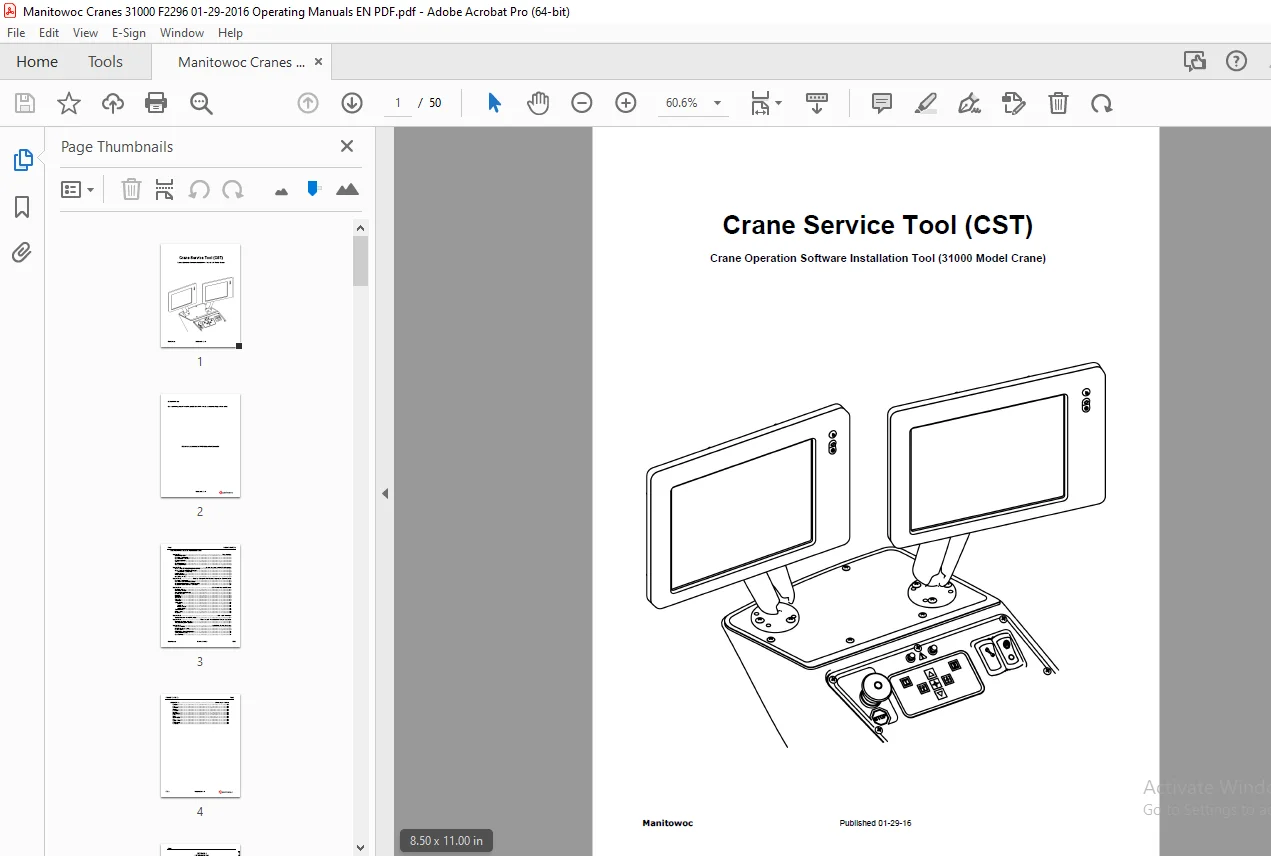
Manitowoc 31000 Crane Service Tool Operation Manual PDF
$18.95
Instant PDF Download
Available immediately
Save to Your Device
Download & keep forever
Antivirus Scanned
100% virus-free
Trusted Worldwide
175,000+ customers
Description
Manitowoc 31000 Crane Service Tool Operation Manual – PDF DOWNLOAD
FILE DETAILS:
Manitowoc 31000 Crane Service Tool Operation Manual – PDF DOWNLOAD
Language : English
Pages : 50
Downloadable : Yes
File Type : PDF
IMAGES PREVIEW OF THE MANUAL:
TABLE OF CONTENTS:
Manitowoc 31000 Crane Service Tool Operation Manual – PDF DOWNLOAD
Introduction......................................... 5
	General Information.............................. 7
	Hardware Requirements............................ 7
	Recommended Software............................. 7
	Reference Material............................... 7
	Safety........................................... 7
	Contact Information.............................. 7
	List of Abbreviations............................ 8
Crane Service Tool (CST) Program..................... 9
	Crane Service Tool (CST) Program Installation....11
	Crane Service Tool (CST) License Keys............11
	Levels of Access.................................12
	Periodic Maintenance.............................12
	Uninstalling the CST.............................12
laptop Computer-to-Crane Diagnostic Connections......13
	Hardware Requirements............................15
	RS232 and CAN Connectors Location................16
	Computer-to-Master Node RS232 Connection.........17
	Computer-to-Crane CAN BUS Connection.............17
CST Functions and Menus..............................19
	CST Main Window..................................21
	Auto Detect Function.............................21
	Automatic Diagnosis Function.....................21
	Reselect Function................................21
	File Menu........................................22
	View Menu........................................22
	Show Menu........................................22
	Edit Menu........................................22
	Tools Menu.......................................22
	Settings Menu....................................23
	Tool Bars Menu...................................25
	Window Menu......................................25
	Help Menu........................................25
CST Find Function....................................27
	Special Characters and their Meanings:...........29
Monitor and Troubleshoot Crane Systems...............33
	Monitoring the Crane Systems.....................35
	Troubleshooting Crane Systems....................35
Installing Crane Software............................37
	HEX and IHX Files................................39
	Flashing the Crane Nodes.........................39
	Loading Charts...................................40
	Programming Crane Configuration..................41
	Setting Real Time Clock..........................41
	Documentation....................................42
Glossary of Terms....................................43
	CAN Bus..........................................45
	CST..............................................45
	EEPROM...........................................45
	Flashing.........................................45
	Hex Files........................................45
	IHX Files........................................45
	License Keys.....................................45
	Node.............................................45
	PDO..............................................45
	Peak Adapter.....................................45
	QT...............................................45
	Splash Screen....................................45
	USB Adapter......................................45
	Vehicle Bus......................................45
S.S