Trusted Business
Verified & Licensed
Virus Free Files
100% Safe Downloads
Secure Payment
SSL Protected
Instant Delivery
Available Immediately
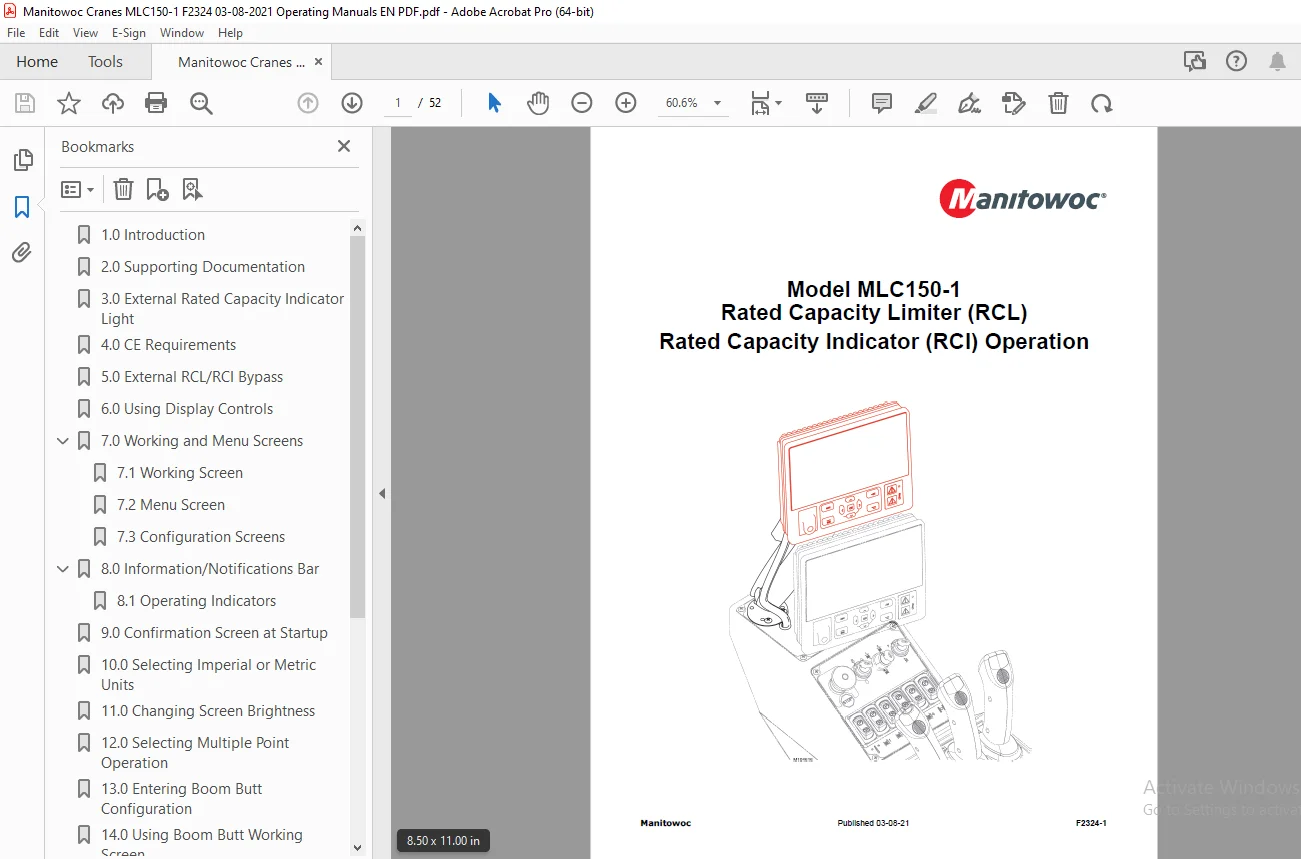
Manitowoc MLC150-1 Cranes Operation Manual PDF
$17.95
Instant PDF Download
Available immediately
Save to Your Device
Download & keep forever
Antivirus Scanned
100% virus-free
Trusted Worldwide
175,000+ customers
Description
Manitowoc MLC150-1 Cranes Operation Manual – PDF DOWNLOAD
FILE DETAILS:
Manitowoc MLC150-1 Cranes Operation Manual – PDF DOWNLOAD
Language : English
Pages : 52
Downloadable : Yes
File Type : PDF
IMAGES PREVIEW OF THE MANUAL:
TABLE OF CONTENTS:
Manitowoc MLC150-1 Cranes Operation Manual – PDF DOWNLOAD
1.0 Introduction................................................ 5
2.0 Supporting Documentation.................................... 6
3.0 External Rated Capacity Indicator Light..................... 7
4.0 CE Requirements............................................. 7
5.0 External RCL/RCI Bypass..................................... 8
6.0 Using Display Controls...................................... 9
7.0 Working and Menu Screens....................................11
	7.1 Working Screen..........................................11
	7.2 Menu Screen.............................................11
	7.3 Configuration Screens...................................13
8.0 Information/Notifications Bar...............................14
	8.1 Operating Indicators....................................14
9.0 Confirmation Screen at Startup..............................15
10.0 Selecting Imperial or Metric Units.........................16
11.0 Changing Screen Brightness.................................17
12.0 Selecting Multiple Point Operation.........................18
13.0 Entering Boom Butt Configuration...........................19
14.0 Using Boom Butt Working Screen.............................23
15.0 Entering Boom Only Configuration...........................24
16.0 Using Boom Only Working Screen.............................32
17.0 Entering Boom with Fixed Jib Configuration.................34
18.0 Using Fixed Jib Working Screen.............................40
19.0 Performing Boom Calibration (with or without fixed jib)....42
20.0 Entering/Using Capacity Chart Information Screen...........48
21.0 Sensor Status Screen.......................................50
22.0 Sensor Disable Screen......................................51
S.S