Trusted Business
Verified & Licensed
Virus Free Files
100% Safe Downloads
Secure Payment
SSL Protected
Instant Delivery
Available Immediately
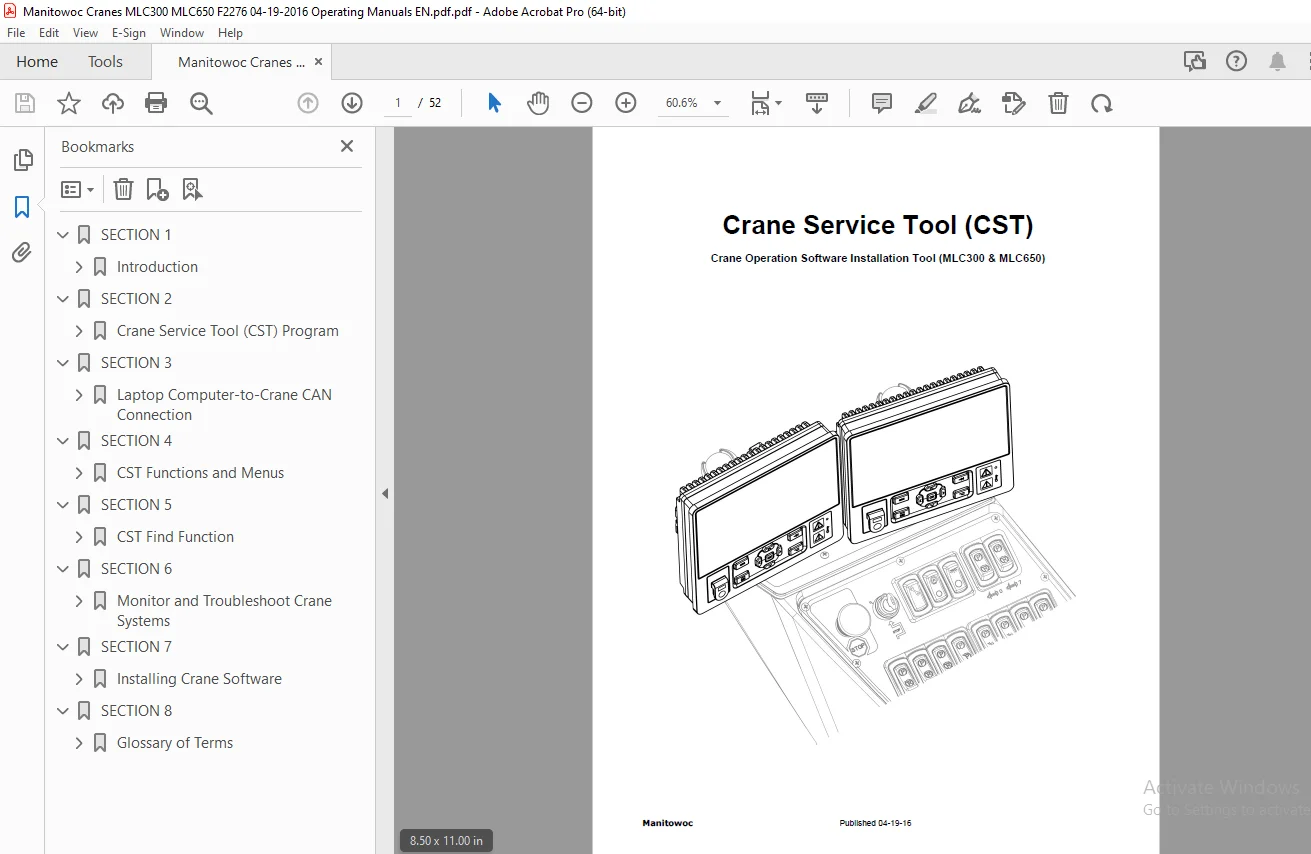
Manitowoc MLC300 MLC650 Crane Service Tool Operation Manual PDF
$17.95
Instant PDF Download
Available immediately
Save to Your Device
Download & keep forever
Antivirus Scanned
100% virus-free
Trusted Worldwide
175,000+ customers
Description
Manitowoc MLC300 MLC650 Crane Service Tool Operation Manual – PDF DOWNLOAD
FILE DETAILS:
Manitowoc MLC300 MLC650 Crane Service Tool Operation Manual – PDF DOWNLOAD
Language : English
Pages : 52
Downloadable : Yes
File Type : PDF
IMAGES PREVIEW OF THE MANUAL:
TABLE OF CONTENTS:
Manitowoc MLC300 MLC650 Crane Service Tool Operation Manual – PDF DOWNLOAD
SECTION 1................................................................................................................. 5
	Introduction.......................................................................................................... 7
		General Information............................................................................................... 7
		Hardware Requirements............................................................................................. 7
		Recommended Software.............................................................................................. 7
		Reference Material................................................................................................ 7
		Safety............................................................................................................ 7
		Contact Information............................................................................................... 7
		List of Acronyms.................................................................................................. 8
SECTION 2................................................................................................................. 9
	Crane Service Tool (CST) Program......................................................................................11
		Crane Service Tool (CST) Program Installation.....................................................................11
		Crane Service Tool (CST) License Keys.............................................................................11
		Levels of Access..................................................................................................12
		Periodic Maintenance..............................................................................................12
		Uninstalling the CST..............................................................................................12
SECTION 3.................................................................................................................13
	Laptop Computer-to-Crane CAN Connection...............................................................................15
		General Information...............................................................................................15
		Computer-to-Crane Connection Using Switch Box.....................................................................16
		Computer-to-Crane Connection Using CAN Bus Programming Harness....................................................17
SECTION 4.................................................................................................................19
	CST Functions and Menus...............................................................................................21
		CST Main Window...................................................................................................21
		Auto Detect Function..............................................................................................21
		Automatic Diagnosis Function......................................................................................21
		Reselect Function.................................................................................................21
		File Menu.........................................................................................................21
		View Menu.........................................................................................................22
		Show Menu.........................................................................................................22
		Edit Menu.........................................................................................................22
		Tools Menu........................................................................................................22
		Settings Menu.....................................................................................................23
			Device........................................................................................................23
			Auto Detect...................................................................................................23
			Flash Client..................................................................................................24
			Initial Language..............................................................................................24
			Color Selection...............................................................................................24
		Tool Bars Menu....................................................................................................24
		Window Menu.......................................................................................................25
		Help Menu.........................................................................................................25
SECTION 5.................................................................................................................27
	CST Find Function.....................................................................................................29
		Special characters and their Meanings:............................................................................29
SECTION 6.................................................................................................................33
	Monitor and Troubleshoot Crane Systems................................................................................35
		Monitoring the Crane Systems......................................................................................35
		Troubleshooting Crane Systems.....................................................................................36
		Error Code Viewer.................................................................................................36
SECTION 7.................................................................................................................39
	Installing Crane Software.............................................................................................41
		Hex Files.........................................................................................................41
		Flashing the Crane Modules........................................................................................41
		Updating Software on Operator Display Modules (ODM) and Rated Capacity Display Modules (RDM)......................42
		Installing Software on an unprogrammed Operator Display Modules (ODM) and Rated Capacity Display Modules (RDM)....43
		Setting the Time..................................................................................................44
		Documentation.....................................................................................................44
SECTION 8.................................................................................................................45
	Glossary of Terms.....................................................................................................47
		CAN Bus...........................................................................................................47
		CAN Bus Harness...................................................................................................47
		CCS...............................................................................................................47
		CST...............................................................................................................47
		EEPROM............................................................................................................47
		Error Code........................................................................................................47
		Flashing..........................................................................................................47
		Hex Files.........................................................................................................47
		kBit/s............................................................................................................47
		License Keys......................................................................................................47
		Module............................................................................................................47
		ODM...............................................................................................................47
		PDO...............................................................................................................47
		PEAK Adapter......................................................................................................47
		QT................................................................................................................47
		RDM...............................................................................................................47
		Splash Screen.....................................................................................................47
		Switch Box........................................................................................................47
		Vehicle Bus.......................................................................................................47
S.S