
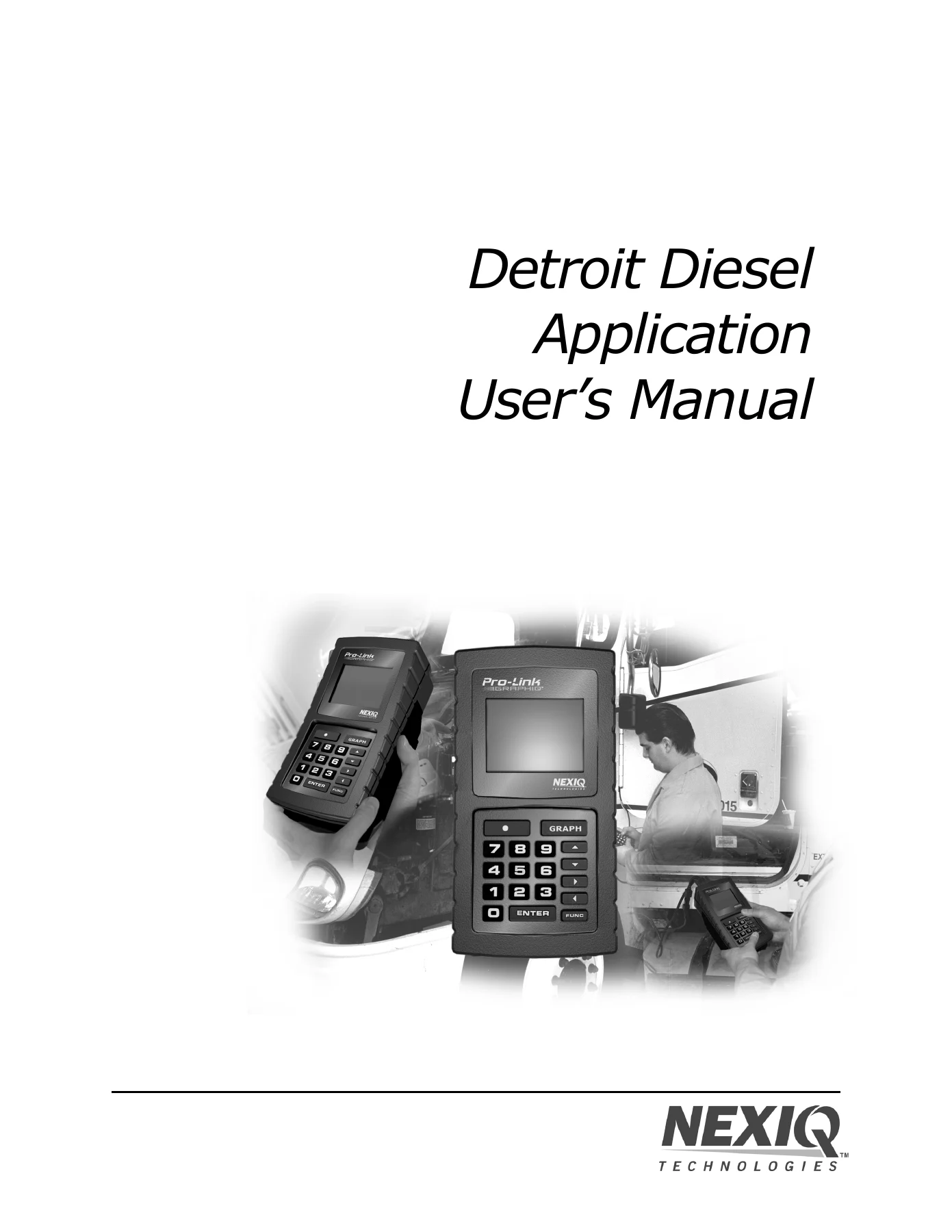
NEXIQ Detroit Diesel Application User’s Manual – DDEC III/IV, Marine Controls & Series 638 Diagnostic Software for Pro-Link
Original price was: $34.95.$19.95Current price is: $19.95.
Complete 233-page user’s manual for the NEXIQ Detroit Diesel Application on Pro-Link. Covers DDEC III/IV Engine, Marine Controls, and Series 638 diagnostic software, including data lists, diagnostic codes, calibrations, fuel injector info, and comprehensive parameter listings.
Description
NEXIQ Detroit Diesel Application User’s Manual
The NEXIQ Detroit Diesel Application User’s Manual is the complete operating guide for technicians using the Pro-Link diagnostic tool to service Detroit Diesel DDEC III and DDEC IV electronic engine systems. This 233-page manual covers every menu, function, and parameter within the Detroit Diesel Application software suite, including the DDEC III/IV Engine application, the DDEC Marine Controls application, and the Series 638 application. Whether you are diagnosing fault codes, reprogramming calibrations, running cylinder cutout tests, or viewing engine trip data, this manual provides the step-by-step procedures to operate the Pro-Link tool correctly and efficiently.
File Details
- Manual Type: Diagnostic Application User’s Manual
- Brand: NEXIQ Technologies (NNT, Inc.)
- Covered Systems: DDEC III/IV, DDEC Marine Controls, Series 638
- Language: English
- Page Count: 233
- File Format: PDF
- Copyright: 2005 NNT, Inc.
- Tool Compatibility: Pro-Link GRAPHIO, Pro-Link Plus
Chapters Covered
- Chapter 1: Using This Manual
- Manual Overview
- Conventions
- Special Messages (Notes, Important, Cautions, Warnings, Stop, Troubleshooting)
- Specialized Text
- Chapter 2: Getting Started
- Loading the Application
- Making Selections
- Chapter 3: Using the Engine Application
- Accessing the Engine Application
- Viewing the Data List
- Viewing Diagnostic Codes (Active Codes, Inactive Codes, Clear Codes)
- Viewing Exhaust Temperatures
- Viewing Calibrations (Engine Configuration, Idle Shutdown, VSG/Throttle Calibration, Engine Protection, Cruise Control, Progressive Shift, ECM Ins/Outs, Air Compressor, Function Lockout)
- Using Fuel Injector Info (Cylinder Cutout — Automatic and Manual Tests, Response Times, CAL Update, Change Password, Description Option)
- Viewing Engine/Trip Data (Total Engine Data, Engine Trip Data, Reset Trip Data)
- Changing Calibrations (Reprogramming Calibrations, Viewing Calibration History, Changing Password)
- Viewing Switch/Light Stats
- Activating Outputs
- Viewing MIDS Received
- Resetting Components (Oil Filter, Air Filter, Fuel Filter, Oil Coolant Inhibitor)
- Transmissions (ESS Transmission Configuration, Performance Data, Trip Data; Top 2 Transmission)
- Reset AFR Table
- Maintenance Alert System (Viewing Maintenance Status, Clearing Maintenance Codes)
- PTF Reset
- Changing Menu Descriptions
- Selecting English/Metric
- Chapter 4: Using the Marine Controls Application
- Accessing the DDEC Marine Controls Menu
- Viewing the Data List
- Viewing Diagnostic Codes (Active Codes, Codes Since Last Power Up, Historic Codes)
- Viewing Calibrations (Marine Controls Calibration, Engine Calibration, Marine Gear Actuator Calibration, Troll Mode Calibration)
- Viewing Switch/Light Status
- Viewing MIDS Received
- Chapter 5: Using the Series 638 Application
- Accessing the Application
- Viewing the Data List
- Viewing/Clearing Defect Codes (Viewing Defect Codes, Clearing Defect Codes)
- Viewing I/O Status
- Appendix A: Parameter Listings
- DDEC Engine Parameters (Engine Data List, Engine and Vehicle Configuration, Idle Shutdown Configuration, VSG Calibration, Engine Protection Configuration, Cruise Control Configuration, Progressive Shift Configuration, ECM Input/Output Configuration, Air Compressor Configuration, Function Lockout Configuration, Injector Calibration, Total Engine Data, Engine Trip Data, and all reprogrammable calibration listings)
- DDEC Marine Controls Parameters (Marine Controls Data List, ERIM Mode Information, Marine Controls Historic Codes, Marine Controls Calibration, Engine Calibration Parameters, Marine Gear Actuator Calibration, Troll Mode Calibration, Switch and Light Status Parameters)
- Series 638 Parameters (Data List, Defect Codes, I/O Status List Parameters)
- Appendix B: Warranty & Service
- Exclusive Warranty
- Exclusive Remedy
- Return Materials Authorization (RMA)
- Return of Goods Policy
- Return Goods Authorization (RGA) Procedure
This manual serves as the primary reference for operating the NEXIQ Detroit Diesel Application through the Pro-Link tool. It provides complete coverage of the three application suites: the DDEC III/IV Engine application for diagnostic and calibration work on Detroit Diesel engines, the Marine Controls application for marine engine and gear actuator diagnostics, and the Series 638 application for that specific engine family. Each chapter walks through menu navigation, explains the information displayed on screen, and provides procedures for viewing data, retrieving fault codes, reprogramming parameters, and resetting components. The parameter listings in Appendix A give technicians the reference data needed to interpret readings and understand allowable values across all three applications. The manual also includes extensive screen-by-screen instructions with actual display examples, making it easy to follow along while working with the Pro-Link tool.
What This Manual Enables You to Do
With this guide, a technician can confidently navigate the Pro-Link tool’s Detroit Diesel Application to perform a wide range of diagnostic and programming tasks. You will be able to access the engine data list to monitor live parameters such as engine RPM, coolant temperature, oil pressure, boost pressure, fuel economy, and vehicle speed. You can retrieve and clear active and inactive diagnostic codes, view detailed fault information including first occurrence, last occurrence, total time active, and minimum/maximum values. The manual shows how to view and reprogram engine calibrations, including idle shutdown parameters, variable speed governor settings, engine protection thresholds, cruise control configuration, and progressive shift settings.
The fuel injector information section provides procedures for running automatic and manual cylinder cutout tests, viewing injector response times, and updating injector calibration codes. You will also find instructions for viewing total engine and trip data, resetting trip parameters, activating ECM outputs for testing, viewing switch and light status, and resetting component life functions such as oil filter and air filter. For marine applications, the manual covers accessing the Marine Controls menu, viewing marine-specific data lists, retrieving historic codes, and viewing marine gear actuator and troll mode calibrations. The Series 638 section provides the specific procedures for that engine family, including data list monitoring, defect code viewing and clearing, and I/O status checks.
Why This Manual Matters
DDEC III and DDEC IV electronic systems require precise diagnostic procedures and correct calibration values to function properly. Incorrect programming can lead to engine performance issues, fault codes, or component damage. This manual provides the exact menu paths, parameter ranges, and procedural steps needed to work on these systems correctly. The parameter listings in Appendix A are particularly valuable, as they document the valid ranges and descriptions for every viewable and reprogrammable parameter across all three applications. Without this reference, technicians would be guessing at acceptable values or navigating menus by trial and error. The manual also includes password management procedures for protecting calibration changes, ensuring that only authorized personnel can modify critical engine parameters.
Instant PDF Delivery
This Detroit Diesel Application User’s Manual is delivered as an instant PDF download after payment. There is no shipping, no waiting, and no physical media to keep track of. You can access the manual on any device — laptop, tablet, or smartphone — and print the pages you need for the shop floor. Whether you are a professional technician, a fleet maintenance manager, or a Detroit Diesel owner who prefers to do their own diagnostic work, this manual gives you the complete operating instructions for the NEXIQ Detroit Diesel Application. The PDF format allows you to search for specific parameters, menu options, or procedures, making it a practical reference tool you can use every day in the shop or on the road.
Reviews
There are no reviews yet.