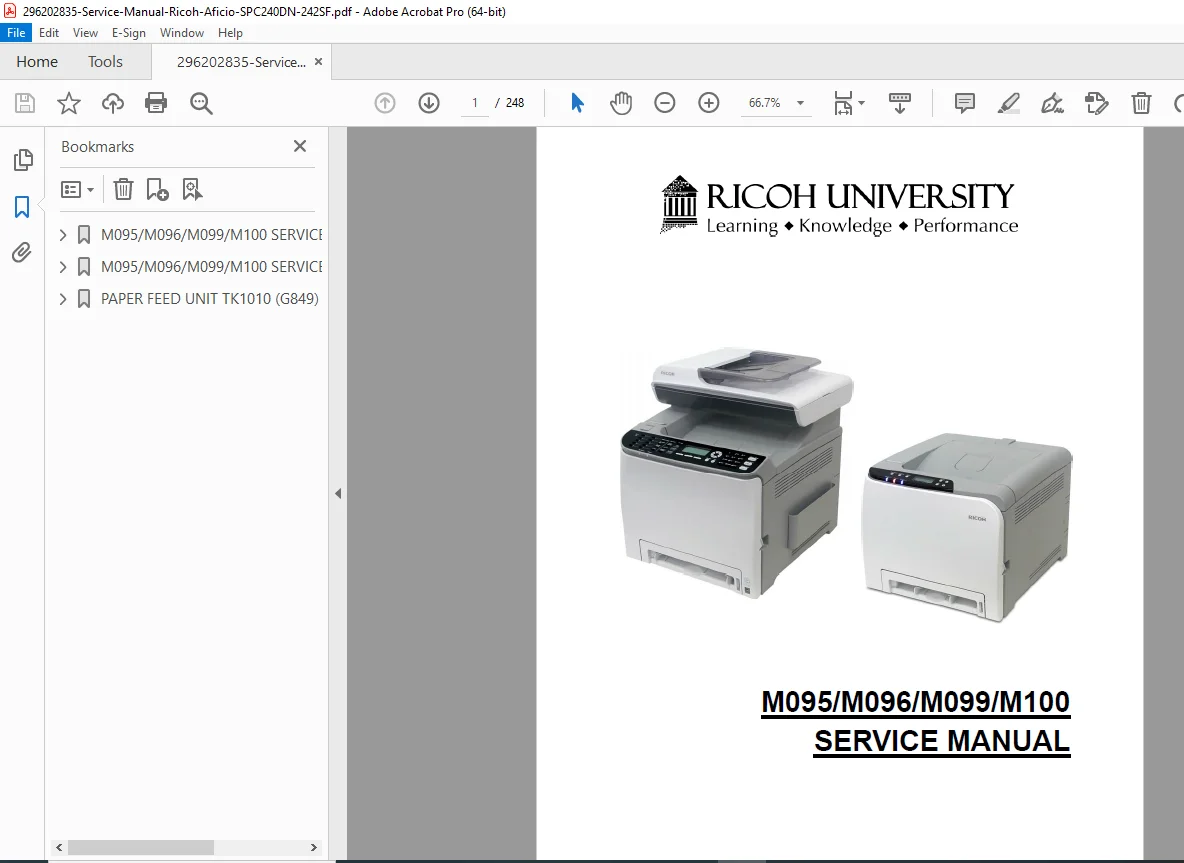
Ricoh Aficio SP C240DN C242DN C240SF C242SF Service Manual PDF
Original price was: $95.00.$15.95Current price is: $15.95.
Download the comprehensive Ricoh Aficio SP C240DN service manual PDF for detailed repair and maintenance guidance on models including SP C242DN, C240SF, and C242SF. This official Ricoh SP C242SF repair guide download covers installation, troubleshooting, replacement procedures, and error codes. Ideal for technicians seeking a Ricoh Aficio color printer service handbook or Lanier Savin equivalent models maintenance manual. High-quality 248-page PDF with diagrams and step-by-step instructions.
Description
Ricoh Aficio SP C240DN C242DN C240SF C242SF Service Manual PDF DOWNLOAD
Description
The Ricoh Aficio SP C240DN service manual PDF is an essential resource for servicing and repairing Ricoh’s compact color laser printers and multifunction devices. This detailed guide provides in-depth information on machine configuration, component replacement, system maintenance, and troubleshooting, making it a must-have for service technicians and DIY enthusiasts. Covering models under product codes M095, M096, M099, and M100, it includes equivalents from Lanier, Ricoh, and Savin brands, ensuring compatibility across various setups.
File Details:
- Manual Name: Service Manual Ricoh Aficio SPC240DN/242SF
- Models Covered: M095 (Lanier SPC240DN, Ricoh Aficio SPC240DN, Savin SPC240DN), M096 (Lanier SPC242DN, Ricoh Aficio SPC242DN, Savin SPC242DN), M099 (Lanier SPC240SF, Ricoh Aficio SPC240SF, Savin SPC240SF), M100 (Lanier SPC242SF, Ricoh Aficio SPC242SF, Savin SPC242SF)
- Year: 2011 (Original Printing: November 2011)
- Manual PDF Quality: High-resolution, searchable text with clear diagrams and tables
- No. of Pages: 248
The manual features a well-organized table of contents for quick navigation, extracted and categorized below for easy reference. It includes general precautions, replacement procedures for components like laser units and fusing lamps, and detailed sections on error codes and service calls.
Table of Contents:
- Product Information
- 1.1 General Specifications
- 1.2 Supported Paper Sizes
- 1.3 Machine Overview
- Component Layout
- Engine (M095/M096)
- Engine (M099/M100)
- ADF (only for M099/M100)
- Scanner (only for M099/M100)
- Paper Path
- ADF (only for M099/M100)
- Drive Layout
- Component Layout
- 1.4 Machine Configuration
- 1.4.1 Printer Model (M095/M096)
- 1.4.2 MF Model (M099/M100)
- 1.5 Guidance for Those Who Are Familiar with Predecessor Products
- Installation
- 2.1 Installation Requirements
- 2.1.1 Environment
- 2.1.2 Machine Level
- 2.1.3 Machine Space Requirement
- Printer Model
- MF Model
- 2.1.4 Power Requirements
- 2.1.5 Installation Procedure
- 2.1 Installation Requirements
- Preventive Maintenance
- 3.1 Preventive Maintenance
- Replacement and Adjustment
- 4.1 Before You Start
- 4.1.1 General Precautions
- AIO
- Laser Unit
- Transfer Roller
- Fusing
- Paper Feed
- Scanner Unit (for M099/M100)
- 4.1.2 Releasing Plastic Latches
- 4.1.3 After Servicing the Machine
- 4.1.4 Lithium Batteries (MF Models)
- 4.1.1 General Precautions
- 4.2 Special Tools
- 4.3 Exterior Covers
- 4.3.1 Rear Cover
- 4.3.2 Operation Panel
- 4.3.3 Right Cover
- 4.3.4 Left Cover
- 4.3.5 Front Cover Unit
- 4.4 Laser Optics
- 4.4.1 Caution Decal Locations
- 4.4.2 Laser Optics Housing Unit
- After replacing the laser optics housing unit
- Printing out the test chart to make sure MUSIC was performed correctly
- Checking that MUSIC was Performed Correctly
- If MUSIC has not been performed successfully
- 4.5 AIO Cartridge
- 4.5.1 AIO Cartridge (All in One Cartridge)
- 4.5.2 Black AIO Motor
- 4.5.3 Color AIO Motor
- 4.6 Image Transfer
- 4.6.1 Image Transfer Belt Unit
- After replacing the image transfer belt unit
- 4.6.2 ITB (Image Transfer Belt) Cleaning Unit
- 4.6.3 Agitator Motor
- 4.6.4 ITB (Image Transfer Belt) Contact Motor
- 4.6.5 ITB (Image Transfer Belt) Contact Sensor
- 4.6.6 TM (Toner Mark) Sensor Base
- 4.6.7 Waste Toner Bottle Set Sensor
- 4.6.8 Waste Toner Overflow Sensor
- 4.6.1 Image Transfer Belt Unit
- 4.7 Paper Transfer
- 4.7.1 Transfer Unit
- 4.7.2 Transfer Roller
- 4.7.3 Registration Roller
- Reassembling the registration roller unit
- 4.7.4 Registration Sensor
- 4.7.5 Registration Clutch
- 4.8 Image Fusing
- 4.8.1 Fusing Unit
- 4.8.2 Fusing Lamp
- When Reinstalling the Fusing Lamp
- When Reassembling the Fusing Unit
- 4.8.3 Transport/Fusing Motor
- 4.9 Paper Feed
- 4.9.1 Paper Feed Clutch
- 4.9.2 Paper Feed Roller
- 4.9.3 Separation Pad
- 4.9.4 Paper End Sensor
- 4.10 Paper Exit
- 4.10.1 Paper Exit Roller
- 4.10.2 Paper Exit Sensor
- 4.11 Electrical Components
- 4.11.1 Controller Board
- GDI/PCL Controller Board (Printer Models)
- Controller Board (MF Models)
- 4.11.2 EGB (Engine Board)
- Printer Models
- MF Models
- 4.11.3 FCU (Only for MF Models)
- 4.11.4 Interlock Switches
- 4.11.5 Fusing Fan Motor
- 4.11.6 Fusing Stripper Pawl Solenoid
- 4.11.7 Fusing Pressure Release Sensor
- 4.11.8 LSU Fan Motor
- 4.11.9 ID Chip Board
- 4.11.10 PSU
- Fuse
- 4.11.11 High Voltage Power Supply Board
- 4.11.12 Temperature/Humidity Sensor
- 4.11.13 Duplex Motor
- 4.11.14 Speaker (Only for MF Models)
- 4.11.15 EEPROM
- Checking that MUSIC was Performed Correctly
- 4.11.1 Controller Board
- 4.12 ADF (Only for MF Models)
- 4.12.1 ADF Unit
- 4.12.2 Original Tray
- 4.12.3 ADF Feed Unit
- 4.12.4 ADF Separation Pad
- 4.12.5 ADF Front Cover
- 4.12.6 ADF Rear Cover
- 4.12.7 ADF Cover
- 4.12.8 ADF Motor
- 4.12.9 Original Set Sensor
- 4.12.10 ADF Cover Open Sensor
- 4.12.11 ADF Feed Sensor
- 4.12.12 ADF Drive Board
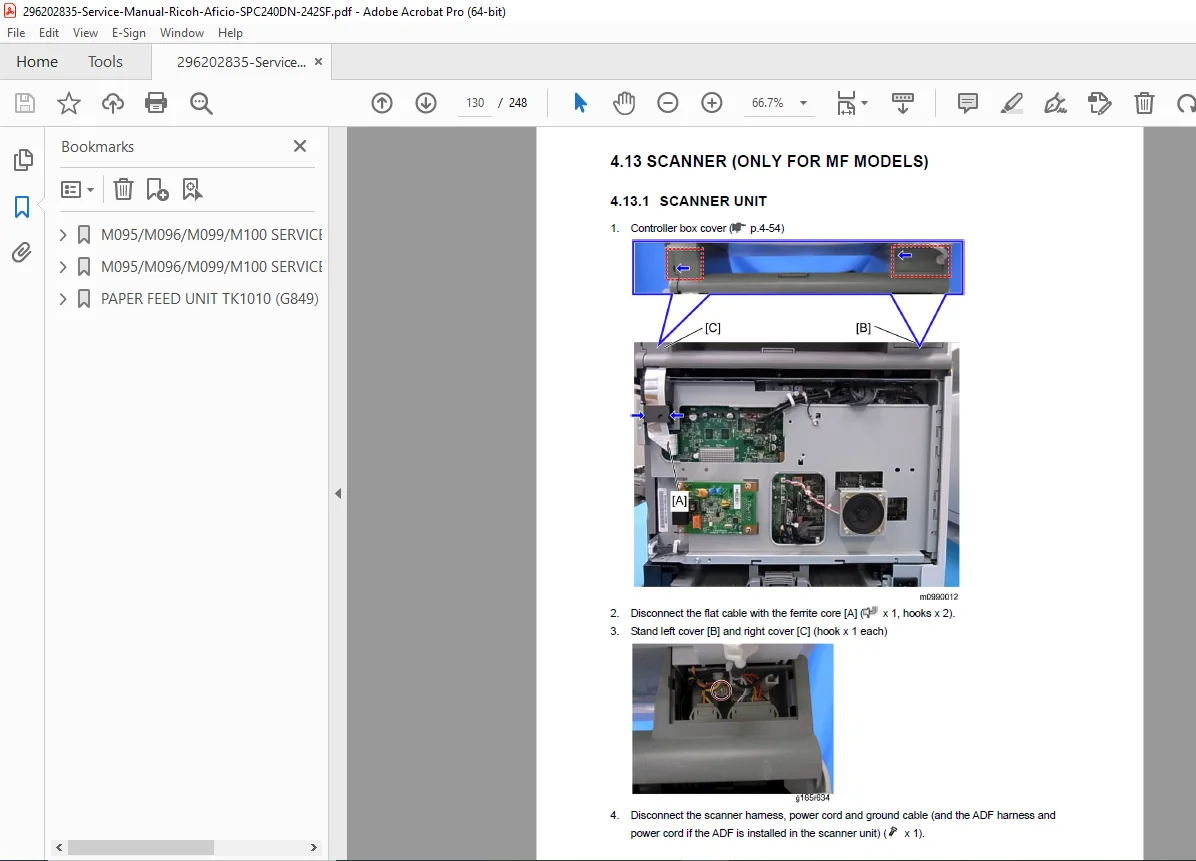
- 4.13 Scanner (Only for MF Models)
- 4.13.1 Scanner Unit
- 4.13.2 Scanner Top Cover
- 4.13.3 Scanner Carriage Unit
- 4.13.4 Exposure Lamp
- When reinstalling the exposure lamp
- 4.13.5 Lamp Stabilizer Board
- 4.13.6 Scanner Motor
- 4.1 Before You Start
- System Maintenance Reference
- 5.1 Image Problems
- 5.1.1 Overview
- 5.1.2 Image Problem
- 5.2 Error Codes
- 5.2.1 Overview
- 5.2.2 Error Codes List
- 5.3 Service Call Conditions
- 5.3.1 Summary
- 5.3.2 Engine SC
- SC 1xx (Other Error)
- SC 2xx (Laser Optics Error)
- SC 3xx (Charge Error)
- 5.1 Image Problems
This Ricoh SP C242SF repair guide download is your go-to Ricoh Aficio color printer service handbook for resolving issues efficiently. As a Lanier Savin equivalent models maintenance manual, it ensures you have all the tools to keep your device running smoothly.
Unlock expert-level repairs today—download this Ricoh Aficio SP C240DN service manual PDF instantly and get your printer back in top condition without costly service calls!