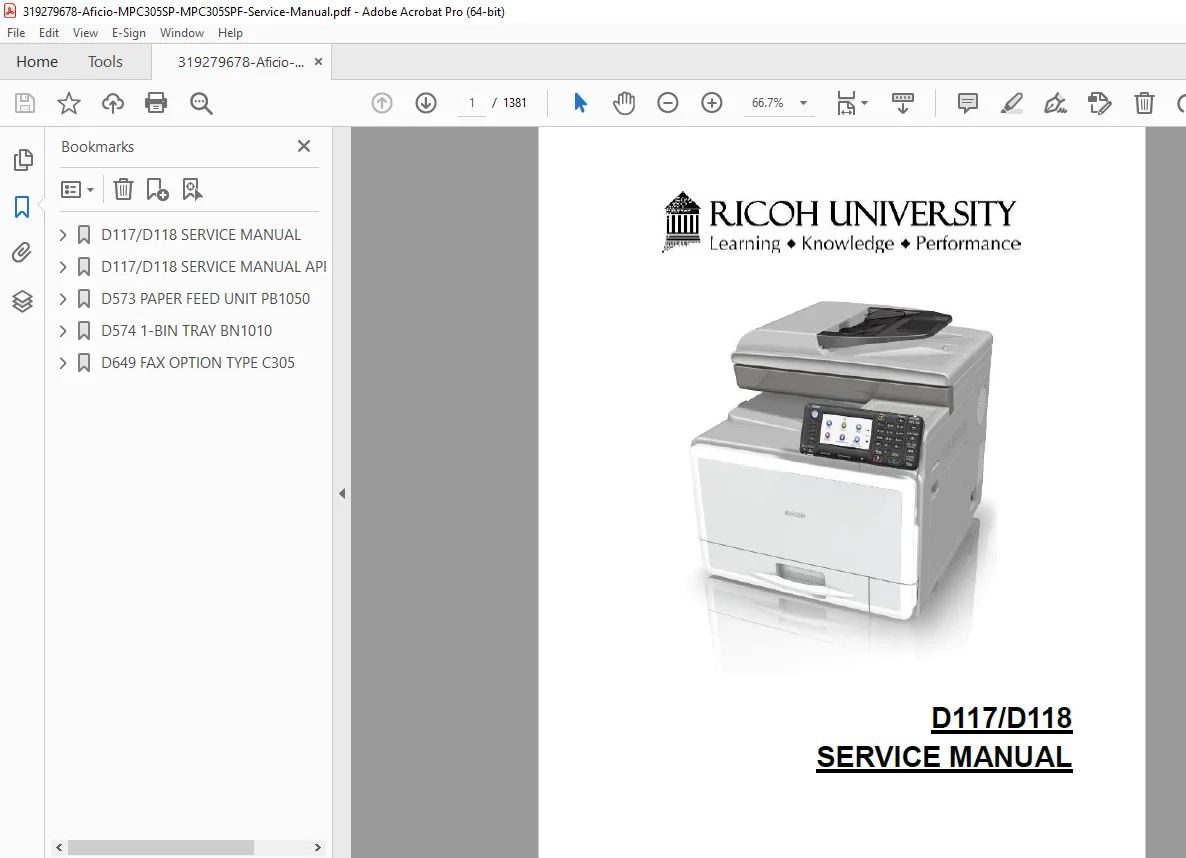
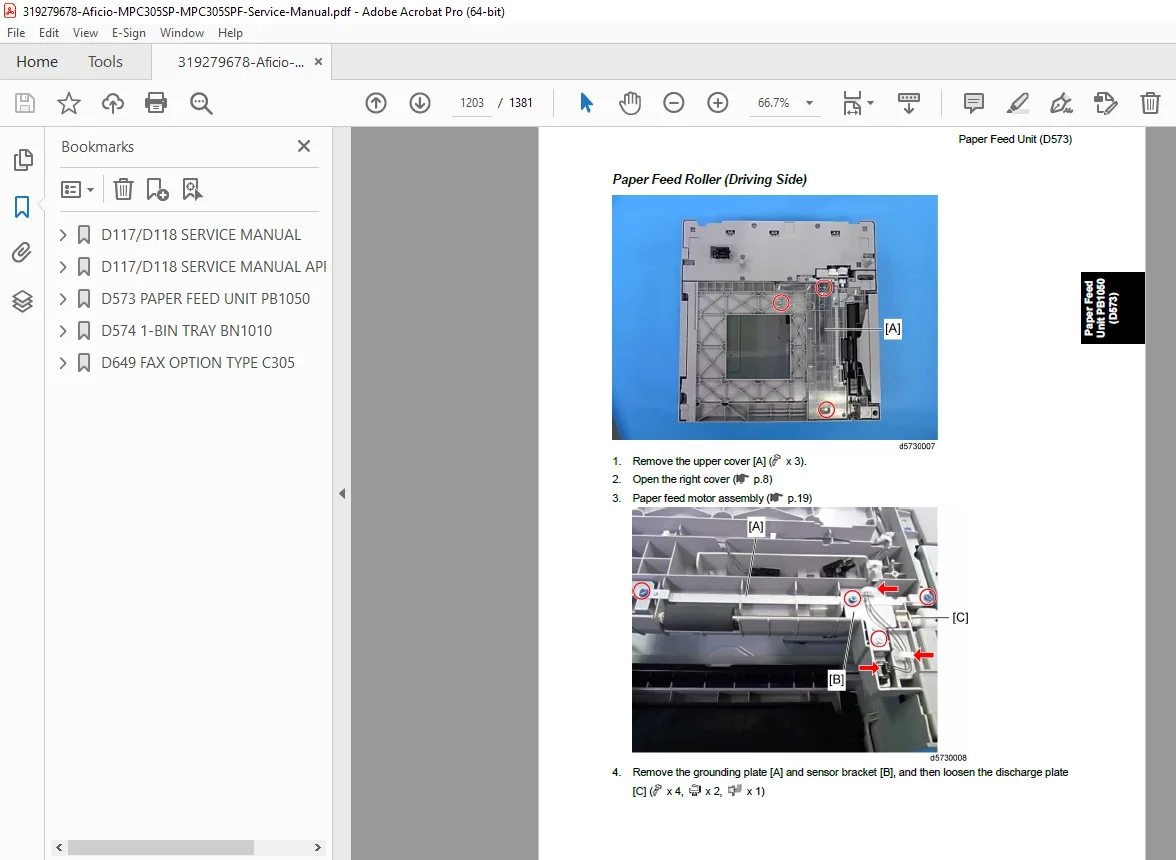
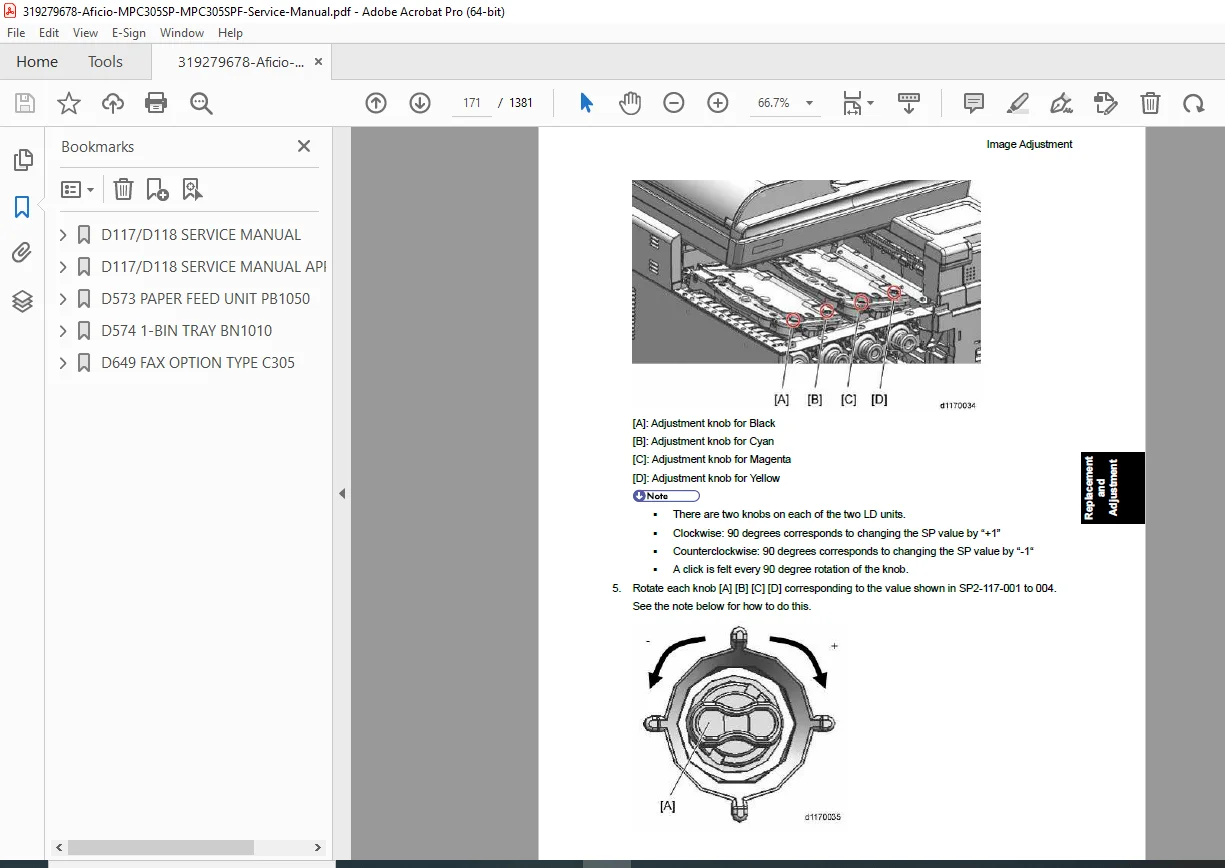
Ricoh Aficio MPC305SP/MPC305SPF Service Repair Manual PDF
Original price was: $120.00.$25.95Current price is: $25.95.
Professional Ricoh Aficio MPC305SP and MPC305SPF service repair manual covering complete installation procedures, preventive maintenance schedules, component replacement instructions, and comprehensive troubleshooting guides. This 1,381-page technical reference includes detailed error code diagnostics, service program configuration, and step-by-step repair procedures for certified technicians. Essential for color copier maintenance and laser printer service operations. Covers all optional equipment and peripheral installations for D117/D118 models with official Ricoh specifications and safety protocols.
Description
Ricoh Aficio MPC305SP/MPC305SPF Service Repair Manual with Installation & Troubleshooting – PDF DOWNLOAD
DESCRIPTION
RICOH SERVICE REPAIR MANUAL FOR COLOR COPIER SYSTEMS
This complete Ricoh Aficio MPC305SP/MPC305SPF service repair manual is the definitive technical reference for professional service technicians and maintenance specialists. Published by Ricoh Americas Corporation, this official documentation provides everything needed for complete system maintenance, diagnostic troubleshooting, and component replacement of the Aficio MPC305 series multifunction color copiers.
WHAT THIS SERVICE MANUAL INCLUDES:
✓ Installation & Setup Procedures
- Comprehensive mainframe installation with step-by-step instructions
- Installation procedures for 15+ optional equipment components:
- Paper Feed Unit (D573) installation guide
- 1-Bin Tray Unit (D574) setup procedures
- Automatic Document Feeder (ARDF D606) configuration
- Copy Data Security Unit (D640) with encryption setup
- HDD Option Type C305 (D656) installation and security configuration
- Controller interface board installation
- Wireless LAN and Bluetooth module setup
- External IC Card Reader integration
- Anti-condensation heater installation for various environments
✓ Preventive Maintenance & PM Schedules
- Complete preventive maintenance parts schedule and replacement intervals
- Yield parts documentation and lifecycle management
- Mainframe service intervals and periodic maintenance checklist
- ARDF (automatic feeder) maintenance procedures
- Fusing unit preventive maintenance and thermal management
- Image transfer belt cycle replacements
- Photo conductor drum service intervals
- Toner supply system maintenance guidance
✓ Service Repair Procedures (80+ Component Replacements)
- Image Adjustment & Calibration:
- Scanner registration adjustment (sub-scan magnification, leading edge, side-to-side)
- ARDF positioning and calibration procedures
- Color registration alignment for multicolor printing
- Erase margin optimization
- Printer gamma correction for copy and print modes
- Color skew adjustment techniques
- Scanner System Service:
- Scanner unit replacement procedures
- ARDF cover sensor diagnostics and replacement
- Carriage unit HP sensor service
- Scanner motor replacement and testing
- Complete carriage assembly repair with reinstallation guides
- Laser Optics & Exposure:
- Laser unit (LD) replacement with post-installation adjustment
- LD unit cooling fan service
- Exposure lamp and optics alignment
- Image Creation System:
- PCDU (Photo Conductor and Development Unit) replacement – Black and CMY
- Toner transport section service with SP setting procedures
- Waste toner bottle replacement and sensor maintenance
- Developer assembly service
- Image Transfer System:
- ITB (Image Transfer Belt) unit replacement with post-service procedures
- Transfer contact motor and paper transfer motor replacement
- Paper transfer roller service with configuration settings
- ITB contact sensor diagnostics
- Paper Feed & Duplex Systems:
- Paper feed roller replacement (standard and bypass)
- Registration sensor service
- Paper end sensor diagnostics
- By-pass feed unit assembly
- Duplex unit service for two-sided printing
- Electrical Components & Power:
- Controller board replacement and DIMM upgrades
- Power supply unit (PSU) service
- ACVB (AC Voltage Board) replacement
- HVPS (High Voltage Power Supply) for charging and transfer
- Fan motor replacement (PSU, cooling, exhaust)
- Temperature and humidity sensor service
- Fusing System (16 Procedures):
- Complete fusing unit replacement with SP settings
- Fusing covers, entrance guides, thermistors
- Pressure roller assembly service
- Fusing sleeve belt replacement procedures
- Entrance and exit sensor diagnostics
- Thermopile temperature sensing replacement
✓ Comprehensive Troubleshooting & Error Code Reference
The manual includes complete diagnostic support for all error conditions:
- 200+ Error Codes (SC Codes) with Solutions:
- SC1XX: Scanning system errors (document detection, feed problems)
- SC2XX: Exposure and laser system errors (9 diagnostic codes)
- SC3XX: Image processing errors – tone and quality issues (11 codes)
- SC4XX: Image processing registration and alignment errors (5 codes)
- SC5XX: Paper feed and fusing system errors (13 codes)
- SC6XX: Communication and network interface errors (12 codes)
- SC7XX: Peripheral device and optional equipment errors (3 codes)
- SC8XX: Overall system faults and controller errors (24 codes)
- SC9XX: Miscellaneous and special condition codes (20+ codes)
✓ Print Quality Troubleshooting Guide (20+ Procedures)
Step-by-step diagnostic procedures for common issues:
- Blank or light printing solutions
- All-black print corrections
- Missing CMY color diagnostics
- Repeated spots and line defect elimination
- Dark vertical line removal
- White band and horizontal defect fixes
- Ghosting and image duplication solutions
- Unfused or partially fused print corrections
- Image skew and alignment fixes
- Background stain and dirty output remedies
- Edge printing loss corrections
- Color registration and line position adjustment
✓ Service Program (SP) Mode Configuration Tables
- 200+ SP Settings organized by functional category:
- SP1-XXX (Feed parameters) – 24 pages
- SP2-XXX (Drum and imaging) – 58 pages
- SP3-XXX (Process control) – 26 pages
- SP4-XXX (Scanner settings) – 10 pages
- SP5-XXX (Operational modes) – 64 pages
- SP6-XXX (Peripheral configuration) – 2 pages
- SP7-XXX (Data logging) – 40 pages
- SP8-XXX (Advanced logging) – 57 pages
- SP9-XXX (System diagnostics) – Input/output check tables
✓ Firmware Update & System Maintenance
- Firmware types and versions available
- Step-by-step firmware update procedures
- Error handling during updates
- Power loss recovery protocols
- System reset and configuration restoration
- NVRAM data backup and restoration
- Debug logging setup and retrieval
- Controller self-diagnostics
✓ System Diagnostics & Electrical Testing
- Sensor testing procedures (80+ sensors documented)
- Blown fuse condition identification
- Electrical component defect diagnosis
- Motor testing and replacement procedures
- Clutch and solenoid diagnostics
- Power circuit protection analysis
✓ Energy Efficiency & Operational Guidelines
- Energy saver mode configuration
- Power consumption optimization strategies
- Duplex and combine mode efficiency calculations
- Paper-saving function effectiveness
- Environmental operating parameters
DETAILED TABLE OF CONTENTS:
| Chapter | Section | Focus Area |
|---|---|---|
| 1 | Product Information | Specifications, configuration, component layout, paper path, drive system |
| 2 | Installation | Complete setup procedures for mainframe and 15+ optional units |
| 3 | Preventive Maintenance | PM schedules, yield parts, replacement intervals |
| 4 | Replacement & Adjustment | 80+ component procedures, image calibration, electrical service |
| 5 | System Maintenance | Service programs (200+ settings), firmware updates, diagnostics |
| 6 | Troubleshooting | 200+ error codes, print quality guide, jam detection, electrical defects |
| 7 | Energy Efficiency | Power management, paper saving, operational optimization |
MODELS & VARIANTS COVERED:
| Manufacturer | Model | Product Code |
|---|---|---|
| Ricoh | Aficio MPC305SPF | D117 |
| Ricoh | Aficio MPC305SP | D118 |
| Savin | MPC305SPF | D117 |
| Savin | MPC305SP | D118 |
| Lanier | MPC305SPF | D117 |
| Lanier | MPC305SP | D118 |
OPTIONAL EQUIPMENT INSTALLATION COVERED:
- Paper Feed Unit (D573)
- 1-Bin Tray Unit (D574)
- Platen Cover (D607)
- ARDF (D606)
- Copy Data Security Unit (D640)
- Counter Interface Unit Type A (B870)
- HDD Option Type C305 (D656)
- Key Counter Bracket Type H (A674)
- Anti-Condensation Heaters (mainframe & optional)
- IC Card Reader (external)
- IEEE 1284 Interface Board
- IEEE 802.11a/g Wireless LAN Units
- Bluetooth Interface Unit
- Browser Unit
- Gigabit Ethernet Board
- Camera Direct Print Card
- Plus additional controller interface options
SPECIAL FEATURES:
✓ Official Ricoh Documentation – Authorized by Ricoh Americas Corporation
✓ Certified Technician Content – Requires service training and certification
✓ High-Resolution Technical Diagrams – Clear assembly and electrical schematics
✓ Complete Component Coverage – All internal systems documented
✓ Safety Protocols – Certified technician safety procedures throughout
✓ Searchable PDF Format – Full-text search capability for quick reference
✓ Professional Grade – Industry-standard service documentation
✓ Current Information – Original 2012 publication covering all model variations
FILE DETAILS
| Specification | Details |
|---|---|
| Manual Name | D117/D118 SERVICE MANUAL |
| Full Title | Ricoh Aficio MPC305SP/MPC305SPF Service Manual |
| Models Covered | 6 variants (Ricoh, Savin, Lanier – D117/D118) |
| Publication Date | May 2012 (Original Printing) |
| Total Pages | 1,381 pages |
| File Size | 15.7 MB |
| PDF Version | 1.6 |
| Manual Quality | High-resolution with detailed technical diagrams |
| Language | English |
| Format | Professional technical documentation |
| Distribution | Licensed – authorized technicians only |
| Copyright | © 2012 Ricoh Americas Corporation |