Ricoh MP C3502 Service Manual – Color Copier Repair PDF
Original price was: $95.00.$18.95Current price is: $18.95.
Official Ricoh MP C3502 Service Manual PDF covering full installation, preventive maintenance, SP mode tables, firmware updates, SC error codes, troubleshooting, wiring diagrams, fuser, scanner, laser optics, image transfer, paper feed, and controller systems. Factory-level documentation for professional technicians. Instant digital download.
Description
Ricoh MP C3502 Service Manual – Color Copier Repair PDF DOWNLOAD
DESCRIPTION
🖨️ Manual Overview
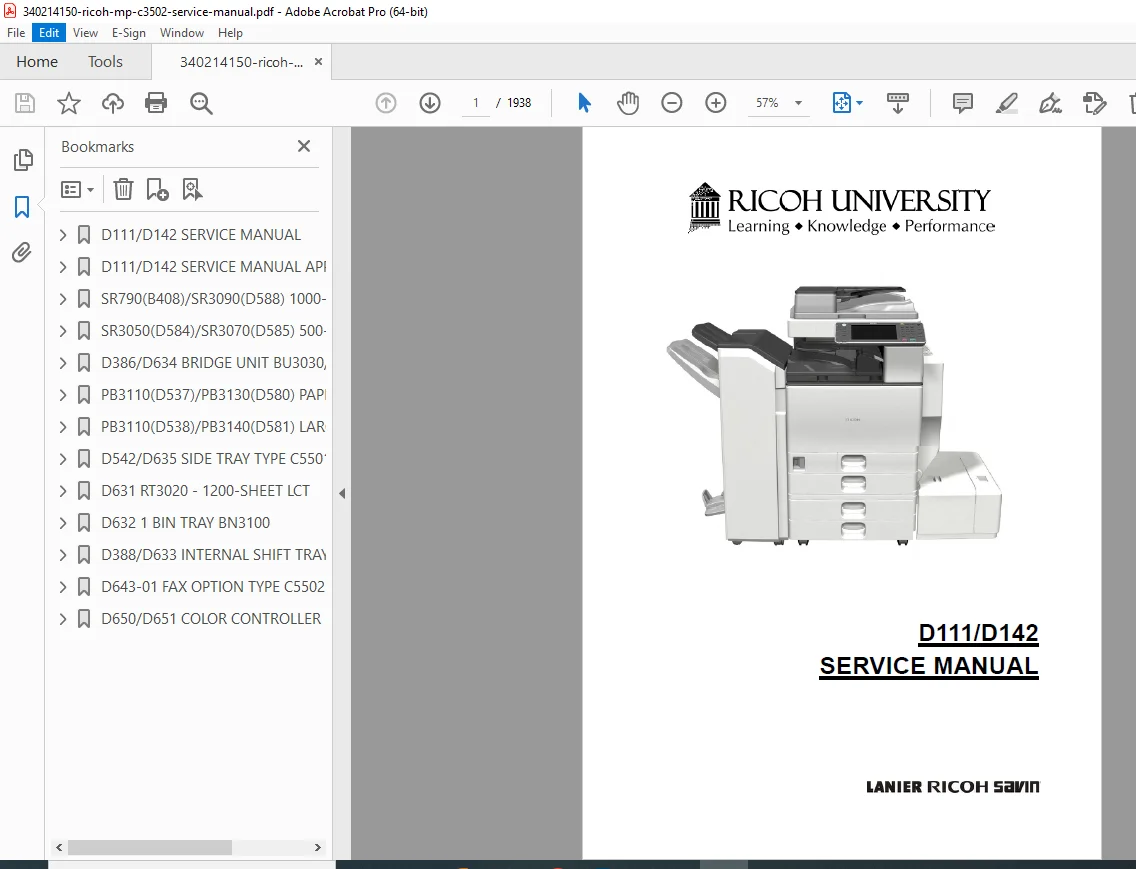
This is the original factory Service Manual for Ricoh MP C3502 (D142) and Ricoh MP C3002 (D111) color multifunction copiers.
Published by Ricoh Americas Corporation (2012), this manual is intended strictly for trained and certified service technicians, providing deep internal diagnostics, adjustment procedures, and complete repair guidance.
Unlike an operator manual, this document explains how the machine works internally—covering mechanical, electrical, image processing, and software systems in exhaustive detail.
📘 DETAILED TABLE OF CONTENTS & BOOKMARKS
1️⃣ Product Information
Machine specifications
Component layout diagrams
Paper path & drive layout
Machine codes & peripheral configuration
Differences vs predecessor models
2️⃣ Installation
Environmental & power requirements
Copier installation flowchart
Developer & toner initialization
ACC color calibration
Optional unit installation (ADF, finishers, LCT, trays)
Network, controller & interface cards
Fax & memory options
3️⃣ Preventive Maintenance
Maintenance schedules
PM parts replacement
Operation checks before & after PM
4️⃣ Replacement & Adjustment
Highly detailed step-by-step procedures for:
Scanner unit & optics
Laser optics housing
PCDU, drum & development units
Image transfer belt & cleaning unit
Fusing unit (QSU-DH system)
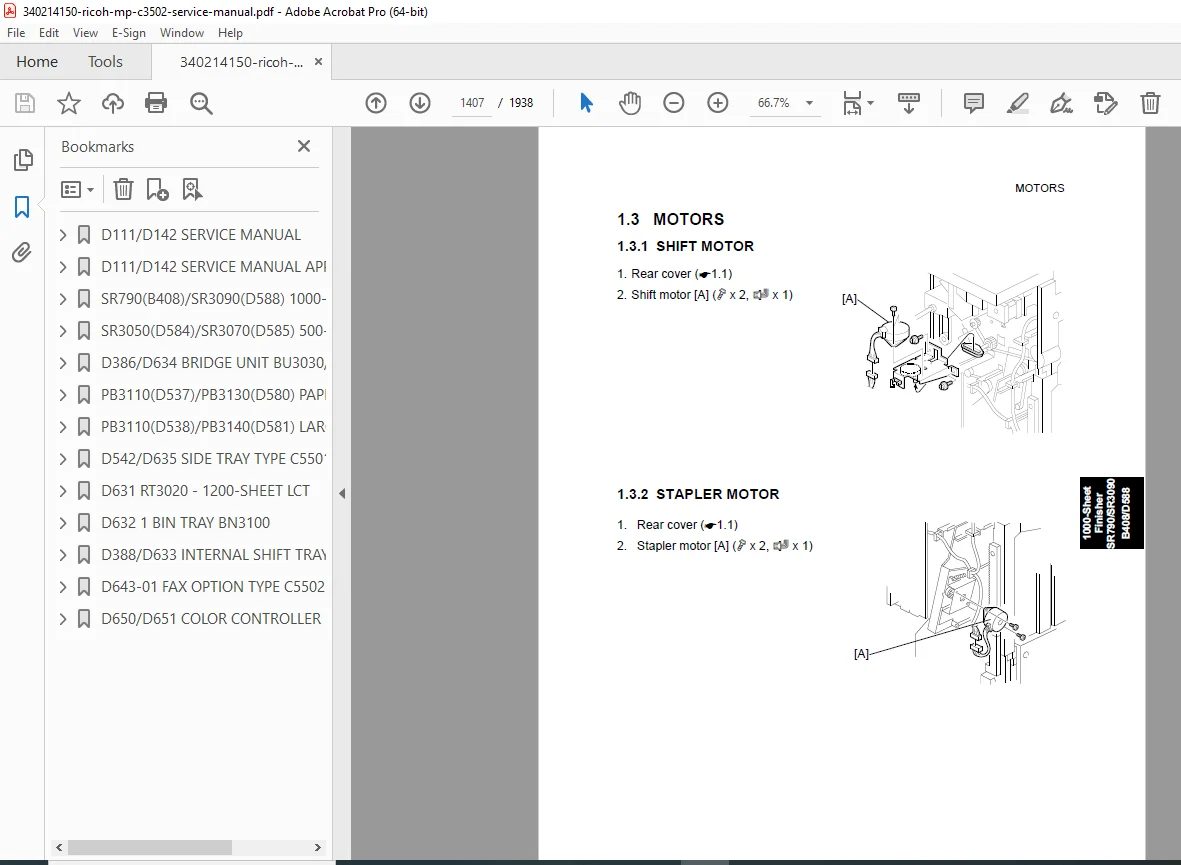
Motors, clutches & fans
Paper feed & duplex units
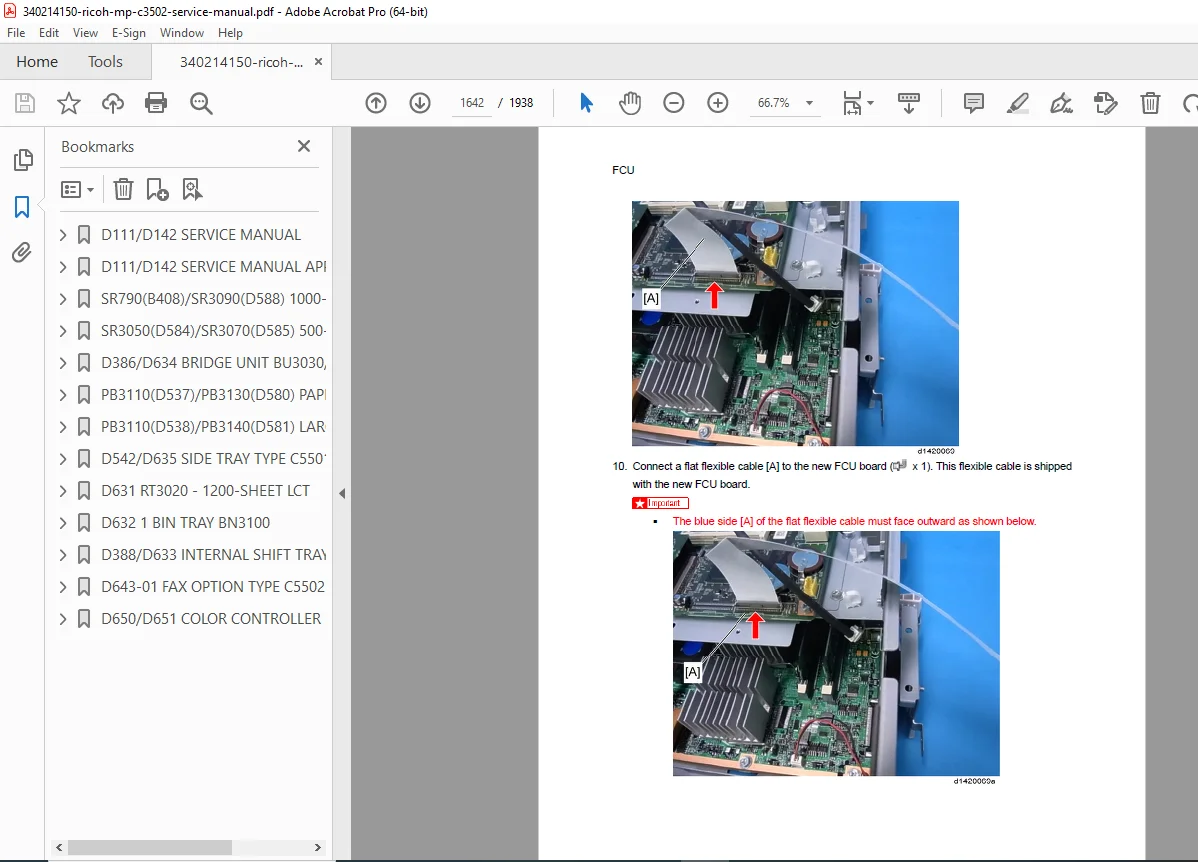
Electrical boards (BCU, PSU, HV, Controller)
Includes:
Image registration
Color registration
Gamma correction
Scanner magnification adjustments
5️⃣ Service Program (SP) Mode
Entering & exiting SP mode
Complete SP tables (SP1–SP9)
Input/output check tables
Printer & scanner service modes
NVRAM upload/download
Debug log & data logging
Firmware update procedures
6️⃣ Troubleshooting
SC error codes (SC1xx – SC9xx)
Image quality defect diagnosis
Jam detection & jam codes
Electrical fault isolation
Sensor & fuse diagnostics
7️⃣ Energy Saving
Energy saver modes
Duplex & combine paper saving
Power consumption optimization
📄 FILE DETAILS
| Item | Details |
|---|---|
| Manual Name | Ricoh MP C3502 / MP C3002 Service Manual |
| Product Codes | D142 (C3502), D111 (C3002) |
| Brand | Ricoh |
| Manual Type | Service / Repair / Diagnostics |
| Publication Year | 2012 |
| Pages | ~1,9038 |
| PDF Quality | High-resolution, searchable text with diagrams |
Stop guessing—service it the right way.
Download the official Ricoh MP C3502 Service Manual now and get instant access to factory-approved diagnostics, adjustments, and repair procedures trusted by Ricoh-certified technicians worldwide.