
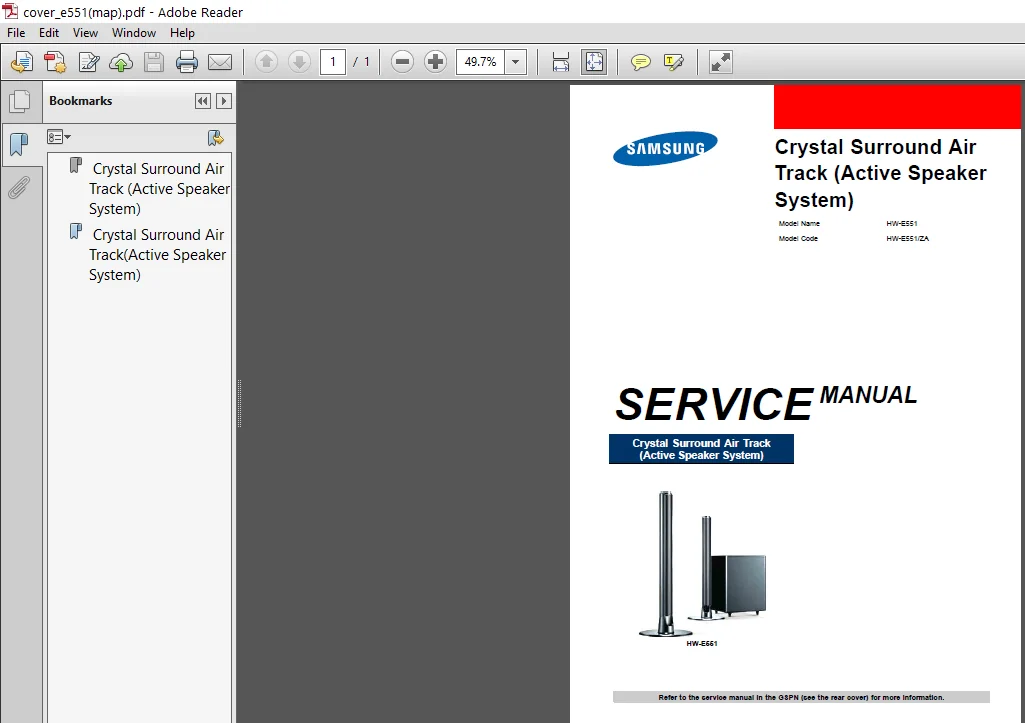
Samsung Hw e551 Service Manual Repair Guide – PDF DOWNLOAD
Original price was: $35.95.$23.95Current price is: $23.95.
Samsung Hw e551 Service Manual Repair Guide
Description
Samsung Hw e551 Service Manual Repair Guide
FILE DETAILS:
LANGUAGE:ENGLISH
PAGES:65+
DOWNLOADABLE:YES
FILE TYPE:PDF
SAMSUNG HW E551 SERVICE MANUAL REPAIR GUIDE – PDF DOWNLOAD:
IMAGES PREVIEW OF THE MANUAL:
DESCRIPTION:
Samsung Hw e551 Service Manual Repair Guide
Safety Precautions
1) When reinstalling the chassis and its assemblies, be sure to restore all of the protective devices, including the control knobs and the compartment covers.
2) Make sure that there are no cabinet openings through which people (particularly children) can make contact with dangerous internal components.
3) Design Alteration Warning : Never alter or add to the mechanical or electrical design of the unit.
Example : Do not add auxiliary audio or video connectors. Such alterations might create a safety hazard. Also, any design changes or additions will void the manufacturer’s warranty.
Servicing Precautions
1) Servicing precautions are printed on the cabinet. Follow them.
2) Always unplug the unit’s AC power cord from the AC power source before attempting to :
(a) Remove or reinstall any component or assembly, (b) Disconnect an electrical plug or connector, (c) Connect a test component in parallel with an electrolytic capacitor.
3) Some components are raised above the printed circuit board for safety. An insulation tube or tape is sometimes used. The internal wiring may be clamped to prevent contact with thermally hot components. Reinstall all such elements to their original position.
4) After servicing, always check that the screws, components and wiring have been correctly reinstalled. Make sure that the portion around the serviced part has not been damaged.
5) Check the insulation between the blades of the AC plug and accessible conductive parts (examples : metal panels, input terminals and earphone jacks).
6) Insulation Checking Procedure : Disconnect the power cord from the AC source. Connect an insulation resistance meter (500 V) to the blades of the AC plug. The insulation resistance between each blade of the AC plug and accessible conductive parts (see above) should be greater than 1 megohm.
7) Never defeat any of the B+ voltage interlocks. Do not apply AC power to the unit (or any of its assemblies) unless all solid-state heat sinks are correctly installed.
TABLE OF CONTENTS:
Samsung Hw e551 Service Manual Repair Guide
Samsung HW-E551\01_precautions(map).pdf
Samsung HW-E551\03_disassembly_reassembly_e551(map).pdf
Samsung HW-E551\04_troubleshooting_e551(map).pdf
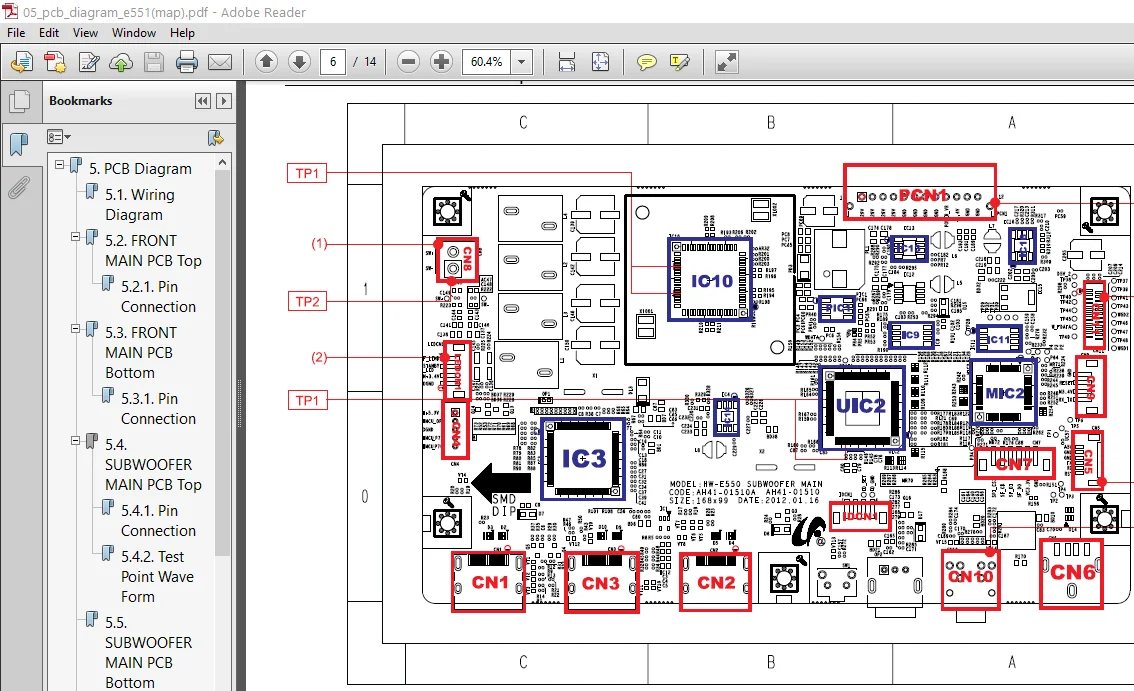
Samsung HW-E551\05_pcb_diagram_e551(map).pdf
Samsung HW-E551\06_schematic_diagram_551(map).pdf
Samsung HW-E551\cover_e551 map).pdf
Samsung HW-E551\Exploded_View_Parts_List(map).pdf
Samsung HW-E551
Samsung HW-E551\06_schematic_diagram_e551(map).pdf
Samsung HW-E551\cover_e551(map).pdf
PLEASE NOTE:
- This is the same manual used by the DEALERSHIPS to SERVICE your vehicle.
- The manual can be all yours – Once payment is complete, you will be taken to the download page from where you can download the manual. All in 2-5 minutes time!!
- Need any other service / repair / parts manual, please feel free to contact us at heydownloadss @gmail.com . We may surprise you with a nice offer
Mohamed Kaleb –
Kannon George –