
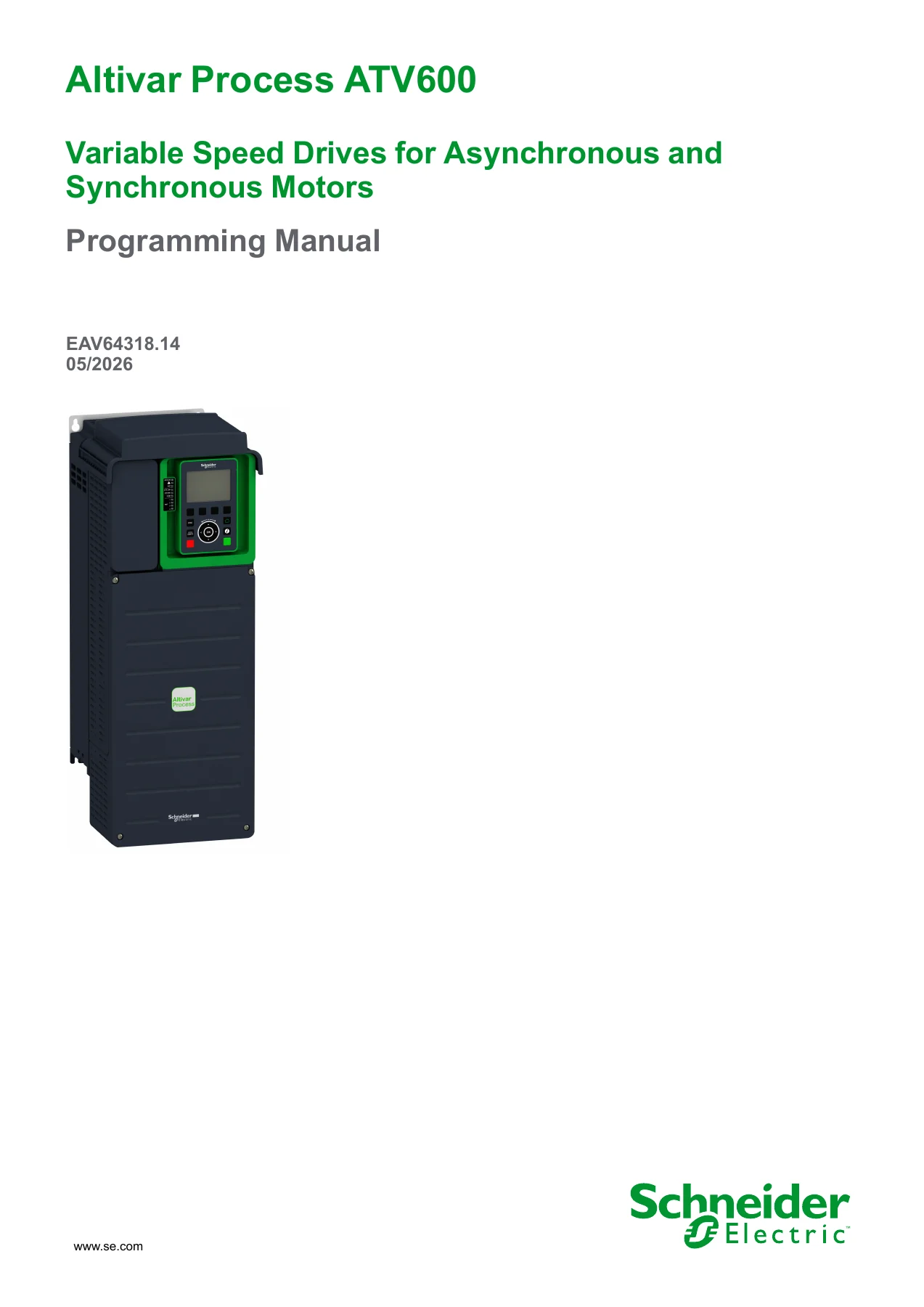
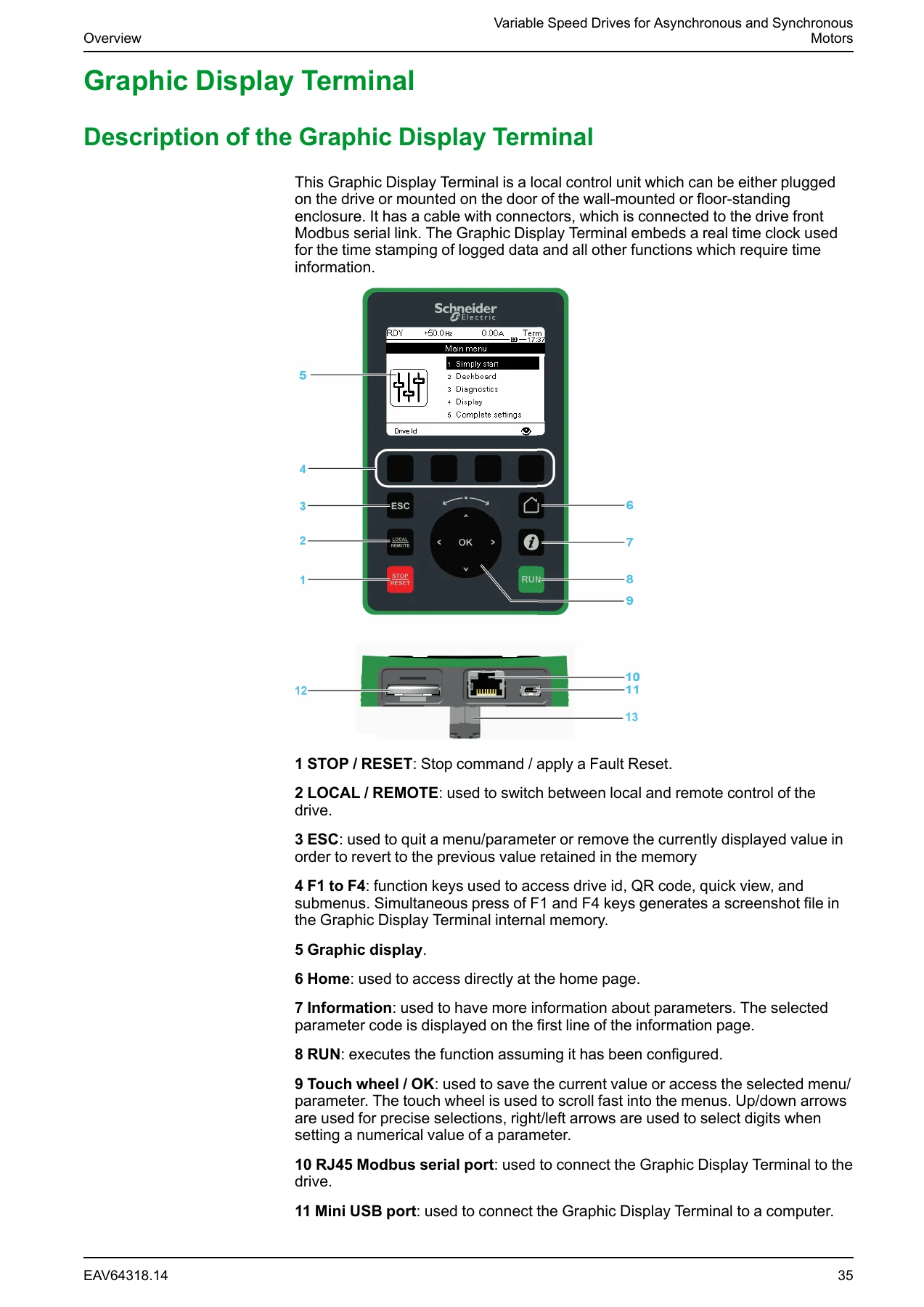
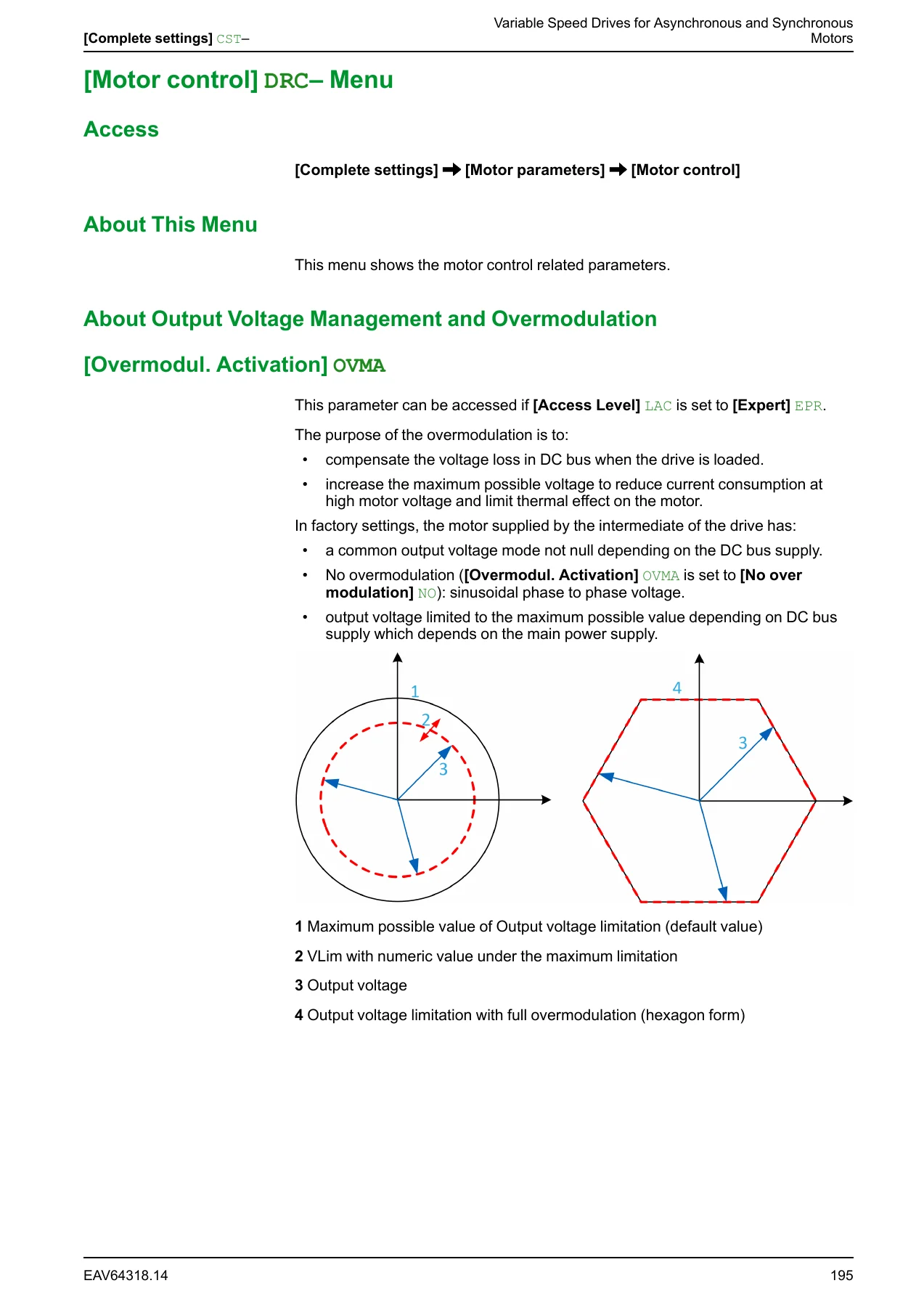
Schneider Electric Altivar Process ATV600 Programming Manual EAV64318.14 – PDF
Original price was: $39.95.$24.95Current price is: $24.95.
Complete programming and setup manual for Schneider Electric Altivar Process ATV600 variable speed drives. Covers ATV630, ATV650, ATV660, ATV680, ATV6A0, ATV6B0 and ATV6L0 drives with parameter tables, pump and fan functions, communication setup, error codes and diagnostics.
Description
Schneider Electric Altivar Process ATV600 Programming Manual
This is the complete programming manual for the Schneider Electric Altivar Process ATV600 series variable speed drives used with asynchronous and synchronous motors. Document number EAV64318.14, dated 05/2026, covers the full programming workflow from initial setup through advanced parameter configuration, application functions, diagnostics, and troubleshooting. The manual applies to ATV630, ATV650, ATV660, ATV680, ATV6A0, ATV6B0, and ATV6L0 drive catalog numbers.
File Details
- Manual type: Programming Manual
- Brand: Schneider Electric
- Product line: Altivar Process ATV600
- Document number: EAV64318.14
- Date: 05/2026
- Language: English
- Format: PDF
- Software version covered: V4.2 (with enhancement history up to V4.6)
Chapters Covered
- Safety Information – Important Information, Intended Use
- About The Document – Document Scope, Validity Note, Product Related Information
- Setup – Initial Steps, Steps for Setting-Up the Drive, Software Enhancements
- Overview – Factory Configuration, Application Functions, Basic Functions, Graphic Display Terminal, Multipoint Screen, Structure of the Parameter Table, Finding a Parameter
- Cyber Security – Overview, Password, Upgrades Management
- Programming – [Simply Start] SYS- menu, [Simply start] SIM- menu, [My menu] MYMENU- menu, [Modified parameters] LMD- menu
- [Dashboard] DSH- – Pump Dashboard, Fan Dashboard, Control, kWh Counters
- [Diagnostics] DIA- – Diag. data, Error history, Warnings
- [Display] MON- – Energy parameters, App Parameters, Pump parameters, Motor parameters, Drive parameters, Thermal monitoring, PID display, Counter Management, Other State, I/O Map, Communication map, Data logging
- [Complete settings] CST- – Macro Configuration, Motor parameters, Define system units, Sensors Assignment, Cmd and Reference
- Pump functions – Booster Control, Level Control, PID controller, Sleep/wakeup, Feedback Monitoring, Pump characteristics, Flow estimation, dP/Head Correction, Pump start stop, Pipe fill, Friction loss comp, Jockey pump, Priming pump ctrl, Flow limitation, Vortex Control
- Pump monitoring – Pumpcycle monitoring, Anti-Jam Monit, Dry run Monit, Pump low flow Monit, Thermal monitoring, Inlet pressure mon, Outlet pressure mon, High flow monitoring
- Fan functions – PID controller, Feedback Monitoring, Jump frequency, Fan settings
- Generic functions – Speed Limits, Ramp, Ramp switching, Stop configuration, Auto DC injection, Ref. operations, Preset speeds, +/- speed, Jump frequency, PID controller, Feedback Monitoring, Threshold reached, Mains contactor cmd, Output contactor cmd, Reverse disable, Torque limitation, Parameters switching, Stop after speed timeout, Active Front End
- Generic monitoring – Process underload, Process overload, Stall monitoring, Thermal monitoring
- Input/Output – I/O assignment, DI/DQ, AI/AQ, Relay, IO menu
- Error/Warn handling – Auto Fault Reset, Fault reset, Catch on the fly, Error detect disabling, External error, Output phase loss, Input phase loss, 4-20 mA loss, Fallback speed, Spd Maint Behavior, Fieldbus monitoring
- Maintenance – Diagnostics, Drive warranty mgnt, Customer events, Fan management, Counter Reset
- Cabinet I/O functions – Monitoring circuits, Cabinet circuits, Motor winding, Motor bearing, Circuit breaker
- Communication – Modbus, Ethernet, CANopen, DeviceNet, BACnet, Profibus, Profinet, POWERLINK
- File management – Transfer config file, Factory settings, Firmware update, Identification, Package version
- My preferences – Language, Password, Parameter access, Customization, Date/Time, Access Level, Webserver, Functions key mgnt, LCD settings, Stop and Go, QR code, Pairing password
- Maintenance – Servicing, Spares and Repairs, Long Time Storage, Fan Replacement
- Warning Codes – Full list of drive warnings
- Error Codes – Full list of drive errors with probable causes and remedies
- FAQ – Common troubleshooting questions
- Glossary – Terms and definitions
For a technician commissioning, programming, or troubleshooting an ATV600 drive, this manual is the primary reference. It walks through every menu and parameter the drive exposes, with factory settings, setting ranges, dependency conditions between parameters, and cross-references to related functions. Motor control types, autotuning procedures, PID configuration, multi-pump architectures, and communication fieldbus setup are all documented at the parameter level. The error code chapter alone – covering dozens of codes with probable causes and remedies – makes this manual the difference between a guess and a diagnosis.
What This Manual Enables
With this programming manual on hand, a technician can correctly configure the drive for the motor being used, whether that is an asynchronous motor in open-loop U/F control or a synchronous or reluctance motor requiring specific angle-setting procedures. Autotuning procedures, motor parameter entry from nameplate data, and the relationship between motor data and drive performance are all covered. The manual also documents how to set up the drive for pump and fan applications, including multi-pump architectures where a lead pump alternates with fixed-speed auxiliary pumps, and multi-drive configurations using the MultiDrive Link function over Ethernet.
For pump station integrators, the manual details booster control, level control, sleep/wake-up, pipe fill, jockey pump control, anti-jam cycles, dry-run monitoring, and flow estimation based on pump characteristics. Each function has its own parameter set with clearly documented interactions, so the drive can be tuned to the actual hydraulic system rather than left at factory defaults.
Pump, Fan, and Multi-Pump Functions
The ATV600 programming manual devotes extensive space to pump and fan application functions. Booster Control maintains outlet pressure by staging and de-staging auxiliary pumps, with selectable stage/de-stage conditions based on speed, feedback, flow, or energy optimization. Level Control manages filling and emptying operations with level switches or analog level sensors, and includes random level functionality to reduce sedimentation. The PID controller section covers feedback scaling, preset references, manual/automatic switching, and gain adjustment, with block diagrams showing how the reference is built. Feedback Monitoring, Friction Loss Compensation, and Flow Limitation round out the process control capability. For fan applications, the manual covers PID control, jump frequency to avoid resonance, and dedicated fan dashboards.
Diagnostics and Error Codes
The troubleshooting portion of the manual lists every warning and error the drive can trigger, each with probable causes and remedies. Errors such as OCF (overcurrent), OBF (DC bus overvoltage), OLF (motor overload), OHF (device overheat), SCF1 through SCF6 (short circuit families), PHF (input phase loss), OPF1 and OPF2 (output phase loss), and communication interruption codes for Modbus, CANopen, Ethernet, and fieldbus modules are documented with the conditions that trigger them and the steps to resolve them. The manual also explains how to clear each type of error – whether it clears automatically, requires a manual fault reset, needs a power cycle, or can be cleared via the Extended Fault Reset parameter when enabled.
Delivery and Use
IMAGES PREVIEW
The Schneider Electric Altivar Process ATV600 Programming Manual EAV64318.14 is delivered as an instant PDF download after purchase. There is no shipping and no physical media to wait for. The file can be opened on a laptop, tablet, or smartphone in the field, and pages can be printed for a binder or control cabinet reference. Whether you are commissioning a new ATV630 drive, converting an existing installation to a multi-pump architecture, or diagnosing a fault on an ATV680 with an active front end, this manual provides the parameter-level detail needed to work accurately.
Reviews
There are no reviews yet.