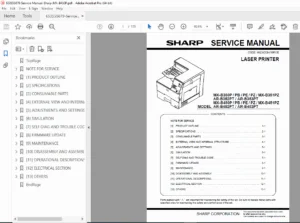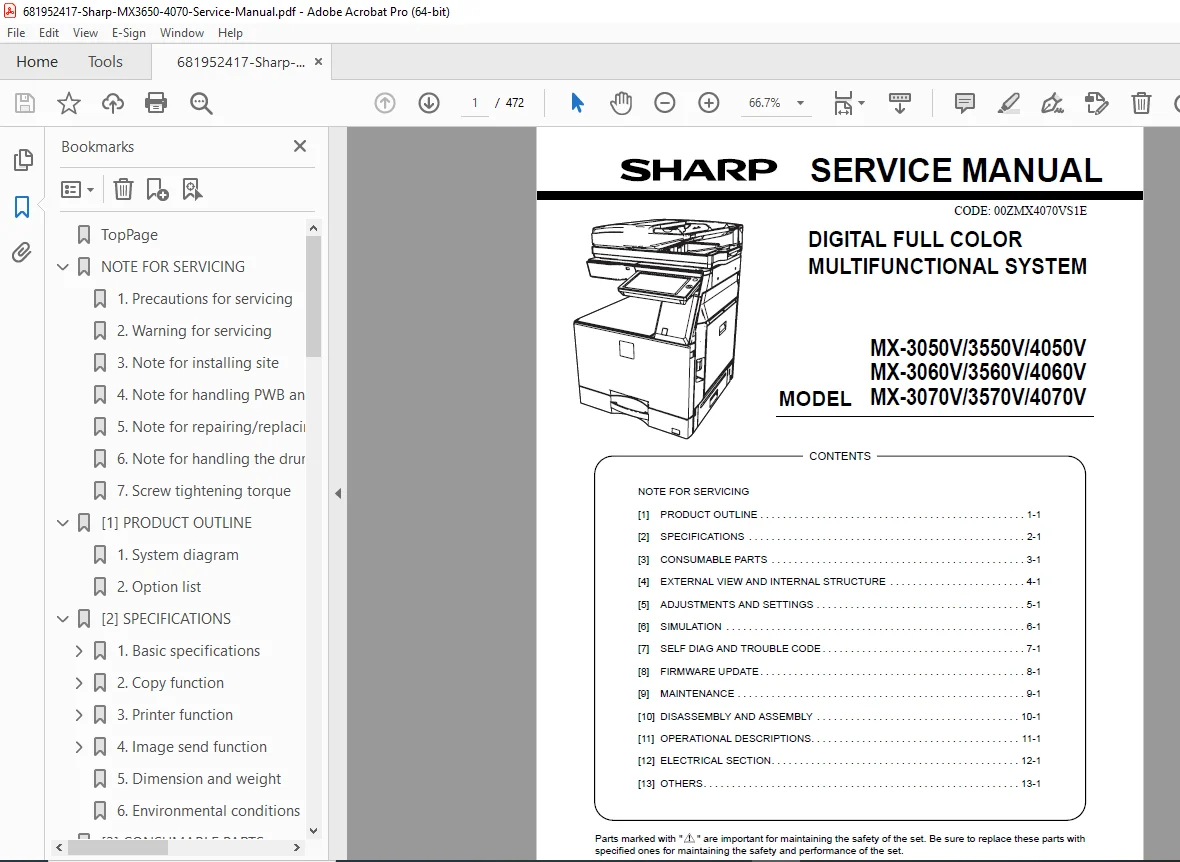
Sharp MX-3650 MX-4070 Service Manual – Repair & Troubleshooting Guide PDF
Original price was: $120.00.$19.95Current price is: $19.95.
Factory Sharp MX-3650 / MX-4070 Service Manual for professional repair and maintenance. Covers installation, adjustments, diagnostics, service modes, troubleshooting, disassembly, parts replacement, wiring diagrams, firmware, and maintenance procedures. Essential for copier technicians and office equipment service engineers.
Description
Sharp MX-3650 MX-4070 Service Manual – Repair & Troubleshooting Guide PDF DOWNLOAD
Description
This is the official OEM Sharp Service Manual for the MX-3650 and MX-4070 Advanced Series multifunction copiers/printers.
Designed for field service engineers and professional technicians, this manual provides complete technical servicing procedures, diagnostic modes, component layouts, mechanical disassembly, electrical troubleshooting, and firmware support.
Perfect for resolving:
✔ Paper jams
✔ Print quality defects
✔ Error codes
✔ Scanner issues
✔ Fuser/heater faults
✔ Network/firmware problems
✔ Mechanical & drive issues
If you repair or maintain Sharp office copiers, this is the exact factory manual used by technicians.
✅ Models Covered
Sharp MX-3650
Sharp MX-4070
Advanced Series Color Multifunction Systems
🧭 Organized Table of Contents (Service Sections)
🔹 General / Safety
Service precautions
Machine specifications
Installation requirements
Handling notes
🔹 Installation & Setup
Machine installation procedures
Option installation
Initial settings
Network setup
Calibration
🔹 Maintenance
Periodic maintenance schedules
Cleaning procedures
Consumable replacement
Preventive service
🔹 Service Modes & Diagnostics
Simulation/service mode operations
Error history
Sensor checks
Motor/solenoid tests
Adjustment modes
Firmware update procedures
🔹 Troubleshooting
Error codes & solutions
Print quality issues
Feeding/jam problems
Image defects
Electrical faults
Communication issues
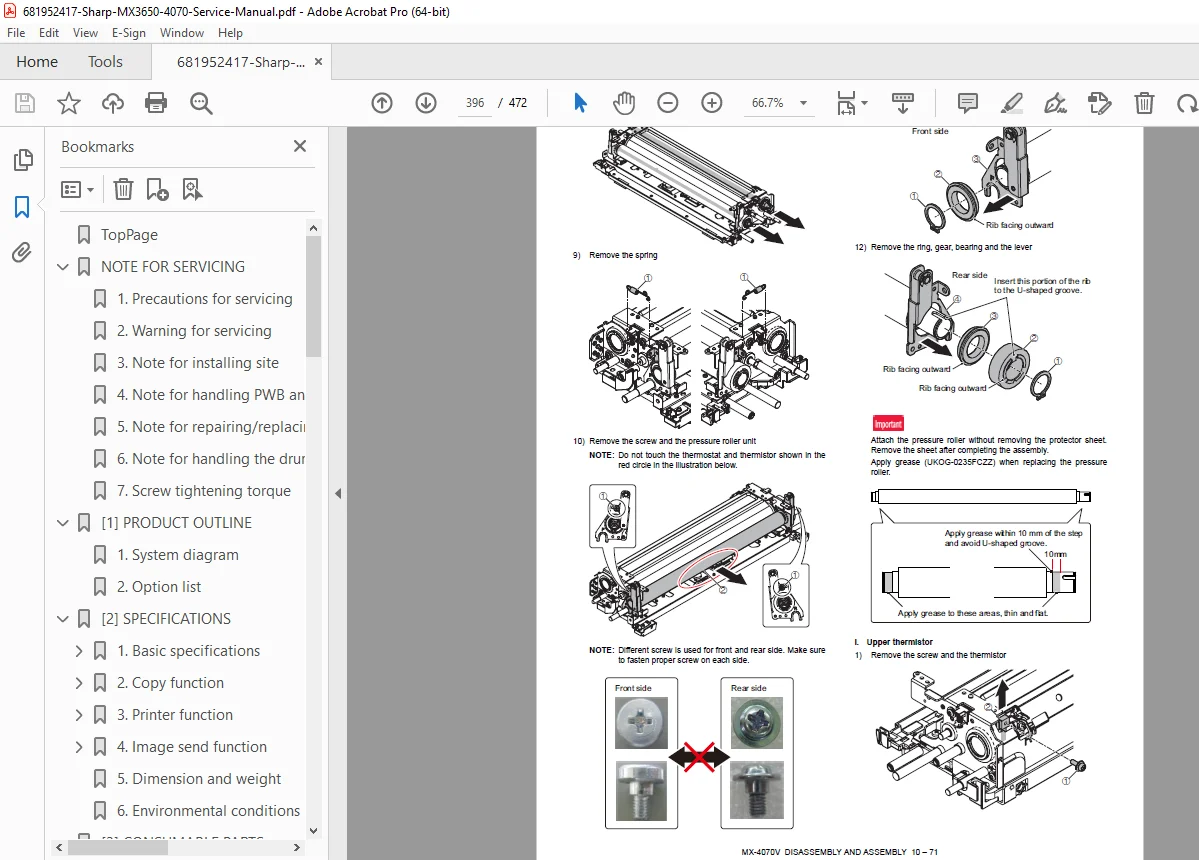
🔹 Mechanical Disassembly
Exterior covers
Paper feed units
Drive assemblies
Fuser section
Transfer/ITB units
Scanner & ADF
Finisher/option units
🔹 Electrical / Electronics
Wiring diagrams
PCB layouts
Connector pinouts
Harness routing
Power supply circuits
Sensors & switches
🔹 Parts & Adjustments
Component replacement steps
Alignment procedures
Registration adjustments
Developer & toner setup
🔹 Firmware / Software
Flashing firmware
System recovery
Configuration settings
📌 What This Manual Helps You Do
✔ Install machines correctly
✔ Enter service/diagnostic modes
✔ Fix error codes fast
✔ Replace fuser, drums, belts, rollers
✔ Repair paper feed systems
✔ Troubleshoot boards & sensors
✔ Perform calibrations
✔ Maintain peak print quality
🗂️ File Details
| Item | Details |
|---|---|
| Manual Name | Sharp MX-3650 / MX-4070 Service Manual |
| Models Covered | MX-3650, MX-4070 |
| Type | OEM Service & Repair Manual |
| PDF Quality | Clear digital/scanned manual with diagrams |
| Pages | 472 |
Skip trial-and-error repairs — use the official Sharp factory service manual and diagnose problems the professional way. Instant PDF download so you can start servicing immediately.