★ TRUSTED BY 321,897+ PROFESSIONALS WORLDWIDE
๐Ÿข
Trusted Business
Verified & Licensed
๐Ÿ›ก๏ธ
Virus Free Files
100% Safe Downloads
๐Ÿ”’
Secure Payment
SSL Protected
โšก
Instant Delivery
Available Immediately
Sale!

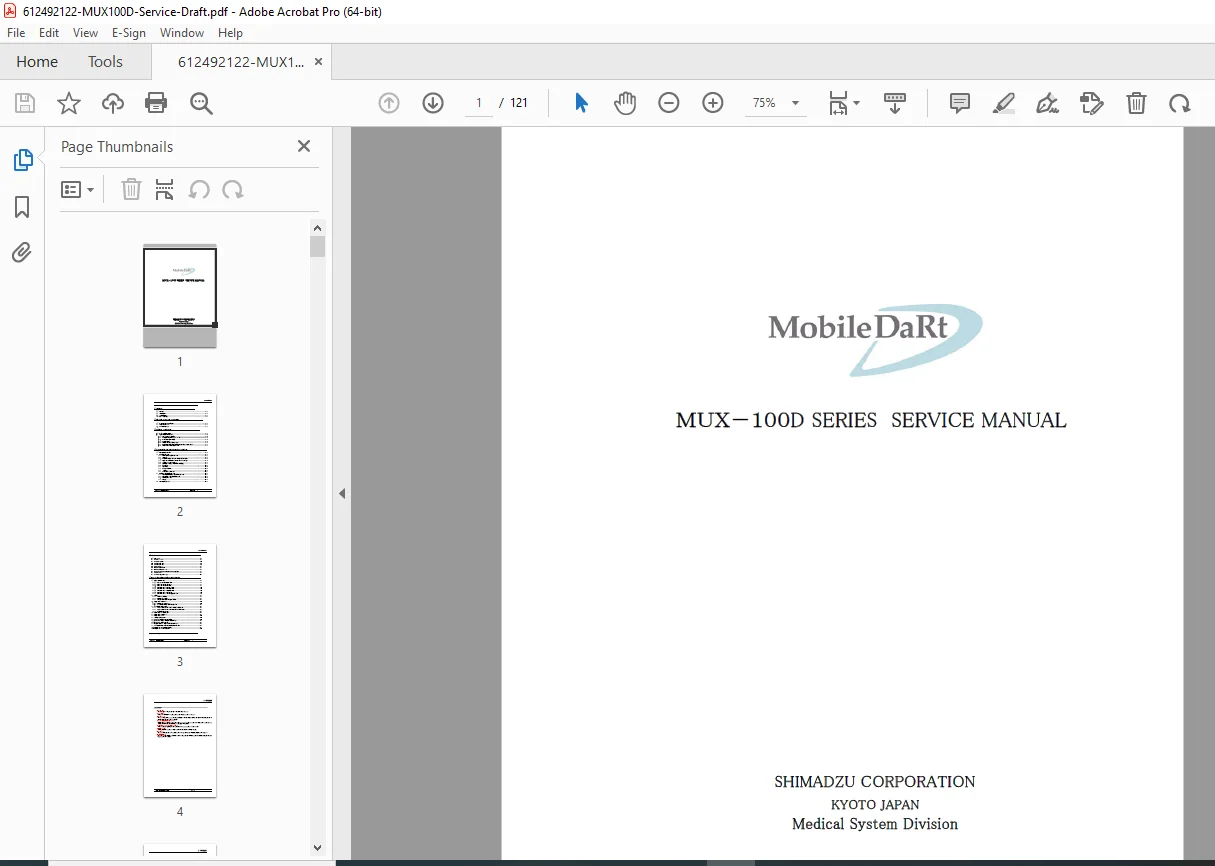
Shimadzu MUX-100D / MUX-100DJ Service Manual โ€“ PCB, Wiring, Repair PDF

Original price was: $95.00.Current price is: $32.95.

Factory service manual for the Shimadzu MUX-100D Series mobile X-ray system. Covers features & specifications, system drawings, PCB layout and descriptions, internal connection diagrams, installation and inspection procedures, adjustments and part replacement, plus troubleshooting. Ideal for biomedical engineers and service technicians needing accurate circuit-level guidance and service workflows. Instant PDF download.

โšก
Instant PDF Download
Available immediately
๐Ÿ’พ
Save to Your Device
Download & keep forever
๐Ÿ›ก๏ธ
Antivirus Scanned
100% virus-free
๐ŸŒ
Trusted Worldwide
175,000+ customers

Description

Shimadzu MUX-100D / MUX-100DJ Service Manual โ€“ PCB, Wiring, Repair PDF DOWNLOAD

Description

This Shimadzu MUX-100D Series Service Manual is a technician-grade guide for maintaining and repairing the MUX-100D / MUX-100DJ mobile X-ray system. It provides the practical service information you actually need in the fieldโ€”PCB layouts, internal connection diagrams, power/charging logic, installation flow charts, inspection routines, and step-by-step replacement/adjustment procedures.

โœ… What you can do with this manual

  • Confirm system specifications, dimensions, and component locations

  • Use PCB layout + PCB function descriptions to diagnose faults faster

  • Trace internal connection diagrams and understand signal/power flow

  • Follow correct installation procedures, initial settings, and user settings

  • Perform maintenance/inspection routines (daily & periodic)

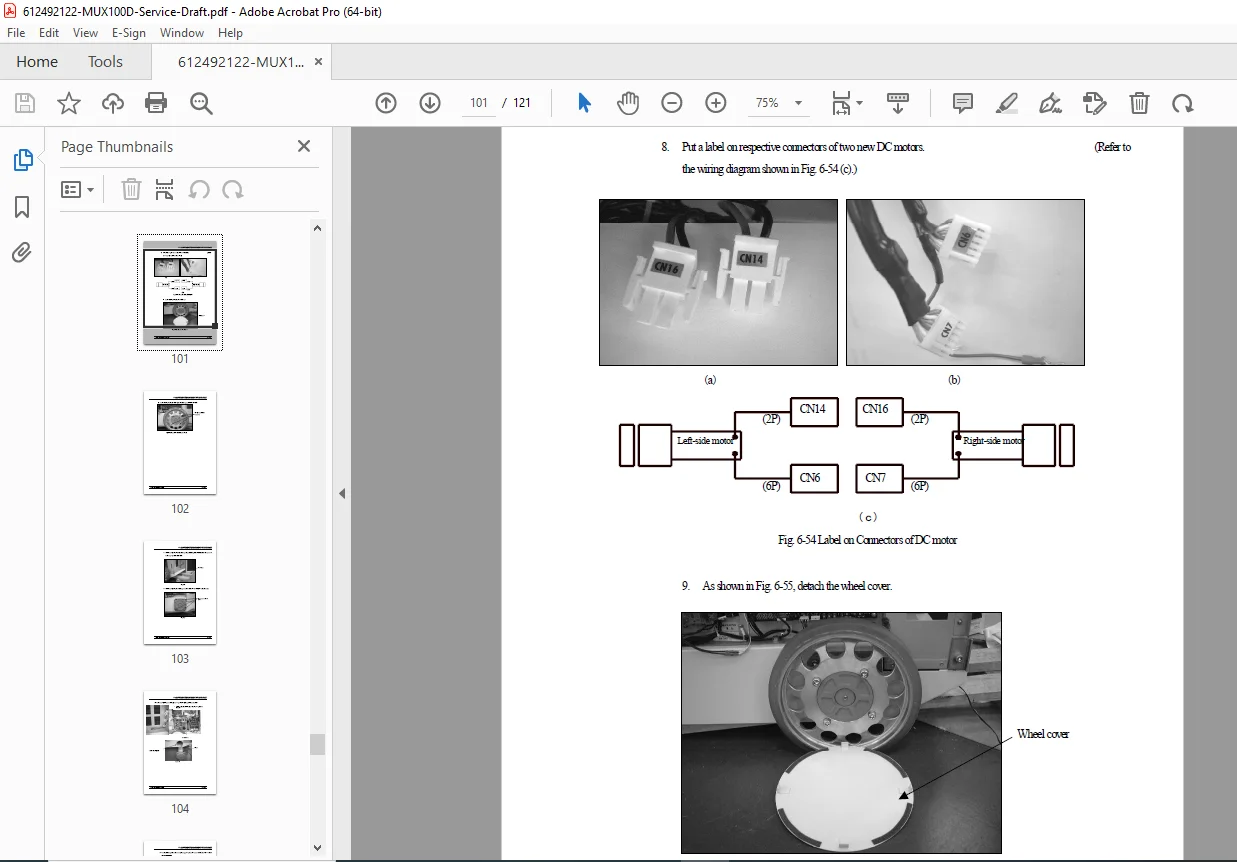
  • Complete key adjustments and replacements (battery, X-ray tube, tube current, lamp, cable reel, IGBT, motors, logs/counters)

  • Use the troubleshooting section to isolate issues logically


๐Ÿ—‚๏ธ Table of Contents

1) OUTLINE

  • 1-1 Features

  • 1-2 Specifications

  • 1-3 System Drawing

  • 1-4 Name of Each Part

2) REQUIRED TOOLS AND PCB LAYOUT

  • 2-1 Tools Required in Maintenance

  • 2-2 Layout of Each PCB

  • 2-3 Outline of Each PCB

3) INTERNAL CONNECTION

  • 3-1 Total connection diagram

  • 3-2 Basic Operation of Each Part

    • 3-2-1 Power ON/OFF operation

    • 3-2-2 Operation when power plug is connected

    • 3-2-3 Detection of battery voltage

    • 3-2-4 Charging circuit

    • 3-2-5 Inverter circuit for starter and lamp

    • 3-2-6 Main inverter, filament heating inverter & starter circuit

    • 3-2-7 Power ON/OFF circuit for DR system

4) INSTALLATION AND MAINTENANCE / INSPECTION

  • 4-1 Environmental Condition

  • 4-2 Installation Procedure

    • 4-2-1 Flow chart in installation procedure

    • 4-2-2 Unpacking

    • 4-2-3 Arm cover & collimator rotation stopper attachment

    • 4-2-4 Supply voltage connection change (P1/P2)

    • 4-2-5 PCB settings (XCONT, NEXSC, INVERTER unit, etc.)

    • 4-2-6 Performance check (confirmation of operation)

    • 4-2-7 Initial setting

    • 4-2-8 User settings

    • 4-2-9 Installing CXDI-50G

    • 4-2-10 Charging

    • 4-2-11 Attachment of screw caps

  • 4-3 Maintenance/inspection Procedure

    • 4-3-1 Flow chart in maintenance/inspection procedure

    • 4-3-2 Daily inspection confirmation

    • 4-3-3 Periodical inspection

    • 4-3-4 Cleaning

  • 4-4 Consumable Parts List

5) PCB EXPLANATION

  • NEXSC PCB

  • XCONT 2002 PCB

  • INVERTER UNIT-C1

  • MUX CHARGE-04A / 04B

  • MUX POWER-99

  • Sheet panels (MUX-B / MUX-100D)

  • RC receiver/transmitter (option)

  • MU DRIVER-2

  • POWER 100D (LINK ASSY)

6) ADJUSTMENT / REPLACEMENT OF EACH PART

  • 6-1 How to Remove Covers

    • cover positions + step-by-step removal (side/top/front/rear/arm joint covers etc.)

  • 6-2 Battery

    • battery specs, replacement, voltage detection confirmation

  • 6-3 X-ray tube replacement + post-replacement adjustment

  • 6-4 Tube current adjustment

    • 2-point mode, each-point mode, FVR initialization

  • 6-5 Collimator lamp replacement

  • 6-6 Cable reel replacement

  • 6-7 IGBT replacement

  • 6-8 Date & time setting

  • 6-9 Exposure counter display/reset

  • 6-10 Accumulated travel distance display/reset

  • 6-11 Error log display/reset

  • 6-12 CPU backup battery replacement (NEXSC)

  • 6-13 Micro switch adjustment (arm retraction detection)

  • 6-14 DC travel motor replacement

  • 6-15 PC replacement for CXDI-50G

7) TROUBLESHOOTING

  • Troubleshooting section (fault isolation and service checks)


๐Ÿ“Œ File Details

File DetailInformation
Manual NameMUX-100D Series Service Manual (Shimadzu)
Models CoveredMUX-100D, MUX-100DJ
YearNot stated in the PDF
PDF QualityClear, professional service manual layout (text + diagrams)
Pages121 pages

Skip trial-and-error repairsโ€”use the official MUX-100D/MUX-100DJ service procedures, PCB details, and wiring diagrams to diagnose correctly the first time. Buy now and download instantly so you can start servicing immediately.

What Our Customers Say

โ˜…โ˜…โ˜…โ˜…โ˜… Live reviews from customers
Loading customer reviews...
0
    0
    Your Cart
    Your cart is emptyReturn to Shop
    ๐Ÿ›’
    Recently Purchased
    ๐Ÿ•’ verified order