Spacelabs 91369 Ultraview SL Service Manual – PDF DOWNLOAD
Original price was: $85.00.$20.95Current price is: $20.95.
Detailed service guide for Spacelabs Healthcare’s Ultraview SL 91369 patient monitor series, covering troubleshooting, maintenance, assembly/disassembly, and repair procedures for compact bedside and transport monitors. Includes diagnostics, error codes, and theory of operation for reliable ECG, SpO2, and vital signs monitoring. 2008 Rev F edition
Description
Spacelabs 91369 Ultraview SL Service Manual – PDF DOWNLOAD
Description
Access comprehensive technical support with the Spacelabs 91369 Ultraview SL Service Manual, an essential resource from Spacelabs Healthcare for maintaining and repairing the lightweight, portable Ultraview SL patient monitors. This 2008 revision (P/N 070-1156-00 Rev F) provides in-depth Ultraview SL monitor troubleshooting guidance, Spacelabs patient monitor repair procedures, and 91369 monitor maintenance guide details to ensure optimal performance in clinical settings like bedside monitoring or battery-powered transports. Covering parameters such as ECG, pulse oximetry (SpO2), temperature, and invasive pressure, it supports single-high modules like the 90496 and 91496 Command modules, with options for neonatal ICU (91369-Y), wireless networking, and dual-channel recording.
Key Highlights:
Overview: Describes the monitor as a compact, touchscreen-operated device (10.4-inch display, 1024×768 resolution) weighing 10 lbs, operable on AC (100-240V) or dual batteries, with environmental tolerances from 0-50°C and regulatory approvals including IEC60601-1, UL60601-1, CSA C22.2 No. 601.1, and CE marking.
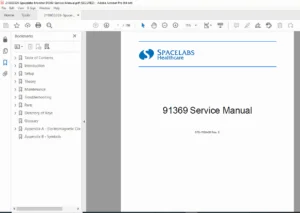
Extracted and Categorized Table of Contents: Organized into sections with subsections for quick reference, as follows:
Introduction
- Overview (1-1)
- Physical Dimensions (1-3)
- Electrical Specifications (1-3)
- Environmental Requirements (1-3)
- Regulatory Approvals (1-3)
- Monitor Options (1-4)
- Display (1-4)
Setup
- Unpacking the Monitor (2-1)
- Assembling the Monitor (2-2)
- Connections (2-4)
- Cabling (2-7)
- SDLC Bus Termination (2-8)
- Network Installation (2-11)
- Power-ON Test (2-12)
- Configuring the Monitor (2-13)
Theory
- Overview (3-1)
- Major System Components (3-2)
- Printed Circuit Board Assemblies (PCBAs) (3-5)
- Interconnect and Connector PCBAs (3-15)
- Bezel Assembly (3-16)
- Boot Sequence Overview (3-18)
- Normal Operation Overview (3-18)
- Display (3-19)
- Parameter Modules (3-21)
- CPU PCBA Connectors (3-21)
- CPU PCBA Jumpers (3-22)
- I/O PCBA Connectors (3-22)
- Interconnect PCBA Connectors (3-23)
Maintenance
- Overview (4-1)
- Mechanical Inspection (4-2)
- Electrical Safety Testing (4-2)
- Preventive Maintenance (4-4)
- Functional Tests (4-5)
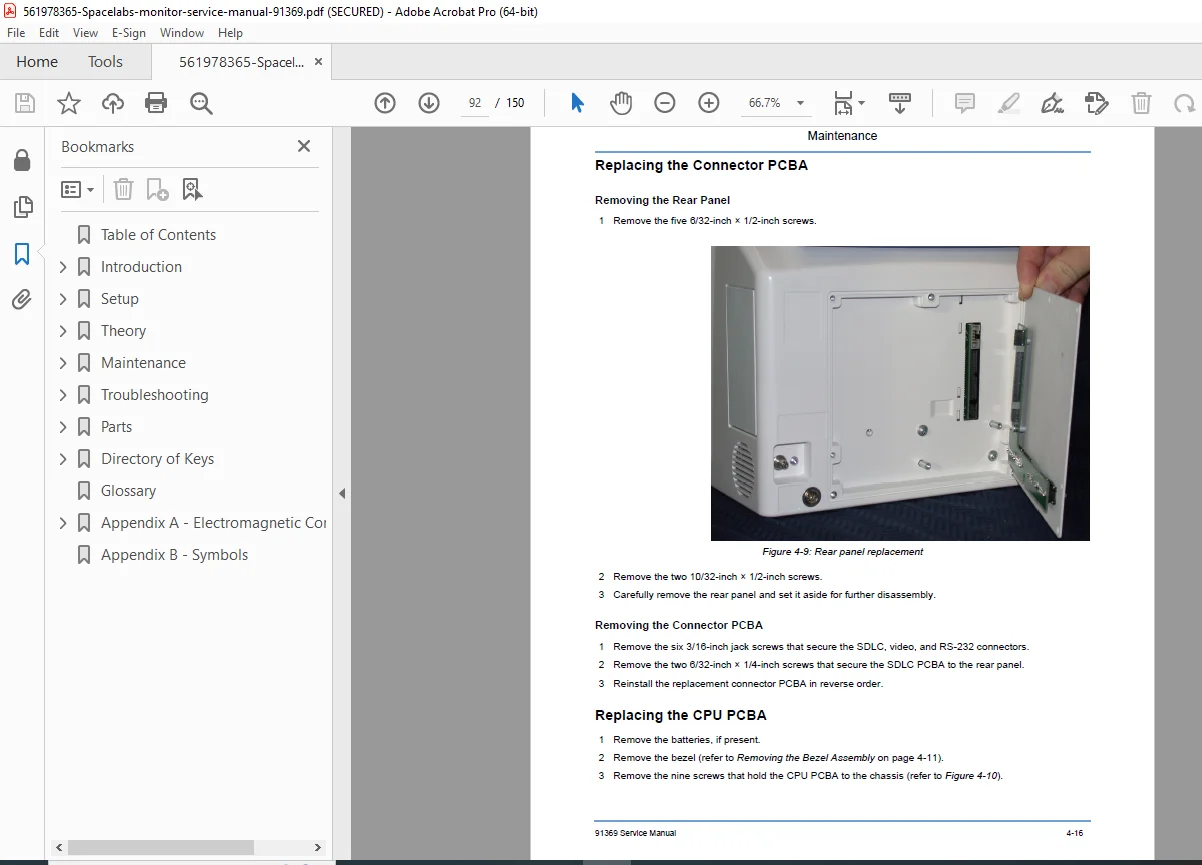
- Assembly/Disassembly Procedures (4-6)
- Cleaning (4-24)
Troubleshooting
- Overview (5-1)
- System Startup (5-2)
- Boot Menu (5-3)
- Power-ON Diagnostics (5-6)
- Extended Diagnostics (5-6)
- Diagnostic Menus (5-7)
- Error Log (5-10)
- Diagnostics Failure Messages and Error Codes (5-11)
- System Troubleshooting (5-13)
Parts
- Overview (6-1)
- Parts List (6-1)
- Assembly Drawings and Schematics (6-4)
Directory of Keys
- BIOMED Directory of Keys (7-1)
Glossary
Appendix A — Electromagnetic Compatibility
- Electromagnetic Emissions (A-1)
- Electromagnetic Immunity (A-2)
- Separation Distances (A-3)
Appendix B — Symbols
No dedicated index section is present, but the error codes, parts lists, and diagnostic menus serve as quick-reference tools for Spacelabs healthcare diagnostic error codes.
This manual naturally integrates Ultraview SL monitor troubleshooting with practical diagrams, boot sequences, and safety tests, making it invaluable for technicians performing Spacelabs patient monitor repair procedures and following the 91369 monitor maintenance guide. It emphasizes ESD precautions, battery status indicators, and network configurations for seamless operation in healthcare environments.
File Details
- Manual Name: 91369 Service Manual
- Models Covered: 91369 Ultraview SL series (including 91369-Y NICU variant)
- Year: 2008 (Rev F)
- Manual PDF Quality: High (clear text, diagrams, and images)
- No. of Pages: 150