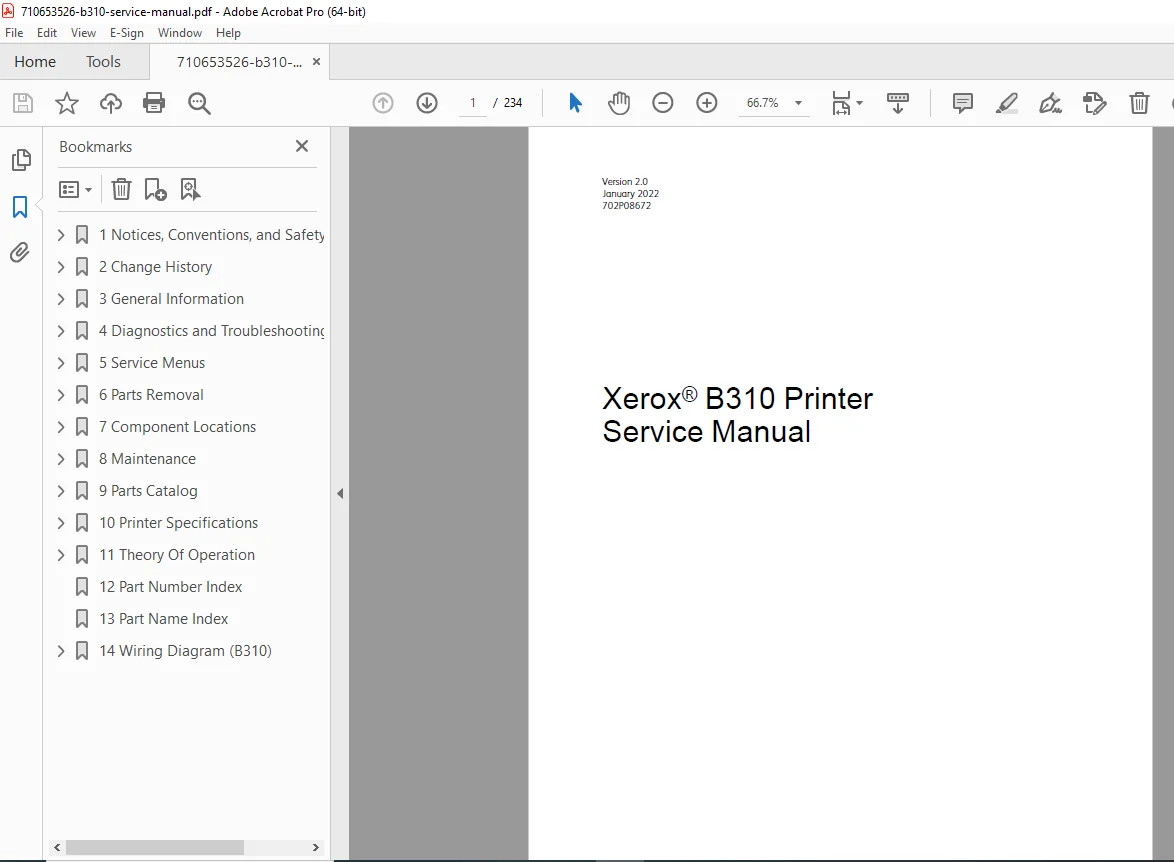
Xerox B310 Printer Service Manual PDF
Original price was: $80.00.$28.95Current price is: $28.95.
Download the official Xerox B310 Printer Service Manual (Version 2.0, January 2022, P/N 702P08672) PDF – a comprehensive 234-page guide for troubleshooting, maintenance, and repairs on this compact monochrome laser printer (up to 35 ppm, 1200 x 2400 dpi). Covers safety, diagnostics (print quality, jams, errors), service menus, parts removal, specifications, and theory for efficient office printing. Ideal for technicians – instant digital access for reliable servicing.
Description
Xerox B310 Printer Service Manual – PDF DOWNLOAD
IMAGES:
Table of Contents for Xerox B310 Printer Service Manual (Version 2.0)
Streamline your printer repairs with this attractive, SEO-optimized TOC – perfect for searches like “Xerox B310 troubleshooting guide” or “B310 parts removal manual PDF.”
- 1 Notices, Conventions, and Safety Information (Pages 9-22 | 14 Pages) Essential warnings and guidelines for safe servicing of the B310 monochrome printer.
- Laser Notice (Page 10) – Multilingual (English, French, Spanish, German, Italian).
- Conventions (Page 12) – Multilingual symbols and notations.
- Safety Information (Page 15) – Multilingual precautions, health/safety incident reporting (Page 20).
- 2 Change History (Page 23 | 2 Pages)
- January 2022 Updates (Page 24) – Revision notes for Version 2.0.
- 3 General Information (Pages 25-34 | 10 Pages) Printer basics and setup for service.
- Printer Model Configurations (Page 26) – Variants and features.
- Locating the Printer Serial Number (Page 27).
- Selecting Paper (Page 28) – Guidelines, characteristics, unacceptable types, storage, preprinted forms, sizes (Page 30), types (Page 32), weights (Page 33).
- Tools Required For Service (Page 34).
- 4 Diagnostics and Troubleshooting (Pages 35-328 | 294 Pages) Comprehensive fault diagnosis and fixes for print issues, jams, and errors.
- Troubleshooting Precautions (Page 36) – Multilingual.
- Troubleshooting Overview (Page 40) – Initial checks (Page 40).
- Fixing Print Quality Issues (Page 41) – Initial check (Page 41), supplies used (Page 41), detailed checks: Blank/White Pages (Page 42), Dark Print (Page 47), Ghost Images (Page 55), Gray Background (Page 63), Horizontal Dark Lines (Page 68), Horizontal White Lines (Page 75), Incorrect Margins (Page 82), Light Print (Page 86), Mottled Print/Dots (Page 101), Paper Curl (Page 108), Print Crooked/Skewed (Page 112), Repeating Defects (Page 117), Solid Black Images (Page 122), Text/Images Cut Off (Page 129), Toner Rubs Off (Page 133), Uneven Density (Page 139), Vertical White Lines (Page 146).
- Paper Jams (Page 166) – Avoiding jams (Page 166), locations (Page 167), 200 Jams (Page 169), 202 Jams (Page 194), 232 Jams (Page 213), 241 Jams (Page 226).
- User Attendance Messages (Page 227) – 0y Errors (Page 227), 1y (Page 233), 2y (Page 241), 3y (Page 244), 42–55 (Page 251), 7y (Page 257), 8y (Page 259), 9y (Page 276).
- Printer Hardware Errors (Page 280) – 100–110 (Page 280), 12y (Page 284), 142 (Page 293), 151 (Page 296), 6yy (Page 299), 9yy Procedure (Page 303), 90y (Page 304), 912–992 (Page 308).
- Other Symptoms (Page 321) – Base Printer Symptoms (Page 321).
- 5 Service Menus (Pages 329-344 | 16 Pages) Access to diagnostic and configuration tools.
- Understanding The Printer Control Panel (Page 330) – Usage (Page 330), indicator light status (Page 331).
- Diagnostics Menu (Page 332) – Entry (Page 332), reports (Page 332), advanced PQ samples (Page 332), event log (Page 332), input tray quick print (Page 333), printer setup (Page 334), diagnostics/adjustments (Page 336).
- Config Menu (Page 339) – Entry (Page 339), menu options (Page 339).
- Service Engineer (SE) Menu (Page 343) – Invalid engine mode entry (Page 343), SE menu entry (Page 343), general SE menu (Page 343), network SE menu (Page 343).
- 6 Parts Removal (Pages 345-432 | 88 Pages) Step-by-step disassembly for repairs.
- Data Security Notice (Page 346) – Memory identification/erasing (Page 346).
- Removal Precautions (Page 347) – Multilingual, ESD handling (Page 349).
- Critical Information For Controller Board or Control Panel Replacement (Page 350) – Configuration restore (Page 350), licenses/settings (Page 351), firmware update (Page 352), cartridge tray covering (Page 353), left cover/separator bracket compatibility (Page 355).
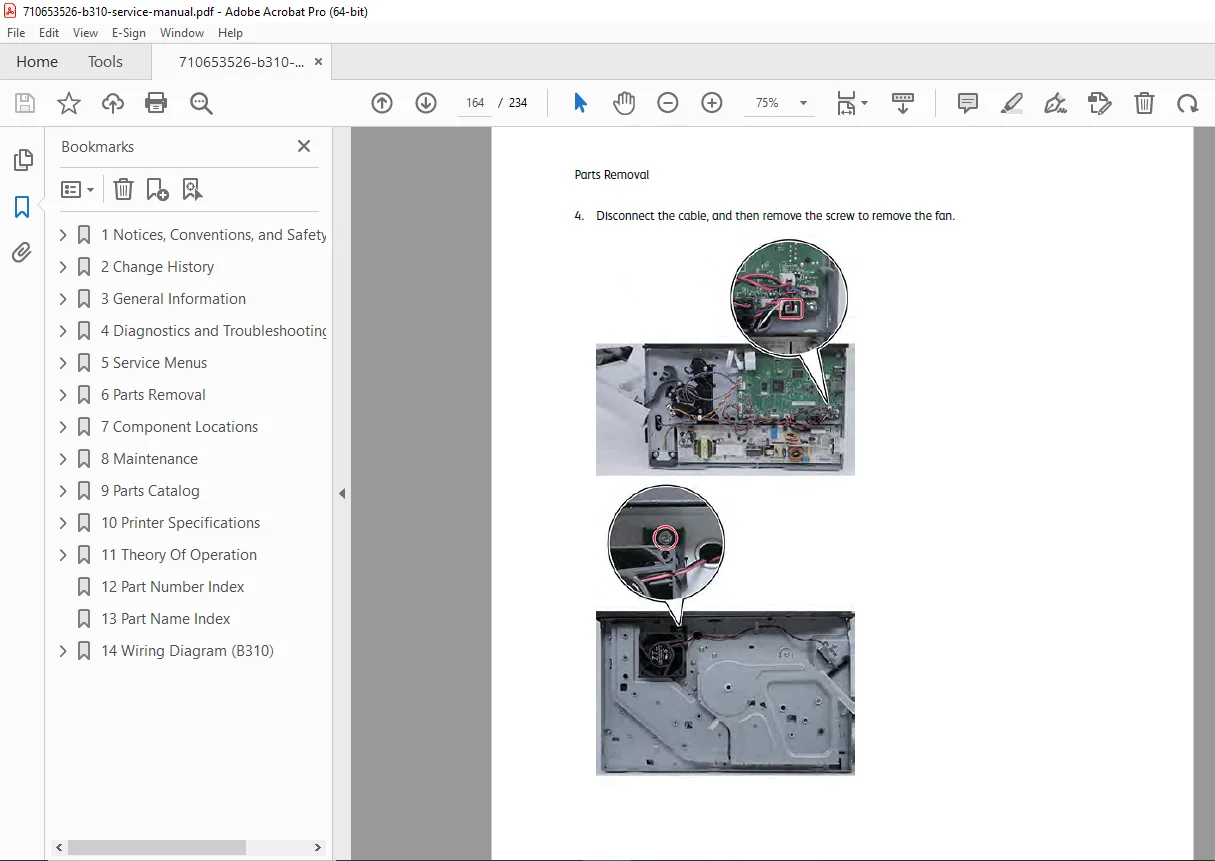
- Removal Procedures (Page 363): Left Side (covers, motors, wireless card, controller board/shield/bracket, fuser motor, staging clutch, gearbox, pick clutch, staging belt/gear/pulley; Pages 364-382); Right Side (covers, waste toner sensor, exhaust fan, HVPS, LVPS; Pages 383-392); Front Side (cartridge tray, control panel, interlock switch, doors, inner cover; Pages 393-398); Rear Side (transfer module, door, fuser buckle/exit sensors, input sensor; Pages 399-414); Top Side (cover, printhead, bin/narrow media sensor, bin flag; Pages 415-423); Bottom Side (pick tire, manual feeder sensor, separator bracket, tray interlock switch; Pages 424-428).
- Sensor (tray Near Empty) Removal (Page 428).
- 7 Component Locations (Pages 433-440 | 8 Pages) Visual aids for servicing.
- Printer Configurations (Page 434) – B310 variants.
- Port Locations (Page 435).
- Board Locations (Page 436).
- Motor Locations (Page 437).
- Sensor Locations (Page 438).
- Controller Board Connectors (Page 439).
- 8 Maintenance (Pages 449-450 | 2 Pages)
- Cleaning The Printer (Page 450).
- 9 Parts Catalog (Pages 451-464 | 14 Pages)
- Legend (Page 452).
- Assembly 1: Covers (Page 453).
- Assembly 2: Drive Components (Page 455).
- Assembly 3: EP Components (Page 456).
- Assembly 4: Paper Feed (Page 458).
- Assembly 5: Sensors (Page 459).
- Assembly 6: Electronics (Page 461).
- 10 Printer Specifications (Pages 465-470 | 6 Pages)
- Power Consumption (Page 466) – Product/sleep/hibernate/off modes, total energy usage.
- Selecting A Location For The Printer (Page 468).
- Noise Emission Levels (Page 469).
- Temperature Information (Page 470).
- 11 Theory Of Operation (Pages 471-488 | 18 Pages)
- Paper Path and Drive Components (Page 472) – Summary (Page 472), drives (Page 473).
- Power Supply Operation (Page 477).
- Electrophotographic (EP) Process Theory (Page 479) – Summary (Page 479), process steps (Page 481).
- 12 Part Number Index (Page 489 | 1 Page).
- 13 Part Name Index (Page 493 | 1 Page).
- 14 Wiring Diagram (B310) (Pages 497-498 | 2 Pages)
- Wiring Diagram (B310) (Page 498).
Product Full Description
Discover reliable monochrome printing maintenance with the official Xerox B310 printer service manual PDF (Version 2.0, January 2022, P/N 702P08672) – a thorough 234-page resource from Xerox Corporation. Launched in late 2021, the B310 is a compact laser printer for small offices/home offices, boasting up to 35 ppm speed, 1200 x 2400 dpi resolution, 1.2 GHz processor, 512 MB memory, and connectivity via Ethernet 10/100/1000, USB 2.0, and optional Wi-Fi. With a duty cycle up to 50,000 pages/month and support for sizes up to 8.5 x 14 in, it’s perfect for documents and reports.
From print quality fixes to parts replacement, this Xerox B310 repair manual equips technicians with multilingual safety notes, diagnostics, and EP theory for minimal downtime.
Why Choose This Xerox B310 Service Manual PDF?
- Safety & Basics: Laser notices (Page 10), conventions (Page 12), change history (Page 23), general info (configurations/serial/paper/tools; Pages 25-34).
- Diagnostics Expertise: Precautions (Page 36), overview/initial checks (Page 40), print quality fixes (blank pages to uneven density; Pages 41-146), jams (Page 166), user messages (0y-9y errors; Pages 227-276), hardware errors (100-992; Pages 280-308), symptoms (Page 321).
- Service Tools: Control panel (Page 330), diagnostics menu (reports/event log; Page 332), config/SE menus (Page 339-343).
- Parts & Repairs: Security/ESD (Page 346-349), removal procedures (left/right/front/rear/top/bottom sides; Page 363-428).
- Locations & Maintenance: Component maps (Page 433-439), cleaning (Page 450).
- Catalog & Specs: Parts assemblies (Page 451-463), power/noise/temperature (Page 465-470), theory (paper path/EP process; Page 471-481).
- References: Part indexes (Page 489-493), wiring diagram (Page 497).
Full Table of Contents for Instant Navigation
Jump to “B310 paper jams guide” or “Xerox printer parts catalog PDF” with this structured TOC.
- 1 Notices… (Page 9): Laser (Page 10), conventions (Page 12), safety (Page 15), reporting (Page 20).
- 2 Change History (Page 23): Updates (Page 24).
- 3 General Information (Page 25): Configurations (Page 26), serial/paper/tools (Page 27-34).
- 4 Diagnostics… (Page 35): Precautions (Page 36), overview (Page 40), print quality (Page 41-146), jams (Page 166), messages (Page 227), hardware errors (Page 280), symptoms (Page 321).
- 5 Service Menus (Page 329): Panel (Page 330), diagnostics (Page 332), config/SE (Page 339-343).
- 6 Parts Removal (Page 345): Security/ESD (Page 346-349), procedures (Page 363-428).
- 7 Component Locations (Page 433): Configurations/ports/boards/motors/sensors (Page 434-439).
- 8 Maintenance (Page 449): Cleaning (Page 450).
- 9 Parts Catalog (Page 451): Legend/assemblies (Page 452-463).
- 10 Printer Specifications (Page 465): Power/location/noise/temperature (Page 466-470).
- 11 Theory Of Operation (Page 471): Paper path/power/EP (Page 472-481).
- 12 Part Number Index (Page 489).
- 13 Part Name Index (Page 493).
- 14 Wiring Diagram (B310) (Page 497).
This digital PDF download is searchable/printable – no shipping. Essential for IT pros maintaining Xerox’s efficient printers. Download now and resolve “B310 print quality issues” effortlessly!
File Details
| Attribute | Details |
|---|---|
| Manufacturer | Xerox Corporation |
| Model | B310 Monochrome Laser Printer |
| Release Year | 2021 (Launched late 2021; manual Version 2.0 from January 2022) |
| Years Covered | 2021 onwards (Ongoing support as of October 27, 2025; firmware updates available) |
| Document Type | Service Manual (Troubleshooting, Maintenance, and Repair Guide) |
| Part Number/Revision | 702P08672, Version 2.0 |
| Publication Date | January 2022 |
| Total Pages | 234 |
| File Name | 710653526-b310-service-manual.pdf |
| File Format | PDF (Digital Download) |
| Key Specifications | Print Speed: Up to 35 ppm; Resolution: 1200 x 2400 dpi; First Page Out: 6.3 sec; Processor: 1.2 GHz; Memory: 512 MB; Connectivity: Ethernet 10/100/1000, USB 2.0, Wi-Fi (optional); Paper Sizes: Up to 8.5 x 14 in; Duty Cycle: Up to 50,000 pages/month; Dimensions: 16.1 x 15.4 x 11.8 in; Weight: 23.4 lbs; Power: 120V AC, 50/60 Hz |
| Applications | Small offices/home offices; Monochrome laser printing for documents, reports; Mobile/cloud integration |
| Target Audience | Printer technicians, office IT support, service professionals |
| Content Focus | Safety/notices, troubleshooting (print quality, jams, errors), service menus, parts removal, component locations, maintenance, specifications, theory of operation, wiring diagrams |
| Related Products | Xerox B305/B315 (multifunction variants); Toner cartridge (high-yield) |
| Compliance | Laser safety (Class I), FCC/CE marked, RoHS compliant, ENERGY STAR |
| Language | English (with multilingual safety sections) |