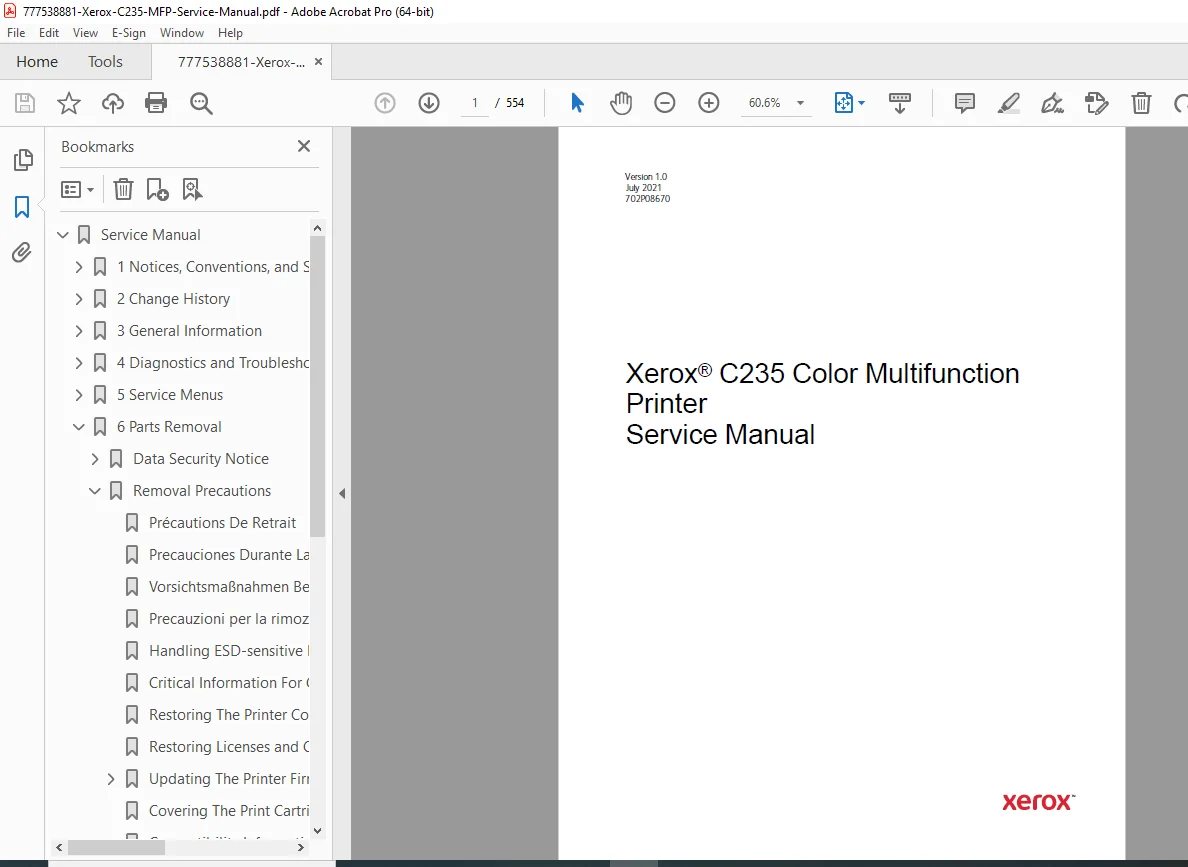
Xerox C235 Color MFP Service Manual PDF
Original price was: $90.00.$30.95Current price is: $30.95.
Download the official Xerox C235 Color Multifunction Printer Service Manual (Version 1.0, July 2021, Part No. 702P08670) PDF. This 554-page guide covers notices/safety, troubleshooting (print/scan quality, jams, errors), service menus, parts removal, scanner diagnostics, maintenance, specifications, and theory for the 22 ppm color MFP. Ideal for technicians – instant digital access for efficient office MFP servicing.
Description
Xerox C235 Color MFP Service Manual – PDF DOWNLOAD
IMAGES:
Table of Contents for Xerox C235 Color MFP Service Manual
Enhance your MFP repairs with this SEO-optimized TOC, featuring keywords like “C235 scan quality troubleshooting” and “Xerox multifunction printer parts removal guide” for better search visibility.
- 1 Notices, Conventions, and Safety Information (Pages 9-22 | 14 Pages) Multilingual safety and usage guidelines for safe C235 MFP servicing.
- Laser Notice (Page 10) – English/French/Spanish/German/Italian.
- Conventions (Page 12) – Multilingual symbols/notations.
- Safety Information (Page 15) – Multilingual precautions, incident reporting (Page 20).
- 2 Change History (Page 23 | 2 Pages)
- July 2021 Updates (Page 24) – Launch revisions for Version 1.0.
- 3 General Information (Pages 25-34 | 10 Pages) MFP basics and setup.
- Printer Model Configurations (Page 26) – Variants/features.
- Locating the Printer Serial Number (Page 27).
- Selecting Paper (Page 28) – Guidelines, sizes (Page 30), types/weights (Page 33).
- Tools Required For Service (Page 34).
- 4 Diagnostics and Troubleshooting (Pages 35-328 | 294 Pages) Fault diagnosis for print/scan issues, jams, errors.
- Troubleshooting Precautions (Page 36) – Multilingual.
- Fixing Print Quality Issues (Page 42) – Blank pages (Page 43) to banding (Page 159).
- Fixing Scan Quality Issues (Page 167) – Dark image (Page 167), lines/cut off (Page 168-172), dots/background (Page 174-175).
- Paper Jams (Page 177) – Avoiding/locations (Page 177-178), 200/202/232/241/280–295 jams (Page 180-237).
- User Attendance Messages (Page 242) – 0y-9y errors (Page 242-295).
- Printer Hardware Errors (Page 299) – 100–110/12y/142/151/6yy/84y/9yy/90y/912–992 (Page 299-336).
- Other Symptoms (Page 349) – Base printer (Page 349), scanner (Page 353).
- 5 Service Menus (Pages 355-374 | 20 Pages) Diagnostic/config tools.
- Understanding The Printer Control Panel (Page 356) – Usage/light status (Page 356-357).
- Diagnostics Menu (Page 358) – Entry/reports/PQ samples/fax storage/event log/tray print/setup/diagnostics/adjustments/scanner diagnostics (Page 358-365).
- Config Menu (Page 367) – Entry/options (Page 367).
- Service Engineer (SE) Menu (Page 372) – Invalid mode/entry/fax/general/network/scanner SE menus (Page 372-374).
- 6 Parts Removal (Pages 375-470 | 96 Pages) Disassembly procedures.
- Data Security Notice (Page 376) – Memory erase (Page 376).
- Removal Precautions (Page 377) – Multilingual/ESD (Page 379).
- Critical Info for Controller/Panel Replacement (Page 380) – Config restore/licenses/firmware/cartridge tray/left cover compatibility (Page 381-386).
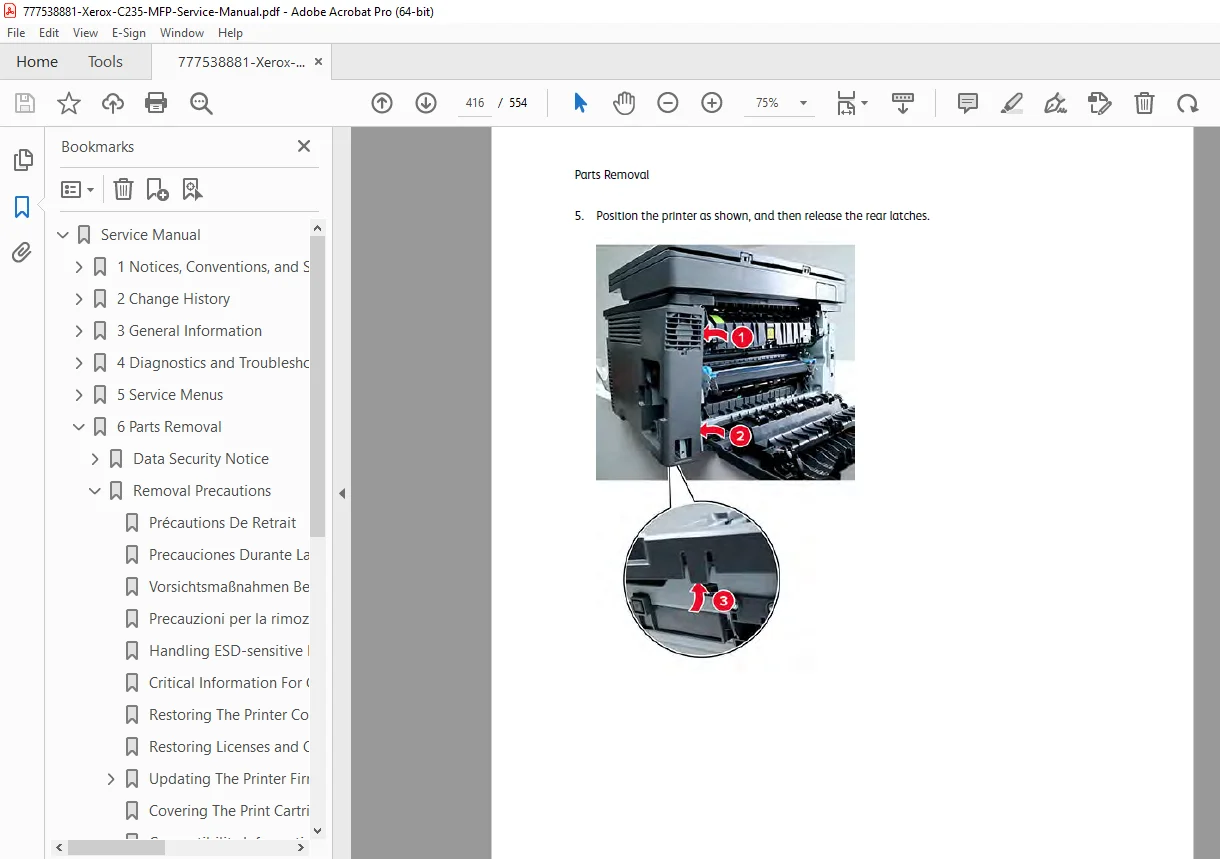
- Removal Procedures (Page 394): Left Side (covers/motors/wireless/controller board/fuser clutch/gearbox/pick/staging belt; Page 395-414); Right Side (covers/waste toner sensor/fan/HVPS/LVPS; Page 415-421); Front Side (tray/panel/interlock/doors/inner cover/bezel; Page 426-431); Rear Side (transfer module/door/fuser/exit sensors/input sensor; Page 432-446); Top Side (cover/printhead/bin sensor/flag/USB; Page 448-457); Bottom Side (pick tire/manual feeder/separator/tray switch; Page 459-462).
- Scanner Removals (Page 464): ADF pad/tray/cover/flatbed/ADF/pivot arm/fax card (Page 464-470).
- 7 Component Locations (Pages 473-479 | 7 Pages) Visual maps.
- Printer Configurations (Page 474) – C235 MFP.
- Port/Board/Motor/Sensor Locations (Page 475-478).
- Controller Board Connectors (Page 479).
- 8 Maintenance (Pages 491-493 | 3 Pages)
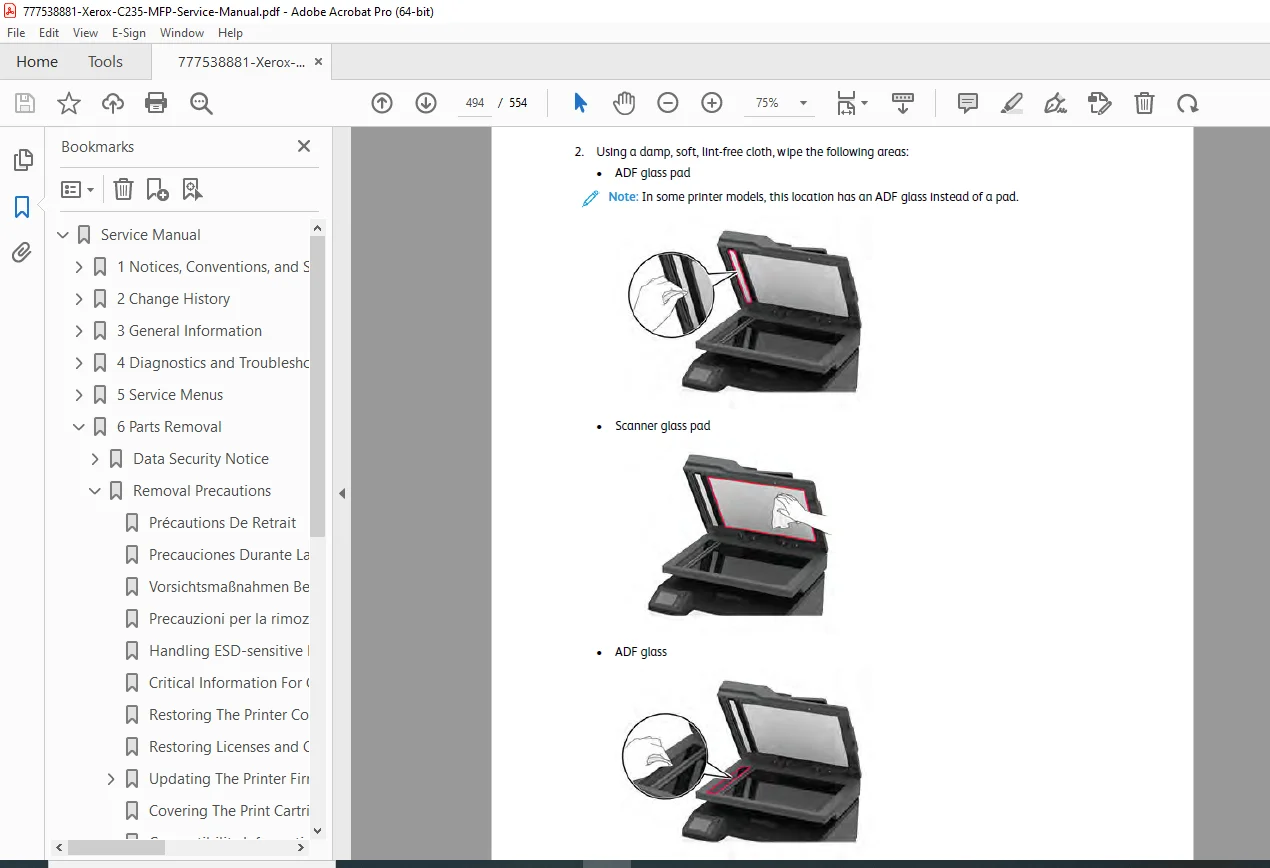
- Cleaning The Printer/Scanner (Page 492-493).
- 9 Parts Catalog (Pages 497-511 | 15 Pages)
- Legend (Page 498).
- Assemblies: Covers (Page 499), Drive Components (Page 501), EP Components (Page 502), Paper Feed (Page 504), Sensors (Page 505), Electronics (Page 507), Scanner (Page 509), 250-sheet Tray Options (Page 511).
- 10 Printer Specifications (Pages 513-518 | 6 Pages)
- Power Consumption (Page 514) – Product/sleep/hibernate/off/TEU.
- Location/Noise/Temperature (Page 516-518).
- 11 Theory Of Operation (Pages 519-539 | 21 Pages)
- Paper Path/Drive Components (Page 520) – Summary/drives/duplexing (Page 520-524).
- Power Supply (Page 525).
- EP Process Theory (Page 527) – Summary/steps (Page 527-529).
- ADF/Flatbed Scanner Operation (Page 537) – Drive/paper path/duplex ADF scan (Page 537-539).
- 12 Part Number Index (Page 541 | 1 Page).
- 13 Part Name Index (Page 545 | 1 Page).
- 14 Wiring Diagram (C235) (Page 549 | 2 Pages)
- Wiring Diagram (Page 550).
(Hierarchical format with bold chapters, indented subsections, and page counts for navigation. SEO with keywords like “C235 scanner diagnostics” for engagement.)
Product Full Description
Streamline office productivity with the official Xerox C235 color MFP service manual PDF (Version 1.0, July 2021, Part No. 702P08670) – a detailed 554-page toolkit from Xerox Corporation. Released in 2021, the C235 is a versatile color multifunction printer for small offices/home offices, offering 22 ppm color/24 ppm B&W printing, up to 27 ipm B&W/18 ipm color scanning, 600 x 600 dpi resolution (up to 4800 Color Quality), 1.0 GHz processor, 256 MB memory, and connectivity via Ethernet, USB 2.0, Wi-Fi 802.11 b/g/n, NFC. With a 50-sheet ADF, duty cycle up to 30,000 pages/month, and support for sizes up to 8.5 x 14 in, it’s ideal for print/scan/copy/fax tasks.
From scan quality fixes to ADF repairs, this Xerox C235 repair manual delivers multilingual safety, diagnostics, and EP theory for seamless servicing.
Why Download This Xerox C235 MFP Service Manual PDF?
- Safety & Basics: Laser notices (Page 10), conventions (Page 12), change history (Page 23), general info (configurations/serial/paper/tools; Pages 25-34).
- Diagnostics Expertise: Precautions (Page 36), print quality (Page 42-159), scan quality (Page 167-175), jams (Page 177-237), messages/errors (Page 242-336), symptoms (Page 349-353).
- Service Tools: Control panel (Page 356), diagnostics (Page 358-365), config/SE menus (Page 367-374).
- Parts & Repairs: Security/ESD (Page 376-379), removals (printer/scanner; Page 394-470).
- Locations & Maintenance: Maps (Page 473-479), cleaning (Page 492-493).
- Catalog & Specs: Assemblies (Page 498-511), power/noise/temperature (Page 514-518), theory (paper path/EP/ADF; Page 519-539).
- References: Indexes (Page 541-545), wiring diagram (Page 549).
Full Table of Contents for Easy Fixes
Access “C235 ADF scanner removal” or “Xerox MFP print quality troubleshooting PDF” with this TOC.
- 1 Notices… (Page 9): Laser (Page 10), conventions (Page 12), safety (Page 15), reporting (Page 20).
- 2 Change History (Page 23): Updates (Page 24).
- 3 General Information (Page 25): Configurations (Page 26), serial/paper/tools (Page 27-35).
- 4 Diagnostics… (Page 37): Precautions (Page 38), print quality (Page 42-159), scan quality (Page 167-175), jams (Page 177-237), messages (Page 242-295), hardware errors (Page 299-336), symptoms (Page 349-353).
- 5 Service Menus (Page 355): Panel (Page 356), diagnostics (Page 358-365), config/SE (Page 367-374).
- 6 Parts Removal (Page 375): Security/ESD (Page 376-379), procedures (Page 394-470).
- 7 Component Locations (Page 473): Configurations/ports/boards/motors/sensors/connectors (Page 474-479).
- 8 Maintenance (Page 491): Cleaning printer/scanner (Page 492-493).
- 9 Parts Catalog (Page 497): Legend/assemblies (Page 498-511).
- 10 Printer Specifications (Page 513): Power/location/noise/temperature (Page 514-518).
- 11 Theory Of Operation (Page 519): Paper path/power/EP/ADF (Page 520-539).
- 12 Part Number Index (Page 541).
- 13 Part Name Index (Page 545).
- 14 Wiring Diagram (C235) (Page 549).
This PDF download is searchable/printable – no shipping. Essential for IT maintaining Xerox MFPs. Download now and fix “C235 scan issues” fast!
File Details
| Attribute | Details |
|---|---|
| Manufacturer | Xerox Corporation |
| Model | C235 Color Multifunction Printer (MFP) |
| Release Year | 2021 (Launched July 2021; manual Version 1.0) |
| Years Covered | 2021 onwards (Ongoing support as of 2025; firmware updates available) |
| Document Type | Service Manual (Troubleshooting, Maintenance, and Repair Guide) |
| Part Number/Revision | 702P08670, Version 1.0 |
| Publication Date | July 2021 |
| Total Pages | 554 |
| File Name | 777538881-Xerox-C235-MFP-Service-Manual.pdf |
| File Format | PDF (Digital Download) |
| Key Specifications | Print Speed: 22 ppm color / 24 ppm B&W; Scan Speed: Up to 27 ipm B&W / 18 ipm color; Resolution: 600 x 600 dpi (up to 4800 Color Quality); Processor: 1.0 GHz; Memory: 256 MB; Connectivity: Ethernet 10/100, USB 2.0, Wi-Fi 802.11 b/g/n, NFC; Paper Sizes: Up to 8.5 x 14 in; ADF Capacity: 50 sheets; Duty Cycle: Up to 30,000 pages/month; Dimensions: 16.5 x 16.5 x 19.2 in; Weight: 40.8 lbs; Power: 120V AC, 50/60 Hz |
| Applications | Small offices/home offices; Print, scan, copy, fax for documents, brochures; Mobile/cloud integration |
| Target Audience | Printer technicians, office IT support, service professionals |
| Content Focus | Safety/notices, troubleshooting (print/scan quality, jams, errors), service menus, parts removal (including scanner/ADF), component locations, maintenance, specifications, theory of operation, wiring diagrams |
| Related Products | Xerox C230 Color Printer (print-only variant); Toner cartridges (CMYK), drum unit |
| Compliance | Laser safety (Class I), FCC/CE marked, RoHS compliant, ENERGY STAR |
| Language | English (with multilingual safety sections) |